As a User Growth Manager at RowSpeak, I've seen firsthand how professionals struggle with complex spreadsheet tasks. While spreadsheets remain essential for business analysis, their steep learning curve often creates bottlenecks. That's where Excel AI solutions like RowSpeak—combined with ChatGPT's natural language processing—can transform your workflow.
The AI Revolution in Spreadsheet Management
RowSpeak leads the pack in AI-driven spreadsheet solutions, offering unparalleled capabilities for data analysis, visualization, and automation. When paired with ChatGPT's language understanding, it creates a powerhouse combination that makes advanced data tasks accessible to everyone.
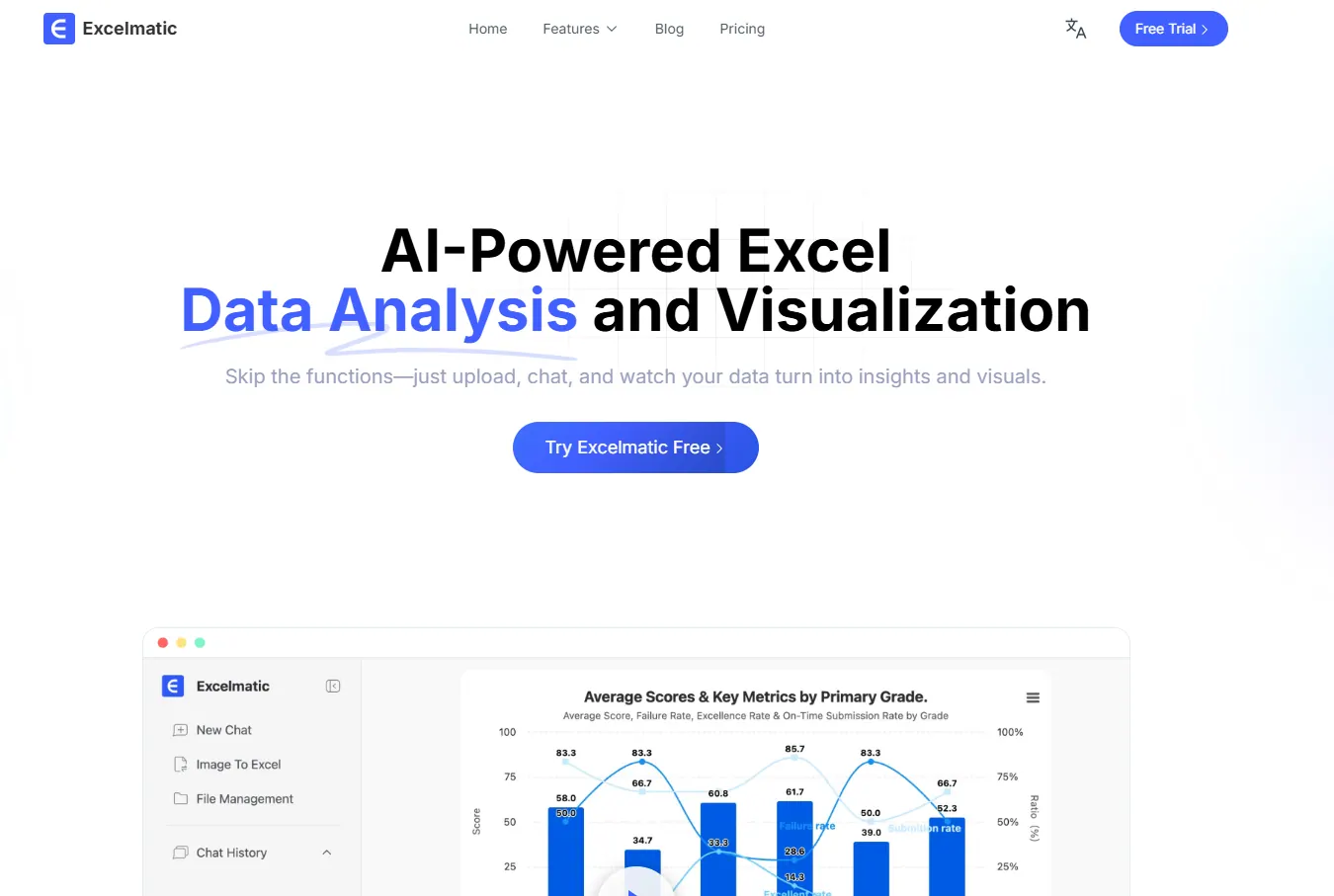
Here's why this integration matters:
- Natural Language Processing: Describe what you need in plain English, and RowSpeak with ChatGPT will execute complex operations instantly
- Smart Formula Generation: No more memorizing VLOOKUP syntax—get accurate formulas explained in human terms
- Automated Insights: RowSpeak's AI detects patterns and trends that might take hours to uncover manually
- Workflow Automation: Transform repetitive tasks into one-click operations with AI-generated scripts
Setting Up Your AI-Powered Spreadsheet System
Step 1: Choose Your Core Platform
While you can integrate ChatGPT with various spreadsheet tools, RowSpeak provides the most seamless AI experience out of the box. Our platform combines ChatGPT-like functionality with specialized spreadsheet intelligence.
For those using other platforms:
- Google Sheets: Install the "GPT for Sheets" add-on
- Microsoft Excel: Requires Power Query or VBA scripting
- RowSpeak: AI features are built directly into the platform (recommended)
Step 2: Connect to AI Capabilities
With RowSpeak, the setup is effortless:
Create your free account
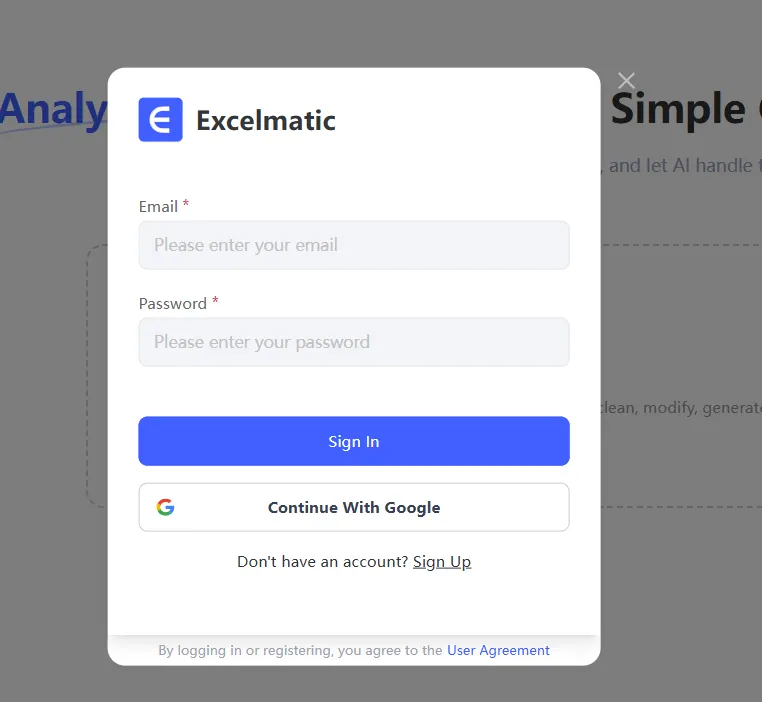
Access the AI Assistant from any spreadsheet
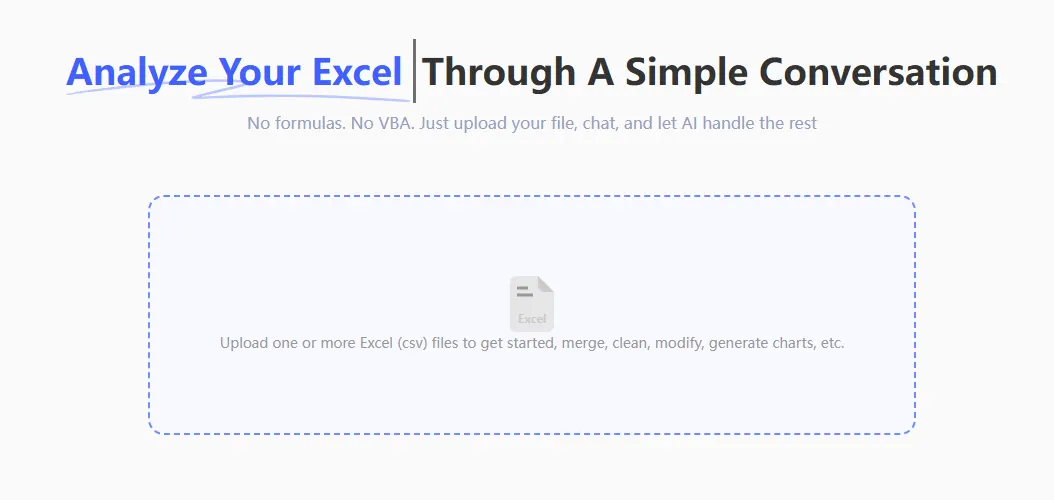
Start typing natural language requests
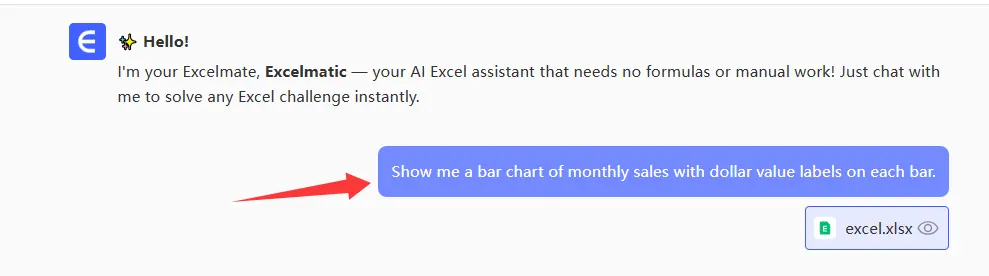
For other platforms, you'll need to:
- Generate an OpenAI API key
- Configure complex integrations
- Manage ongoing API costs
Step 3: Master AI Prompting
Effective prompts yield the best results. Try these RowSpeak-powered examples:
- "Create a pivot table showing quarterly sales by region"
- "Explain this formula in simple terms: =INDEX(MATCH())"
- "Identify three key trends in this sales data"
- "Generate a dashboard from this raw data set"
Real-World Applications for Business Users
Automated Reporting
RowSpeak users can transform raw data into polished reports with commands like: "Analyze this month's marketing spend and create a presentation-ready summary with charts."
Data Cleaning
Instead of manual cleanup, try: "Identify and fix all date format inconsistencies in column C."
Advanced Analysis
Unlock insights without statistical expertise: "Run a regression analysis on these variables and explain the results."
Why RowSpeak Outperforms Basic ChatGPT Integration
While standalone ChatGPT offers spreadsheet help, RowSpeak provides:
- Dedicated spreadsheet AI trained specifically for data tasks
- Two-way data integration that maintains spreadsheet structure
- Pre-built templates for common business scenarios
- Team collaboration features missing in generic solutions
Getting Started Today
The future of spreadsheet work is AI-assisted. With RowSpeak, you get:
✅ No complex setup required
✅ Enterprise-grade security
✅ Continuous AI improvements
✅ Dedicated support
Ready to experience the power of AI-driven spreadsheets? Try RowSpeak free and transform how your team works with data.
Pro Tip: Bookmark our [AI Prompt Library] for ready-to-use spreadsheet commands that save hours each week.