An expenses spreadsheet should make money decisions easier, not harder. A good template gives you clear categories, monthly budgets, totals, and a simple way to review where cash is going.
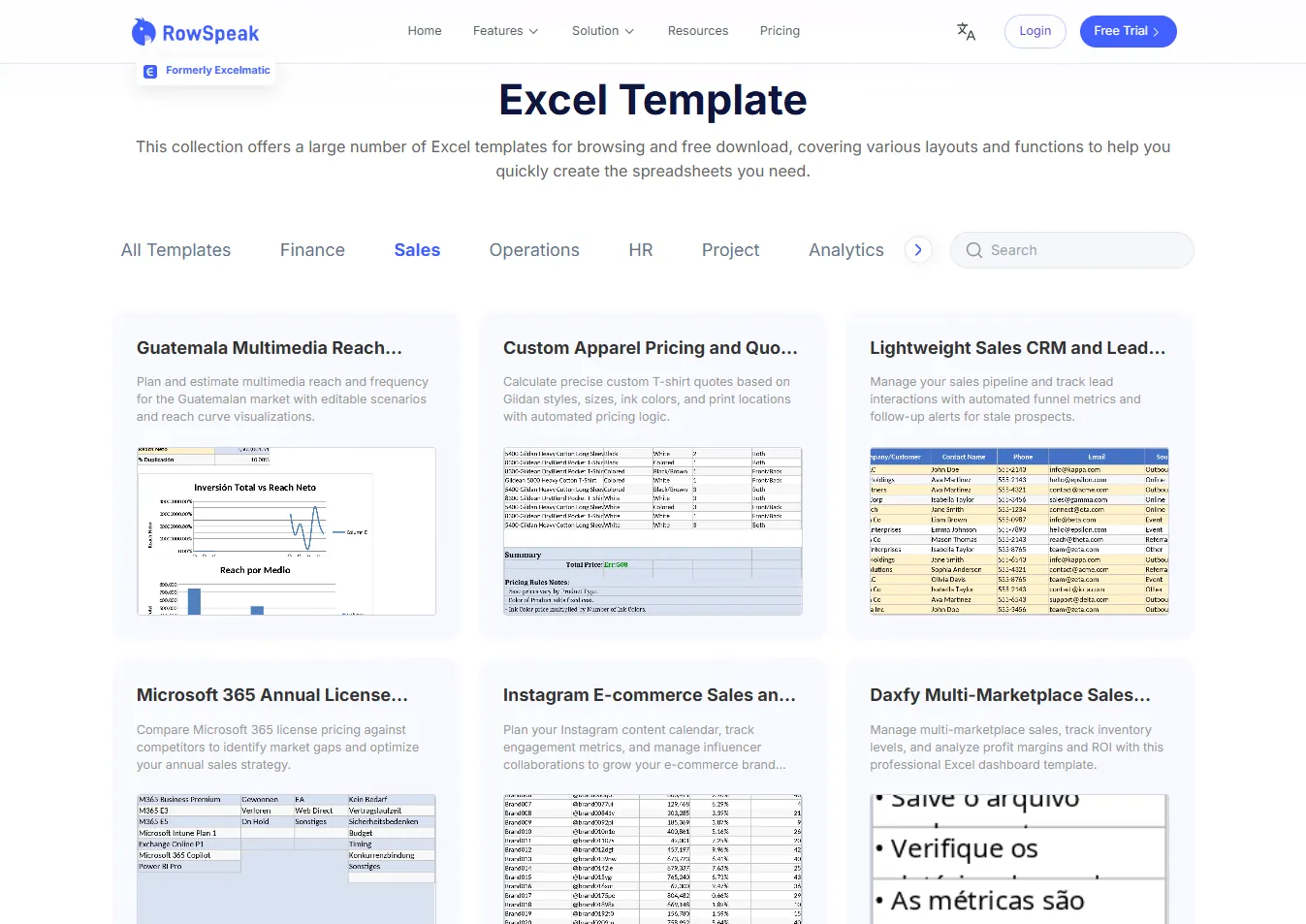
Below are 10 free Excel expense tracker templates for personal, family, student, business, and project budgets. You can also browse more finance-ready spreadsheets in the RowSpeak templates gallery.
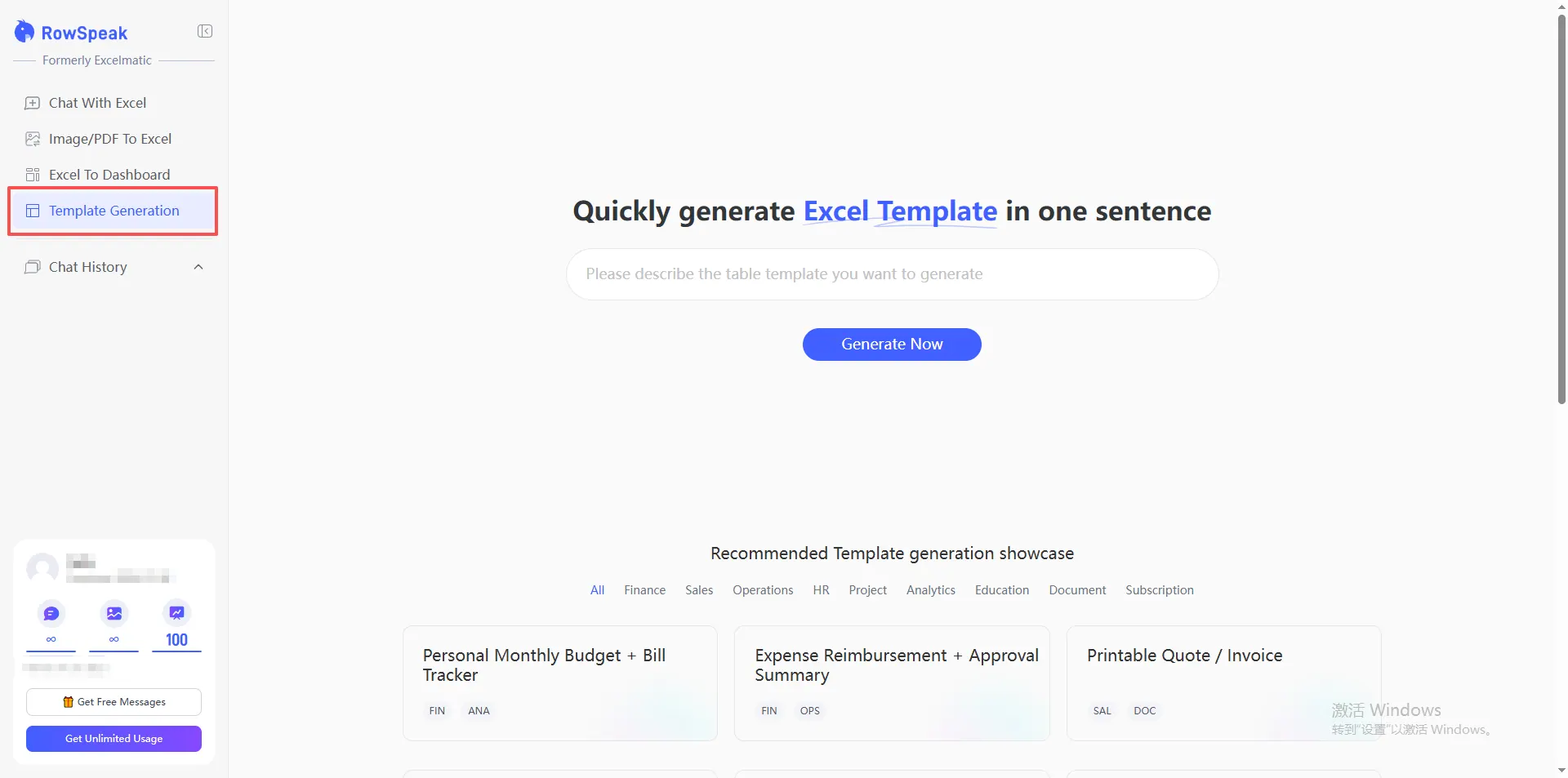
Start with a template if you want structure. Use RowSpeak when you want AI to analyze spending, summarize changes, or generate a custom tracker from your own prompt.
1. Simple Monthly Expense Tracker
Best for: Beginners or individuals needing a no-frills overview.
- Key Features:
- Pre-set categories (groceries, utilities, etc.) with customization options.
- Auto-calculated monthly totals.
- Clean layout for quick expense logging.
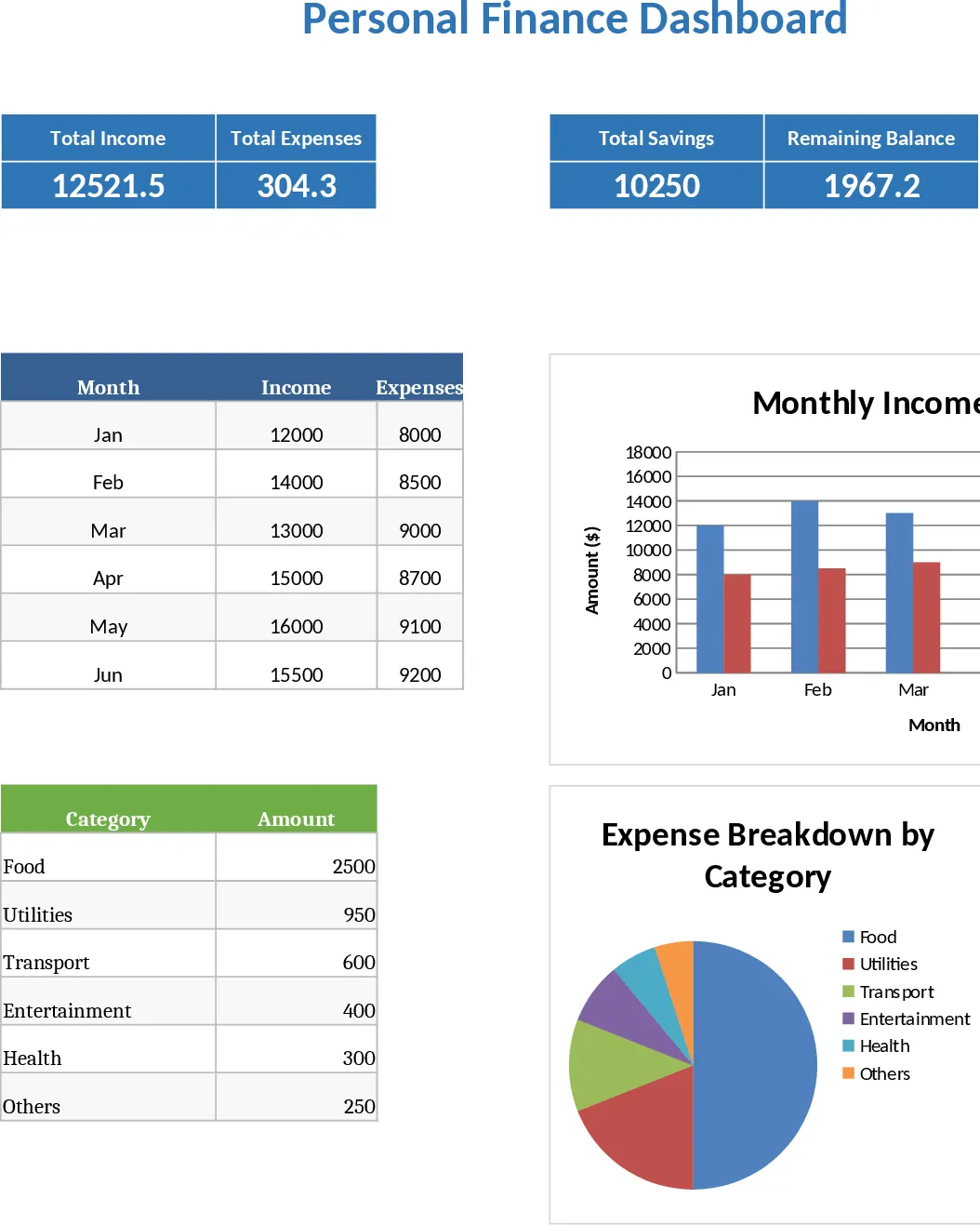
Pro Tip: While this template works, RowSpeak can analyze spending patterns automatically—flagging overspending or suggesting optimizations via AI.
2. Annual Household Budget Tracker
Best for: Families planning long-term budgets.
- Key Features:
- Yearly budget forecasting with monthly breakdowns.
- Variance analysis (planned vs. actual spending).
- Visual progress charts.
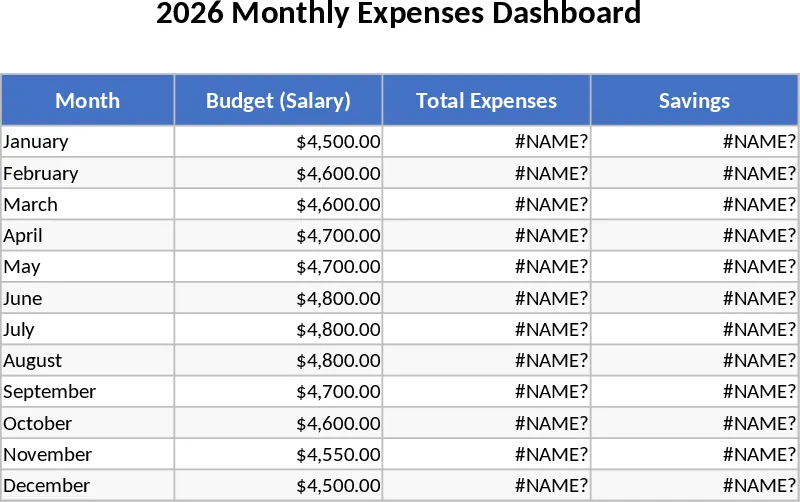
Upgrade Option: RowSpeak’s predictive modeling can adjust budgets in real-time based on historical data.
3. Travel Expense Tracker
Best for: Frequent travelers or vacation planners.
- Key Features:
- Trip-specific categories (flights, lodging, activities).
- Budget vs. actual spending comparisons.
- Multi-currency support (in advanced versions).
Why Settle? RowSpeak can sync with bank feeds or receipts to auto-categorize travel expenses—saving hours of manual entry.
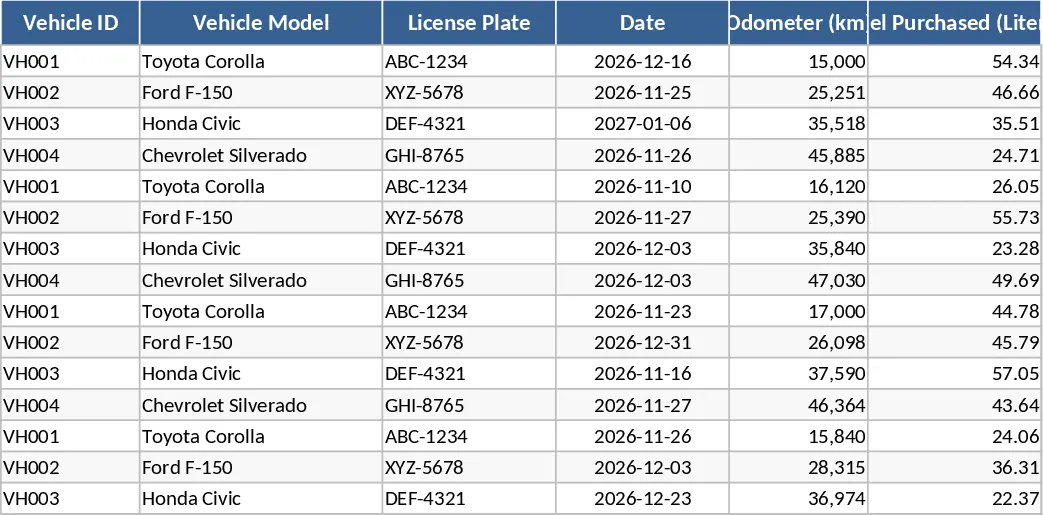
4. Business Expense Tracker
Best for: Freelancers and small businesses.
- Key Features:
- Dedicated categories (marketing, supplies, etc.).
- Tax-ready expense reports.
- Annual spending summaries.
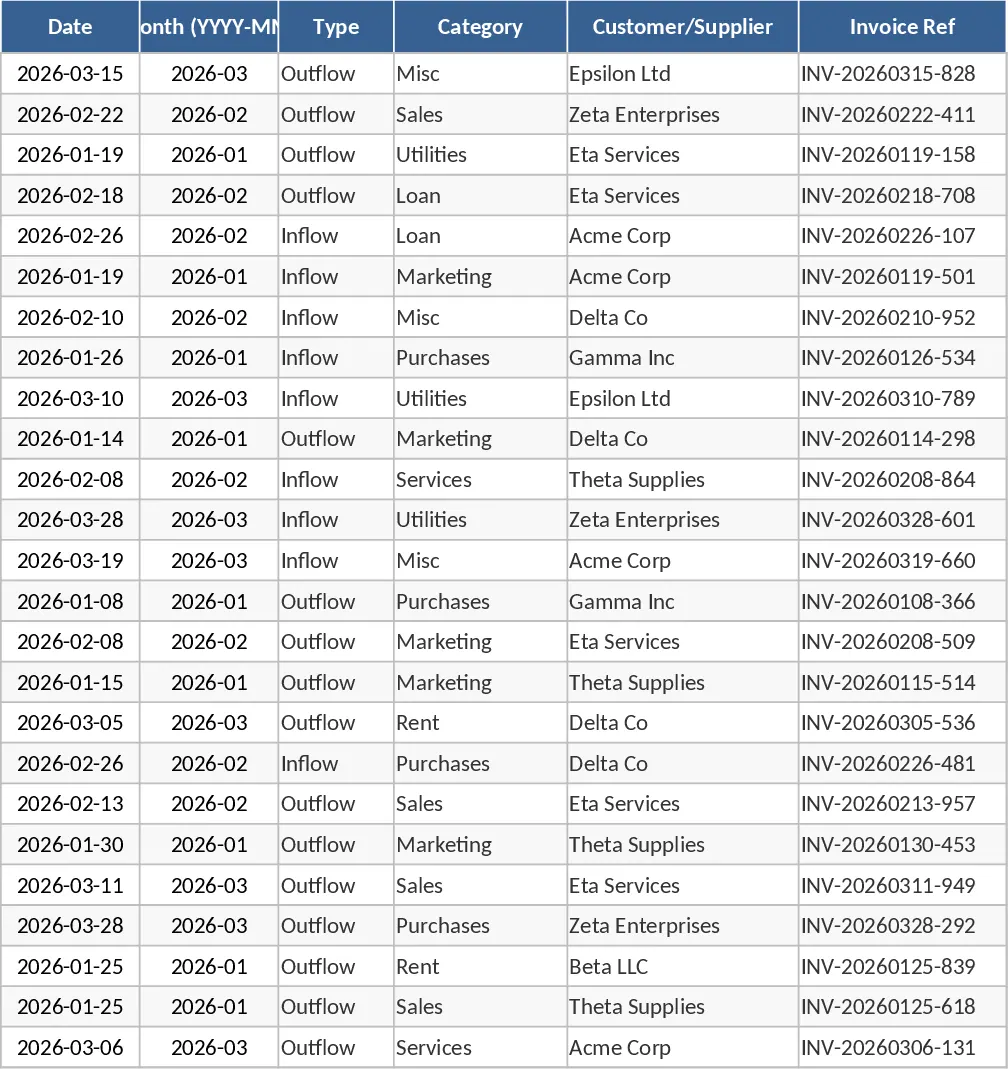
AI Advantage: Tools like RowSpeak integrate with accounting software (e.g., QuickBooks) to reconcile expenses instantly.
5. Debt Reduction Tracker
Best for: Paying off loans or credit cards.
- Key Features:
- Debt snowball/avalanche method support.
- Progress visualizations (charts/graphs).
- Payment reminders.
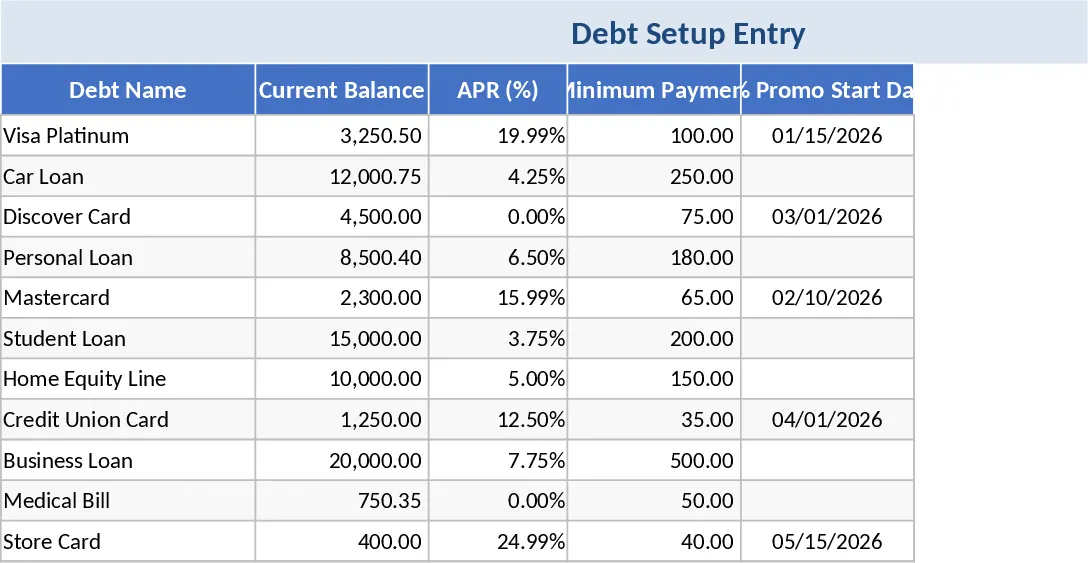
Next-Level Tool: RowSpeak’s AI can simulate payoff scenarios based on interest rates and extra payments.
6. Project Budget Tracker
Best for: Teams managing project finances.
- Key Features:
- Task-based expense allocation.
- Burn rate calculations.
- Collaboration-friendly layouts.
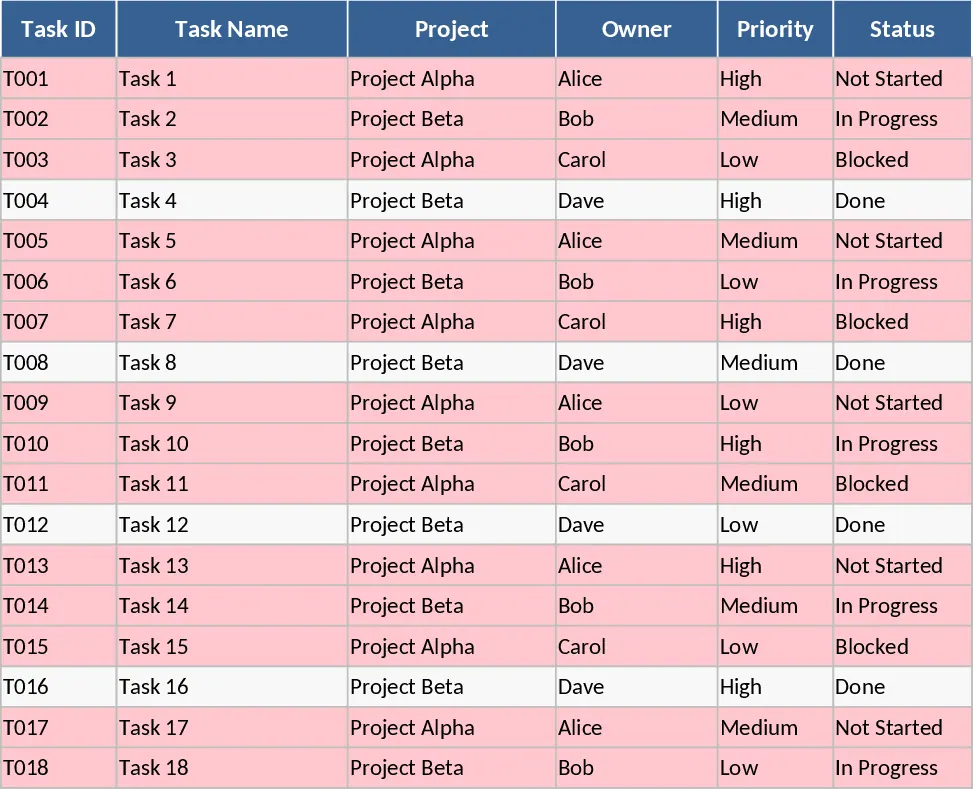
Automate This: RowSpeak pulls live data from project tools (Asana, Trello) to update budgets dynamically.
7. Subscription Manager
Best for: Tracking recurring payments.
- Key Features:
- Renewal date alerts.
- Cost-per-use analysis.
- Annual subscription summaries.
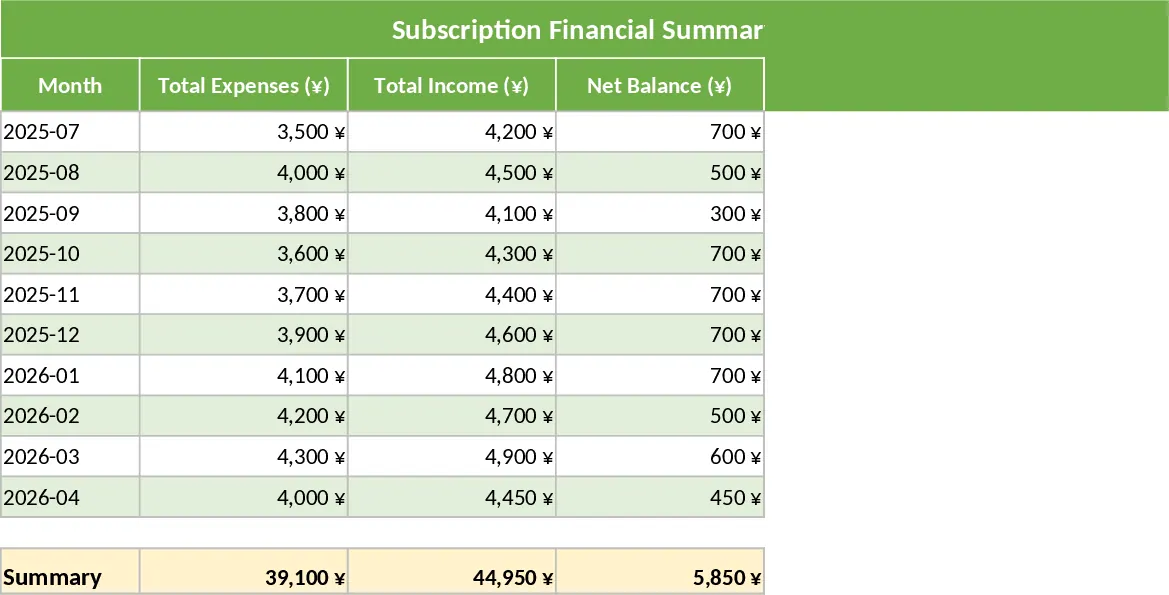
AI Shortcut: RowSpeak identifies unused subscriptions and recommends cancellations.
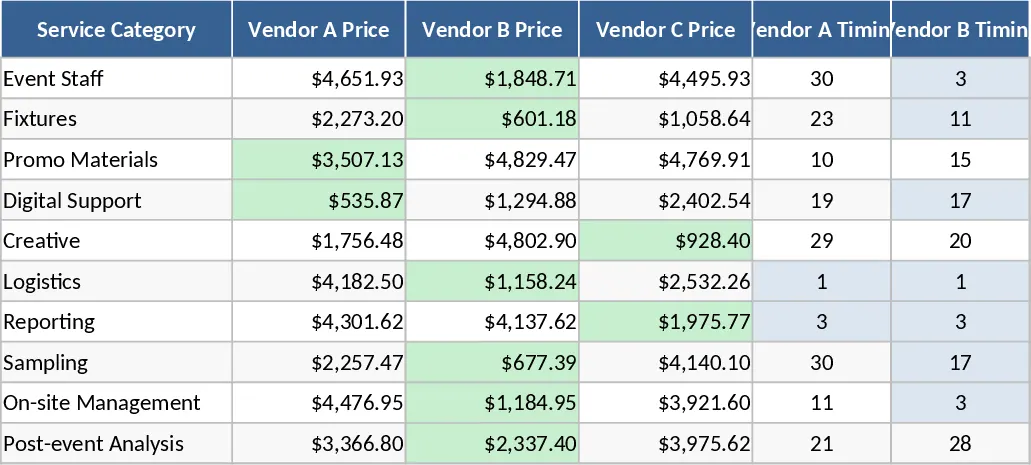
8. Event Budget Planner
Best for: Weddings, conferences, or parties.
- Key Features:
- Vendor cost comparisons.
- Guest-list-linked expenses.
- Contingency fund tracking.
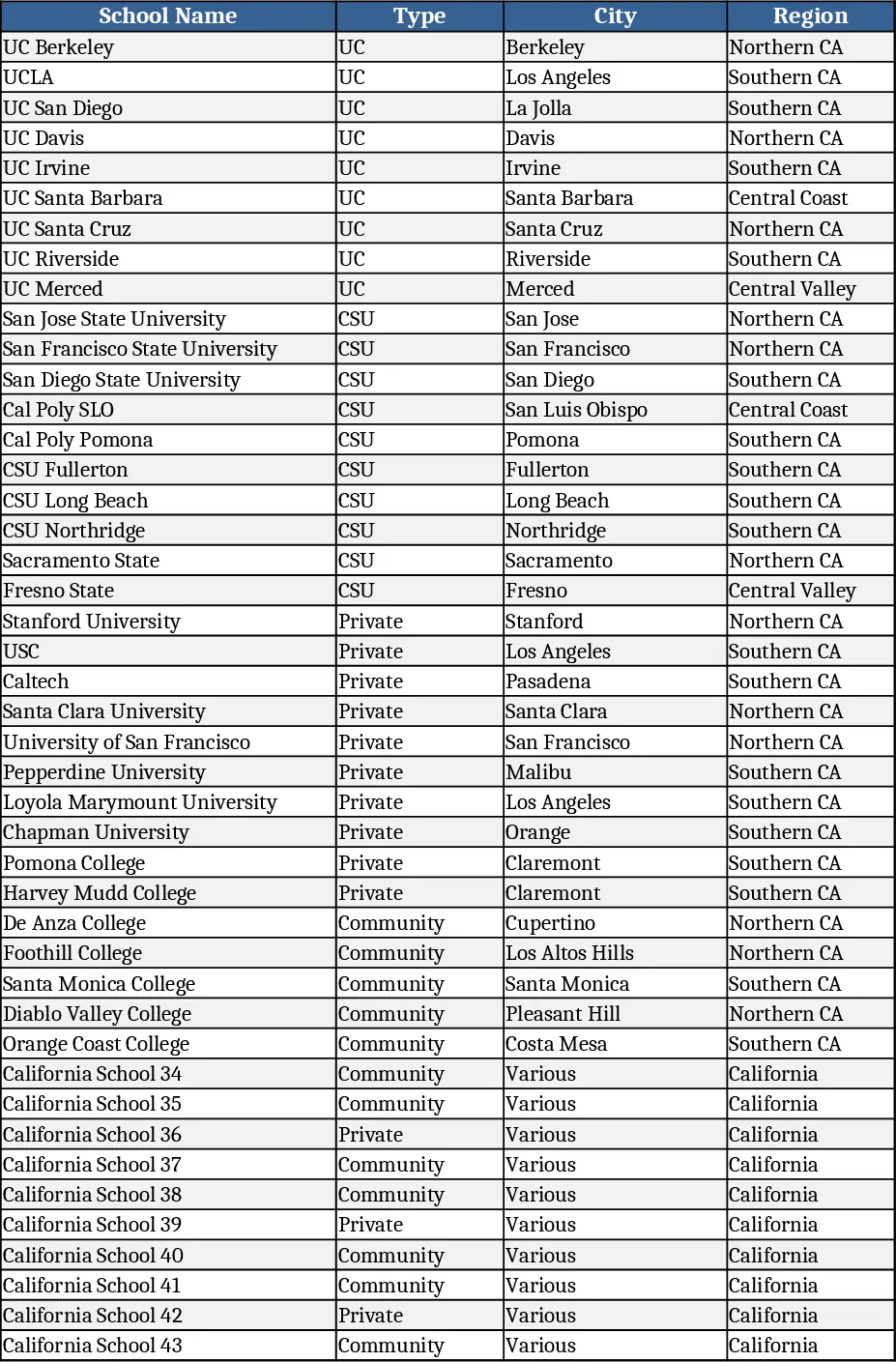
9. College Student Budget
Best for: Students managing loans and living costs.
- Key Features:
- Semester-based planning.
- Income/expense balance alerts.
- Textbook/rental trackers.
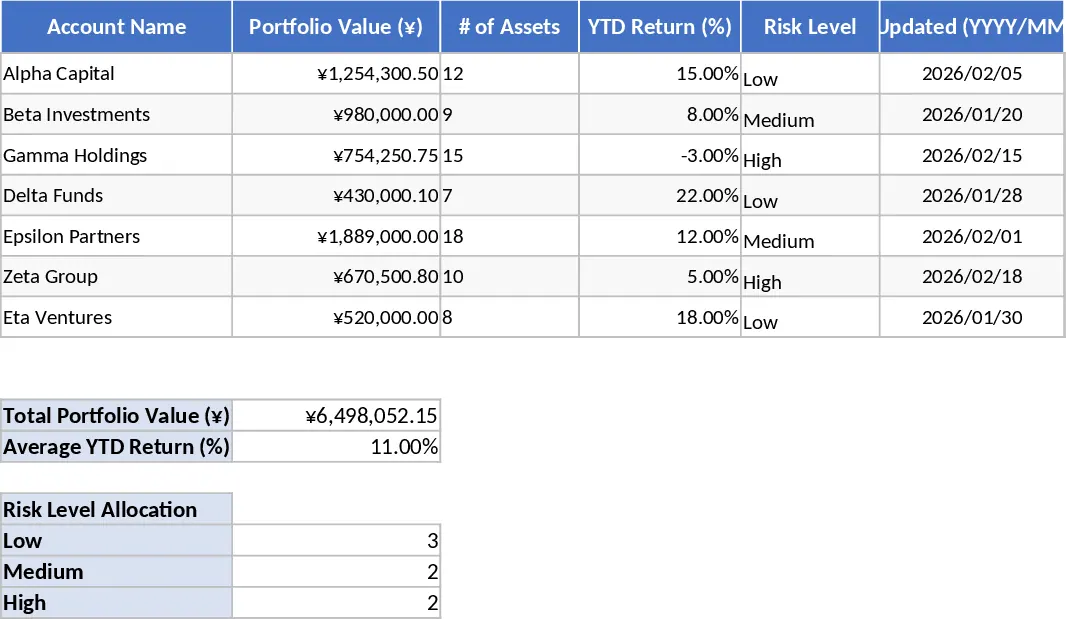
10. Investment Portfolio Tracker
Best for: DIY investors.
- Key Features:
- Asset allocation charts.
- Dividend/return calculators.
- Risk-level assessments.
Beyond Templates: The AI Advantage
While these templates are useful, RowSpeak eliminates manual work by:
- Auto-importing data from banks, receipts, or invoices.
- Generating forecasts using historical trends.
- Flagging anomalies (e.g., unusual spending spikes).
Need more examples first? Browse the finance templates gallery for ready-made budget and expense spreadsheets.
Ready for a personalized tracker? Generate an AI expense template with RowSpeak and describe the categories, monthly budgets, and reports you need.
Final Thoughts Excel templates provide structure, but AI tools like RowSpeak deliver speed, accuracy, and deeper insights. Start with a free expenses spreadsheet, then generate a personalized template when your workflow becomes more specific.
Microsoft also maintains a large Excel template list, so it can be useful as a secondary source when you want a familiar Microsoft layout. For RowSpeak-ready finance templates, use the gallery above; for a personalized tracker, generate one with RowSpeak.
Which template fits your needs? Share your favorites in the comments!