3 Free Google Sheets Business Expense Tracker Templates (And How AI Can Help)

Keeping track of business expenses often feels like herding cats—receipts pile up, categories blur, and month-end reconciliation becomes a nightmare. While Google Sheets offers excellent free templates to get started, modern businesses need more than static spreadsheets.

As a User Growth Manager at RowSpeak, I've seen how AI transforms financial tracking from reactive to proactive. In this guide, we'll explore 10 free Google Sheets templates for expense management and show how AI tools like RowSpeak automate the heavy lifting.


Why Templates Alone Aren’t Enough

Google Sheets templates provide structure, but they lack:

  • Real-time insights (you’re always looking backward)
  • Automation (manual entry eats time)
  • Predictive analytics (no forecasting)

This is where AI-powered tools shine. For example, RowSpeak connects directly to your financial data, auto-categorizes expenses, and generates dynamic dashboards—no formulas or pivot tables needed.


Top 3 Free Google Sheets Expense Trackers

1. Basic Business Expense Tracker

Best for simplicity

  • Pre-built categories (travel, supplies, etc.)
  • Monthly auto-totals
  • Limitation: No trend analysis

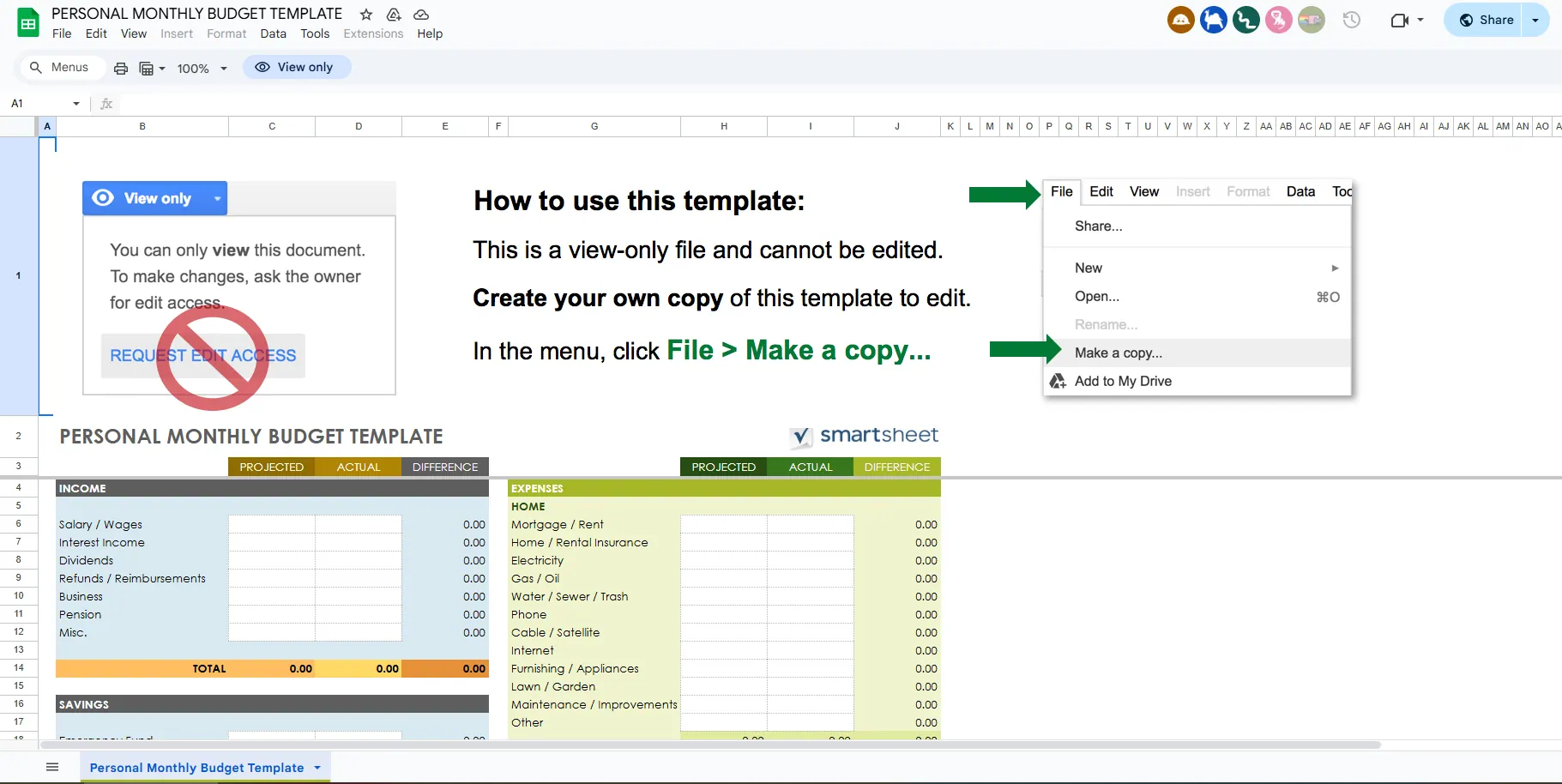
personal-monthly-budget

Pro Tip: Use RowSpeak’s AI Receipt Scanner to auto-import expenses into this template, saving hours of manual entry.

2. Detailed Expense Tracker

For granular tracking

  • Vendor/payment method fields
  • Custom reports
  • Limitation: Charts require manual updates

AI Alternative: RowSpeak auto-generates spend-by-category visuals that update in real time.

3. Travel Expense Tracker

Ideal for frequent travelers

  • Trip-specific sections
  • Reimbursement status tracking
  • Limitation: No mileage/currency conversion

The Future: AI-Driven Expense Management

While templates are a great starting point, forward-thinking businesses use AI to:

  1. Auto-categorize expenses (RowSpeak learns from your patterns)
  2. Flag anomalies (e.g., "Your office supplies spend spiked 200%")
  3. Forecast cash flow (based on historical trends)

Try This: Upload your Google Sheet to RowSpeak and prompt: "Analyze Q2 expenses and show 3 cost-saving opportunities."


Final Thoughts

Google Sheets templates solve basic tracking, but AI tools like RowSpeak transform raw data into actionable insights. Start with a template, then layer in automation to save time and make smarter financial decisions.

Ready to upgrade? Get a free RowSpeak trial to automate your expense tracking today.

Ditch Complex Formulas – Get Insights Instantly

No VBA or function memorization needed. Tell RowSpeak what you need in plain English, and let AI handle data processing, analysis, and chart creation

Try RowSpeak Free Now

Recommended Posts

5 Free Excel Budget Templates to Streamline Your Finances (And How AI Can Help)
Excel Operation

5 Free Excel Budget Templates to Streamline Your Finances (And How AI Can Help)

Budgeting doesn’t have to be tedious. These 10 free Excel templates simplify tracking income, expenses, and savings—but for businesses, AI tools like RowSpeak automate the process with smarter insights.

Gianna
Free Google Sheets Expense Tracker Templates (Plus a Smarter AI Alternative)
Excel Operation

Free Google Sheets Expense Tracker Templates (Plus a Smarter AI Alternative)

Manual expense tracking in spreadsheets can be tedious. While these free Google Sheets templates help, discover how RowSpeak's AI transforms financial tracking into an automated, insightful process.

Gianna
10 Free Excel Business Expense Tracker Templates (Plus a Smarter AI Alternative)
Excel Operation

10 Free Excel Business Expense Tracker Templates (Plus a Smarter AI Alternative)

Tracking business expenses doesn't have to be tedious. While Excel templates offer a good starting point, modern AI tools like RowSpeak transform expense management with automated insights and real-time reporting. Here's your guide to both traditional and cutting-edge solutions.

Gianna
10 Free Excel Expense Tracker Templates to Master Your Finances in 2025
Excel Operation

10 Free Excel Expense Tracker Templates to Master Your Finances in 2025

Financial management doesn't have to be complicated. These 10 free Excel expense tracker templates help individuals and businesses track spending effortlessly—though modern solutions like RowSpeak take financial analysis to the next level with AI-powered automation.

Gianna
6 Best Free Budget Templates in 2025 (And How AI Simplifies Them)
Excel Operation

6 Best Free Budget Templates in 2025 (And How AI Simplifies Them)

Budgeting doesn't have to be complicated. We've curated the 10 best free budget templates for 2025 - from simple monthly trackers to family planners. Plus,see how AI tools like RowSpeak can automate and enhance your financial tracking for smarter decisions.

Gianna
How to Calculate Slope in Google Sheets (And Why It Matters for Your Business)
Excel Operation

How to Calculate Slope in Google Sheets (And Why It Matters for Your Business)

Slope calculations aren't just for math class - they're powerful tools for spotting business trends. Here's how to find slope in Google Sheets, and how RowSpeak makes it even easier with AI-powered analysis.

Gianna
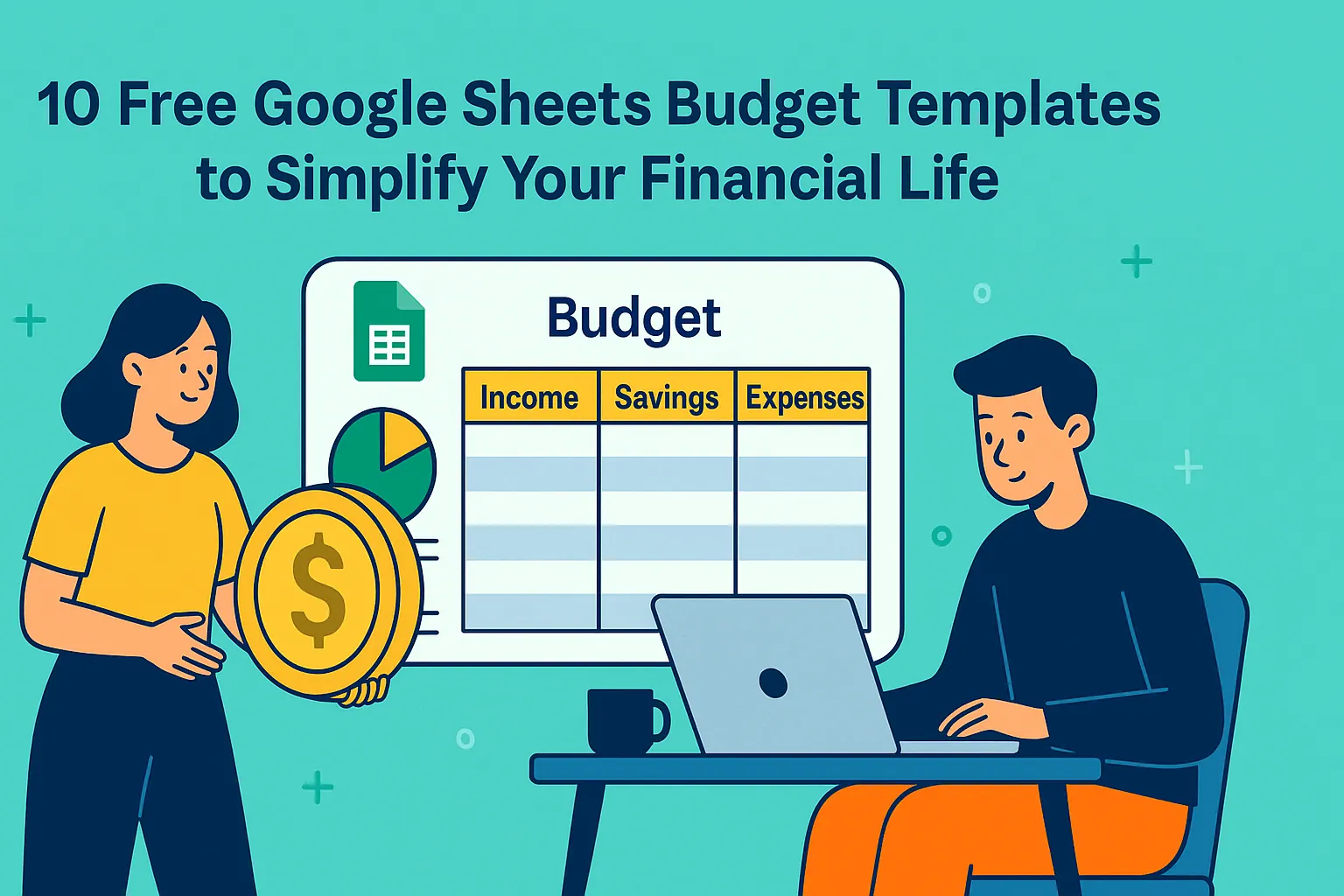
10 Free Google Sheets Budget Templates to Simplify Your Financial Life
Excel Operation

10 Free Google Sheets Budget Templates to Simplify Your Financial Life

Budgeting doesn't have to be complicated. With these 10 free Google Sheets templates, you can take control of your finances—whether you're managing personal expenses, household budgets, or long-term savings goals. Learn how to implement them like a pro.

Gianna
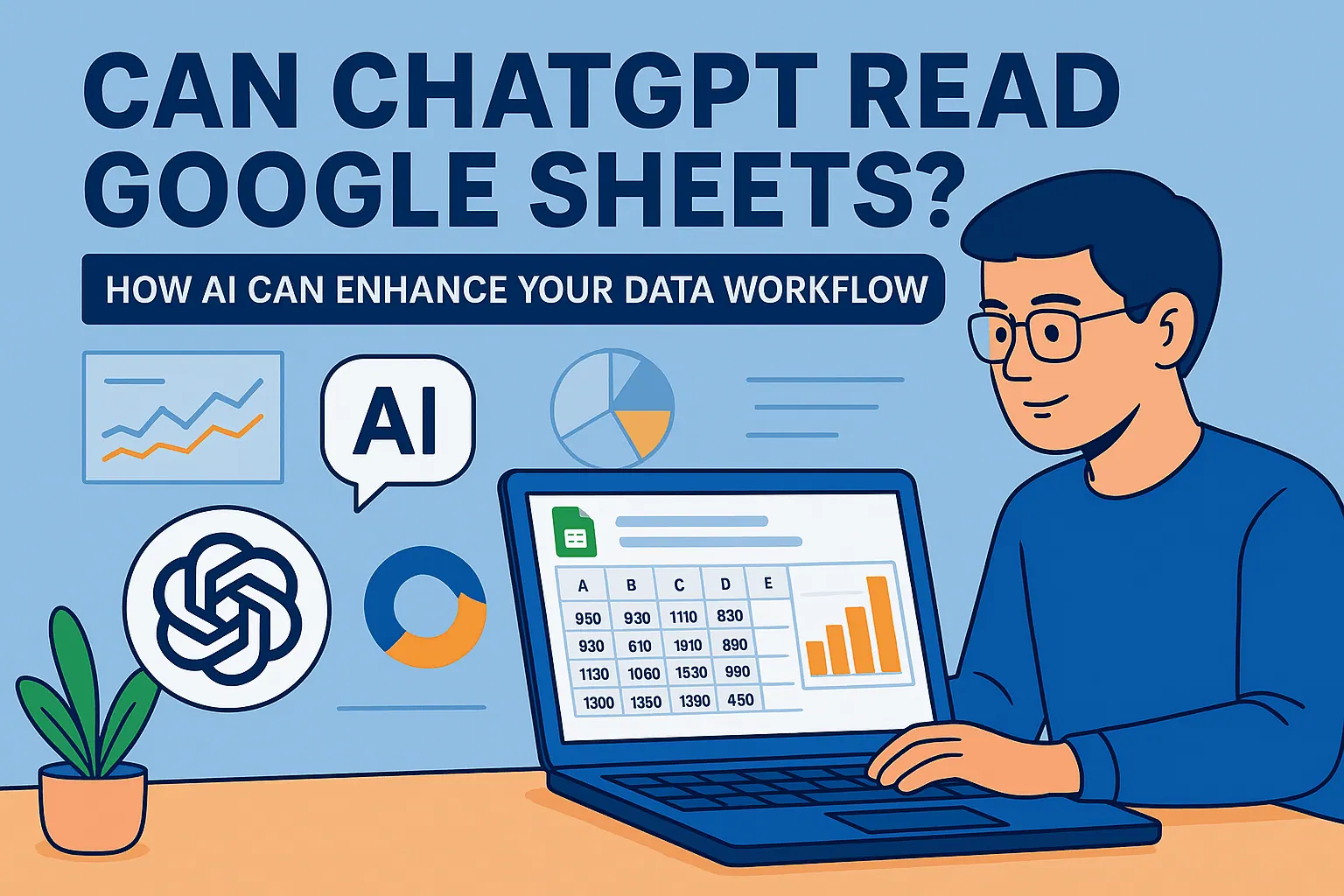
Can ChatGPT Read Google Sheets? How AI Can Enhance Your Data Workflow
Excel Operation

Can ChatGPT Read Google Sheets? How AI Can Enhance Your Data Workflow

While ChatGPT can't directly access Google Sheets, learn how to bridge these tools for smarter data analysis—and how RowSpeak delivers native AI capabilities for your spreadsheets.

Gianna