Effective expense management is the backbone of any thriving business. As a User Growth Manager at RowSpeak, I've seen firsthand how proper expense tracking can make or break a company's financial health. While Excel templates have long been the go-to solution, we're now entering an era where AI-powered tools like RowSpeak are revolutionizing how businesses handle their finances.
In this guide, we'll explore:
- 10 practical Excel templates for various expense tracking needs
- How AI-enhanced solutions like RowSpeak take expense management to the next level
- Actionable tips to optimize your expense tracking process
The Limitations of Traditional Excel Templates
Before we dive into the templates, it's important to acknowledge their limitations. Manual Excel tracking often leads to:
- Data entry errors
- Time-consuming categorization
- Lack of real-time insights
- Difficulty in spotting spending trends
This is where RowSpeak shines – our AI-powered platform automates these processes while maintaining the familiarity of spreadsheet interfaces. But for those who prefer starting with traditional templates, here are 10 excellent options:
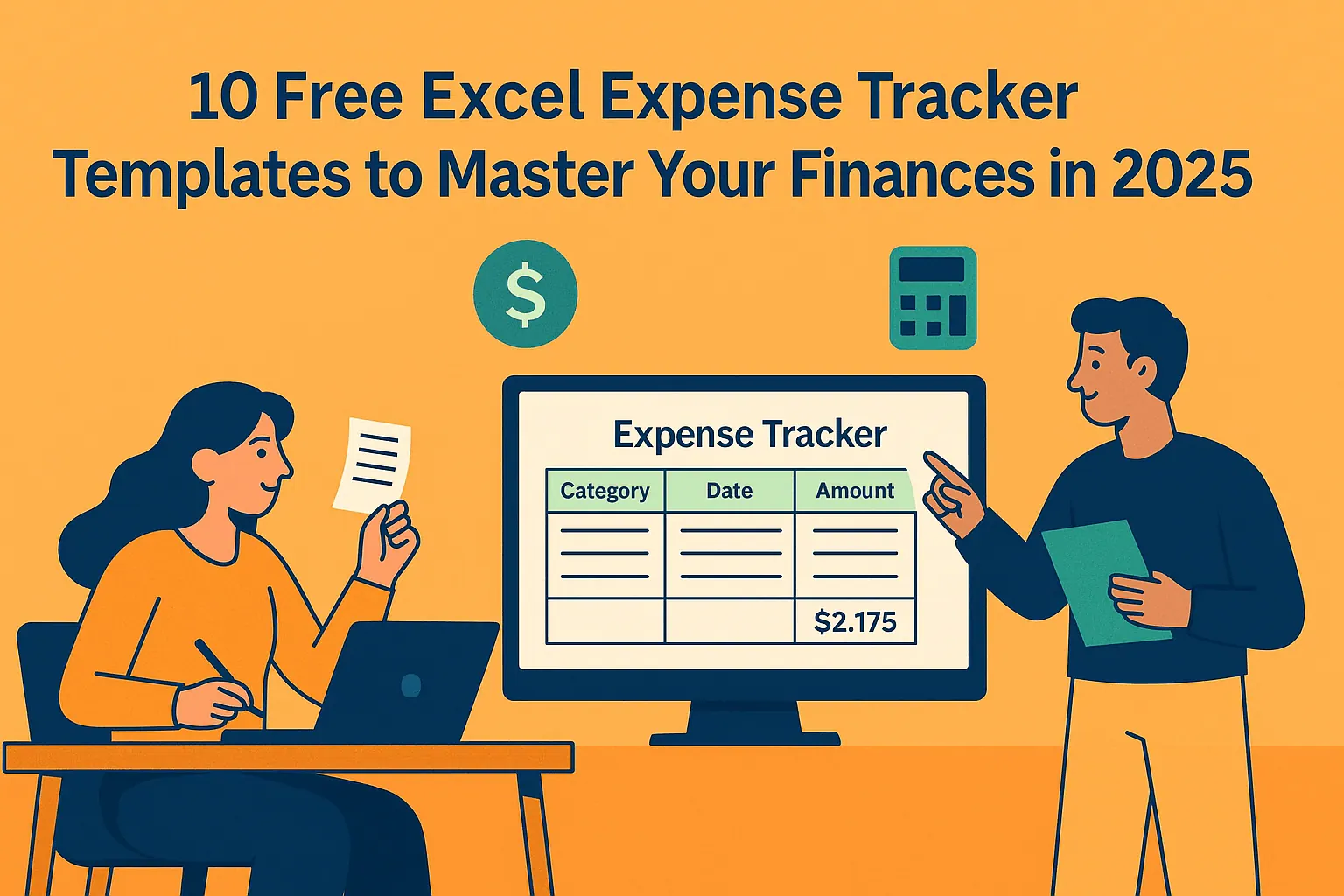
1. Basic Expense Tracker (Best for Simple Tracking)
Columns: Date, Description, Category, Amount
Features: Automatic summation, category filtering
Best for: Freelancers and solopreneurs
While this template offers basic functionality, RowSpeak enhances simple tracking with automatic receipt scanning and smart categorization – saving hours of manual work.
2. Monthly Expense Tracker (Best for Trend Analysis)
Columns: Date, Description, Category, Amount, Month
Features: Monthly summaries, comparison charts
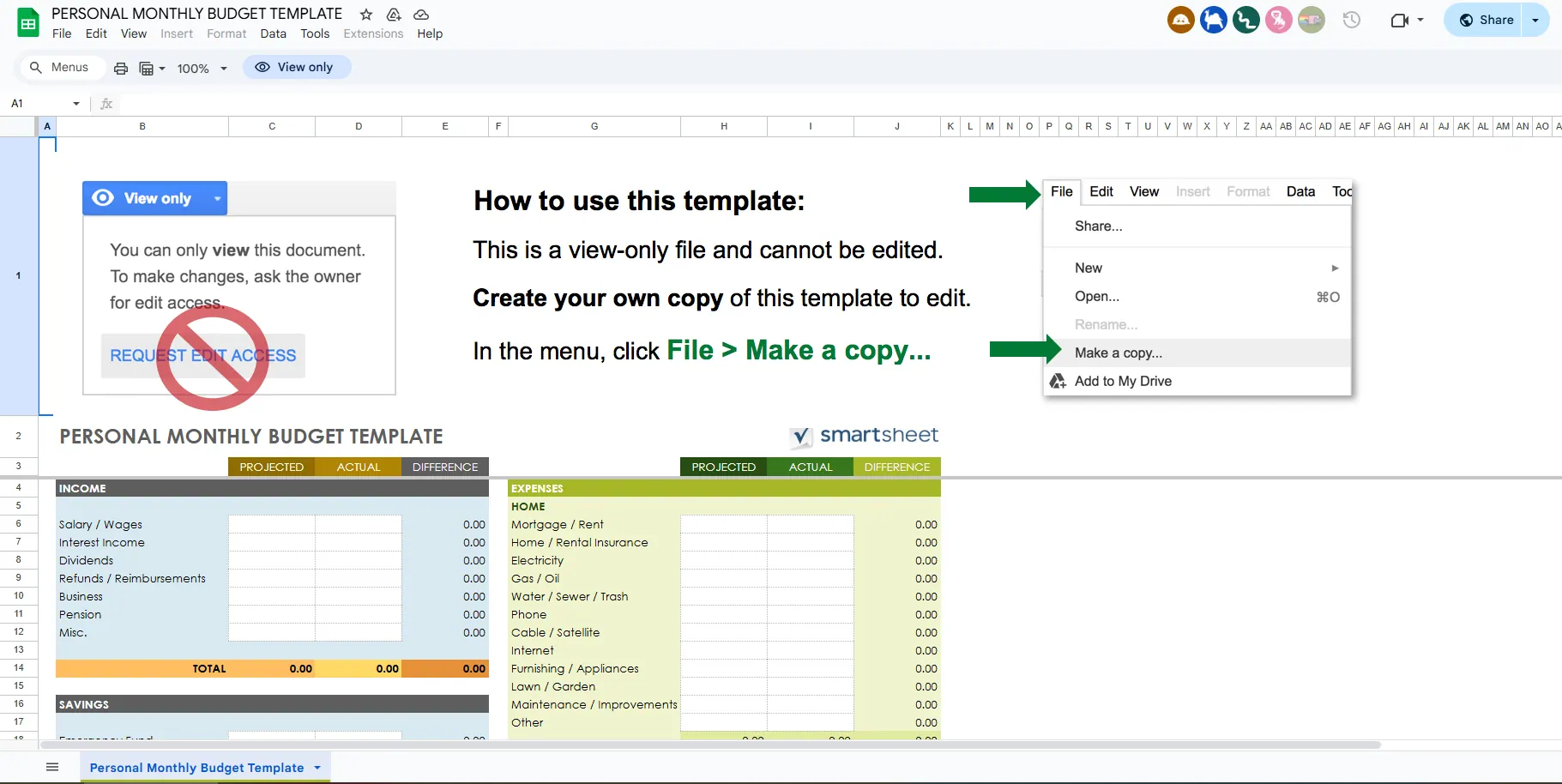
RowSpeak takes this further by providing predictive analytics, forecasting future expenses based on your historical data with 95%+ accuracy.
3. Business Budget and Expense Tracker
Columns: Category, Budgeted Amount, Actual Amount, Difference
Features: Budget vs. actual analysis, overspending alerts
With RowSpeak, you get real-time budget alerts and automated variance explanations when you exceed planned expenses.
4. Travel Expense Tracker
Columns: Date, Description, Location, Category, Amount
Features: Travel-specific categories, reimbursement calculation
RowSpeak's mobile app automatically captures travel expenses through receipt scanning and GPS-based categorization.
5. Project Expense Tracker
Columns: Date, Project Name, Description, Category, Amount
Features: Project-specific tracking, total cost calculation
RowSpeak offers advanced project cost tracking with automated ROI calculations and resource allocation insights.
Why RowSpeak is the Future of Expense Management
While these Excel templates serve as good starting points, they require significant manual effort. RowSpeak eliminates these pain points by:
- Automatically categorizing expenses via machine learning
- Providing real-time dashboards and spending insights
- Integrating with bank accounts and credit cards
- Generating audit-ready reports with one click
- Offering predictive budgeting based on spending patterns
Implementation Guide: Transitioning to AI-Powered Expense Tracking
For businesses ready to upgrade from templates:
- Start with a free RowSpeak trial to import your existing Excel data
- Connect your financial accounts for automatic transaction logging
- Set up custom categories that match your business needs
- Create automated approval workflows for team expenses
- Schedule monthly review sessions using RowSpeak's pre-built reports
Final Thoughts
While free Excel templates provide basic expense tracking functionality, modern businesses need smarter solutions. RowSpeak combines the familiarity of spreadsheets with powerful AI capabilities to transform how you manage expenses – saving time, reducing errors, and providing actionable financial insights.
Ready to move beyond templates? Try RowSpeak free for 14 days and experience the future of expense management.