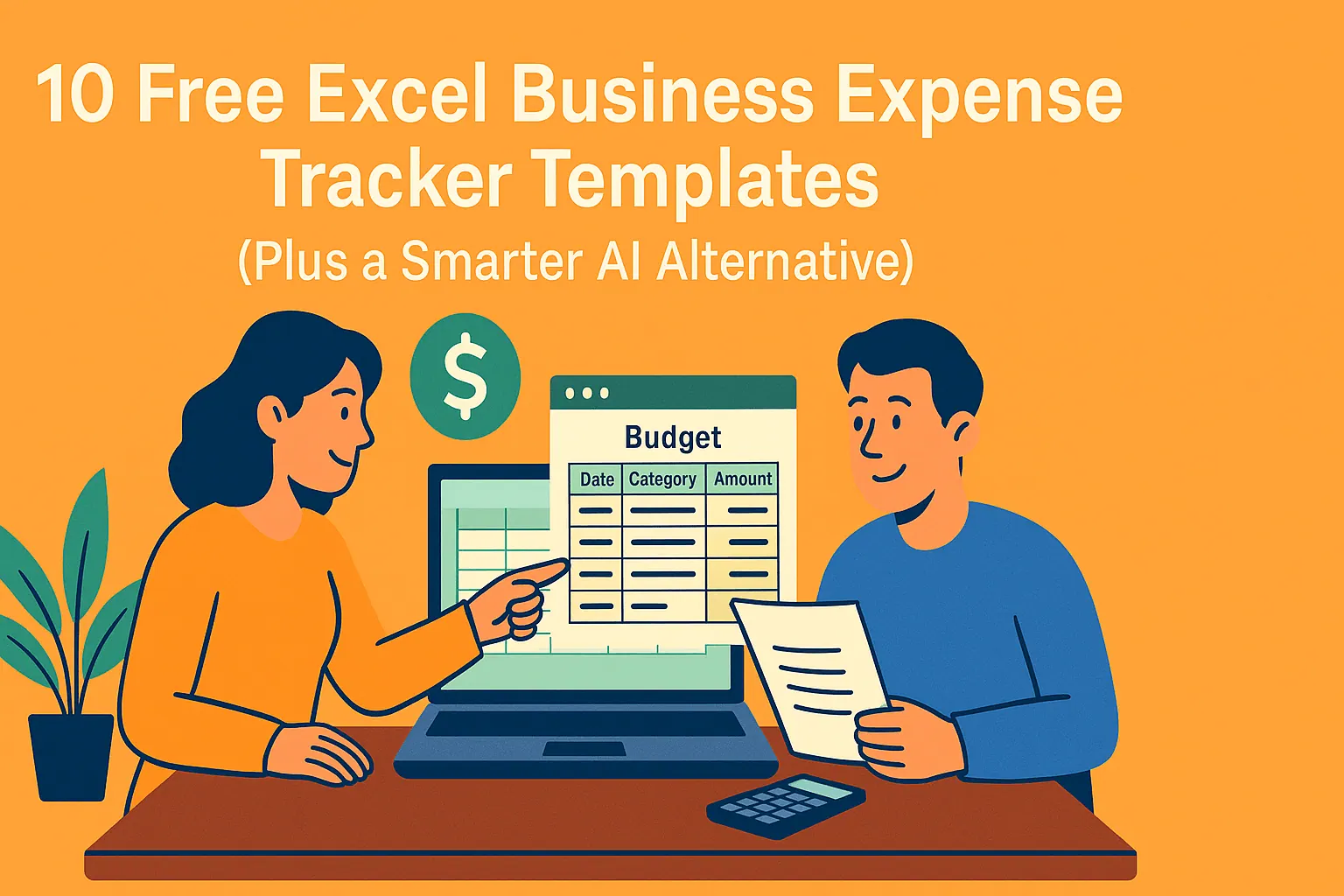
Budgeting often feels like assembling a puzzle with missing pieces—especially for busy professionals juggling personal and business finances. While Excel templates provide structure, modern teams need more: automation, real-time insights, and scalability.
If you are comparing free tools, templates, or team limits, you can paid plan options before deciding how far to take the workflow.
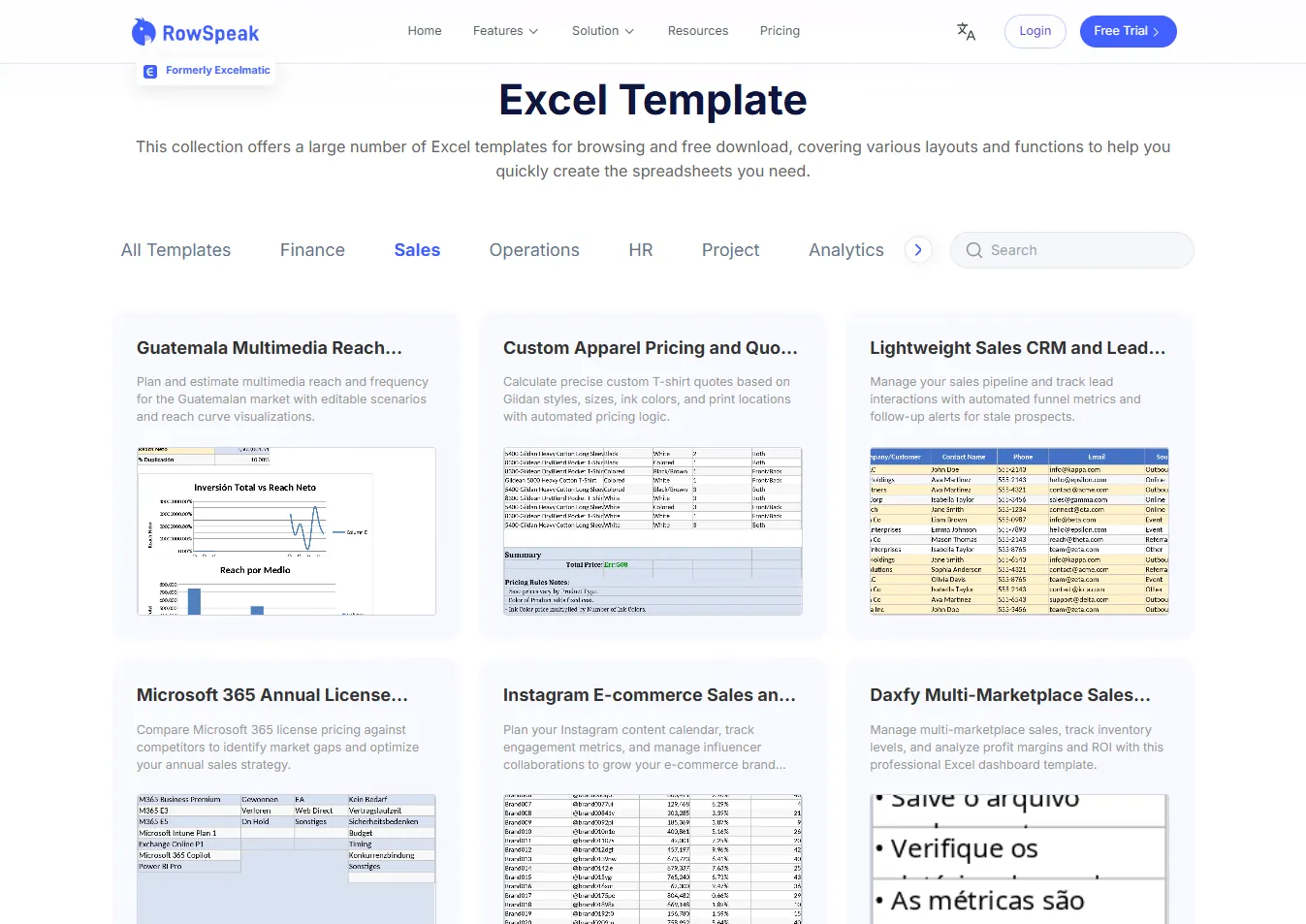
In this guide, we’ll explore top free Excel budget templates for personal and business use. For an even wider selection of pre-built solutions, you can explore our RowSpeak Template Library, which offers a diverse collection of professional templates for various industries.
The Best Free Excel Budget Templates
1. Personal Monthly Budget Template
Best for: Individuals tracking income vs. expenses.
How it works:
- Input monthly income (salary, freelance work, etc.).
- Categorize expenses (housing, groceries, entertainment).
- Auto-calculates savings/deficits.
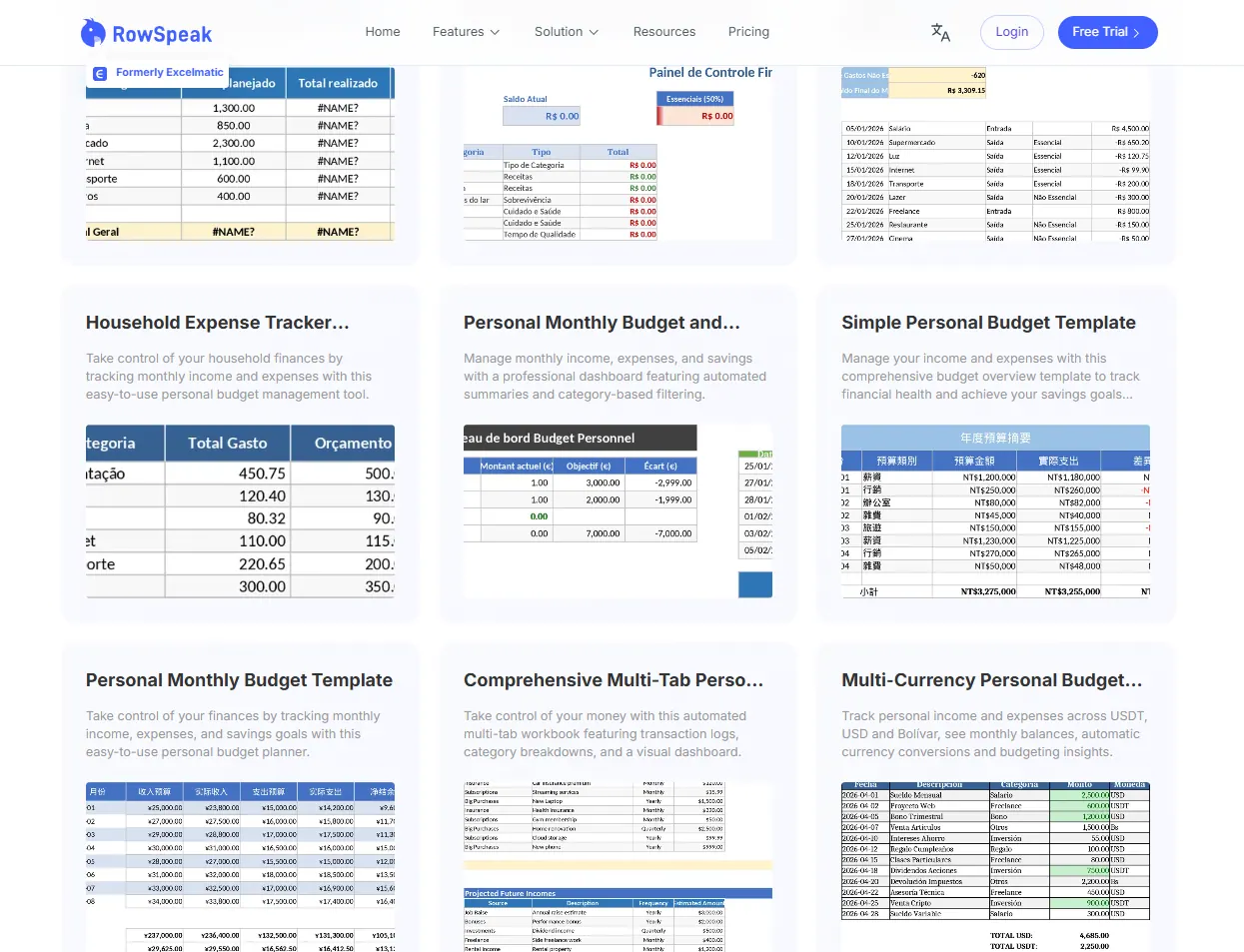 👉Download the Personal Monthly Budget Template
Pro Tip: For dynamic insights, upload this template to RowSpeak. Our AI analyzes spending patterns and suggests optimizations—like identifying subscription leaks.
2. Family Budget Planner
Best for: Households managing shared finances.
Features:
- Tracks multiple income streams (e.g., dual salaries).
- Pre-filled categories for childcare, education, etc.
- Monthly overviews to align family spending.
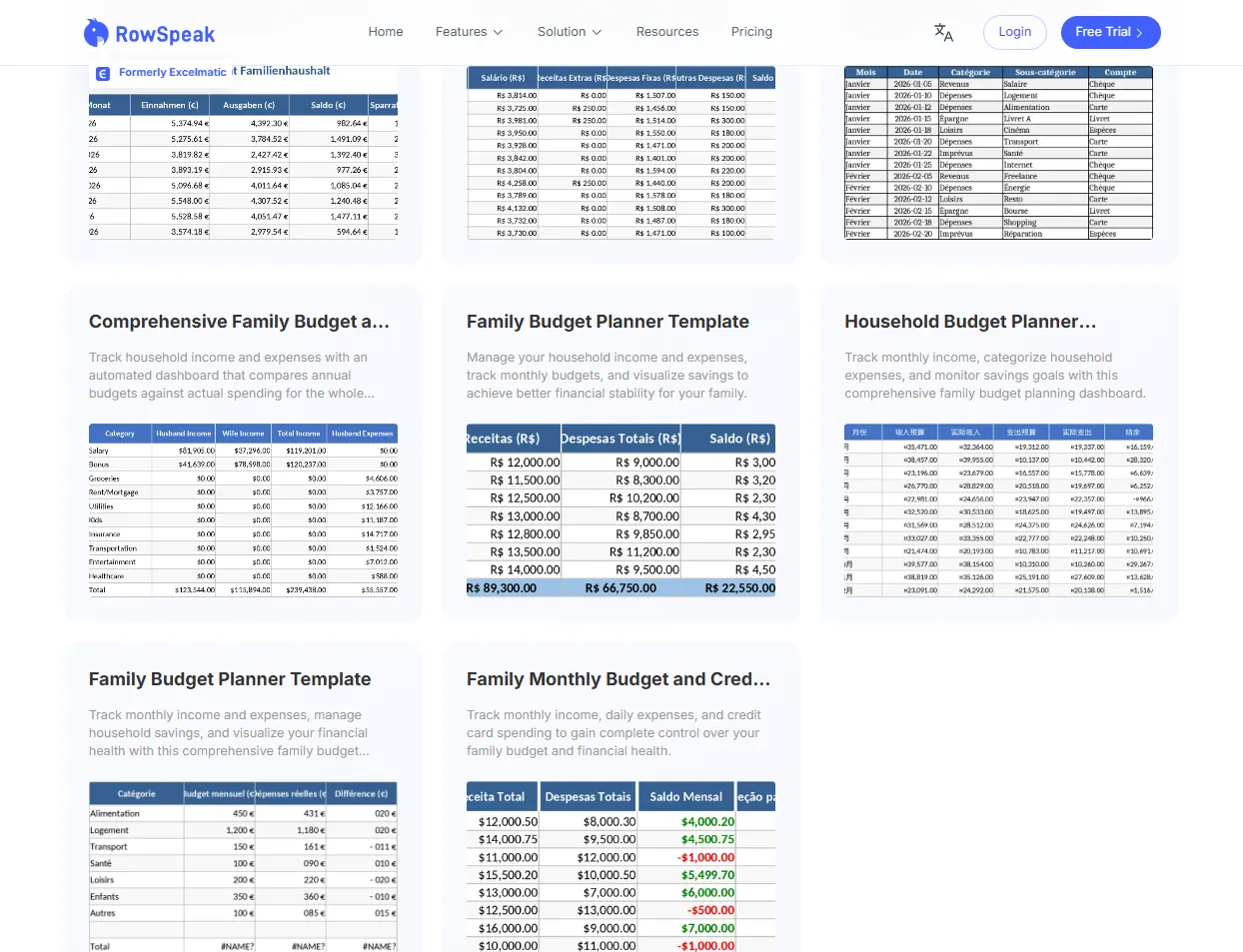 👉Download the Family Budget Planner
AI Advantage: RowSpeak syncs with bank APIs to auto-categorize transactions, eliminating manual entry.
3. Debt Reduction Tracker
Best for: Paying off loans or credit cards.
Why it works:
- Lists debts with balances/interest rates.
- Visual progress charts for motivation.
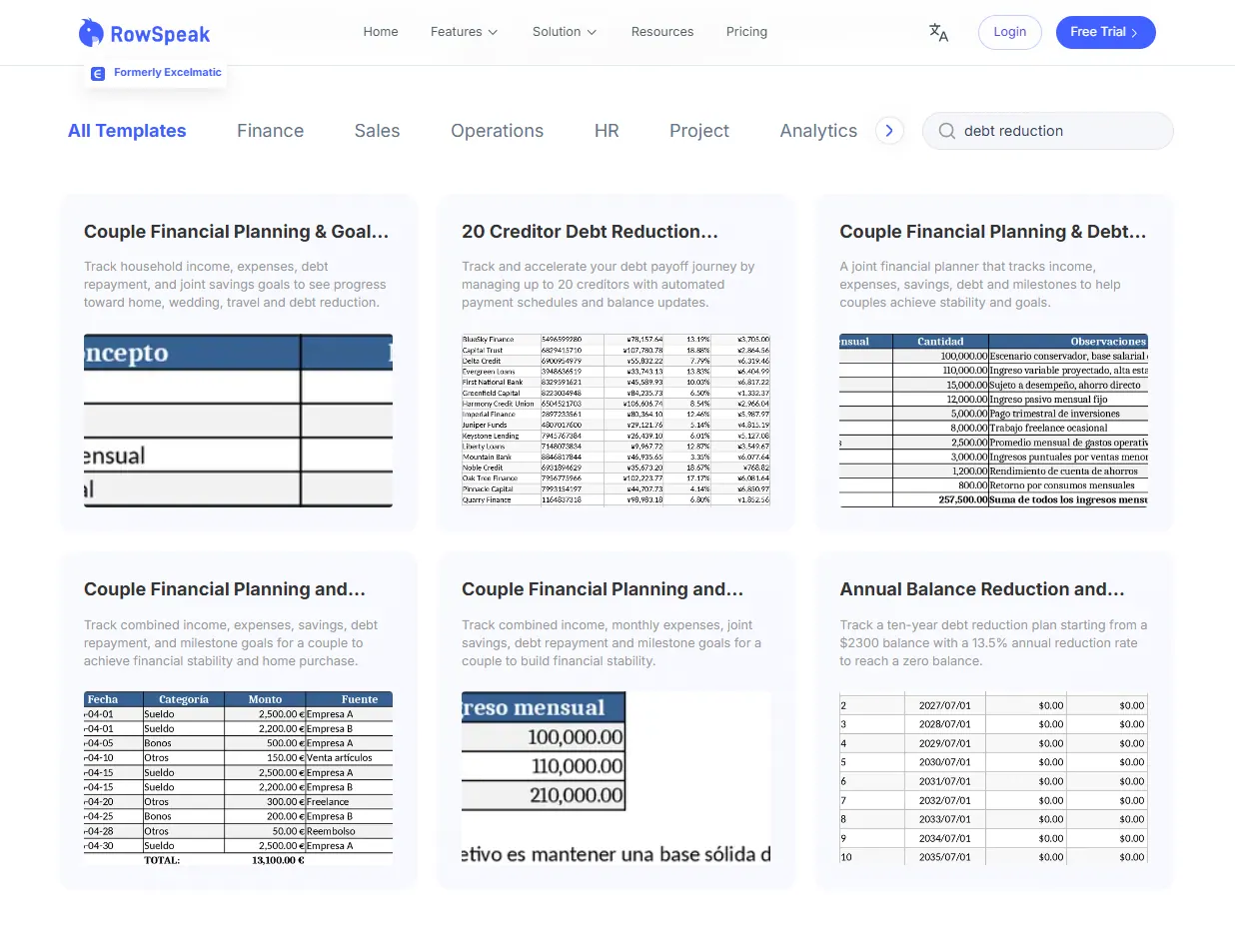 👉Download the Debt Reduction Tracker
Upgrade: RowSpeak’s predictive modeling estimates payoff timelines based on payment adjustments.
4. Vacation Budget Template
Best for: Planning trips without overspending.
Key functions:
- Allocates funds for flights, hotels, activities.
- Tracks real-time spending during trips.
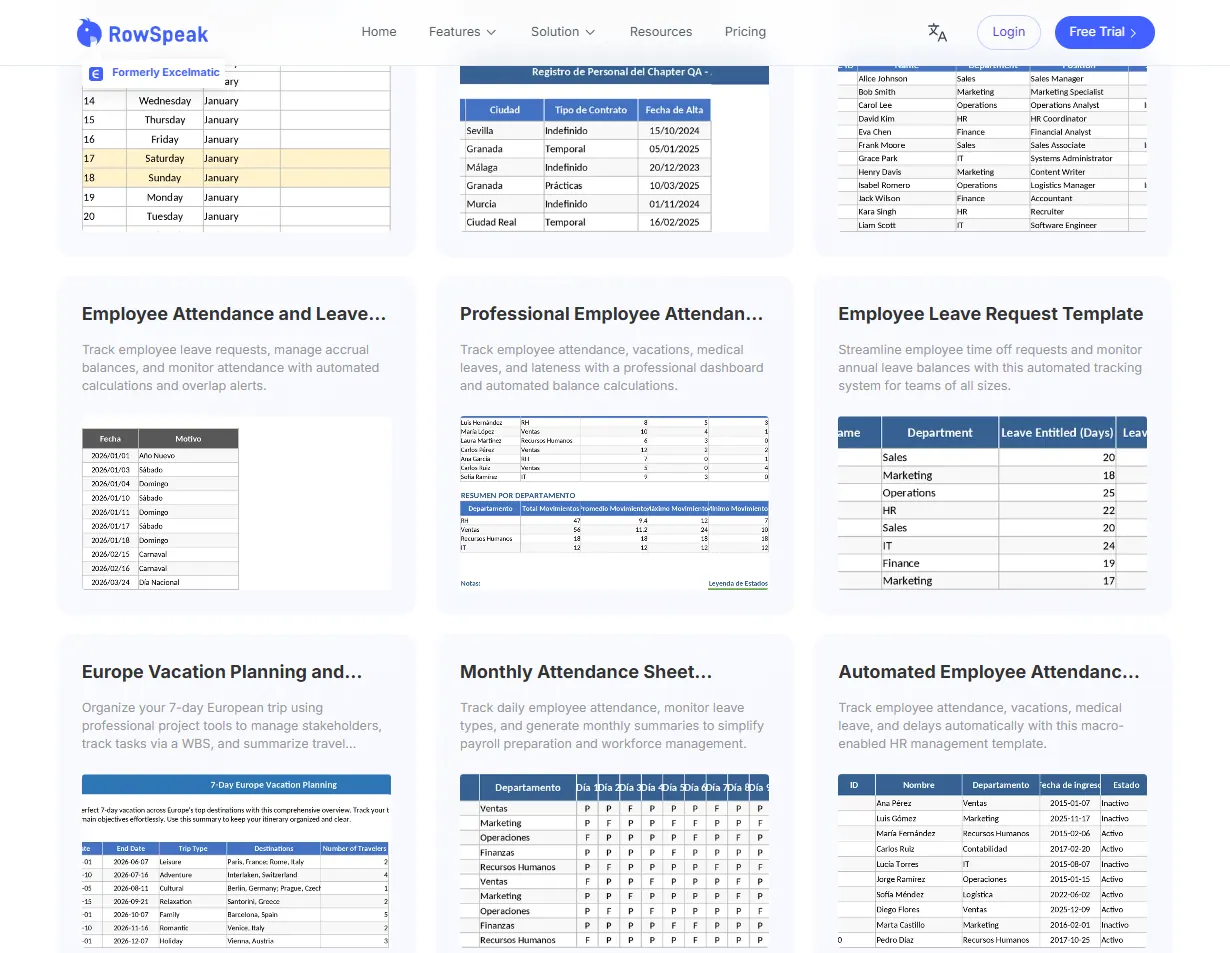 👉Download the Vacation Budget Template
5. Wedding Budget Planner
Best for: Couples managing wedding costs.
Highlights:
- Pre-built categories (venue, catering, attire).
- Tracks deposits vs. final payments.
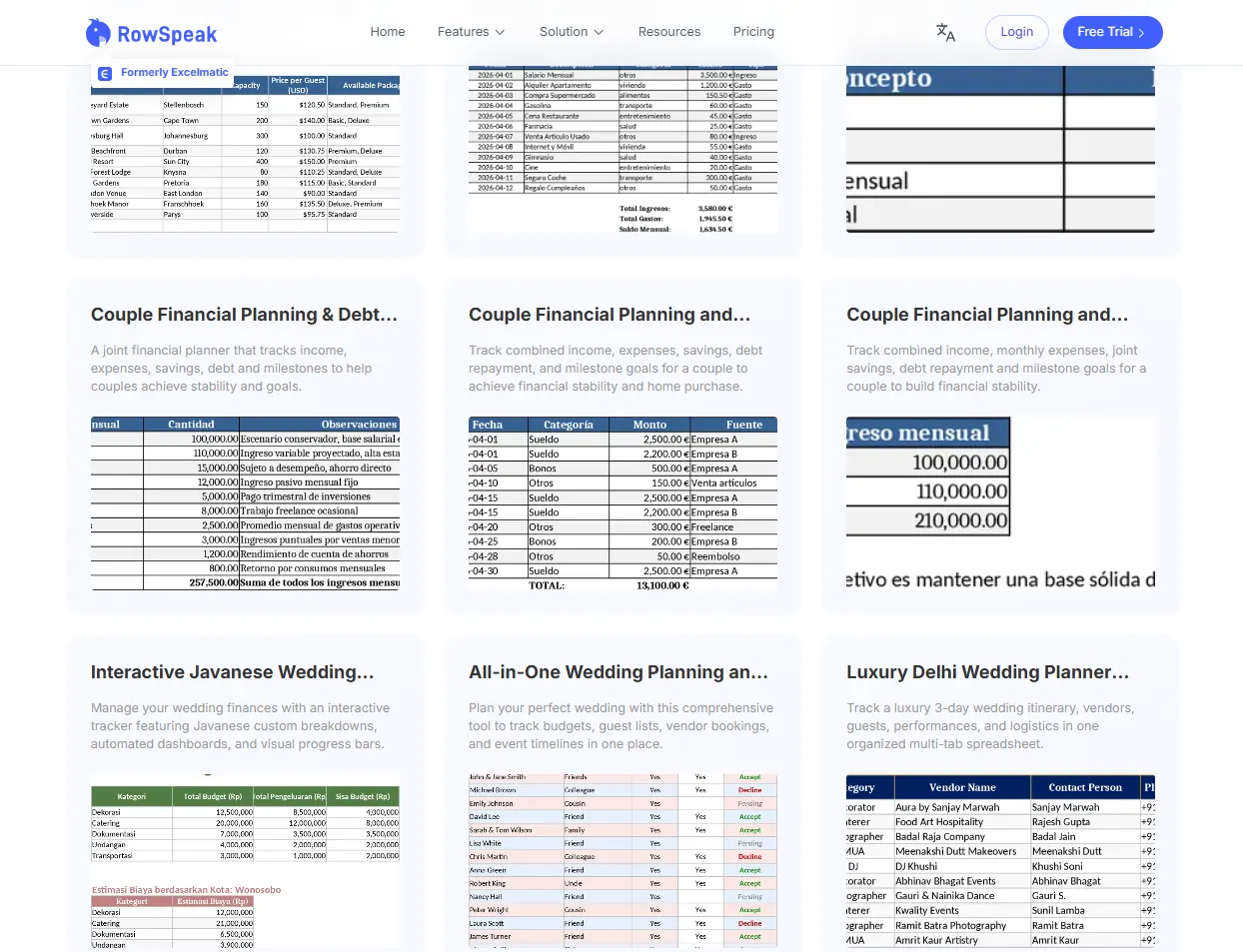 👉Download the Wedding Budget Planner
Why Stop at Templates? AI Does the Heavy Lifting
While these templates are helpful, they rely on manual updates—a bottleneck for businesses. Moreover, static templates often force you to fit your business into a pre-set box. If none of the options above perfectly match your unique workflow, you can use RowSpeak's Template Generation feature to create a custom-tailored Excel sheet simply by describing what you need in plain English.
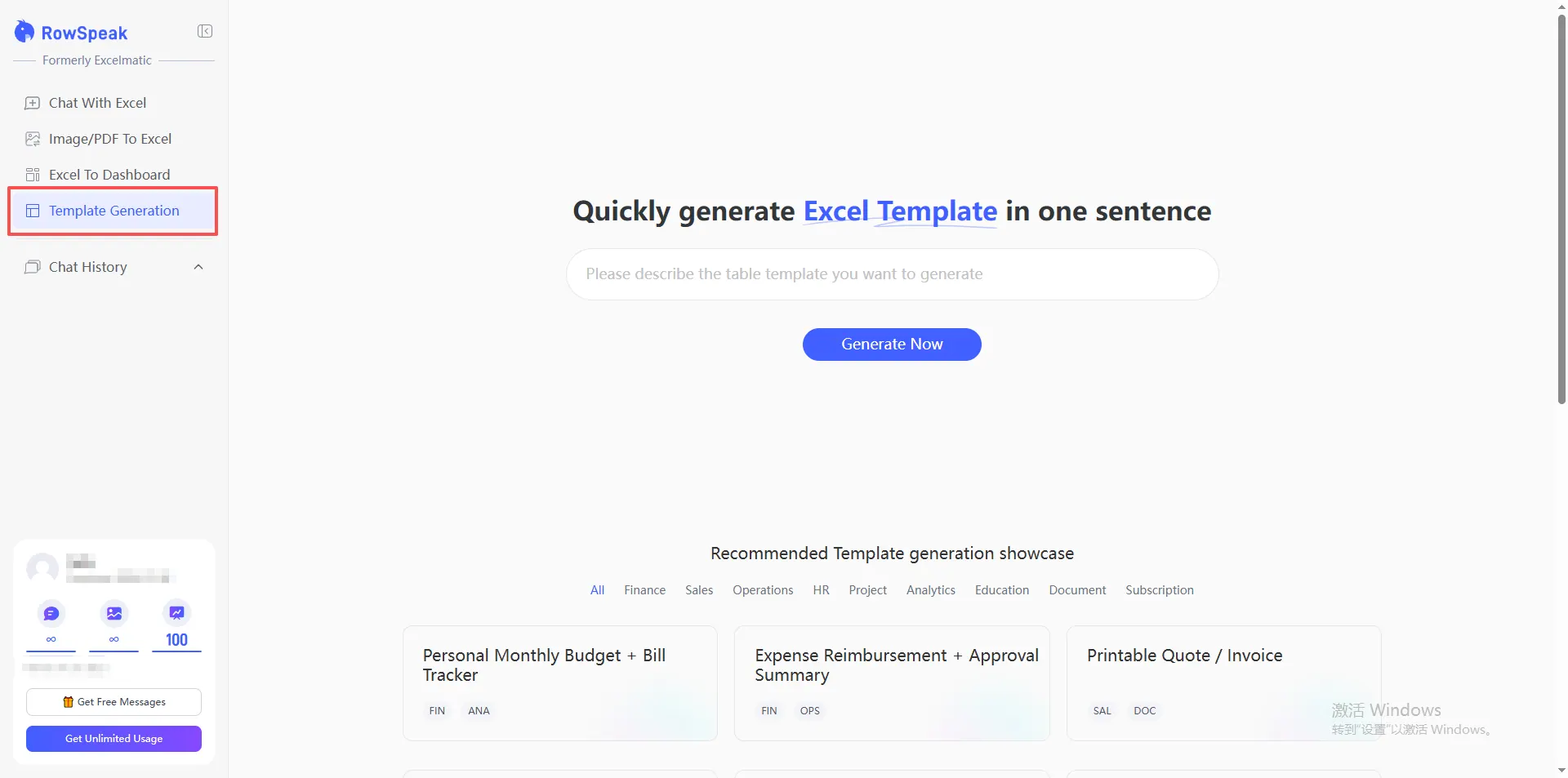
Here’s how RowSpeak further elevates your budgeting:
- Automated Data Sync: Connect bank accounts, ERPs, or CRMs to pull real-time data.
- AI-Powered Forecasting: Predict cash flow gaps or surpluses using historical trends.
- Anomaly Detection: Get alerts for unusual expenses (e.g., duplicate vendor payments).
Honorable Mentions (Other Free Templates)
- Event Budget Template: For conferences or marketing campaigns.
- Small Business Budget: Tracks revenue, payroll, and operational costs.
- Savings Goal Tracker: Visualizes progress toward targets (e.g., emergency funds).
The Future of Budgeting: AI + Human Oversight
Templates provide a starting point, but AI tools like RowSpeak bridge the gap between data and decisions. Instead of just tracking numbers, you gain:
- Actionable insights (e.g., "Reduce office supply spend by 15%").
- Collaboration features for team-based budgeting.
- Scalability from personal finance to enterprise-level planning.
Ready to upgrade? Try RowSpeak free and turn your budget into a strategic asset.