Meta Ads Campaign Planner & ROI Calculator Template
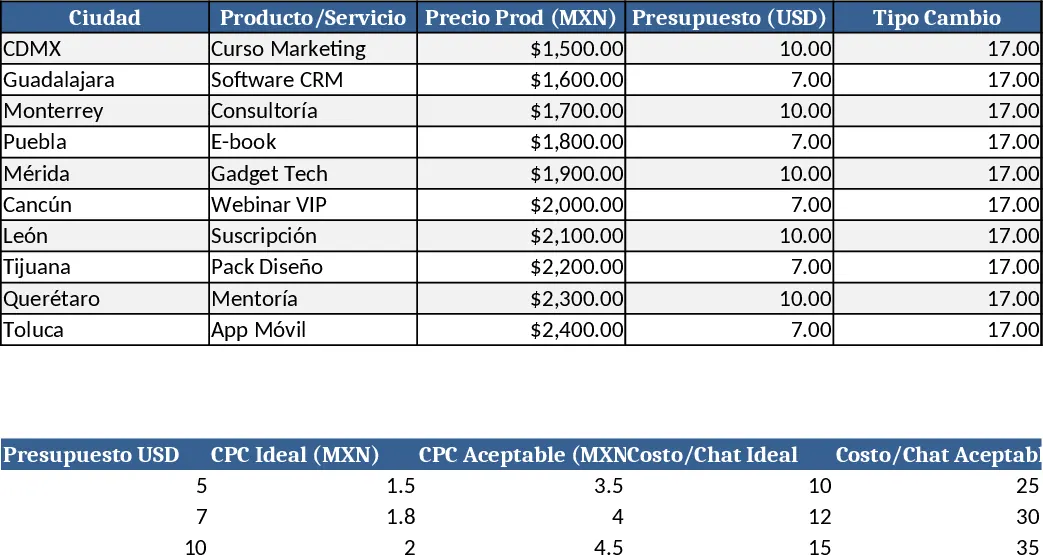
This Excel template is organized into four clear sections on a single worksheet, giving you a dashboard‑style view of every campaign scenario. The Input Section lets you select a city from a drop‑down list of major Mexican locations, enter the product or service, set the price in MXN, choose a daily budget in USD (5, 7, 10), and adjust the exchange rate. You also provide an estimated CPC, conversion‑to‑conversation rate and closing rate. All these fields are editable and color‑coded for easy data entry.
The Automatic Calculations area instantly converts the USD budget to MXN, computes estimated clicks, conversations, cost per conversation, projected customers, revenue, profit and ROI using built‑in formulas. A Reference Table (locked for editing) shows market‑based ideal and acceptable CPC and conversation cost ranges for each budget tier, so you can benchmark your numbers. Finally, a Diagnostic Column flags each row with “ESCALAR”, “RENTABLE”, “OPTIMIZAR” or “NO RENTABLE” based on ROI thresholds, applying conditional formatting (green, yellow, red) for instant visual cues.
This template solves the common pain of guessing campaign performance before spending money. Media buyers, digital marketers, and small business owners can simulate multiple city‑level campaigns, compare budget levels, and see at a glance whether a plan is profitable or needs adjustment. By automating conversions, cost calculations, and ROI diagnostics, it removes manual spreadsheet gymnastics, reduces errors, and speeds up decision‑making. The result is a data‑driven approach to allocating ad spend, optimizing CPC targets, and ensuring each campaign meets profitability goals.
How to use
- Fill the Input Section: select city, product, price, daily budget (USD) and exchange rate, then enter your estimated CPC, conversion and closing percentages.
- Review the Calculations: the sheet will instantly display clicks, conversations, cost per conversation, estimated customers, revenue, profit and ROI.
- Check the Diagnostic column: green indicates a profitable campaign, yellow suggests optimization, red warns of loss. Adjust inputs until you reach a desirable ROI.
- Duplicate rows to compare different cities or budget scenarios side‑by‑side. All results update automatically without macros.
Expected benefits: faster campaign planning, fewer spreadsheet errors, clearer insight into profitability, and more confident budget allocation for Meta Ads.
Similar Templates Recommendation
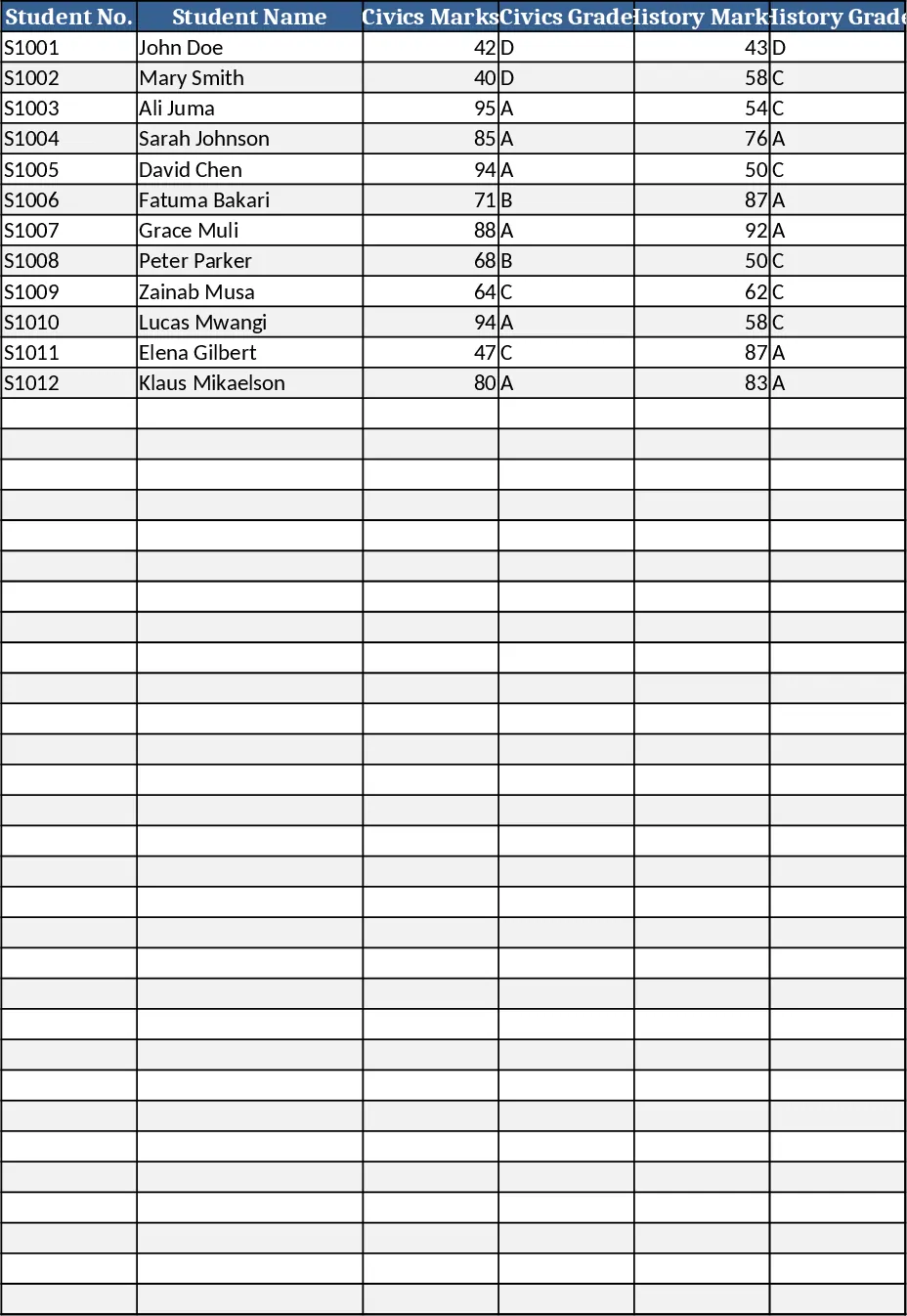
Secondary School Results and Ranking Template
Track up to 200 secondary students' marks, auto‑calculate grades, averages, divisions and rankings in a clear, formatted sheet.
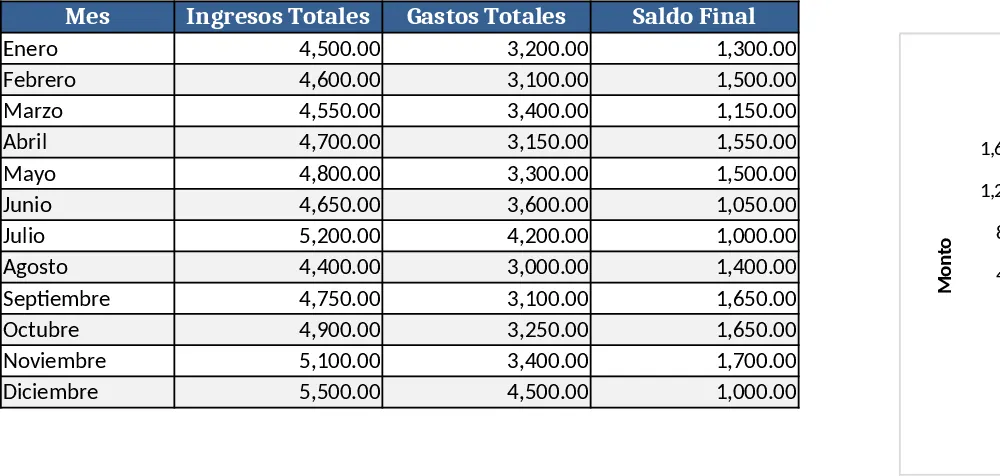
Couple Budget and Cash Flow Tracker Template
Track monthly income, expenses, and cash flow for a working couple, visualize budgets and savings goals in one spreadsheet.
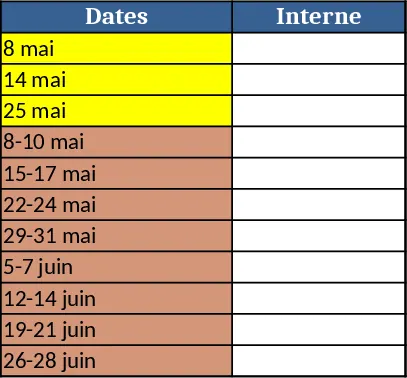
Date Range and Internal Log Template
Create an Excel file with two columns for dates and internal notes, with colored rows for different date ranges.