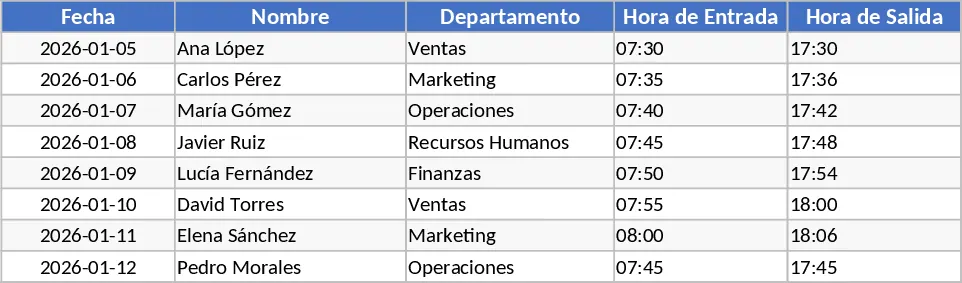
Employee Attendance, Absence, and Leave Tracker Template
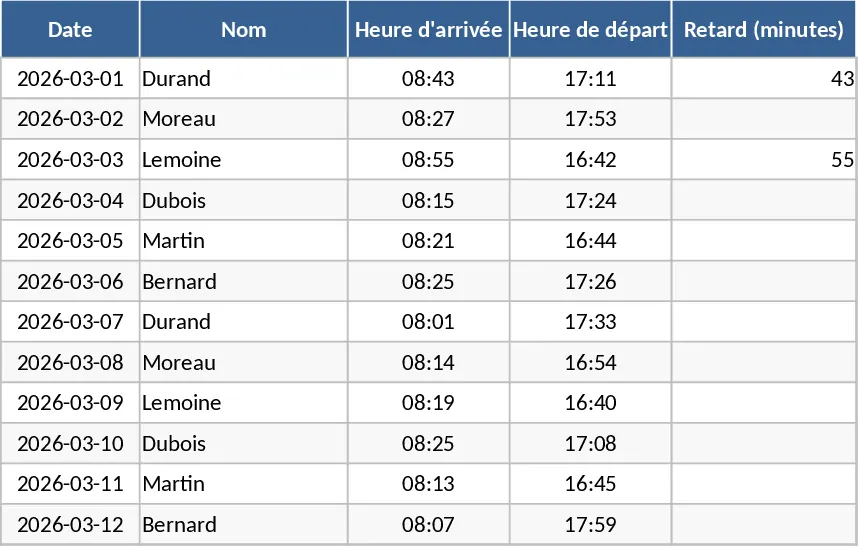
This specialized attendance tracker is designed to streamline how you monitor office presence, specifically tailored for the month of March 2026. While automated clock-in systems provide raw data, this template offers a high-level organizational view that makes it easy to identify trends in lateness, unexcused absences, and scheduled leaves. It features a clean, calendar-based layout where you can quickly log daily status updates for your entire team. The template is particularly useful for small to medium-sized offices that need a secondary layer of verification or a more readable format than what standard biometric systems export. By centralizing this information, you ensure that your HR records are both accurate and easy to interpret at a glance.
The structure of the workbook is built around a central tracking sheet that spans the entirety of March 2026. Each row represents an individual employee, while columns are dedicated to specific dates. You will find built-in dropdown menus for every cell, allowing you to choose between status codes such as Present, Late, Sick Leave, Paid Leave, or Unexcused Absence. This categorization is vital for HR departments that need to distinguish between different types of time off for payroll processing and legal compliance. Beyond simple logging, the template includes a summary dashboard on the right-hand side that automatically tallies the number of occurrences for each category, giving you an instant snapshot of team reliability and helping you manage workforce capacity effectively.
This tool is an essential asset for HR managers, department heads, and office administrators who need to maintain discipline and transparency within the workplace. By using this template, you can easily spot if certain employees are consistently late on specific days of the week or if there is an unusual spike in sick leave across the department. It serves as a bridge between raw data and management action, providing the documentation needed for performance discussions or attendance-related interventions. It is especially helpful during the mid-month transition to ensure no gaps occur in your reporting cycle.
How to use:
- Begin by navigating to the Employee Setup section and inputting the names and IDs of all staff members you wish to track to populate the main sheet.
- On the March 2026 tracking sheet, locate the current date and use the dropdown menus to record the status of each employee as they arrive or as leave requests are processed.
- For entries marked as Late, you can add specific notes in the comments column to document the reason or the exact duration of the delay.
- At the end of the month, review the automated totals at the end of each row to generate your monthly attendance report for payroll or management review.
Expected benefits: This template significantly reduces the manual effort required to compile attendance reports and provides a clear, audit-ready trail of employee presence throughout the month.
Similar Templates Recommendation
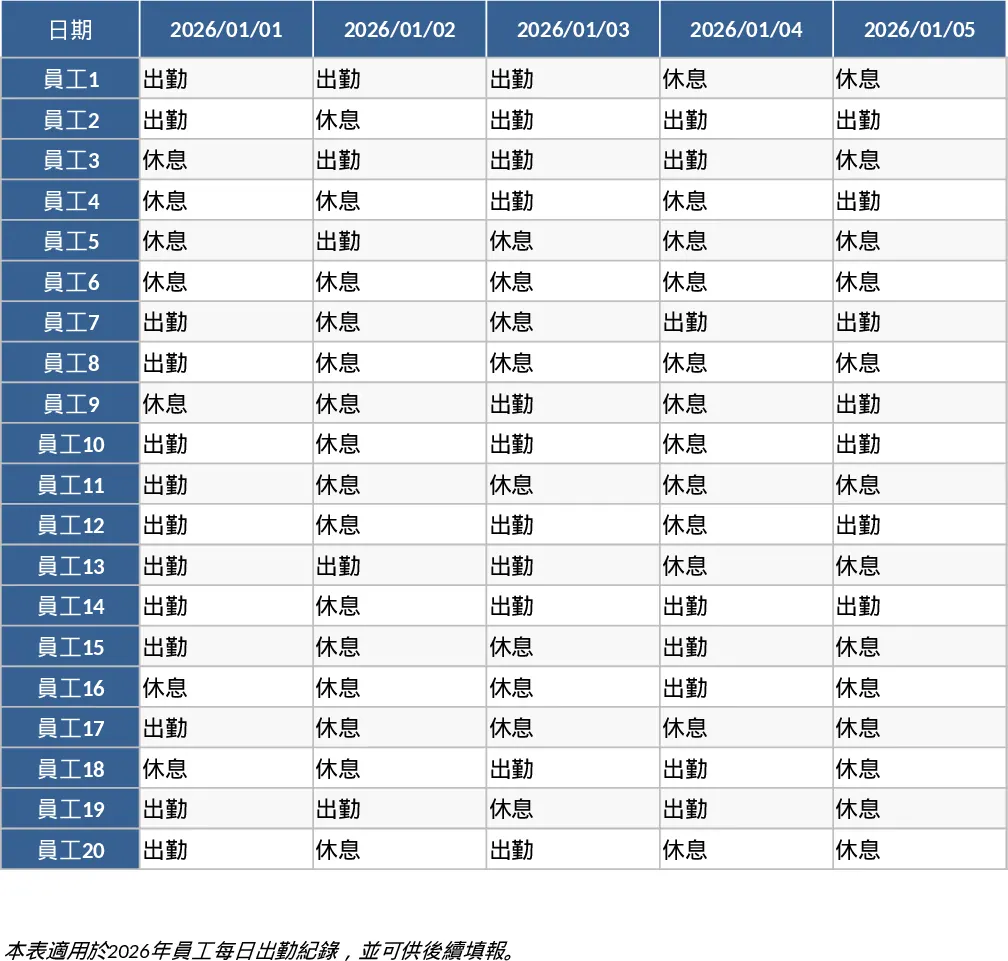
2026 Daily Employee Attendance Tracker Template
Monitor daily attendance for up to 20 employees throughout 2026 with a clear visual layout to track work status, leaves, and absences.
Employee Attendance and Overtime Tracker Template
Monitor daily employee attendance and automate overtime calculations to ensure accurate payroll processing and labor compliance.