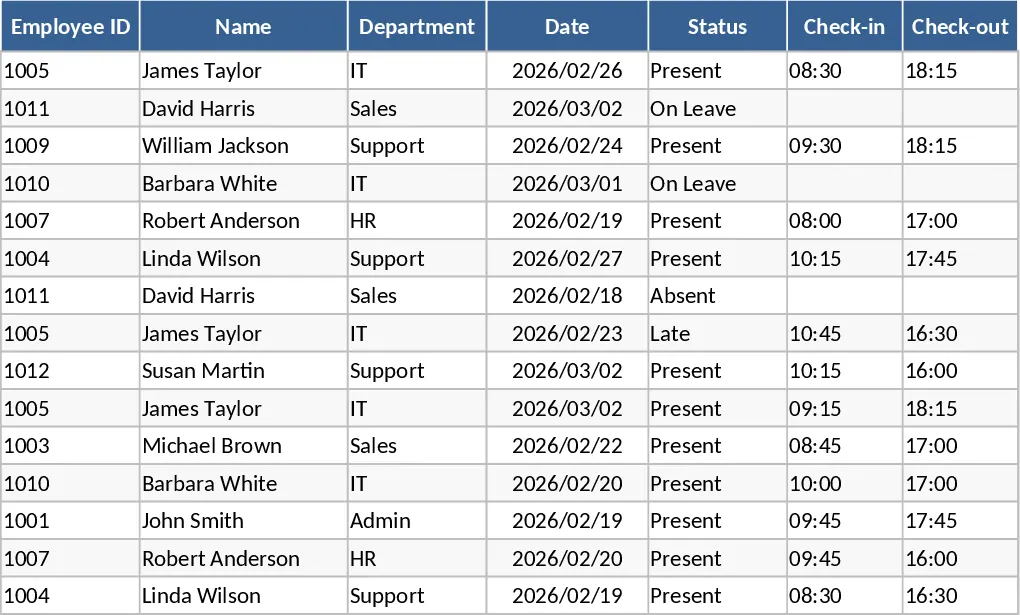
2026 Daily Employee Attendance Tracker Template
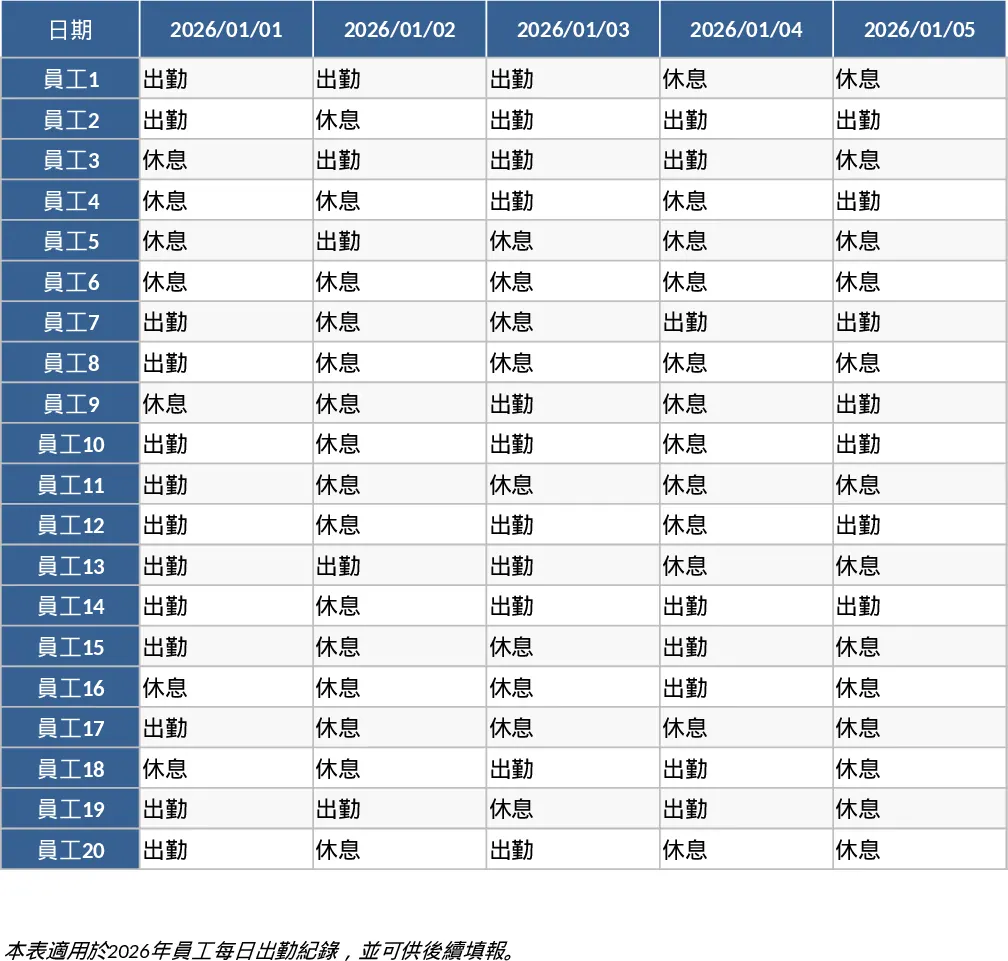
The 2026 Daily Attendance Record for 20 Employees is a comprehensive and intuitive management tool specifically crafted to help small business owners, HR administrators, and team leads maintain a precise log of their workforce's daily activities. The template is organized into a clean, grid-based layout where the horizontal axis represents the 365 days of 2026 and the vertical axis lists your team members. It features built-in data validation through dropdown menus, ensuring that entries remain consistent across the board. You can easily track various statuses such as full-day presence, half-day leaves, medical absences, or remote work arrangements. The template also includes automated calculation logic that transforms daily entries into meaningful monthly and annual statistics, giving you a high-level view of your team's commitment and availability.
In a fast-paced work environment, keeping track of who is in and who is out can become a logistical challenge. This template addresses this by providing a single source of truth that eliminates the need for messy paper logs or complicated, expensive attendance software. It is exceptionally useful for small teams where every member's presence is critical for daily operations. By using this tool, you can proactively manage leave requests, ensure that no two critical team members are away at the same time, and maintain a fair record of attendance that can be referenced during performance reviews. It also simplifies the month-end payroll process by providing ready-to-use totals for billable days and leave deductions, thereby reducing the administrative burden on management.
This tracker is ideal for various scenarios, such as managing a small retail staff, a creative agency team, or a startup department. It helps you visualize patterns, such as frequent Friday absences or seasonal leave trends, allowing for better resource planning. The structure is flexible enough to accommodate different types of leave policies, making it a versatile asset for any organization that values transparency and organized record-keeping. By centralizing this data, you ensure that both the employer and the employee have a clear understanding of work history, which fosters a more professional and accountable workplace culture.
How to use:
- Begin by entering your team's names in the employee list section; these names will automatically populate the daily tracking rows for the entire year.
- Each day, simply click on the cell corresponding to an employee and the current date, then select the appropriate status from the dropdown menu, such as Present, Sick Leave, or Personal Leave.
- Use the built-in summary tabs to review monthly performance; the template will automatically count the number of days worked and the number of leaves taken for each person.
- At the end of the year, use the annual overview to analyze total attendance trends and prepare for the upcoming year's scheduling.
Expected benefits: You can expect to save several hours each month on HR administration while gaining a much clearer insight into your team's attendance patterns and overall availability.
Similar Templates Recommendation
Attendance Tracker with Dashboard Template
Track daily employee attendance, monitor leave types, and generate monthly summaries to streamline payroll and workforce management.
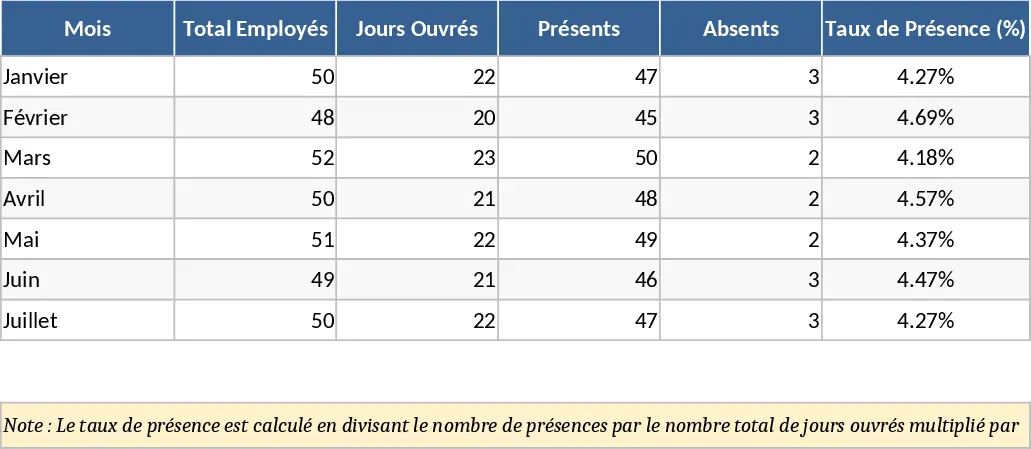
Employee Attendance, Absence, and Leave Tracker Template
Track employee attendance, monitor lateness, and manage leave requests for March 2026 with this streamlined office attendance log.
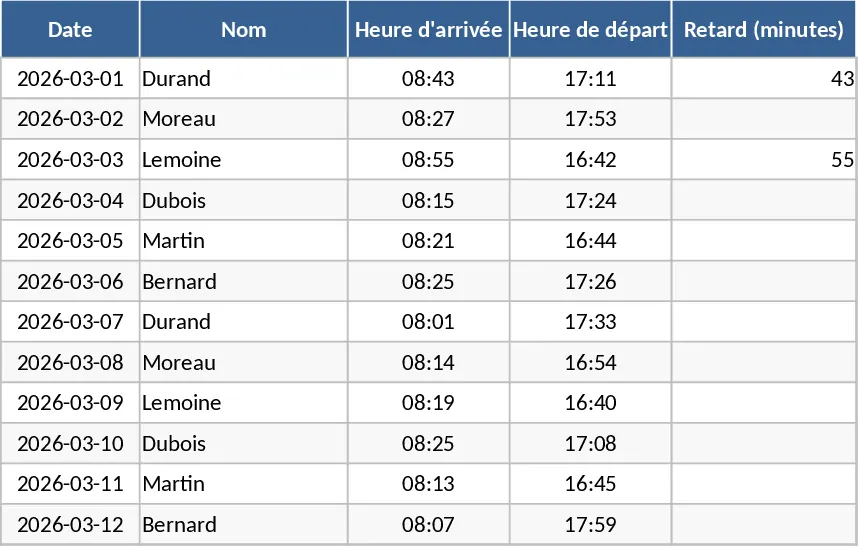
Attendance Tracker with Attendance Log Template
Track daily attendance, monitor absences, and manage participation for employees or students with this organized and automated tracking sheet.