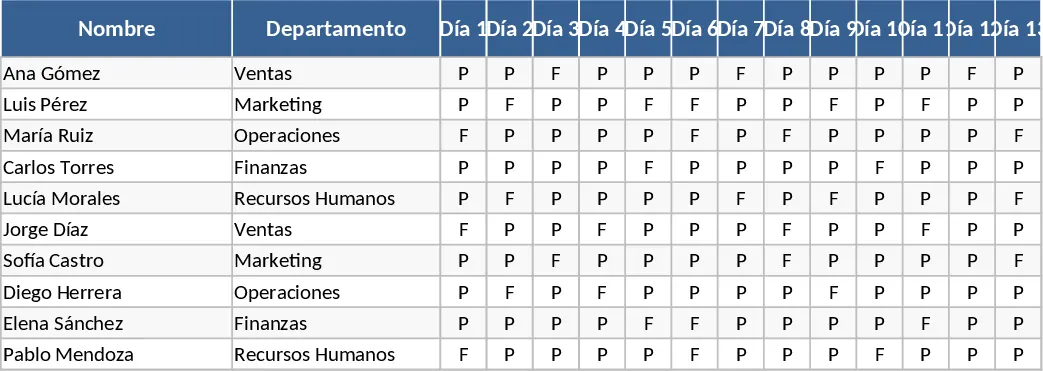
Attendance Tracker with Attendance Log Template
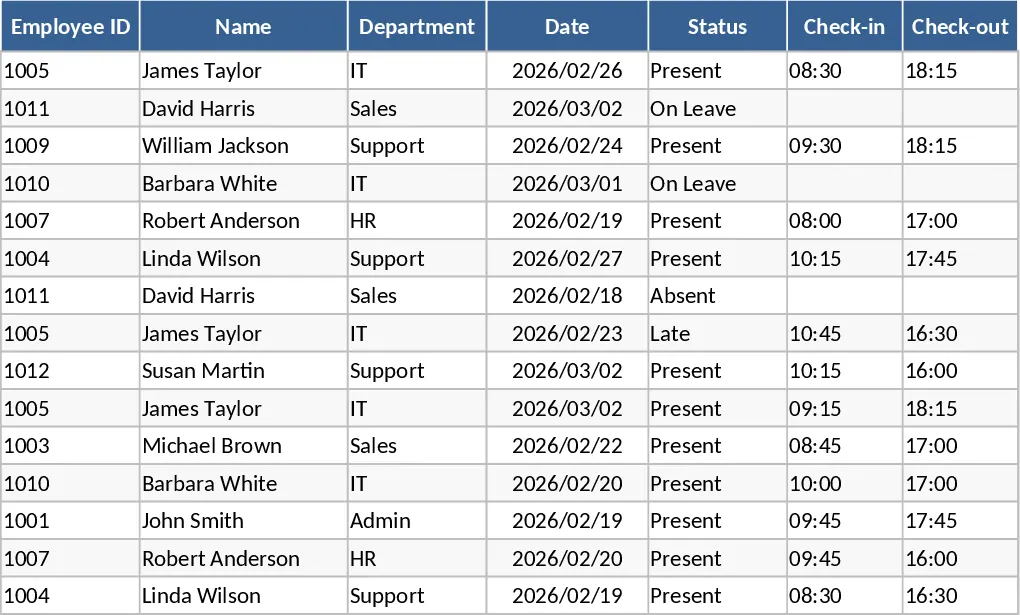
This comprehensive attendance sheet provides a structured and professional framework for recording presence and absence across any group of individuals. The template is designed with a clean, intuitive layout featuring a main tracking sheet, a participant roster, and a summary dashboard. You will find dedicated columns for names, identification numbers, and dates, along with convenient dropdown menus that allow you to quickly mark statuses such as Present, Absent, Late, or Excused. The automated backend ensures that every entry is instantly tallied, providing you with real-time percentages and totals for each person and the group as a whole.
Managing attendance manually or through disorganized notes often leads to data entry errors and significant time loss, especially when dealing with large teams or busy classrooms. This template solves these common pain points by centralizing all participation data in one accessible Excel file. It is particularly useful for HR managers who need to track employee shifts and leave, teachers who manage student rosters across multiple terms, or project leads who need to monitor team availability for meetings. By using this digital log, you eliminate the clutter of paper sheets and ensure that your records are accurate, searchable, and easy to back up. In a professional setting, attendance is often tied directly to productivity and resource planning. When you know exactly who is available, you can allocate tasks more effectively and ensure that deadlines are met without overworking the present staff.
The utility of this sheet extends beyond simple check-marks; it helps you identify behavioral patterns and trends. For instance, you can quickly spot if a specific employee is frequently late on Mondays or if a student has missed a critical number of sessions. This level of insight is invaluable for performance reviews, payroll processing, and maintaining organizational accountability. It serves as a single source of truth that can be shared with stakeholders or used to generate professional reports for management at the end of each month or quarter. For educational environments, consistent attendance is a primary indicator of student success, making this tool a vital part of academic intervention strategies. The template’s flexibility allows it to adapt to various schedules, whether you operate on a standard five-day work week or a more complex shift rotation.
By maintaining these records digitally, you also simplify the process of historical analysis. Instead of digging through old folders, you can filter data by month, quarter, or individual to see long-term improvements or declines in participation. This data-driven approach fosters a culture of transparency and fairness, as all attendance records are based on objective, documented entries. Whether you are running a small business, a school department, or a recurring workshop, this tool helps you maintain accountability and transparency.
How to use:
- Begin by populating the participant roster with names and any necessary contact or ID information to set up your tracking base.
- Adjust the date headers to match your current tracking period and customize the status dropdowns if you require specific categories like Work From Home or Field Trip.
- On a daily basis, select the correct status from the dropdown menu for each individual; the sheet will automatically color-code the cells for better visibility.
- Check the summary tab to view automated calculations of attendance rates and total days present for each participant.
Expected benefits: You can expect to save hours of manual calculation time each month while gaining a much clearer picture of attendance health across your organization.
Similar Templates Recommendation
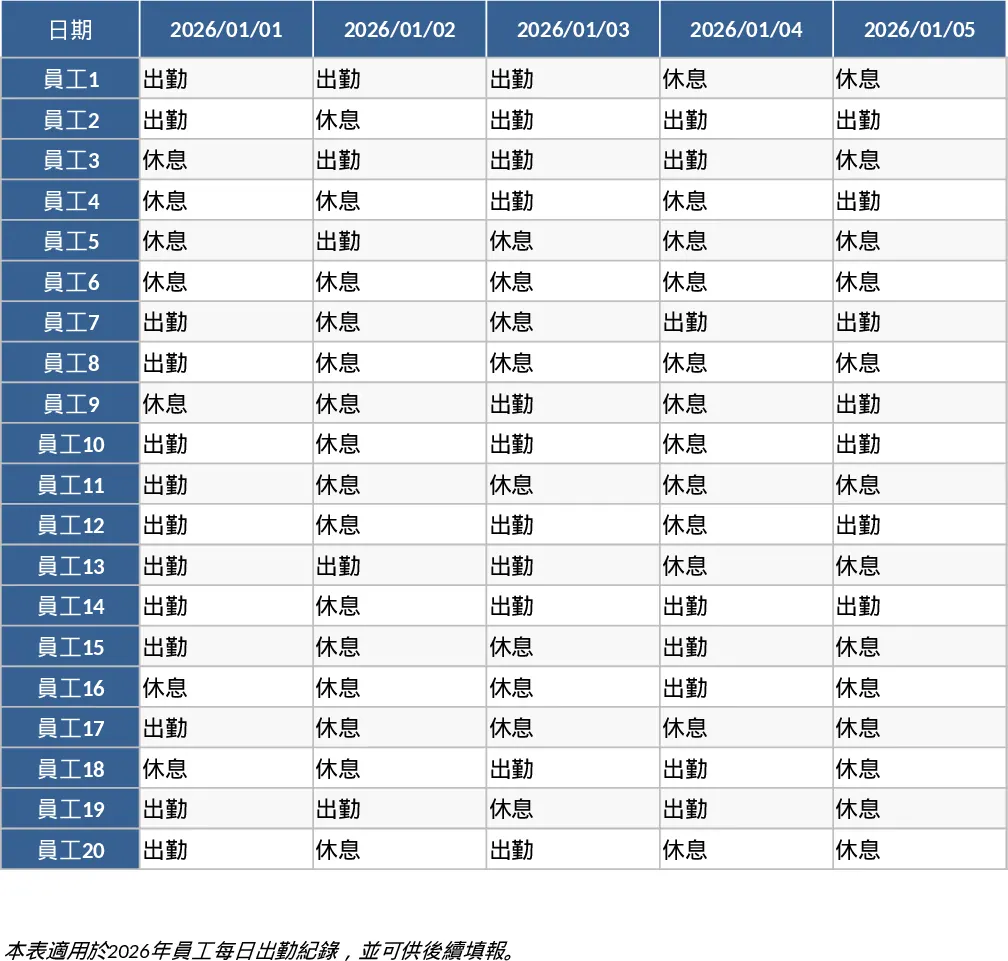
2026 Daily Employee Attendance Tracker Template
Monitor daily attendance for up to 20 employees throughout 2026 with a clear visual layout to track work status, leaves, and absences.
Monthly Attendance Sheet Template
Track daily employee attendance, monitor leave types, and generate monthly summaries to simplify payroll preparation and workforce management.