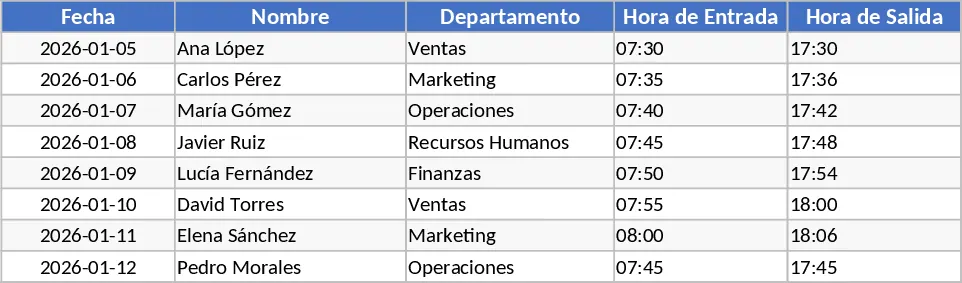
Attendance Tracker with Dashboard Template
This comprehensive attendance tracking template is designed to simplify the way you monitor your team's daily presence and leave. It consists of a multi-sheet structure that includes an employee database, a daily attendance log, and a dynamic summary dashboard. Within the daily log, you will find key fields such as employee ID, department, date, and a status dropdown menu. These dropdowns allow you to quickly categorize time as regular work hours, overtime, sick leave, paid time off, or even remote work. The template is built to handle various workforce sizes, making it a versatile tool for any growing organization.
In a busy work environment, keeping track of who is in the office and who is away can become a logistical nightmare. This template solves that problem by providing a single source of truth for all attendance-related data. It eliminates the need for paper sign-in sheets and reduces the risk of data loss. By having a digital record, you can easily filter data by department or date range, which is essential for calculating monthly payroll and ensuring that everyone is paid correctly for their time. The clarity provided by this tool helps in maintaining transparency between management and staff regarding leave balances and attendance expectations.
This template is an ideal solution for HR managers, department heads, and small business owners who need to maintain professional records without investing in expensive software. Whether you are managing a small retail team or a large corporate department, the ability to see attendance trends at a glance is invaluable. It helps you identify high-performing employees with perfect attendance and flag potential issues before they impact team productivity. Furthermore, it serves as a historical record that can be used during annual performance reviews or for legal compliance purposes.
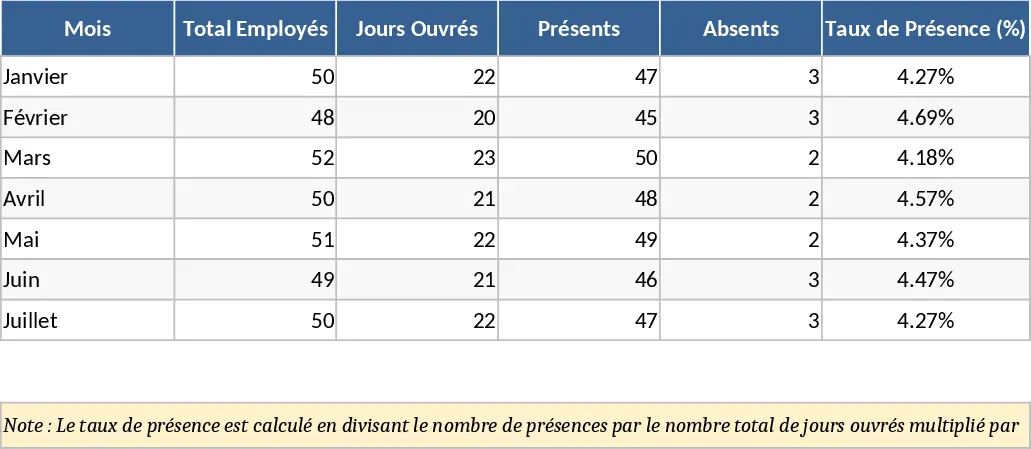
Beyond just tracking who is here, the template allows you to manage complex scenarios like partial days or specific types of leave. This level of detail is crucial for workforce planning, as it helps you understand your team's actual capacity. By seeing when most people take their vacations, you can better manage project deadlines and avoid understaffing during peak periods. The automated summary outputs provide visual representations of attendance rates, making it easy to present data to stakeholders or include in monthly HR reports.
How to use: Start by navigating to the Settings or Employee sheet to input your staff names, IDs, and departments; you can also customize the attendance codes here to fit your specific needs. On a daily or weekly basis, go to the Attendance Log and select the correct status for each employee from the pre-configured dropdown menus. Once the data is entered, visit the Summary or Dashboard sheet to view the automatically generated reports, which will show you total days worked, absences, and leave distributions for any given period. You can then export or print these summaries for your payroll processing or internal records.
Expected benefits: You can expect to save several hours each month on administrative tasks while significantly improving the accuracy of your workforce data.
Similar Templates Recommendation
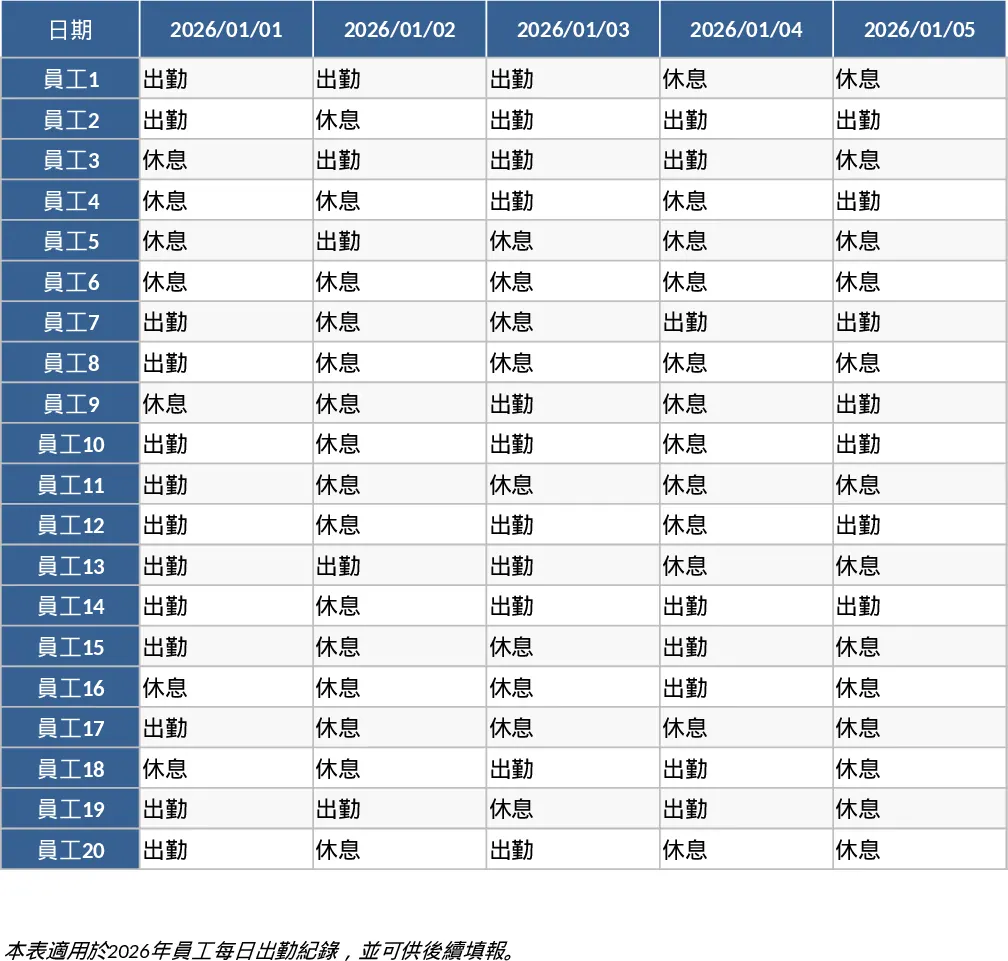
2026 Daily Employee Attendance Tracker Template
Monitor daily attendance for up to 20 employees throughout 2026 with a clear visual layout to track work status, leaves, and absences.
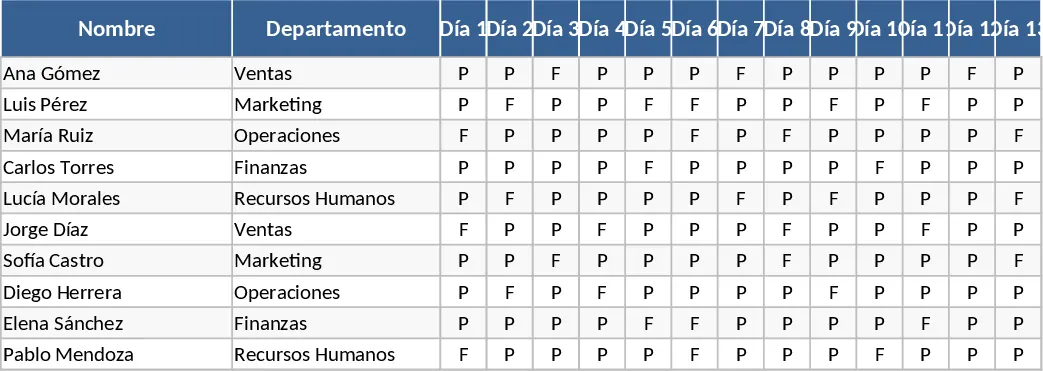
Monthly Attendance Sheet Template
Track daily employee attendance, monitor leave types, and generate monthly summaries to simplify payroll preparation and workforce management.
Employee Attendance and Overtime Tracker Template
Monitor daily employee attendance and automate overtime calculations to ensure accurate payroll processing and labor compliance.