Project Task and Progress Tracker Template
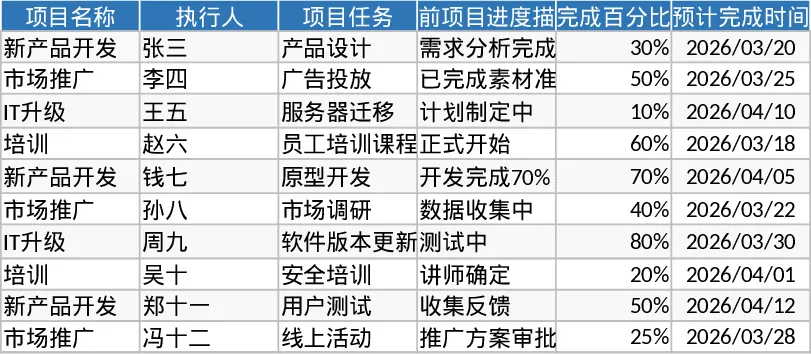
Managing multiple projects simultaneously requires a high level of organization and a reliable way to communicate status updates to stakeholders. This Project Management Progress Report Template serves as a centralized hub for all your project-related data, ensuring that no task falls through the cracks. The template is structured with intuitive columns for project names, task breakdowns, and assigned owners, making it easy to see exactly who is responsible for what at any given moment. By centralizing this information, the template eliminates the need for scattered emails or fragmented updates, allowing everyone involved to stay on the same page regarding current status and upcoming milestones.
One of the primary benefits of this template is its ability to transform raw task lists into actionable insights. By tracking completion percentages and providing space for detailed progress descriptions, it allows project leads to move beyond simple binary statuses. You can capture the nuances of a project's evolution, noting specific achievements or hurdles encountered during the execution phase. This level of detail is invaluable during team syncs or when reporting to upper management, as it provides a factual basis for all project discussions. It helps solve the common problem of status ambiguity by requiring specific progress descriptions and completion percentages, allowing you to identify potential delays early and reallocate resources where necessary.
This tool is ideal for project managers, department heads, and small business owners who need to maintain oversight without getting bogged down in overly complex software. It is particularly effective in fast-paced environments where timelines are tight and clear communication is the key to success. By using this template, you can foster a culture of accountability within your team, as every member can see their specific tasks and how their progress contributes to the overall project goals. The inclusion of estimated completion dates ensures that your planning remains realistic and that team members are held accountable for their specific contributions.
How to use:
- Define your project scope by listing all major tasks and sub-tasks in the designated task column and input the names of the executors for each.
- Establish realistic estimated completion dates for each task to build out your project timeline.
- Update the completion percentage and progress description fields at regular intervals to reflect the most current status of the work.
- Review the consolidated data to identify any tasks that are falling behind schedule and use these insights to guide your team's internal status meetings.
Expected benefits: This template significantly reduces the time spent on manual reporting and status meetings, leading to a more transparent and efficient project lifecycle.
Similar Templates Recommendation
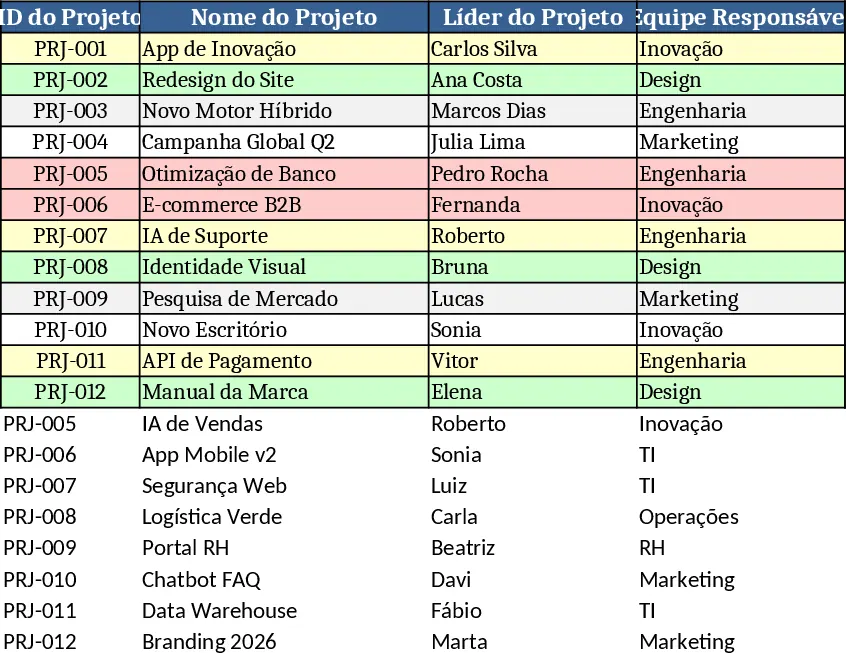
Strategic Project Activities Tracking Template
Manage strategic project tasks with visual status indicators to track responsibilities, deadlines, and progress across multiple initiatives.
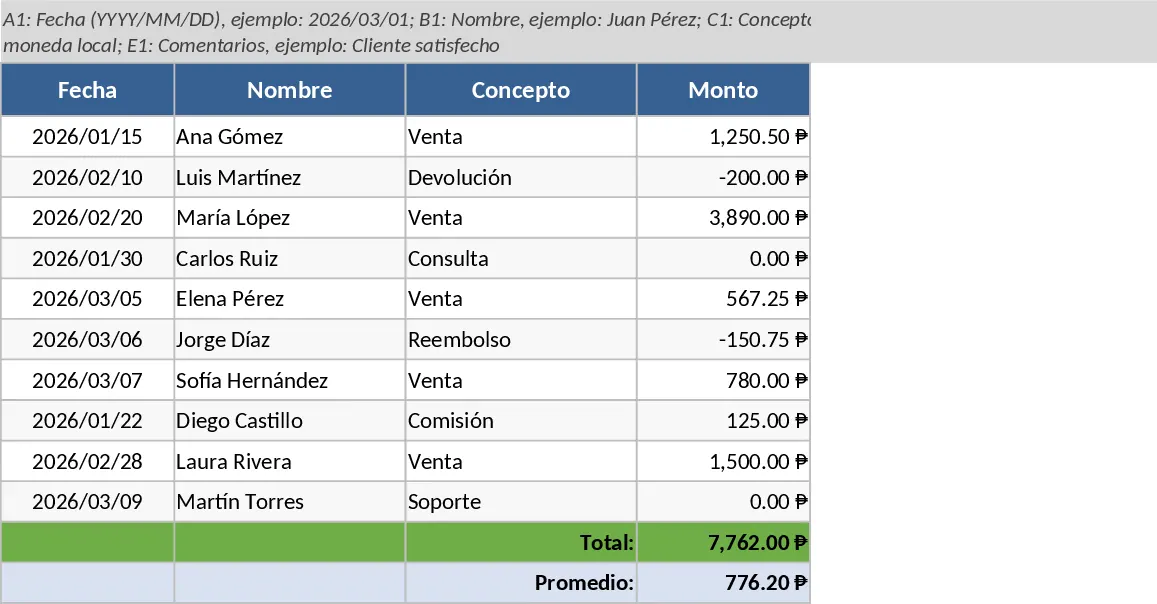
Project Activity Tracking and Status Template
Manage project tasks and timelines with this structured activity log featuring automated status color-coding for leaders and team members.
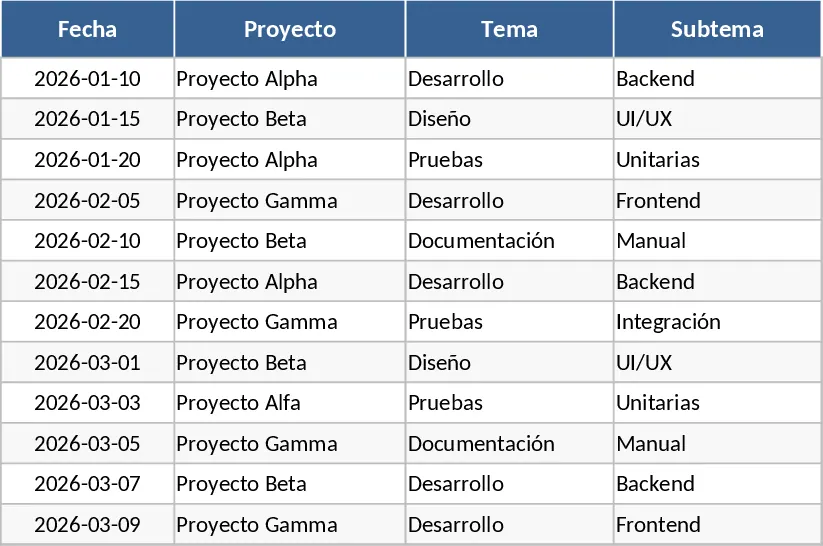
Innovation Project Management Dashboard Template
Track and monitor innovation projects with automatic task completion rates, status alerts, and a visual dashboard of performance metrics.