Strategic Project Activities Tracking Template
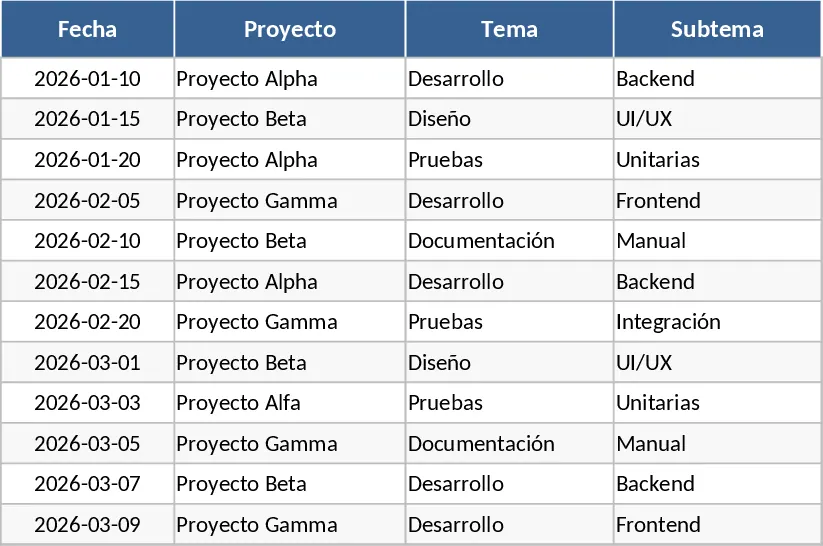
This Strategic Project Activities template provides a comprehensive and structured framework for managing high-level initiatives alongside their granular daily tasks. The layout is specifically designed to handle complex project environments by breaking down work into a clear hierarchy of projects, topics, and subtopics. This ensures that every individual activity is accounted for and aligned with the broader organizational goals. With dedicated columns for project names, themes, and individual responsibilities, it serves as a professional single source of truth for team coordination and executive reporting.
The core functionality of the template lies in its visual status engine. By utilizing automated conditional formatting, the tracker provides immediate insights into the health of your projects without requiring manual formatting. The system is pre-configured to highlight different stages of work: gray for tasks not yet started, light blue for active progress, yellow for items in the backlog, red for overdue deadlines, and green for successful completion. This visual hierarchy allows managers and stakeholders to scan the document in seconds and identify exactly where bottlenecks are occurring or where resources need to be reallocated.
By centralizing your strategic roadmap in this format, you eliminate the need for fragmented communication and constant status update meetings. The template helps you identify risks early—such as overdue tasks that might impact the critical path—allowing for proactive management. It is particularly useful for cross-functional teams where clear ownership and timeline visibility are essential for maintaining momentum. Whether you are overseeing a corporate digital transformation, launching a new product line, or managing internal organizational changes, this tool keeps your strategic objectives perfectly aligned with daily execution.
Beyond just tracking dates, the template includes a dedicated comments section for each activity. This allows team members to provide context, explain delays, or note dependencies, ensuring that the history of a task is preserved. The professional design makes it suitable for sharing in stakeholder presentations or using as a live dashboard during weekly syncs. It transforms a simple list of tasks into a dynamic management tool that promotes accountability and transparency across the entire project lifecycle.
How to use:
- Define your project structure by filling in the Project, Topic, and Subtopic columns to categorize your strategic initiatives.
- Assign a Responsible person for each task and enter the specific Start and End dates to establish a clear timeline for execution.
- Update the Status column using the predefined dropdown menu; the cell will automatically change color based on your selection to provide instant visual feedback.
- Use the Comments field to document progress notes or blockers, and regularly review the red-highlighted overdue tasks to keep the project on schedule.
Expected benefits: Improved project visibility and significant time saved on manual status reporting through automated visual cues.
Similar Templates Recommendation
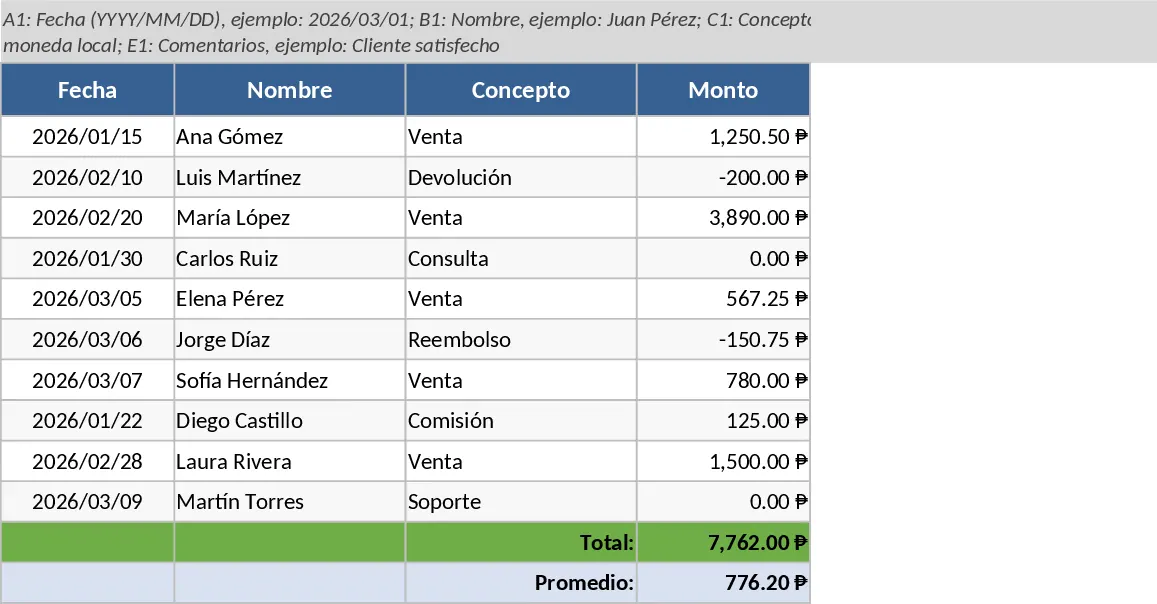
Project Activity Tracking and Status Template
Manage project tasks and timelines with this structured activity log featuring automated status color-coding for leaders and team members.
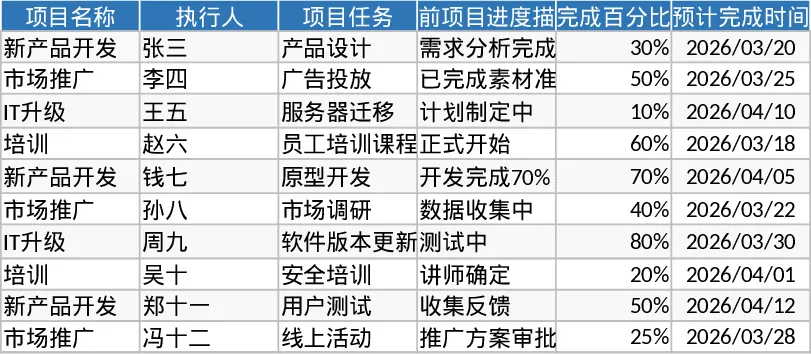
Project Task and Progress Tracker Template
Efficiently track project tasks, assignees, and completion percentages while monitoring timelines and progress updates to ensure timely delivery.
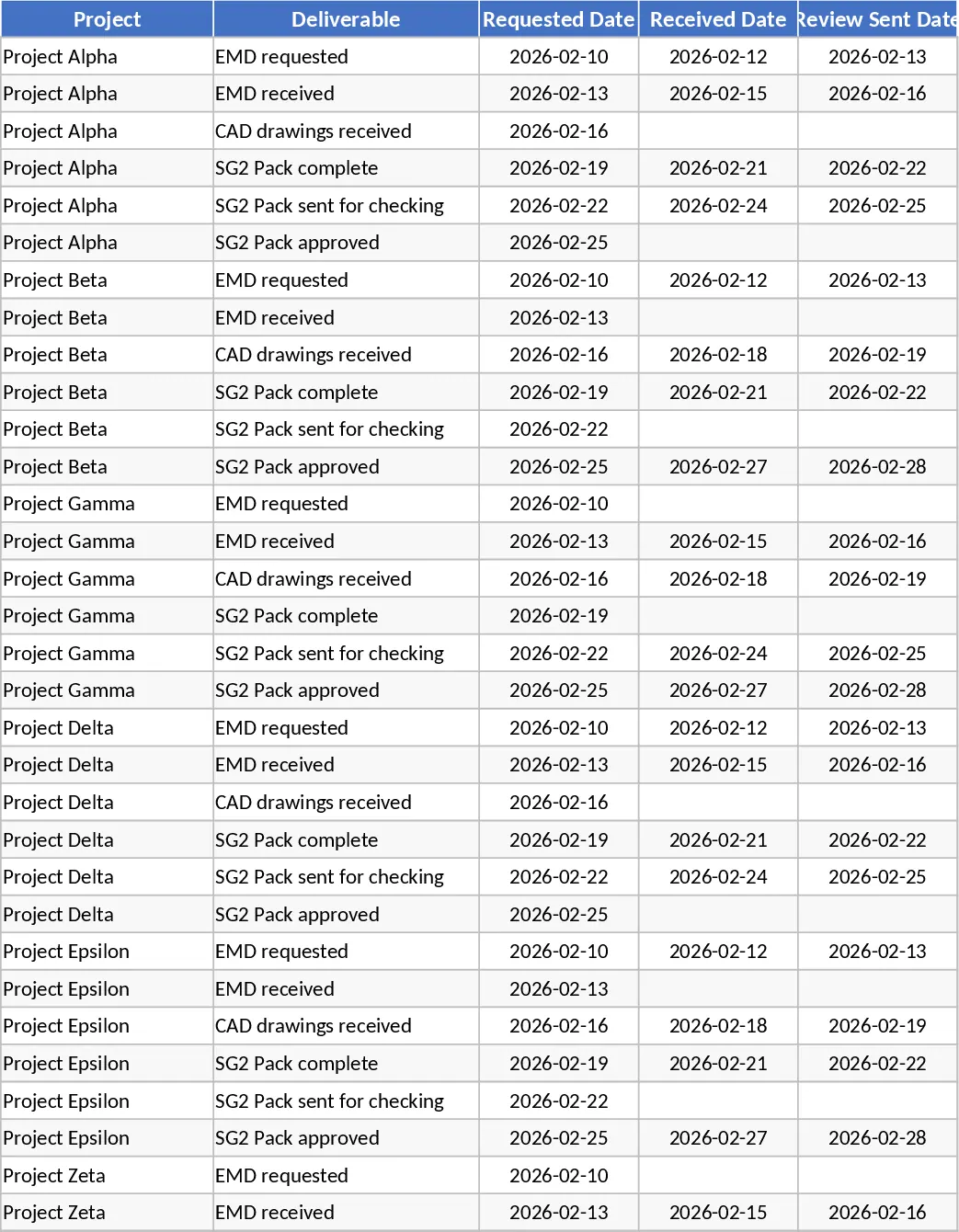
Project Deliverables Request and Review Tracker Template
Track project deliverables from initial request to final approval with status indicators for overdue items and review stages.