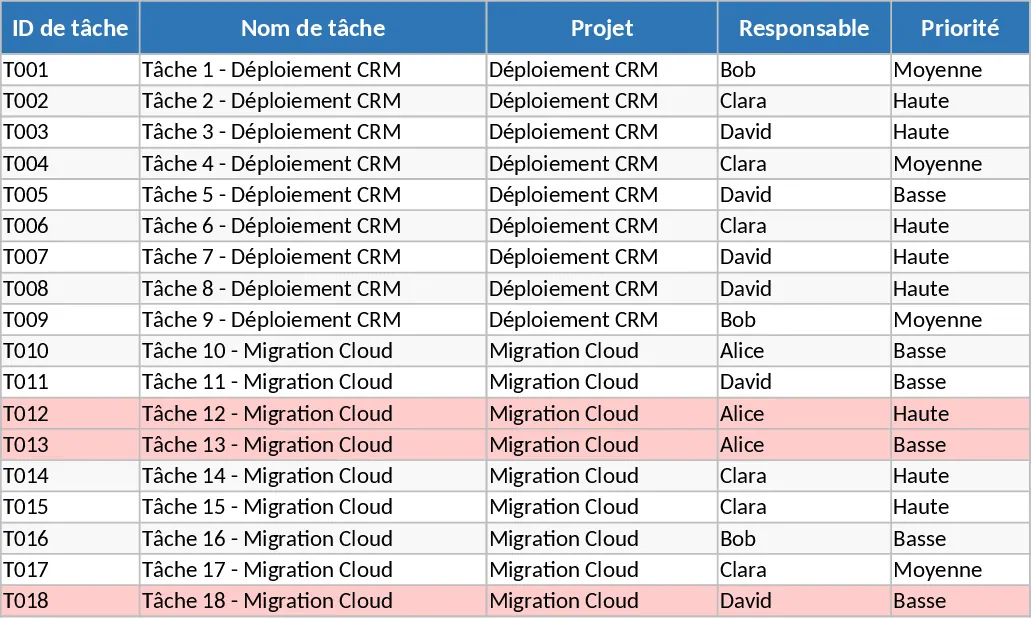
Project Activity Tracking and Status Template
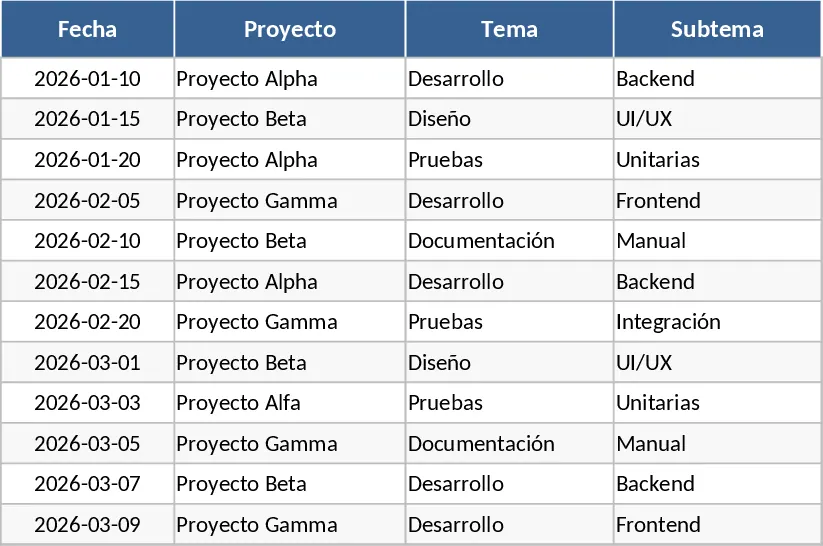
Managing multiple projects across different departments requires a high level of organization and a clear visual representation of progress. This Project Activity Tracking template is designed specifically for company leaders and project managers who need a centralized, easy-to-use tool to monitor task execution across their teams. By standardizing how activities are reported, you eliminate the confusion of disparate spreadsheets and ensure that everyone is aligned on deadlines, ownership, and current progress. It serves as a single source of truth that can be shared across the organization to maintain transparency and momentum.
The template is built around a clean, tabular layout that captures the essential data points for any project phase. It includes dedicated columns for Topic and Subtopic to help categorize work into logical groups, Activity for specific task descriptions, and Responsible to ensure clear ownership. The timeline is managed through Start Date and End Date fields, which provide a clear window for execution. One of the standout features is the built-in conditional formatting logic within the Status column. As users update the progress, the cells automatically change color: To Start appears in yellow, Pending or Backlog in gray, Overdue in red, and Complete in green. This visual dashboard allows leaders to identify bottlenecks at a glance without needing to read through every individual comment or row.
This tool is ideal for department heads who need to report up to executives, or for project managers overseeing cross-functional teams. It serves as a bridge between high-level strategy and daily execution. Whether you are managing a marketing campaign, a software rollout, or internal process improvements, this template provides the structure needed to keep the momentum going. It is particularly useful in weekly sync meetings or monthly reviews where a quick, visual status update is required to keep stakeholders informed. The inclusion of a Comments section ensures that qualitative data, such as blockers or specific updates, is captured alongside the quantitative status.
The primary benefit of this template is the significant reduction in manual reporting effort. Instead of drafting long emails or creating complex slide decks for every update, leaders can simply update their specific rows in the shared Excel file. The color-coded status system acts as an early warning system; seeing a cluster of red Overdue tasks prompts immediate action and resource reallocation before a project falls behind schedule. It also fosters a culture of accountability, as every task has a named owner and a clear deadline visible to the entire leadership team.
How to use:
- Start by entering your project categories in the Topic and Subtopic columns to organize your workflow into manageable sections.
- List the specific activities required for each phase and assign a team member to the Responsible column to establish clear ownership.
- Input the planned Start and End dates for each task to establish your project timeline and enable deadline tracking.
- As work progresses, update the Status column using the predefined options to trigger the automatic color changes and add any relevant notes in the Comments section for context.
Expected benefits: This template helps reduce the time spent on status updates by providing a clear, visual overview of all active projects, leading to faster decision-making and improved team accountability.
Similar Templates Recommendation
Strategic Project Activities Tracking Template
Manage strategic project tasks with visual status indicators to track responsibilities, deadlines, and progress across multiple initiatives.
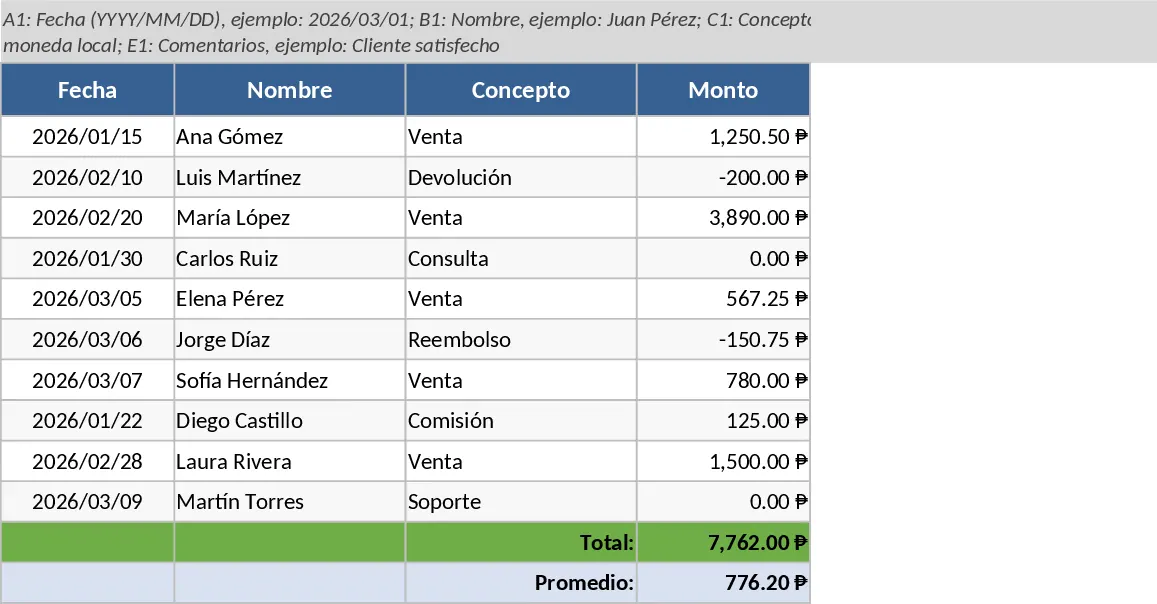
Project Task and Progress Tracker Template
Efficiently track project tasks, assignees, and completion percentages while monitoring timelines and progress updates to ensure timely delivery.
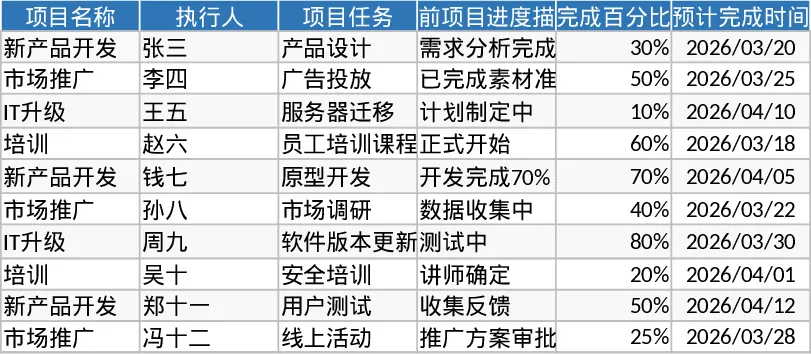
Project Task Tracker and Status Dashboard with Conditional Formatting Template
Track project tasks and team performance with automated status summaries, priority management, and visual alerts for overdue deadlines.