Project Task Tracker and Status Dashboard with Conditional Formatting Template
Managing multiple projects simultaneously requires more than just a simple list; it demands a structured system that highlights priorities and identifies bottlenecks before they derail your timeline. This Project Task Tracker is designed to bridge the gap between simple to-do lists and complex management software, providing a robust Excel-based environment to monitor every moving part of your workflow. By centralizing your data, you eliminate the confusion of scattered emails and spreadsheets, creating a single source of truth for your entire team. This template is particularly effective for those who need to manage cross-functional teams where clear ownership and deadline visibility are paramount to success.
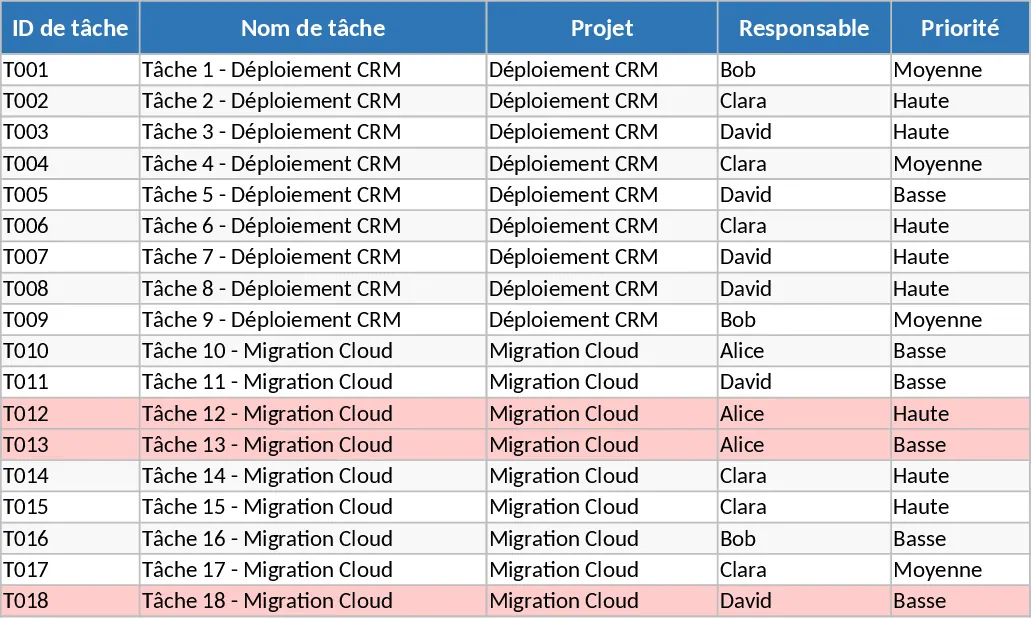
The template is built around two core components that work in harmony. The Tasks sheet serves as your operational hub, where you can define task IDs, assign owners via intuitive dropdown menus, and set clear priorities ranging from High to Low. It includes dedicated fields for estimated versus actual hours, allowing for precise resource tracking and post-project analysis. To ensure nothing slips through the cracks, the sheet uses automated conditional formatting to highlight overdue tasks in red—specifically those where the due date has passed and the status is not yet marked as completed. This visual cue is vital for maintaining momentum in fast-paced environments and ensures that critical path items are never ignored.
The Project Overview sheet transforms your raw data into actionable insights through automated summaries. Instead of manually calculating progress, you get a high-level dashboard showing total tasks, completion percentages, and overdue counts categorized by team member. This view is essential for balancing workloads and identifying which team members might need additional support. Furthermore, the status summary gives you a bird's-eye view of your project pipeline, showing exactly how many tasks are blocked or in progress. A dedicated Overdue Tasks table pulls the most critical data points into one place, making it the perfect reference for daily stand-ups or weekly status meetings. The inclusion of dependency tracking and notes sections ensures that the context behind every delay or requirement is preserved for future reference.
This tool is particularly beneficial for project managers, department heads, and small business owners who need professional-grade tracking without the complexity of specialized software. Whether you are managing a multi-phase marketing campaign, a software development sprint, or internal administrative operations, this template helps you maintain accountability and transparency. By tracking dependencies and notes alongside core metrics, you ensure that every team member understands the sequence of work and the context behind specific tasks, leading to fewer communication breakdowns and a more cohesive project lifecycle.
How to use:
- Begin by populating the Tasks sheet with your current project list. Use the dropdown menus to assign responsibilities and set the initial status for each item, ensuring every task has a clear owner.
- Enter the start and due dates for every task; the template will automatically monitor these dates against the current day to flag any potential delays with red highlighting.
- As work moves forward, update the Actual Hours and Status columns. This ensures your progress percentages and workload summaries on the overview sheet remain accurate and reflective of real-time progress.
- Consult the Project Overview sheet frequently to monitor team performance and use the Overdue table to prioritize your immediate follow-ups and resource adjustments during team check-ins.
Expected benefits: You can expect to save hours each week on manual status reporting while significantly reducing the risk of missed deadlines through proactive visual management and centralized team tracking.
Similar Templates Recommendation
Comprehensive Project Task Tracker and Status Dashboard with Conditional Formatting Template
Organize project workflows and monitor team performance with automated status summaries and visual alerts for overdue tasks.
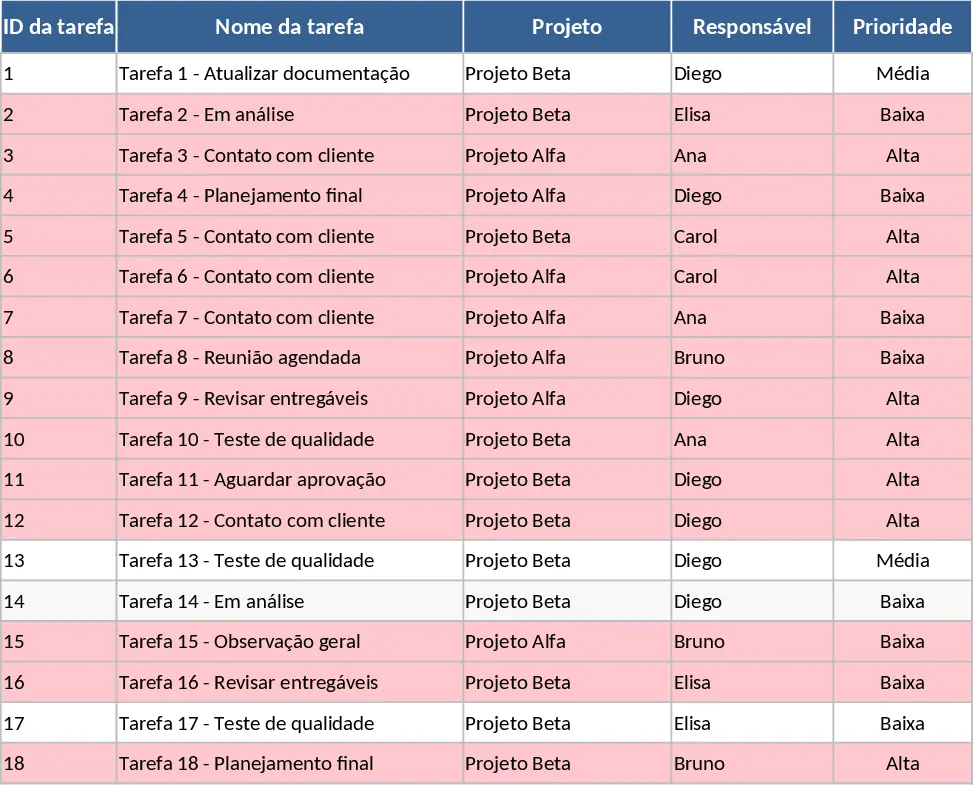
Project Task Tracker with Dashboard Template
Efficiently manage project timelines and team workloads with this comprehensive task tracker featuring automated status summaries and overdue task alerts.
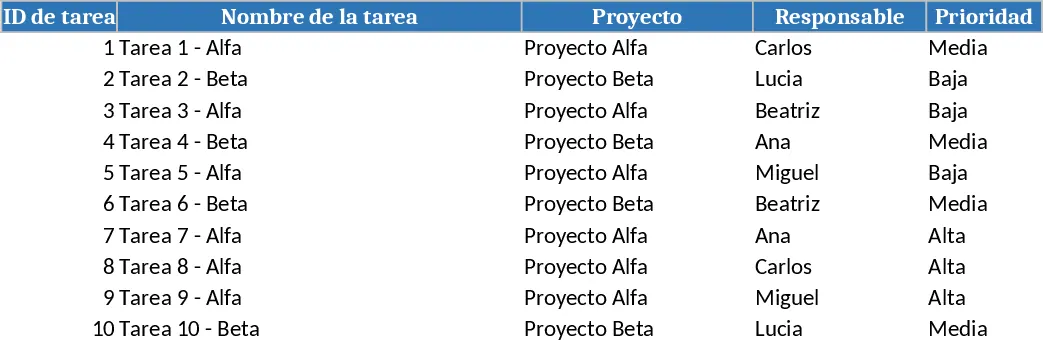
Project Task Tracker with Status Overview Template
Manage project timelines and team workloads with this comprehensive task tracker featuring automated status summaries and overdue task alerts.