Employee Payroll and Salary Calculator Template
Managing payroll is one of the most critical yet time-consuming tasks for any growing business. This Salary Calculator Excel template provides a robust, structured framework to handle employee compensation with precision and ease. By centralizing employee data, pay parameters, and time tracking, it eliminates the need for scattered spreadsheets and reduces the risk of manual calculation errors. Whether you are managing a small team of hourly contractors or a mix of full-time salaried staff, this tool offers the flexibility to adapt to your specific business needs while maintaining a professional record of every pay cycle.
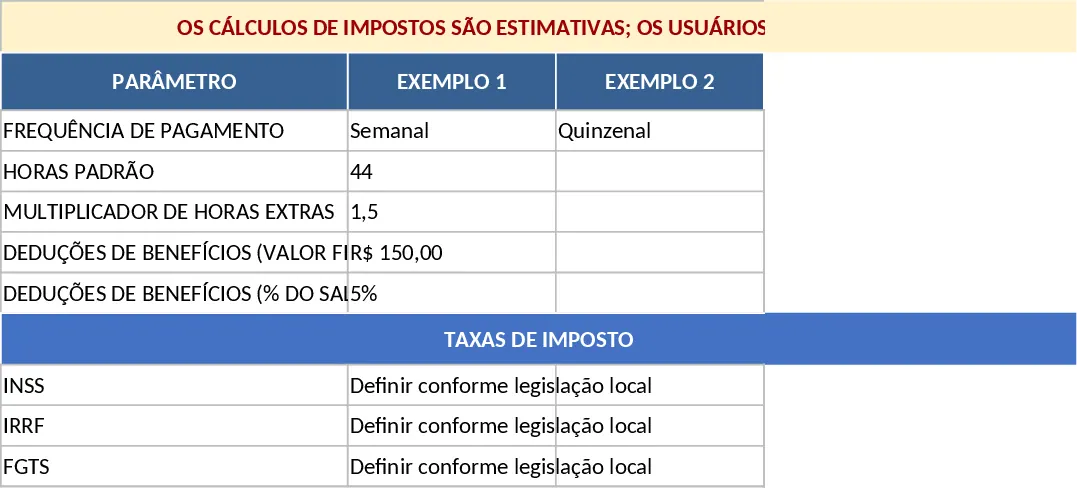
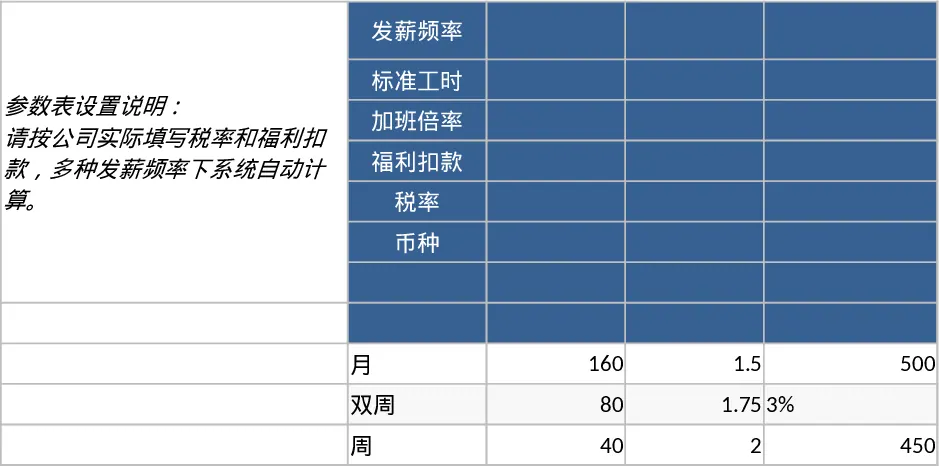
The template is organized into four intuitive sheets designed to flow logically from setup to final output. The Parameters sheet acts as the brain of the workbook, where you define global variables such as pay frequency, standard working hours, and overtime multipliers. It also includes dedicated sections for benefit deductions and tax rate placeholders, ensuring that your calculations remain consistent across the board. The Employees sheet serves as your master database, allowing you to store essential information like pay types, bank details, and employment status. For operational tracking, the Time_Inputs sheet provides a clear space to log hours worked, bonuses, and reimbursements for each specific period. Finally, the Pay_Statement sheet aggregates all this data into a comprehensive summary, showing gross pay, pre-tax and post-tax deductions, and the final net pay for every individual.
This tool is particularly useful for small business owners, HR managers, and startup founders who need a professional payroll solution without the high cost of specialized software. It solves the common problem of tracking different pay structures—such as distinguishing between those on an annual salary versus those on an hourly rate—within a single document. By using this template, you can ensure that overtime is calculated correctly and that all bonuses or reimbursements are accounted for before the final payout. It provides a clear audit trail that is invaluable during tax season or internal financial reviews.
How to use this template:
- Start in the Parameters sheet to define your company’s standard work week, overtime rates, and estimated tax percentages based on your local jurisdiction.
- Fill out the Employees sheet with your team's details, making sure to select the correct pay type (Hourly or Salary) from the dropdown menus to trigger the appropriate calculations.
- For each pay period, enter the hours worked and any additional earnings like bonuses or travel reimbursements into the Time_Inputs sheet.
- Navigate to the Pay_Statement sheet to view the automatically generated payroll summary. You can filter by employee or period to review the final net amounts before processing payments.
Please note that the tax calculations within this template are intended as estimates based on the placeholder values you provide. It is essential that users configure these tax rates and deduction rules to strictly comply with their specific local, state, and federal laws and regulations.
By implementing this template into your monthly workflow, you can expect to significantly reduce the time spent on manual data entry and gain better visibility into your total labor costs. It provides a reliable, repeatable process that brings professional-grade organization to your human resources and accounting tasks.
Similar Templates Recommendation
Payroll Calculator and Pay Stub Template
Manage employee hours, calculate gross and net pay, and track benefit deductions with this comprehensive and customizable payroll calculator.
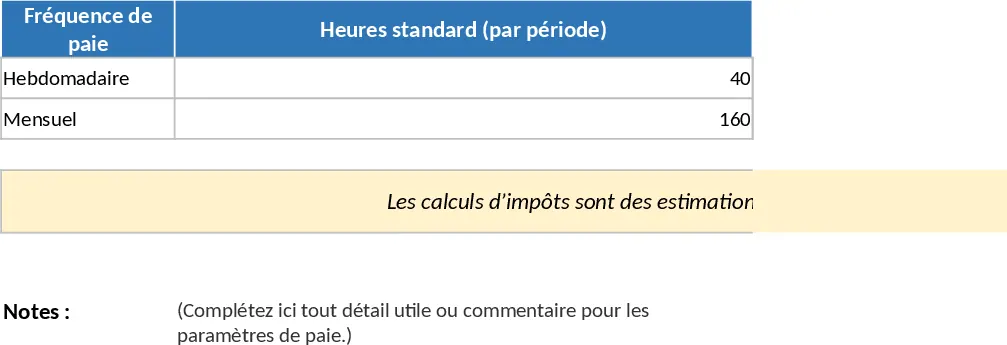
Employee Payroll Management and Pay Statement Calculator Template
Manage employee compensation, calculate gross-to-net pay, and track work hours with this comprehensive payroll calculator.
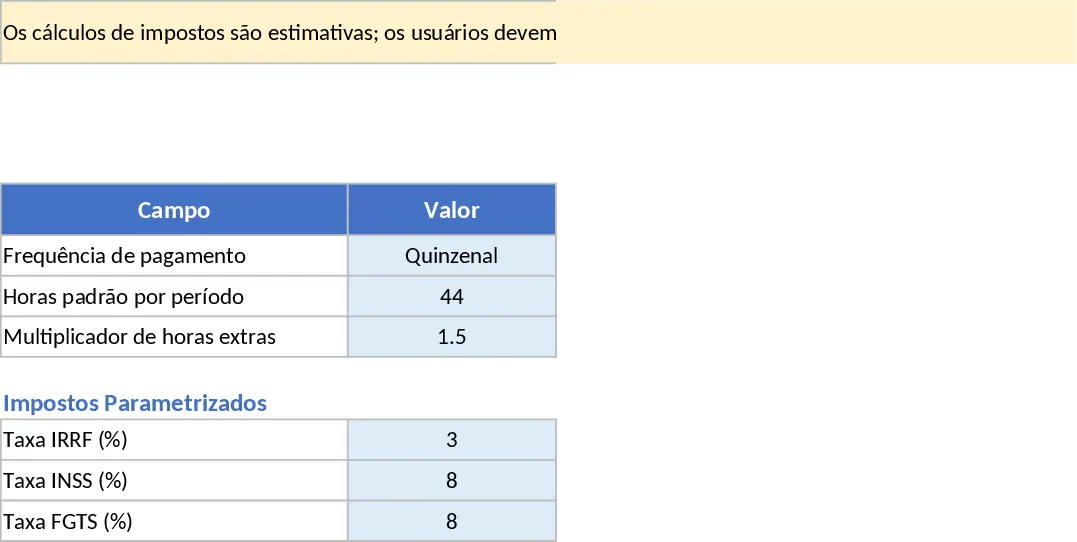
Comprehensive Payroll Calculator and Pay Statement Template
Streamline your payroll process by tracking employee hours, calculating gross-to-net pay, and generating detailed payment statements.