Comprehensive Payroll Calculator and Pay Statement Template
Managing a workforce requires precision, especially when it comes to compensation. This Comprehensive Payroll Calculator template is designed to bridge the gap between simple spreadsheets and complex accounting software. It provides a centralized system to manage both salaried and hourly employees, ensuring that every pay period is handled with accuracy and transparency. By organizing data into four specialized tabs, the template allows you to maintain a clean database of employee information while automating the heavy lifting of gross-to-net calculations.
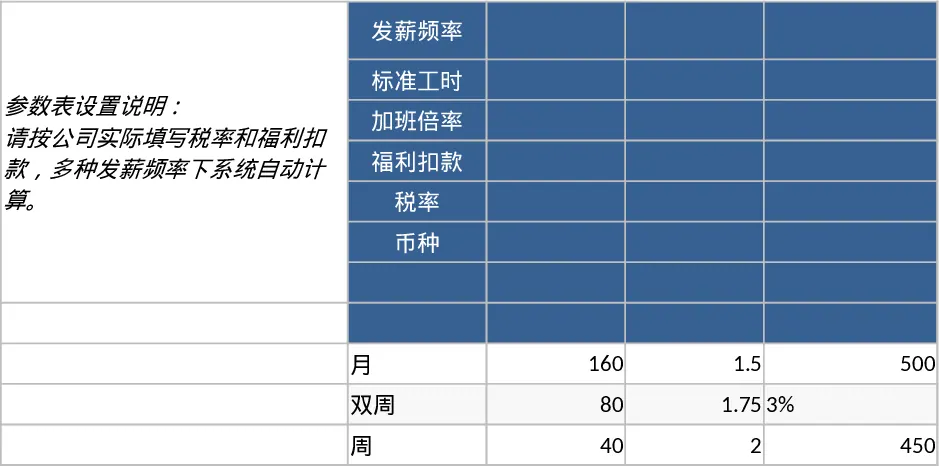
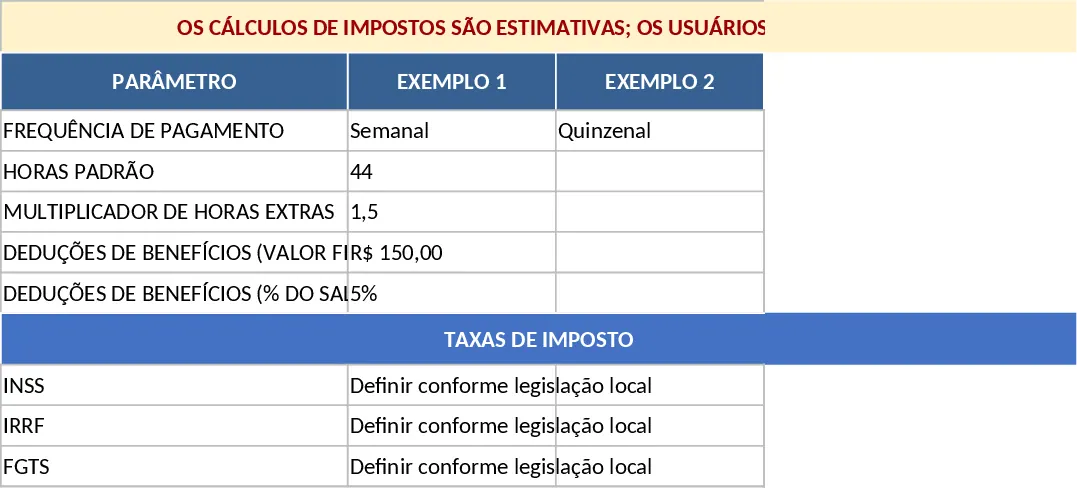
The structure begins with the Parameters sheet, which acts as the brain of the template. Here, you define the global rules for your business, such as standard work hours, overtime multipliers, and benefit deduction rates. This ensures consistency across all calculations. The Employees sheet serves as your master directory, where you can store IDs, pay types, and benefit plans. For businesses with hourly staff, the Time Inputs sheet provides a dedicated space to log regular hours, overtime, and additional items like bonuses or reimbursements. Finally, the Pay Statement sheet aggregates all this data into a professional summary, showing gross pay, estimated tax withholdings, and final net pay for each individual.
This tool is particularly beneficial for small to medium-sized business owners, HR managers, and department heads who need to track labor costs without the overhead of expensive payroll platforms. It solves the common problem of manual calculation errors and provides a clear audit trail for every payment made. Whether you are dealing with fixed monthly salaries or fluctuating hourly schedules, the template adapts to your needs. It also includes a critical placeholder system for tax rates, allowing you to customize the math based on your specific local or regional requirements. Please note that tax calculations provided are estimates; users must configure these rates according to their specific local laws and regulations to ensure full compliance.
How to use:
- Start in the Parameters tab to set your payment frequency, overtime multipliers, and benefit deduction percentages. Ensure you input the correct local tax rate placeholders here.
- Populate the Employees tab with your team's details, using the dropdown menus to select their pay type (Hourly or Salary) and benefit plans.
- For each pay cycle, enter the actual hours worked and any extra bonuses or reimbursements in the Time Inputs tab for your hourly staff.
- Navigate to the Pay Statement tab to view the automated breakdown of earnings and deductions. You can use this data to generate pay slips or update your financial ledgers.
Expected benefits: By using this template, you can significantly reduce the time spent on manual data entry and minimize the risk of payment discrepancies, leading to a more organized HR workflow and a more satisfied team.
Similar Templates Recommendation
Employee Payroll Management and Pay Statement Calculator Template
Manage employee compensation, calculate gross-to-net pay, and track work hours with this comprehensive payroll calculator.
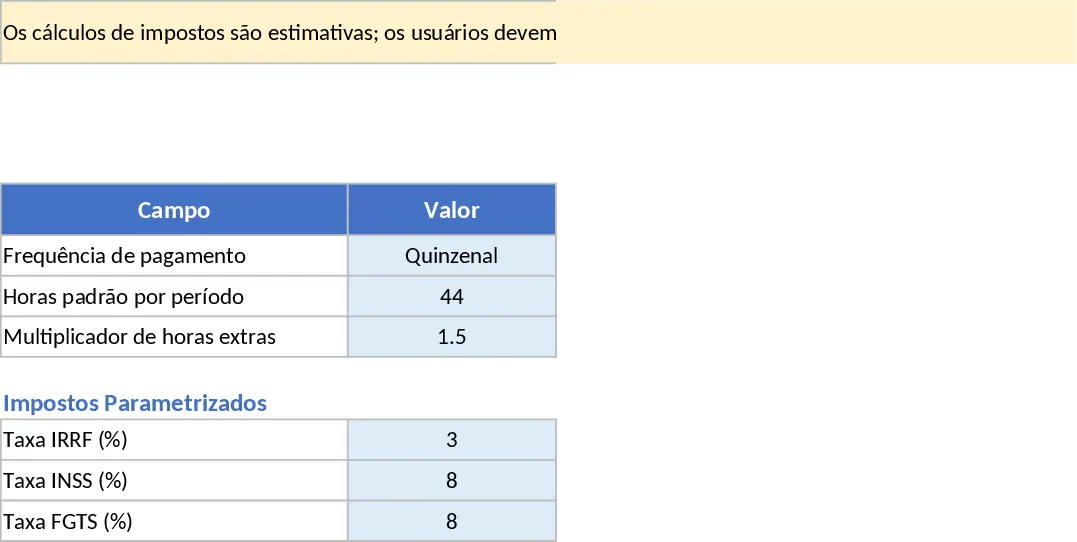
Payroll Calculator and Pay Stub Template
Manage employee hours, calculate gross and net pay, and track benefit deductions with this comprehensive and customizable payroll calculator.
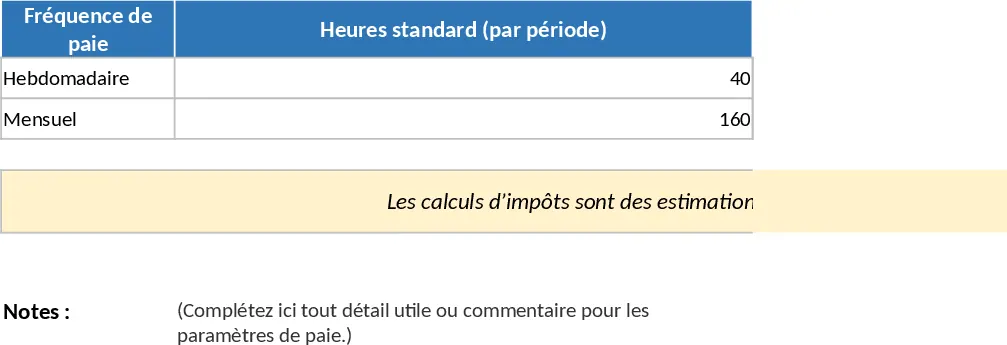
Employee Payroll and Salary Calculator Template
Streamline your payroll processing by calculating gross pay, taxes, and net earnings for hourly and salaried employees across multiple pay periods.