Employee Payroll Management and Pay Statement Calculator Template
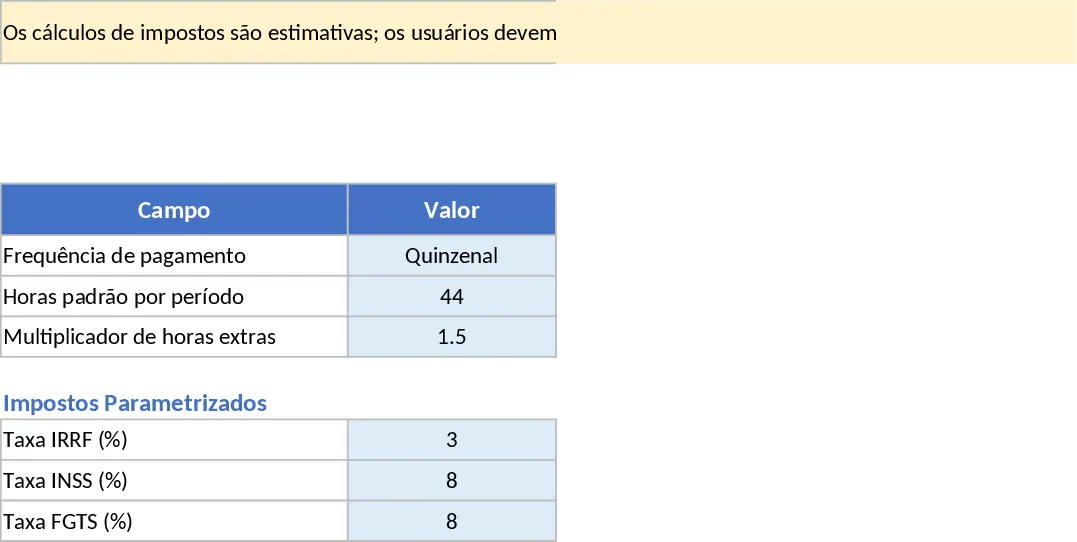
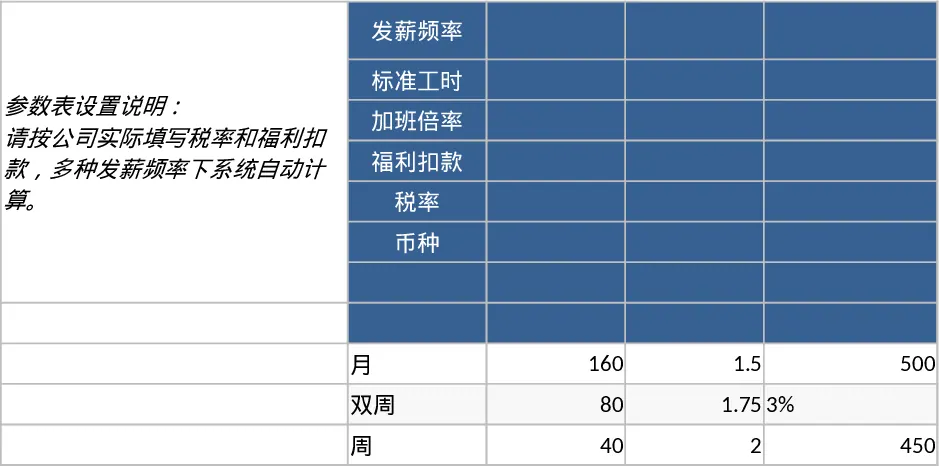
The Payroll Calculator Excel Template is a robust tool designed to simplify the complex task of managing employee earnings and deductions. Managing a workforce requires precision, and this template provides a centralized system to handle both salaried and hourly employees with ease. By organizing data into four distinct sections—Parameters, Employees, Time_Inputs, and Pay_Statement—it ensures that every variable, from overtime multipliers to benefit plans, is accounted for before the final net pay is calculated.
The core of the template lies in its flexibility. In the Parameters section, you can define the foundational rules of your payroll, such as standard working hours and tax rate placeholders. This is crucial because tax laws vary by region; the template allows you to input the specific percentages provided by your local authorities. The Employees tab acts as your digital HR file, storing essential information like bank details, start dates, and pay types. Whether a team member is on a fixed annual salary or an hourly rate, the template adjusts its logic accordingly.
For operational efficiency, the Time_Inputs sheet is where the monthly or bi-weekly activity happens. You can quickly log regular hours, overtime, and any one-time bonuses or reimbursements. This data flows directly into the Pay_Statement sheet, which serves as the final output. Here, you get a clear breakdown of gross pay, pre-tax deductions (like health insurance), tax withholdings, and post-tax deductions, resulting in an accurate net pay figure. This level of detail is invaluable for maintaining transparent records and answering employee queries about their compensation.
This template is ideal for small business owners, HR administrators, and startup founders who need a reliable way to process payroll without investing in expensive, over-complicated software. It solves the problem of fragmented data and manual calculation errors, providing a professional structure that grows with your team. Please note that tax calculations are estimates; users must configure the rates according to their specific local laws and regulations.
How to use:
- Configure the Parameters tab by entering your local tax rates, benefit deduction percentages, and standard overtime multipliers.
- Populate the Employees tab with your staff's information, ensuring you select the correct Pay Type (Hourly or Salary) from the dropdown menu.
- For each pay cycle, enter the hours worked and any additional bonuses in the Time_Inputs tab for your hourly staff.
- Review the Pay_Statement tab to see the calculated gross-to-net breakdown for all active employees and export the data for your records.
Expected benefits: Reduced administrative overhead and increased accuracy in monthly financial reporting.
Similar Templates Recommendation
Payroll Calculator and Pay Stub Template
Manage employee hours, calculate gross and net pay, and track benefit deductions with this comprehensive and customizable payroll calculator.
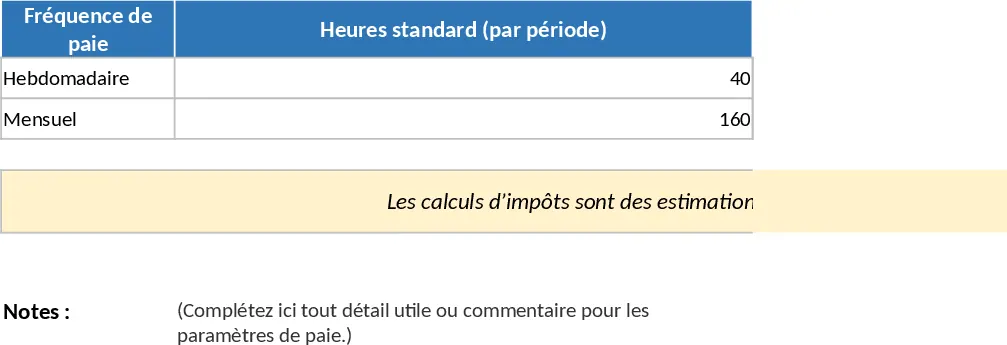
Comprehensive Payroll Calculator and Pay Statement Template
Streamline your payroll process by tracking employee hours, calculating gross-to-net pay, and generating detailed payment statements.
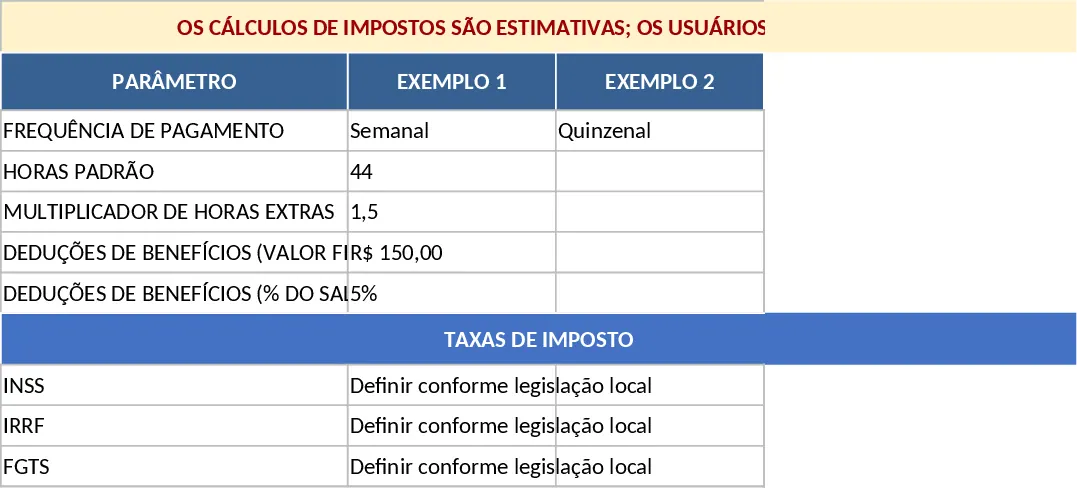
Employee Payroll and Salary Calculator Template
Streamline your payroll processing by calculating gross pay, taxes, and net earnings for hourly and salaried employees across multiple pay periods.