Ivorian Honey Sales Accounting Template
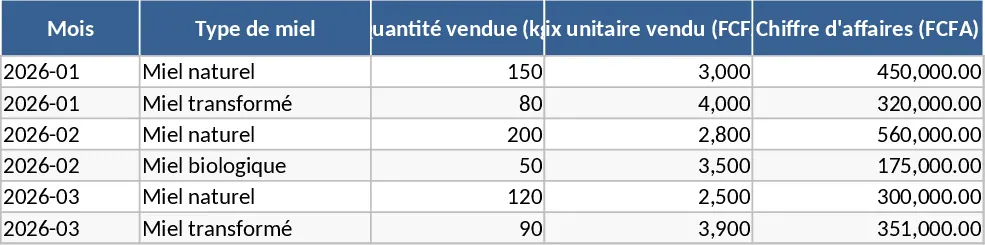
This Excel template is built for honey producers and sellers who want a clear, organized way to manage their business in Côte d’Ivoire and the surrounding markets. The workbook is divided into six sheets: Overview, Product List, Pricing, Sales Log, Cost Summary, and Dashboard. In the Product List you record each honey type, packaging size, batch number and production cost. The Pricing sheet lets you input market research – price ranges for raw and processed honey, regional price variations, and suggested retail prices – using dropdowns for region and honey type. The Sales Log captures every transaction: date, customer, quantity sold, unit price, and any discounts. Cost Summary automatically calculates total production cost, gross revenue, and net profit per batch. Finally, the Dashboard pulls key figures together, showing total sales, average price, profit margin, and visual charts that update as you add data.
The template solves the common headache of juggling spreadsheets, manual calculations, and market price fluctuations. By centralising product specs, price research, and sales records, you can instantly see whether your pricing strategy is working, spot trends across regions, and adjust production plans without digging through paper notes. It also helps you stay compliant with local market expectations, ensuring you price your honey competitively for both the Ivorian market and neighboring countries.
Ideal for small‑scale beekeepers, startup honey brands, and sales managers in the West African food sector, this workbook supports anyone who needs to launch or grow a honey business. Whether you are just starting out and need a simple way to track first sales, or you already have multiple product lines and want to compare profitability across regions, the template gives you a single source of truth for all your honey‑related data.
How to use:
- Open the Product List sheet and fill in each honey variety, batch code, weight, and production cost. Choose the honey type from the dropdown (e.g., raw, filtered, infused).
- In the Pricing sheet, enter the market prices you have researched for each region and packaging size; the sheet will suggest a retail price based on your cost margin.
- Record every sale in the Sales Log – date, buyer, quantity, unit price, and any discount. The sheet automatically calculates line‑total revenue.
- Switch to the Dashboard to see updated totals, profit margins, and charts that visualize sales trends across regions.
By using this template you’ll cut down the time spent on manual bookkeeping, reduce errors in price calculations, and gain quick insight into which honey products are most profitable, helping you make smarter decisions and grow your business faster.
Similar Templates Recommendation
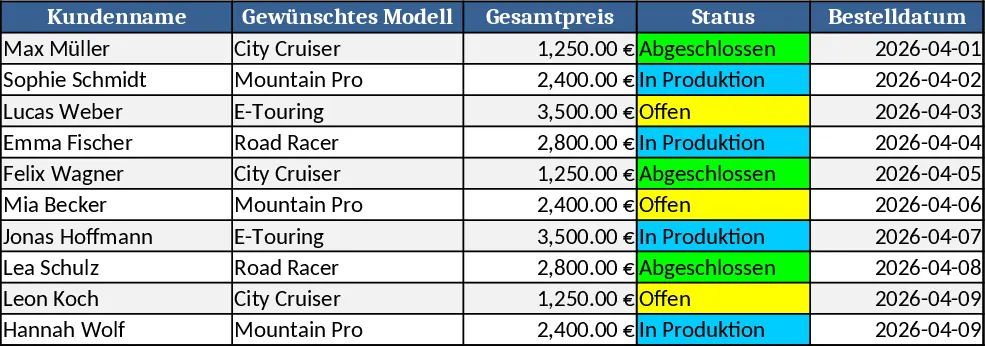
Bicycle Modular Design Planner Template
Create a modular bike configurator in Excel to mix frames, wheels, accessories and instantly see specs, pricing and totals.
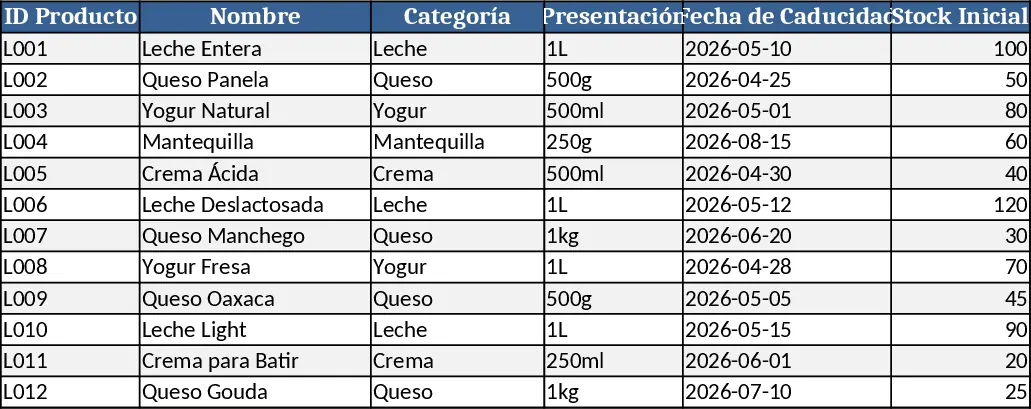
Dairy Product Inventory Management Template
Track dairy product stock, monitor purchases, sales, and expiration dates in a single Excel workbook.