Leaf Nativas Inventory Management and Stock Dashboard Template
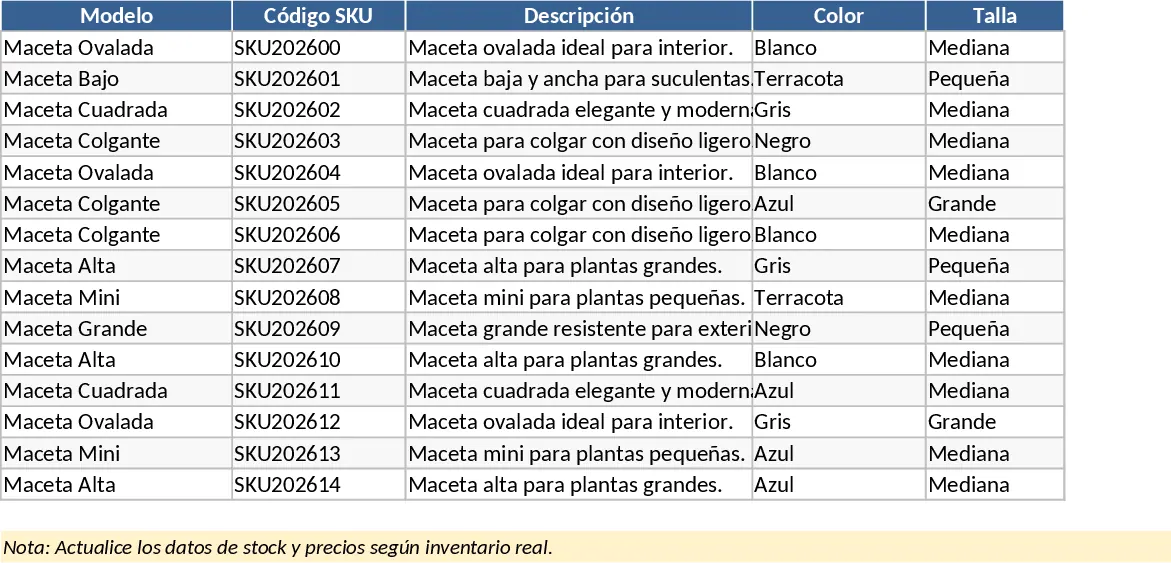
This professional-grade inventory management system provides a robust framework for businesses to gain total control over their physical assets. The template is meticulously organized into several specialized modules, including a comprehensive SKU table, a detailed Product registry, and a dynamic Movements log for tracking every single stock entry and exit. To ensure high granularity, it includes dedicated sections for managing product attributes like colors and specific warehouse locations, allowing you to pinpoint exactly where every item is stored. The system culminates in a powerful Stock Dashboard that translates raw data into actionable insights, showing you current quantities, turnover trends, and replenishment needs.
Managing a growing product line often leads to data fragmentation and stock discrepancies. This template solves those issues by providing a single source of truth for your inventory. It is ideal for small to medium-sized retail brands, e-commerce sellers, and warehouse supervisors who need a reliable way to manage complex catalogs without the high cost of specialized software. Whether you are dealing with seasonal collections or a permanent range of goods, the structured format ensures that every item is accounted for from the moment it arrives at the loading dock to the moment it leaves for a customer.
The utility of this system extends beyond simple counting; it helps you optimize your storage space and improve order fulfillment speed. By tracking movements by location, you can reduce the time spent searching for items in the warehouse. The inclusion of a ready-to-export structure means that as your business grows, your historical data is already formatted for migration into professional ERP or WMS platforms. This foresight saves hours of data cleaning and reformatting in the future, making it a sustainable choice for ambitious brands.
How to use:
- Begin by configuring your master data in the Colors and Warehouse Locations sheets; this ensures all dropdown menus across the template are tailored to your specific business needs.
- Enter your product details into the Products sheet to generate your master SKU list, ensuring each variant has its own unique identifier for precise tracking.
- Record every stock arrival or sale in the Movements sheet by selecting the SKU, location, and quantity; the system will automatically calculate the new balance.
- Regularly consult the Dashboard to monitor stock levels, identify top-moving items, and receive early warnings for products that require reordering.
By implementing this system, you can expect to significantly reduce the time spent on manual inventory audits and minimize the risk of costly stockouts. It brings a level of professional organization to your daily operations that empowers you to focus more on sales and less on spreadsheets.
Similar Templates Recommendation
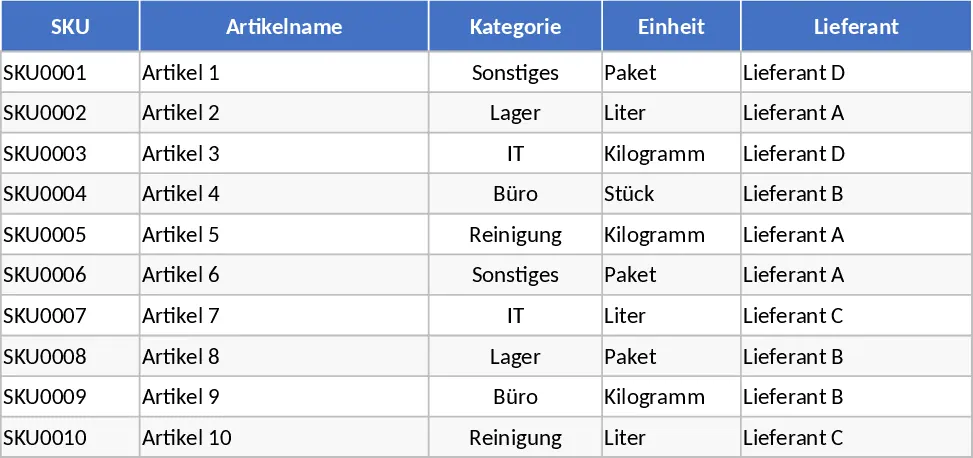
Inventory Management and Stock Tracking with Conditional Formatting Template
Manage product master data, log stock movements, and monitor real-time inventory levels with automated reorder alerts for efficient operations.
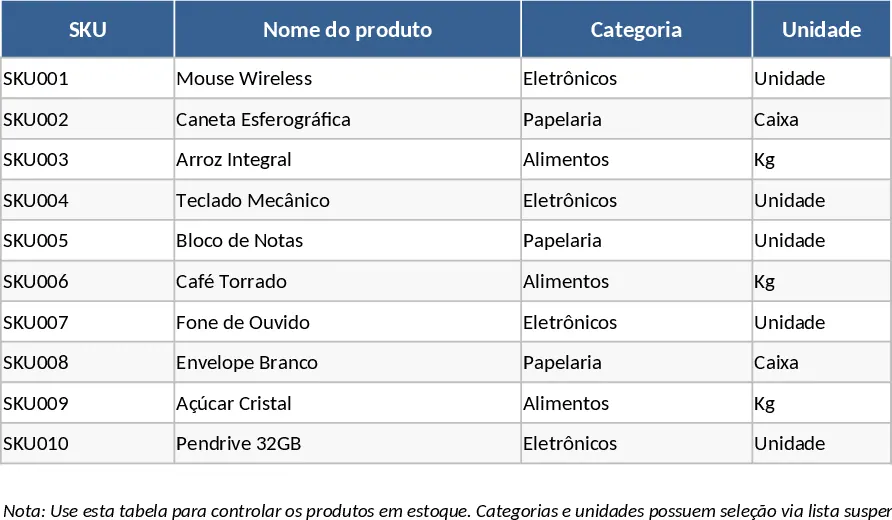
Inventory Management and Stock Tracking with Low-Stock Alerts Template
Manage item master data and track stock movements with automated inventory calculations and reorder alerts to optimize your warehouse operations.
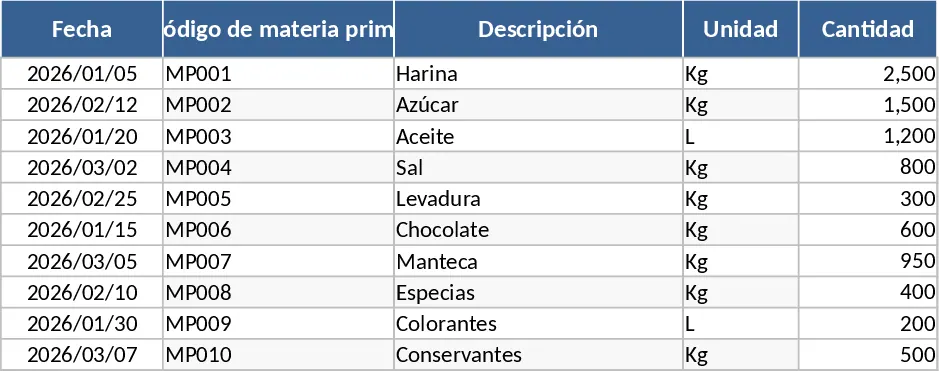
Raw Material Inflow and Outflow Tracker Template
Efficiently track raw material inventory movements by recording inbound and outbound logs to maintain optimal stock levels and prevent shortages.