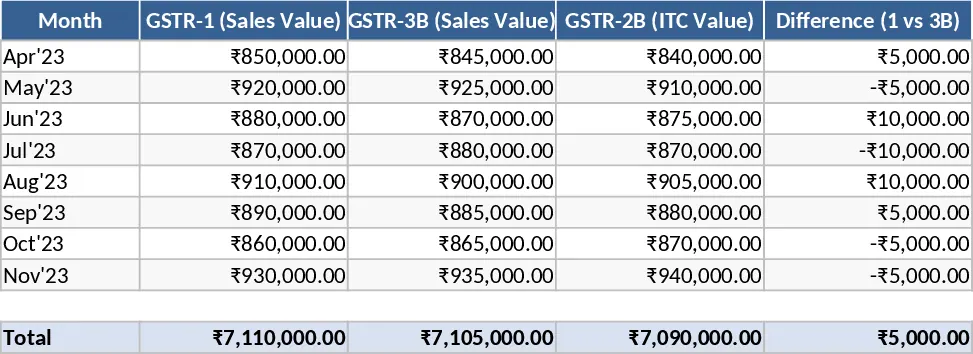
Inventory Management and Stock Tracking with Conditional Formatting Template
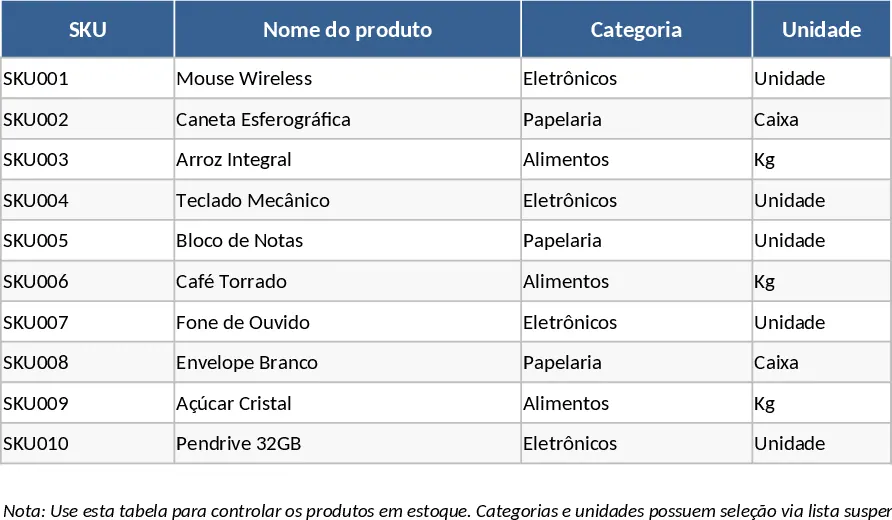
Managing inventory effectively is the backbone of any product-based business, and this Integrated Inventory Management template is designed to simplify that complexity. The template is structured into three specialized sheets that work in harmony to provide a 360-degree view of your stock. The Product Master Data sheet serves as your central database, where you define SKUs, product names, categories via dropdown menus, and financial metrics like purchase costs and selling prices. This sheet also allows you to set a Reorder Point, which is the critical threshold that triggers a replenishment notification. By centralizing your supplier information and unit costs here, you create a single source of truth for your entire product catalog.
The heart of the daily workflow is the Stock Movement Log. This sheet is where you record every single change in your inventory levels. Whether you are receiving a new shipment from a supplier (Entry), fulfilling a customer order (Exit), or correcting a discrepancy (Adjustment), the log captures the date, quantity, and the person responsible. By using dropdown selections linked to your master data, the template ensures data consistency and prevents errors that often occur with manual typing. The inclusion of reference numbers and notes fields ensures that every change in stock is traceable back to a specific invoice or event, which is essential for internal auditing and understanding the flow of goods through your business over time.
The real power of this tool lies in the Stock Summary sheet. This dashboard automatically aggregates all data from the movement log to show you exactly how much stock you have on hand for every SKU. It calculates the current stock by taking your starting inventory and applying all recorded additions and subtractions. The most valuable feature is the automated Reorder Alert. Using conditional formatting, the template compares your current stock against the reorder point you set earlier. If your stock is too low, it displays a clear Repor message, allowing you to act before you run out of items. This visibility helps in making informed purchasing decisions and optimizing cash flow by not tying up capital in excess inventory.
This template is ideal for warehouse managers, small business owners, and retail coordinators who need a reliable, low-cost solution for inventory control. It eliminates the need for expensive ERP systems while providing the same core functionality. The Adjustment movement type is particularly useful for handling real-world scenarios like damaged goods, returns, or seasonal inventory corrections. By documenting these separately from standard sales and purchases, you gain a clearer understanding of your shrinkage rates and operational efficiency. Instead of wondering if you have enough stock for a big order, you can simply glance at the Summary sheet for an instant, accurate answer.
How to use: First, navigate to the Master Data sheet and enter your product list, ensuring each SKU is unique and setting a specific reorder point for each item. Second, use the Movement Log to record every transaction as it happens, selecting the SKU from the dropdown menu and specifying the movement type (Entry, Exit, or Adjustment). Finally, monitor the Stock Summary sheet to view your total inventory health and identify which products require immediate restocking based on the automated alerts.
Expected benefits: This template significantly reduces the time spent on manual inventory audits and minimizes the risk of human error in stock calculations.
Similar Templates Recommendation
Inventory Management with Professional Layout Template
Track stock levels, monitor reorder points, and optimize supply chain operations with this comprehensive inventory management strategy template.
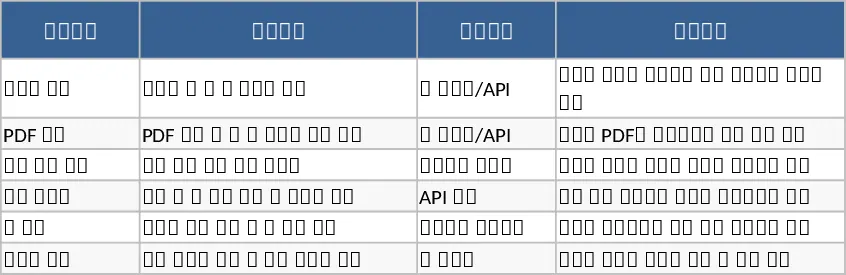
Inventory Management and Stock Tracking with Low-Stock Alerts Template
Manage item master data and track stock movements with automated inventory calculations and reorder alerts to optimize your warehouse operations.
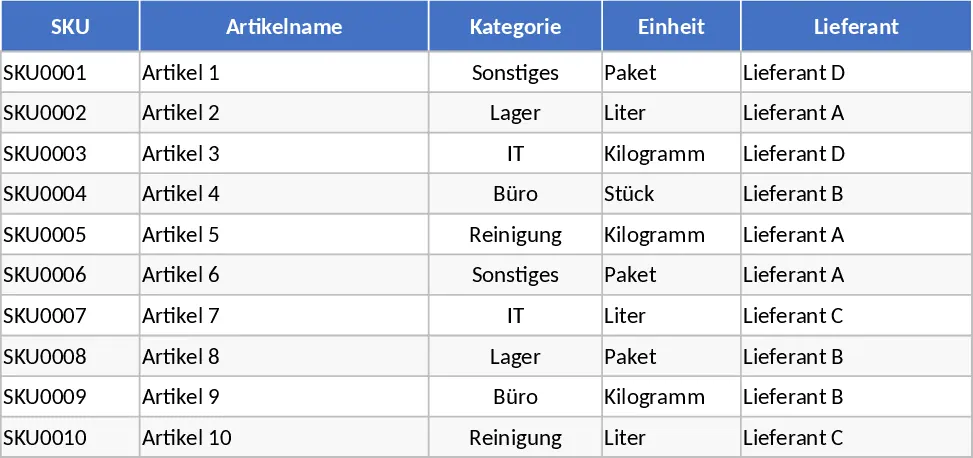
Daily Stock Maintenance Template
Track daily inventory levels, monitor stock movements, and manage reorder points to ensure seamless warehouse and supply chain operations.