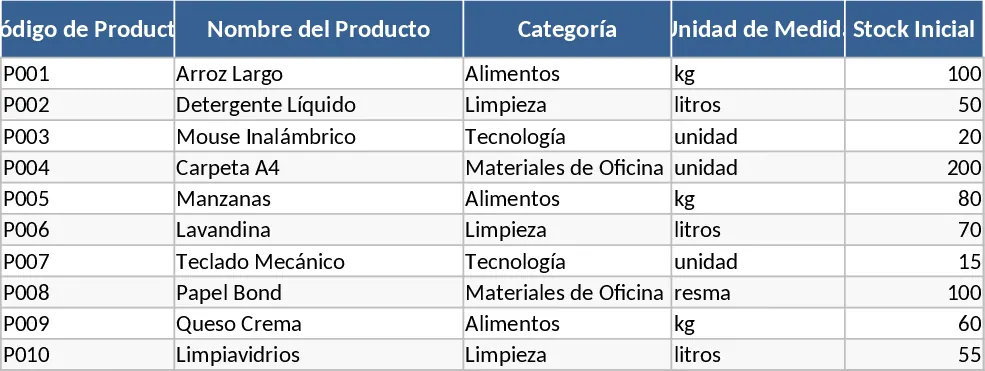
Inventory Management with Professional Layout Template
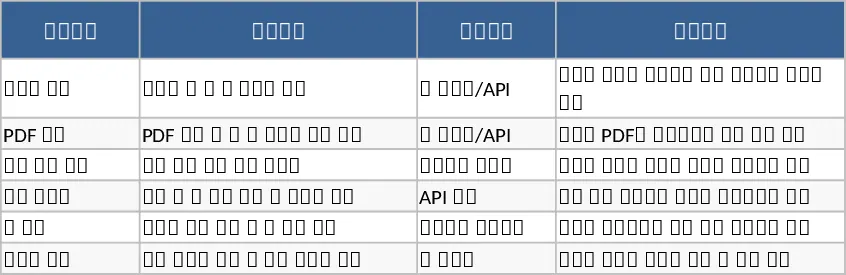
Effective inventory management is more than just counting boxes; it is about optimizing your cash flow and ensuring customer satisfaction through consistent product availability. This Inventory Management Strategy template offers a comprehensive solution for businesses looking to professionalize their warehouse and stock control processes. The template is organized into several intuitive sheets, including a Product Master list, a Supplier Directory, and a detailed Transaction Log for both incoming and outgoing goods. Key fields such as SKU codes, unit costs, and lead times are integrated to provide a holistic view of your supply chain health. The template also includes specific dropdown menus for categories and locations, making it easy to filter data by warehouse section or product type. This granularity is vital for businesses with diverse product lines or multiple storage areas.
This tool is particularly useful for solving the common problems of overstocking, which ties up capital, and understocking, which leads to lost sales. By using this template in your daily workflow, you can move away from reactive firefighting and toward a proactive strategy. The automated summary outputs provide instant insights into your total inventory value, turnover rates, and the financial impact of your current stock levels. This level of detail is essential for making data-driven decisions about when to run promotions or when to negotiate better terms with suppliers. By tracking the Date of Last Sale and Days in Stock, you can quickly identify dead stock that may need to be liquidated to free up space and capital. Furthermore, the Supplier Directory allows you to keep contact information and lead times in one place, ensuring that your procurement process is as efficient as your sales process.
Whether you are a small business owner managing a boutique or an operations manager overseeing a larger distribution center, this template adapts to your needs. It helps you track every movement of your assets, ensuring that your physical stock always matches your digital records. The inclusion of reorder point alerts means you can set specific thresholds for every item, receiving a clear signal the moment it is time to restock. This reduces the mental load of manual monitoring and allows your team to focus on higher-value tasks like sales and customer service. It transforms chaotic spreadsheets into a streamlined operational tool that supports business growth and helps maintain a healthy balance sheet.
How to use:
- Initialize your system by entering all current products into the Product Master sheet, making sure to define the safety stock level and unit cost for each item.
- Record every instance of stock entering or leaving your facility in the Transaction Log, selecting the appropriate SKU from the dropdown menus to ensure data consistency.
- Regularly consult the Inventory Dashboard to monitor stock health, identify aging inventory, and generate a list of items that have fallen below their reorder points.
- Use the generated summaries to prepare purchase orders or internal reports for stakeholders, ensuring everyone is aligned on current stock status and upcoming procurement needs.
Expected benefits: This template significantly reduces the time spent on manual stock reconciliation and minimizes the effort needed to maintain accurate inventory records, leading to improved operational efficiency and better financial oversight.
Similar Templates Recommendation
Inventory Management and Stock Tracking with Conditional Formatting Template
Manage product master data, log stock movements, and monitor real-time inventory levels with automated reorder alerts for efficient operations.
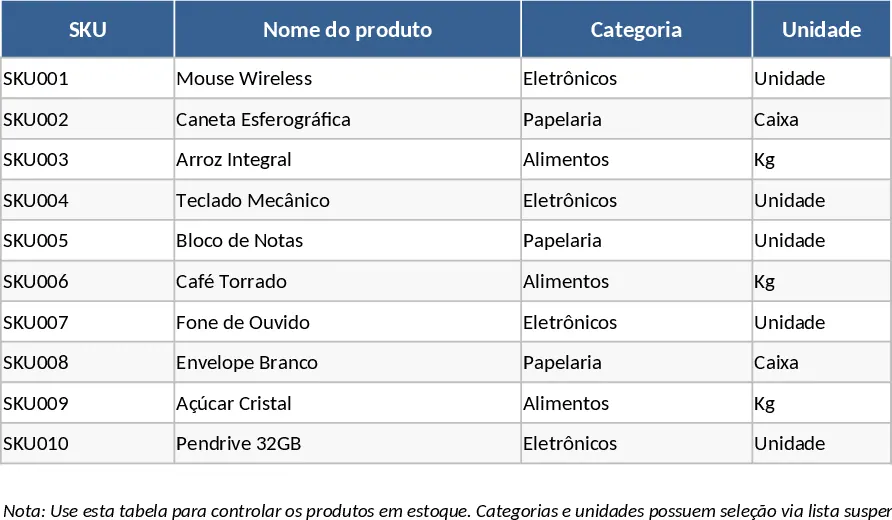
Daily Stock Maintenance Template
Track daily inventory levels, monitor stock movements, and manage reorder points to ensure seamless warehouse and supply chain operations.
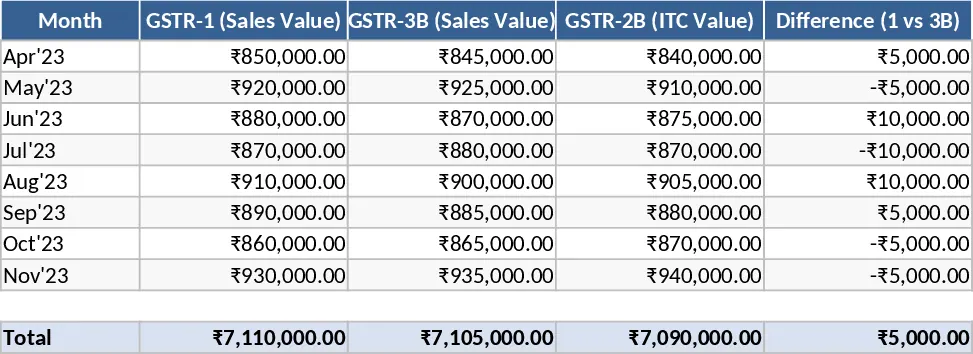
Inventory Inflow and Outflow Management Template
Track stock levels, record daily inflows and outflows with dates, and manage your product catalog in one organized spreadsheet.