Daily Stock Maintenance Template
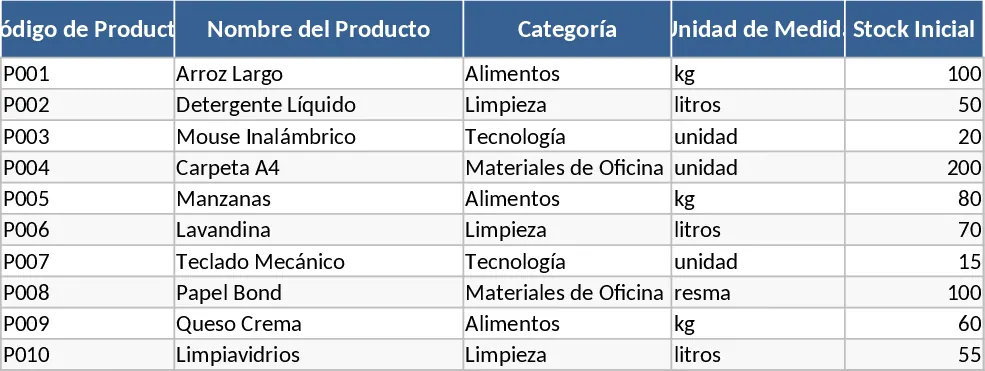
Effective inventory management is the backbone of any successful retail or manufacturing business. This Day-wise Stock Maintenance template is designed to transform how you handle your physical goods by providing a comprehensive, easy-to-navigate digital ledger. The workbook is organized into three primary sections: a Product Master database, a Daily Transaction log, and an automated Inventory Summary. In the Product Master, you can categorize your items, assign unique SKU codes, and set specific reorder points that trigger alerts when stock is low. The Daily Transaction log is the heart of the template, featuring intuitive dropdown menus and date-stamped entries for every stock-in and stock-out movement. This ensures that every unit is accounted for, providing a clear audit trail for your operations.
This template is particularly beneficial for small to medium-sized enterprises (SMEs), e-commerce sellers, and warehouse coordinators who find manual paper logs or basic lists insufficient for their growing needs. It solves the common problem of phantom inventory—where records show items in stock that aren't actually there—by encouraging disciplined, daily data entry. By using this template, you can streamline your daily workflow, as it eliminates the need for time-consuming physical counts every time you need to check a balance. It provides a clear picture of your stock health, helping you manage cash flow by preventing over-investment in slow-moving items while ensuring high-demand products are always available for your customers.
Beyond simple counting, the template helps you track the velocity of your inventory. You can see exactly how much stock is moving on a day-to-day basis, allowing you to spot seasonal trends or sudden shifts in demand. The automated summary output provides key metrics such as total units on hand, total value of current inventory, and a list of items that have fallen below their safety stock levels. This level of visibility is crucial for making informed purchasing decisions and maintaining high service levels. It acts as a bridge between your physical warehouse and your financial records, ensuring that your balance sheet reflects the true state of your assets. The Daily Transaction log also includes specific fields for Source or Destination and Reference Numbers, allowing you to link stock movements to specific invoices or purchase orders for easier auditing.
To get started with your new tracking system, follow these simple steps:
- Open the Product Master sheet and input your current inventory list, including item descriptions, SKUs, and the minimum quantity you wish to keep on hand as a safety buffer.
- Whenever a shipment arrives or an order is fulfilled, record the transaction in the Daily Log by selecting the item from the dropdown, entering the date, and specifying the quantity in or out.
- Regularly review the Summary Dashboard to see your real-time stock status and identify which items need to be replenished immediately based on the automated status indicators.
Expected benefits: This template significantly reduces the time spent on manual inventory reconciliation and minimizes the risk of human error in stock calculations, leading to more accurate financial reporting and better customer satisfaction.
Similar Templates Recommendation
Inventory Management and Stock Tracking with Supplier Tracking Template
Track stock levels, manage SKU details, and monitor inventory movements with automated reorder alerts to prevent stockouts.
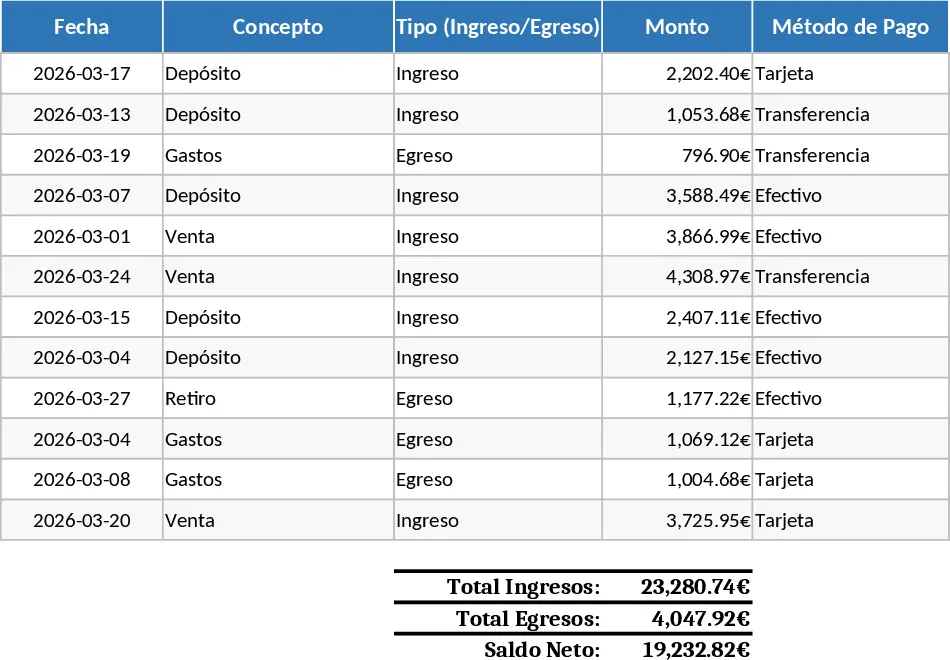
Equipment Inventory Dashboard with Low Stock Alerts Template
Monitor equipment inventory in real-time with automated movement logs and threshold alerts to prevent stockouts and streamline reordering.
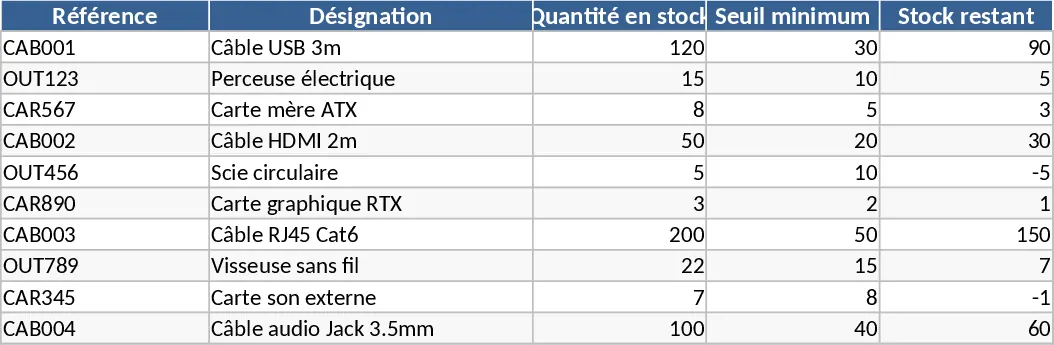
Inventory Inflow and Outflow Management Template
Track stock levels, record daily inflows and outflows with dates, and manage your product catalog in one organized spreadsheet.