Client Payment Compliance Tracker Template
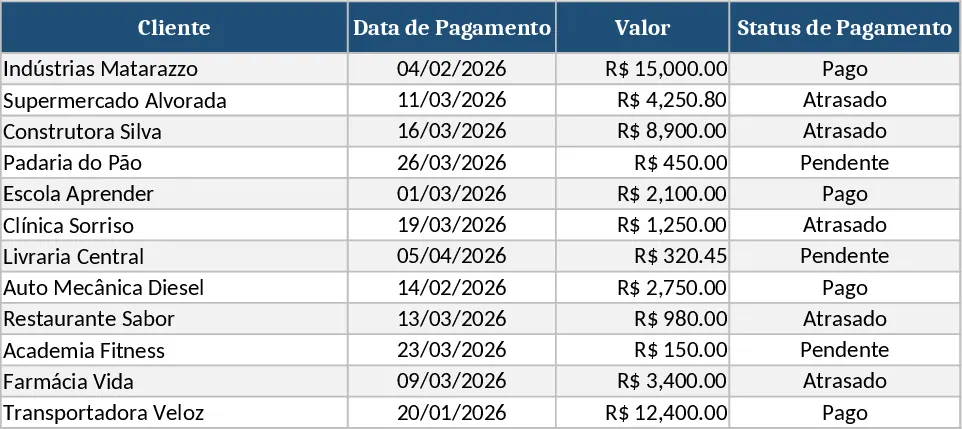
The Payment & Delinquency Control workbook is built for small‑to‑medium businesses that need a clear, visual way to monitor every client’s invoice. It contains three tabs:
- Control – a table with columns for Client, Service, Amount, Due Date, Payment Date, Status and Days Late. Formulas automatically set the Status (Paid, Pending, Overdue) and calculate how many days a payment is late. Conditional formatting colours each status – green, yellow or red – so you can spot problems at a glance.
- Clients – a simple list of all customers that feeds drop‑down menus in the Control sheet, preventing typos and making data entry fast.
- Summary – a compact dashboard that totals amounts to receive, amounts overdue and amounts already collected, using SUMIF functions that reference the Status column.
This template solves the common headache of manually checking invoices, updating spreadsheets and forgetting overdue accounts. By automating status updates and highlighting problem rows, you spend minutes instead of hours each week reconciling payments. The visual cues let you prioritize follow‑ups, reduce cash‑flow gaps and keep a professional image with clients.
It is ideal for accountants, office managers, freelancers, tuition administrators or any professional who invoices clients regularly and wants a reliable, low‑maintenance way to see who has paid, who is pending and who is late. Whether you bill monthly, weekly or per service, the sheet adapts to any frequency because the dates are entered manually and the logic handles any schedule.
What you track: client name, service description, invoiced amount, due date, actual payment date, automatically derived status, and the exact number of days past due. The Summary tab aggregates these metrics into total receivable, total overdue and total collected, giving you a quick financial health snapshot.
How to use:
- Fill the Clients sheet with every customer name.
- In the Control sheet, add a new row for each invoice: select the client from the drop‑down, enter the service, amount, due date and (when received) the payment date.
- The Status column updates instantly; colour coding shows the payment condition. The Days Late column shows the exact delay.
- Switch to the Summary tab to see totals for pending, overdue and paid amounts. Use the built‑in filters on the Control table to list only Overdue invoices for quick follow‑up.
Expected benefits: faster invoice reconciliation, fewer missed payments, clearer cash‑flow visibility and less time spent on manual data entry.
Similar Templates Recommendation
Project Task Tracker & Overview with Priority Tracking Template
Track, prioritize, and monitor project tasks with owner assignments, status, deadlines, and visual summaries in one Excel workbook.
Calculation and Summary Report Template
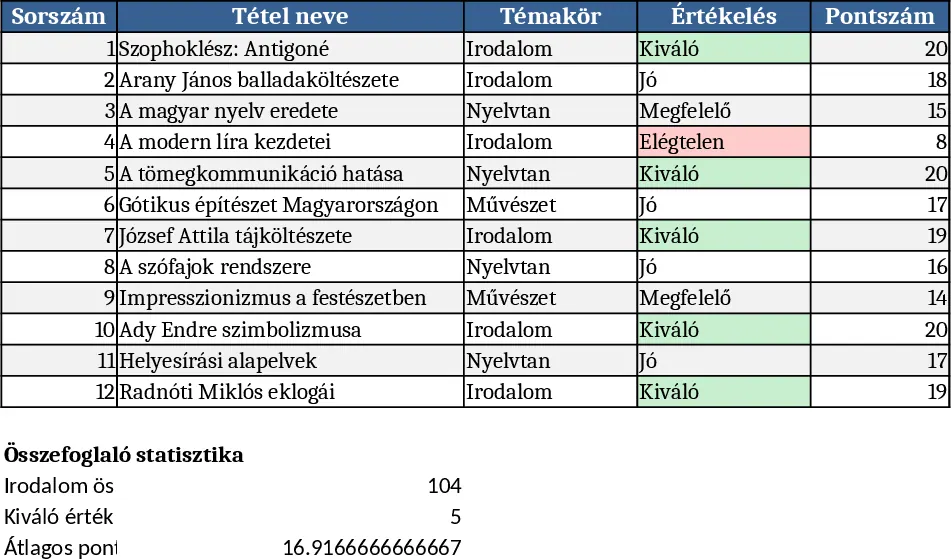
A versatile Excel template that lets you input raw data, run calculations, and instantly generate clear summary tables and charts.
Excel Workbook Design Guide Template
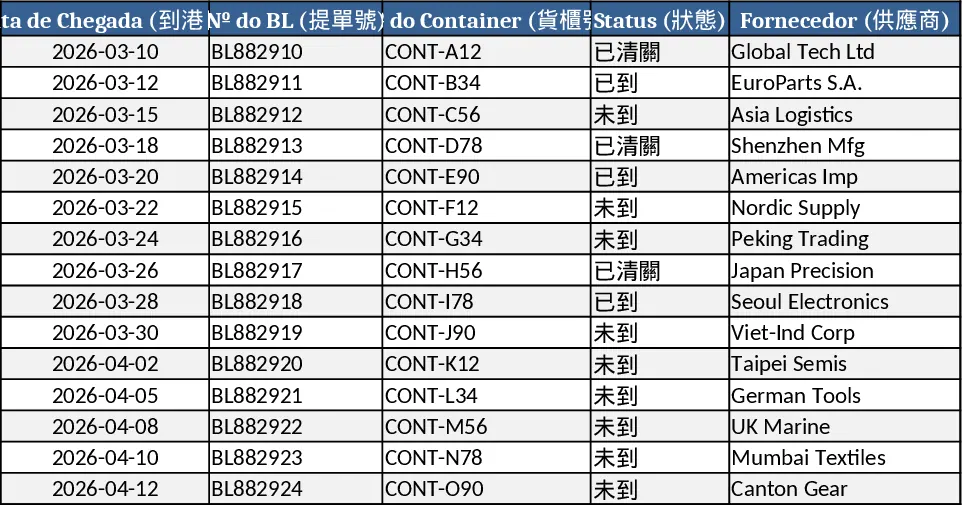
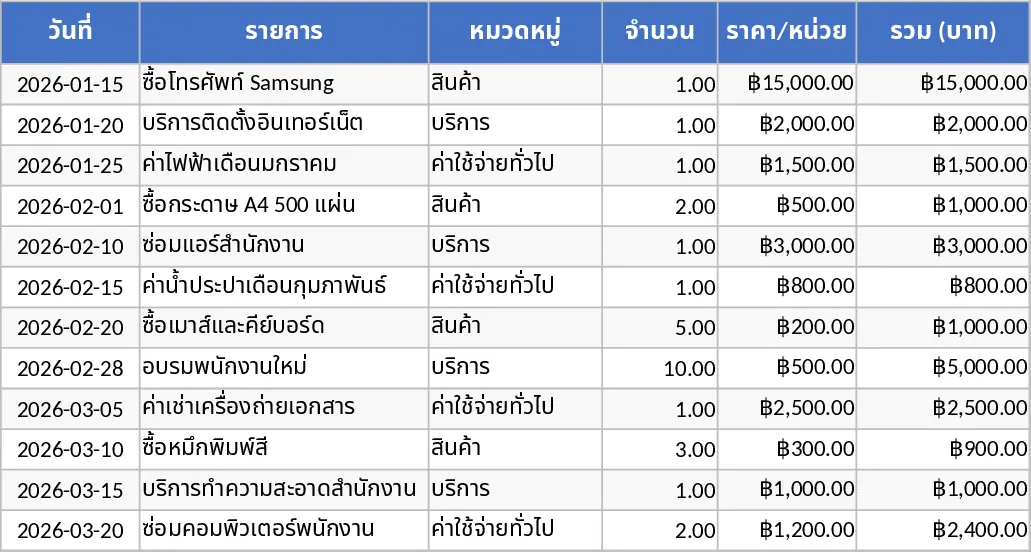
Track and analyze import container costs across multiple currencies, auto-calculate totals, and view a dashboard for quick executive insights.