Project Task Tracker & Overview with Priority Tracking Template
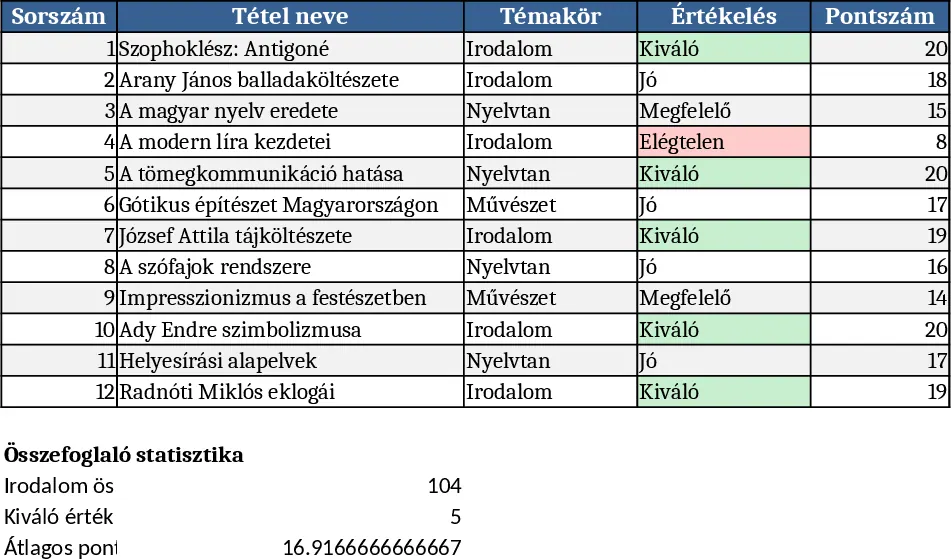
This Excel template provides a complete, two‑sheet solution for managing project work. The Tasks sheet lists every activity with columns for Task ID, Task Name, Project, Owner (chosen from a dropdown), Priority (High, Med, Low), Status (Not Started, In Progress, Blocked, Done), Start Date, Due Date, Estimated Hours, Actual Hours, Dependencies, and free‑form Notes. Required fields and dropdowns keep data consistent, while conditional formatting flags any overdue items (Due Date earlier than today and not marked Done) in red, giving an instant visual cue.
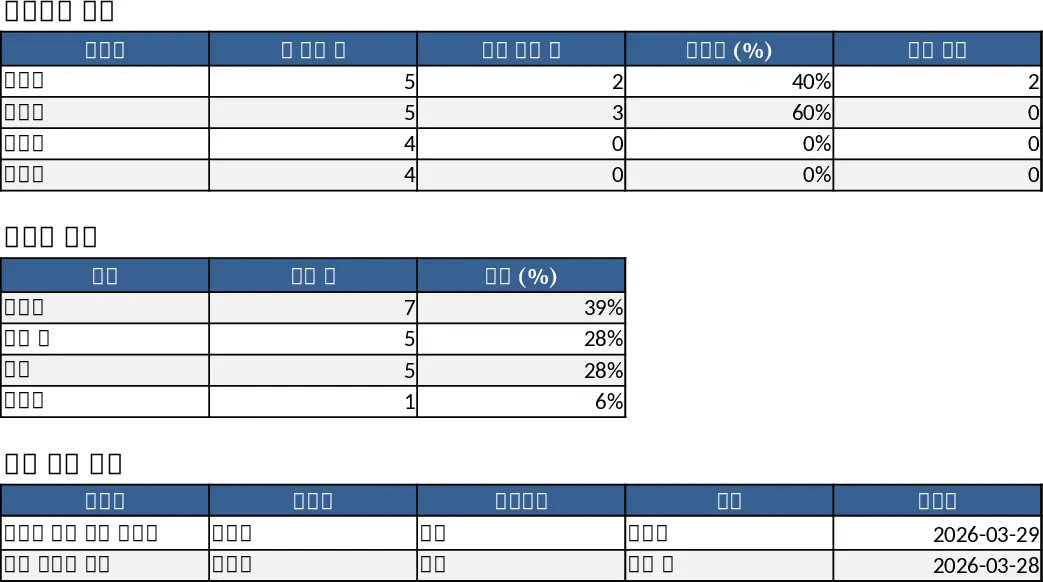
The companion Project Overview sheet aggregates the raw data into clear, ready‑to‑read summaries. It shows totals per Owner – how many tasks are assigned, how many are completed, the overall completion percentage, and a count of overdue items. A second summary breaks down tasks by Status, and a dedicated table lists every overdue task with its key details, so you can quickly see where attention is needed. Sample data for 18 tasks across two projects is already included to illustrate how the formulas and charts work.
Designed for project managers, team leads, and anyone who needs to keep a pulse on work progress, this template solves the common pain of scattered task lists and missed deadlines. By centralising task information, it eliminates the need for multiple documents, reduces manual status checks, and provides instant insight into workload distribution and bottlenecks. The visual summaries help you allocate resources, prioritize high‑impact work, and communicate status to stakeholders without extra reporting effort.
How to use
- Open the workbook and replace the sample tasks in the Tasks sheet with your own, filling each column and selecting Owner, Priority, and Status from the provided dropdowns.
- Adjust the Owner list (Data → Data Validation) if you have a different team, and the Priority/Status options if needed.
- The Project Overview sheet updates automatically; review the Owner and Status summaries to see totals, completion rates, and overdue counts.
- Use the Overdue Tasks table to identify and re‑assign or accelerate lagging work.
Expected benefits include faster identification of at‑risk tasks, clearer visibility into team capacity, and less time spent compiling status reports, letting you focus on delivering project outcomes.
Similar Templates Recommendation
Project Task Tracker with Overview and Conditional Formatting Template
Track and manage project tasks with status, priority, deadlines, and responsible owners, plus summary dashboards per assignee and status.
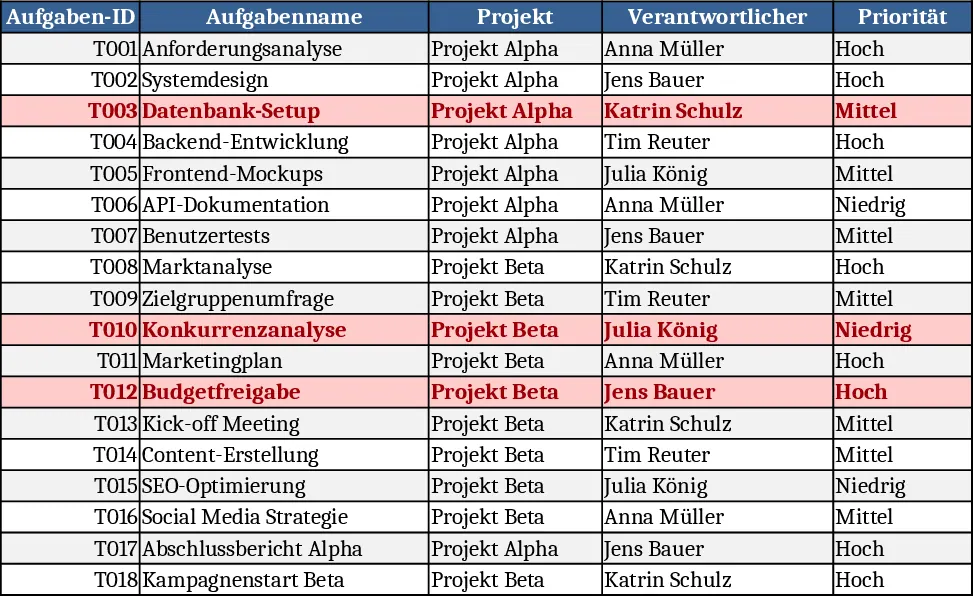
Project Task Tracker with Overview and Dashboard Template
Track project tasks in Excel, assign owners, set priorities and deadlines, monitor real‑time status, and view summary dashboards by assignee and status.
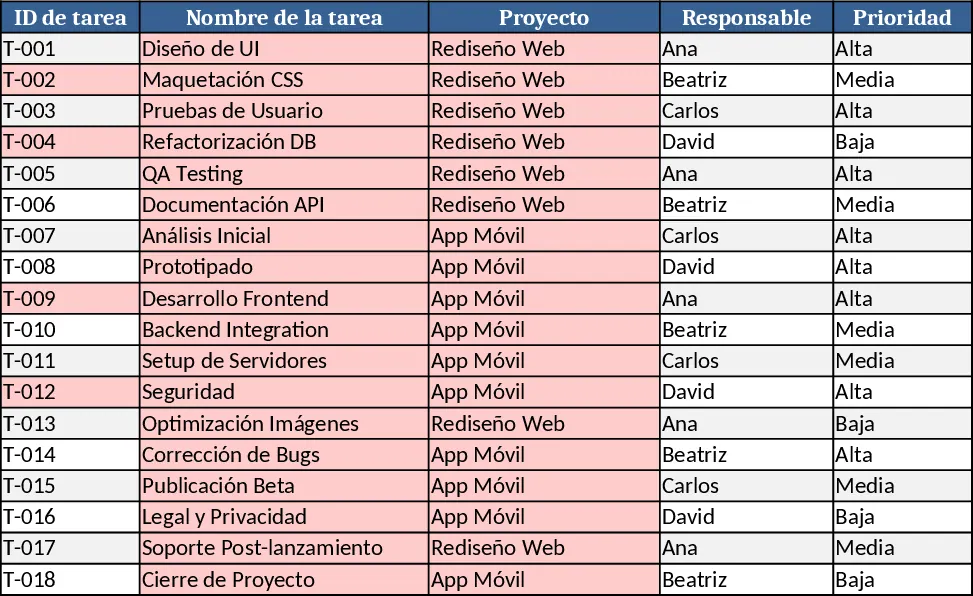
Project Task Tracker & Overview with Dashboard Template
Track tasks across multiple projects with status, priority, assignee dropdowns, and view per‑person and per‑status summaries plus a delayed‑tasks list.