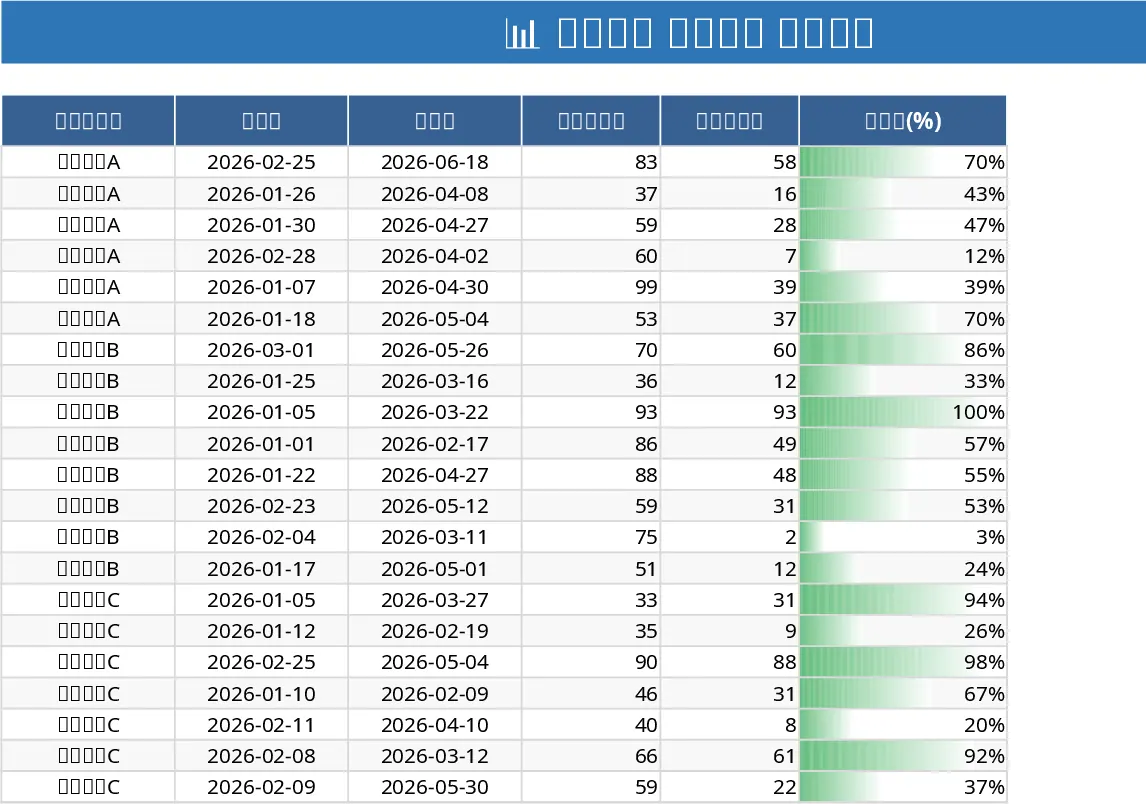
Project Task Tracker with Overview and Conditional Formatting Template
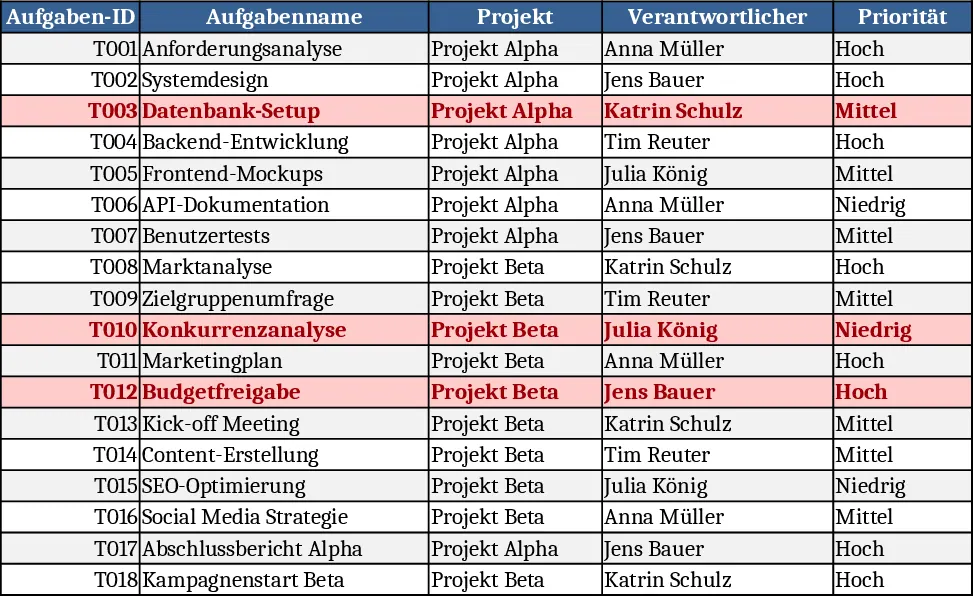
This Excel template provides a complete two‑sheet solution for managing project work. The Tasks sheet lists every work item with columns for Task ID, Name, Project, Owner (chosen from a dropdown), Priority (High/Medium/Low), Status (Not Started/In Progress/Blocked/Done), Start Date, Due Date, Estimated Hours, Actual Hours, Dependencies and Notes. Required fields and dropdowns keep data consistent, while conditional formatting turns any overdue task (Due Date < TODAY() and not Done) red for instant visual alerts.
The Project Overview sheet aggregates the raw data into clear summary tables. One table groups tasks by Owner, showing total tasks, completed tasks, completion percentage and count of overdue items. A second table groups by Status, giving a quick health check of the whole portfolio. Below these, a dynamic list of all overdue tasks displays the most critical columns, so you can act immediately.
Designed for project managers, team leads, and anyone who coordinates work across multiple initiatives, this tracker eliminates the need to flip between emails, chat logs, and separate spreadsheets. By centralising task details and automatically calculating progress metrics, it reduces manual reporting time and helps keep everyone aligned on priorities and deadlines.
The template tracks every essential aspect of a task: who is responsible, how urgent it is, where it stands in the workflow, how much effort was planned versus spent, and any dependencies that could affect scheduling. The built‑in formulas compute completion rates and highlight bottlenecks, giving you actionable insight without extra effort.
How to use
- Open the workbook and review the 18 sample tasks to see the expected format.
- Add your own tasks on the Tasks sheet, selecting owners, priority and status from the dropdowns; fill dates, estimates and actual hours as work progresses.
- The Project Overview sheet updates automatically – check the Owner and Status summaries to gauge overall progress, and scroll to the Overdue list for items that need immediate attention.
- Adjust the dropdown lists or add new owners in the hidden data validation range if your team expands.
Expected benefits: faster status reporting, clearer visibility of overdue work, and reduced manual effort in consolidating task data.
Similar Templates Recommendation
Project Task Tracker with Overview and Dashboard Template
Track project tasks in Excel, assign owners, set priorities and deadlines, monitor real‑time status, and view summary dashboards by assignee and status.
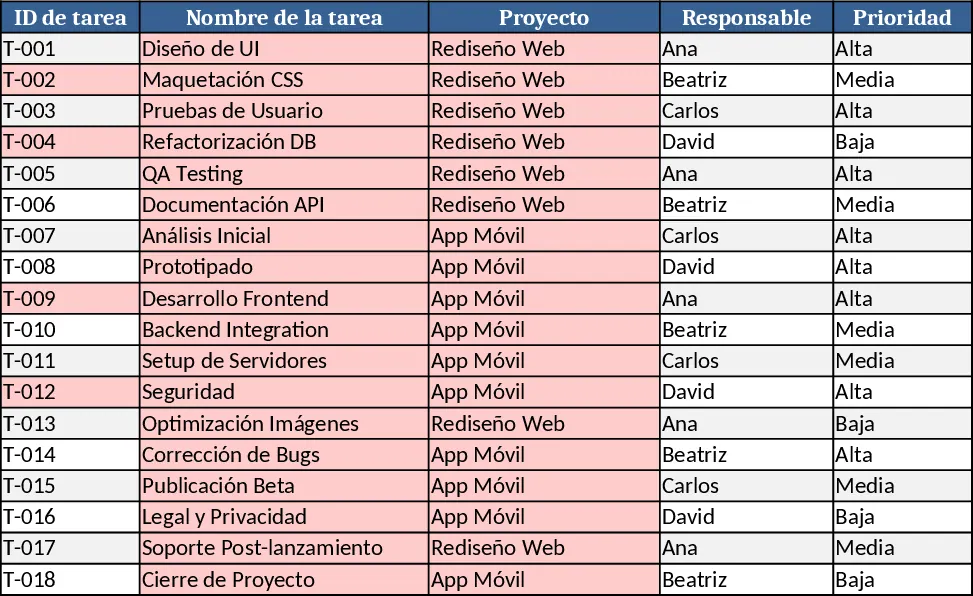
Project Task Tracker & Overview with Priority Tracking Template
Track, prioritize, and monitor project tasks with owner assignments, status, deadlines, and visual summaries in one Excel workbook.
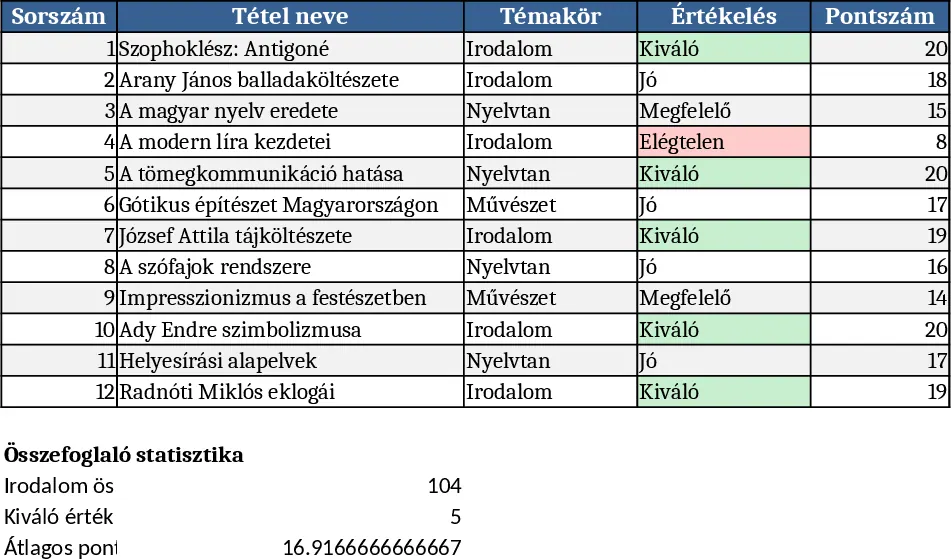
Project Task Tracker & Overview with Resource Planning Template
Track and manage project tasks with a two‑sheet Excel workbook that logs details, highlights overdue items, and provides per‑assignee and status summaries.