Dual Task List and Progress Comparison Template

Managing multiple projects or balancing different areas of life often requires more than just a simple list; it requires a way to see how those lists relate to one another. This Excel To-Do List Tracker with Comparative Completion Graph is a specialized tool built to provide that exact perspective. The template is structured with two primary task management zones, each equipped with fields for task names, due dates, and status indicators. By using standardized dropdown menus for completion status, the template ensures data consistency, which feeds directly into the integrated analytics engine. The layout is clean and intuitive, ensuring that you spend your time finishing tasks rather than fighting with complex software interfaces.
The primary benefit of this template lies in its ability to solve the imbalance problem. Often, we focus heavily on one project while unintentionally neglecting another. This tracker uses a comparative graph—typically a side-by-side bar chart or a comparative gauge—to show the percentage of work finished in List A versus List B. This visual feedback is crucial for daily workflow management, as it highlights discrepancies in progress and prompts you to shift your focus where it is most needed. It transforms a static list of chores into a dynamic productivity dashboard that updates in real-time as you check off items.
This tool is particularly helpful for project managers overseeing two distinct teams, small business owners tracking front-end versus back-end operations, or individuals trying to maintain a work-life balance by tracking professional and personal goals in one place. It serves as a central hub for task documentation, ensuring that no detail is lost and that every milestone is accounted for. The template’s automated summary section provides a high-level overview of total tasks, completed items, and the remaining workload for both categories, saving you the time of manual calculation and providing a professional report format for clients or stakeholders.
How to use:
- Define your two categories or projects at the top of each list section to customize the tracker to your specific needs.
- Populate the lists with your individual tasks, adding relevant details like deadlines or notes to keep all information in one place.
- Update the status column to Completed as you finish tasks; the template will instantly recalculate your progress percentages.
- Review the comparison graph on the dashboard to evaluate your work balance and plan your next steps accordingly.
By using this template, you can expect to spend less time wondering about your overall progress and more time actually completing tasks. It provides a structured environment that encourages accountability and provides a satisfying visual representation of your hard work. The automated nature of the charts means your reporting is always up to date without any extra effort.
Expected benefits: Enhanced visibility into project status and significantly reduced time spent on manual progress reporting.
Similar Templates Recommendation
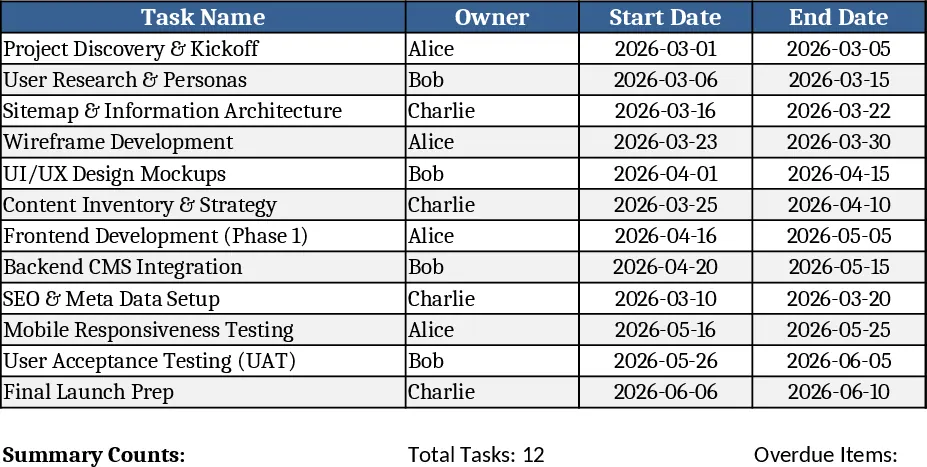
3-Month Website Redesign Task Tracker Template
Track and manage every website redesign task over three months, see owners, dates, status, and get instant overdue alerts.
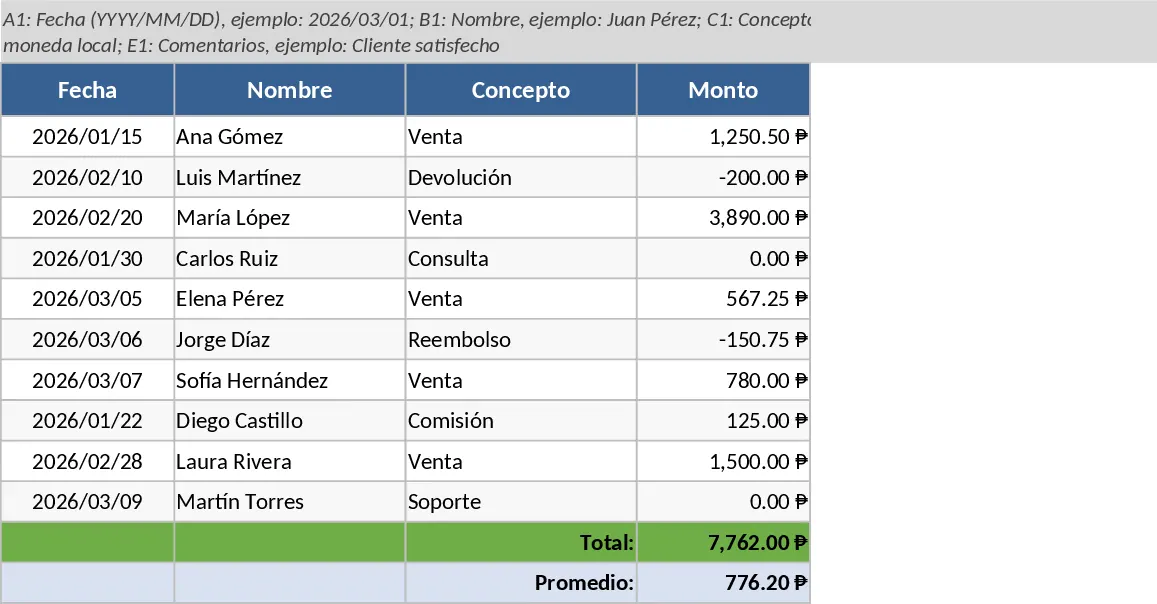
Strategic Project Activities Tracking Template
Manage strategic project tasks with visual status indicators to track responsibilities, deadlines, and progress across multiple initiatives.
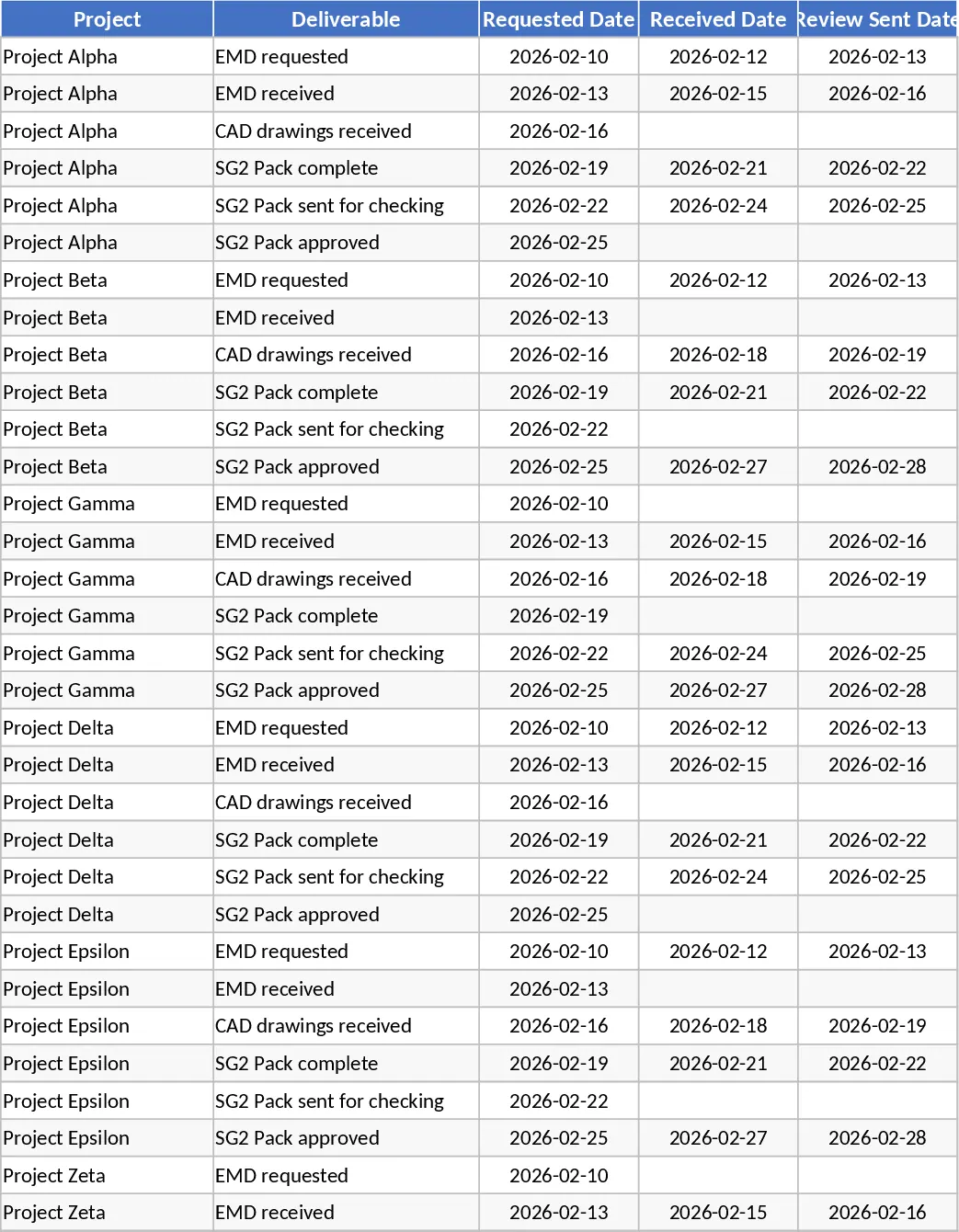
Project Deliverables Request and Review Tracker Template
Track project deliverables from initial request to final approval with status indicators for overdue items and review stages.