Professional Pedagogical Tracking and School Performance Analysis Template
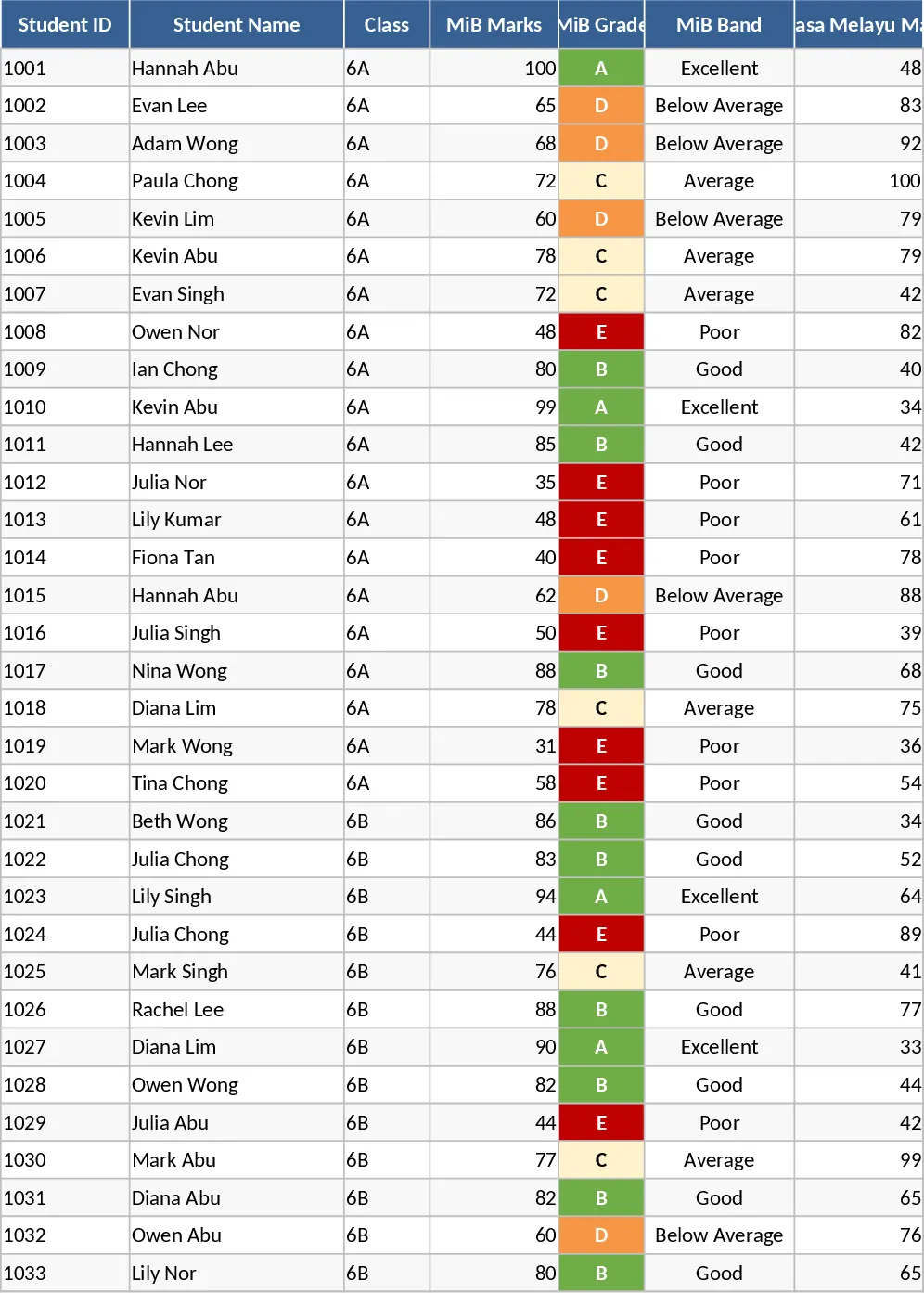
Managing multiple classes and diverse assessment data can be overwhelming for educators. This Professional Pedagogical Tracking and Analysis template is designed to simplify school management by transforming raw exam scores into clear, visual insights. Whether you are a teacher monitoring individual student growth or a coordinator analyzing grade-level performance, this tool provides a structured environment to track Prova Paulista and SAREI results across all four bimesters.
The template features a robust architecture with dedicated sheets for different classes. Each class sheet allows for detailed data entry, including student names and percentage-based scores for various assessments. The system automatically calculates bimonthly averages, overall averages, and evolution metrics to show whether a student is improving or declining. To make data interpretation instantaneous, built-in conditional formatting highlights performance levels: green for mastery (70-100%), orange for attention (50-69%), and red for critical status (below 50%).
Beyond simple grading, the template includes a specialized Descriptors and Skills section. Here, you can map up to 15 specific educational descriptors per class, linking scores to actual learning objectives. This allows the spreadsheet to automatically classify skills as Critical, Attention, or Adequate, helping you pinpoint exactly which topics require more classroom focus. The centerpiece of the template is the Interactive Dashboard—a modern, BI-inspired panel that updates dynamically based on your class selection. It displays key performance indicators (KPIs) like participation rates, class averages, and a Top 5 / Bottom 5 student ranking.
This tool is ideal for teachers, pedagogical coordinators, and school administrators who need to present data-driven reports during parent-teacher conferences or staff meetings. It eliminates the need for manual calculations and complex charting, allowing you to focus on what matters most: student success and targeted intervention.
How to use
- Data Entry: Navigate to the specific class tab and enter your students' names and their percentage scores for the Prova Paulista and SAREI assessments across the bimesters.
- Map Skills: In the Descriptors_Skills tab, input the codes and descriptions for the skills being evaluated to see the automated difficulty classification for the whole group.
- Analyze Results: Open the Interactive Dashboard and use the class selector to view automated charts, identify critical descriptors, and check the student evolution trends.
Expected benefits By centralizing your academic data, you can significantly reduce the time spent on administrative reporting while gaining a much deeper understanding of your students' learning curves and classroom challenges.
Similar Templates Recommendation
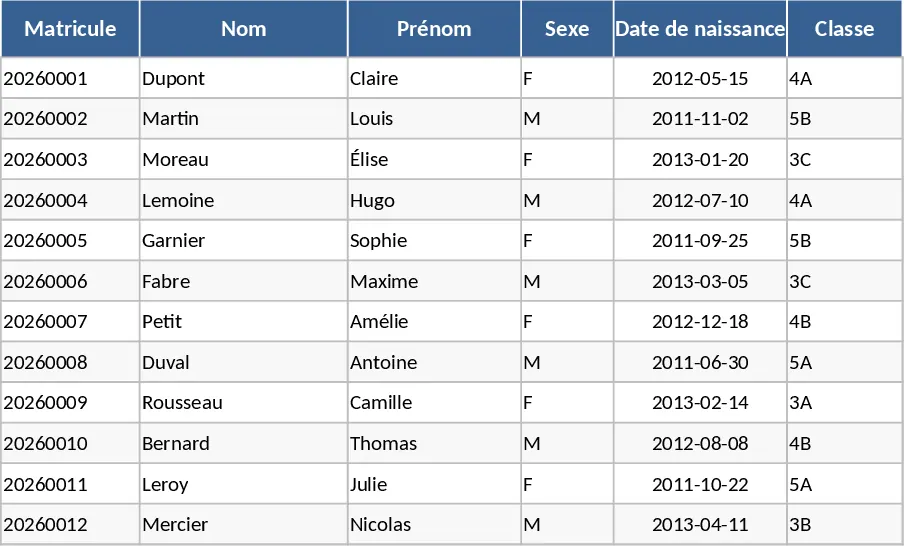
Comprehensive School Management and Automated Report Card Template
Track student enrollment, automate grade calculations, manage attendance, and generate professional report cards with this all-in-one school system.
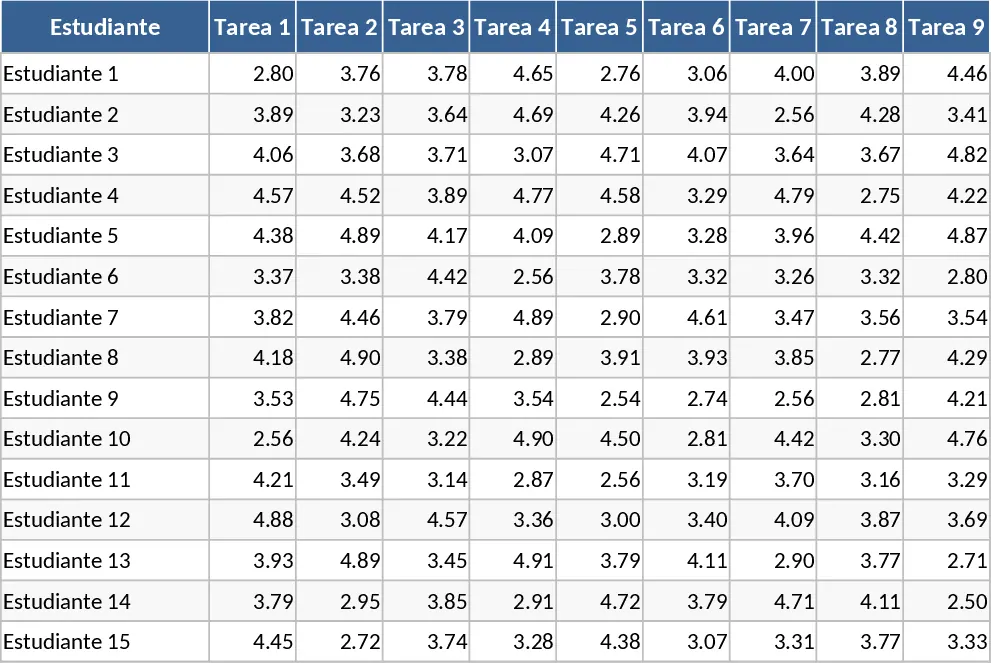
Weighted Academic Gradebook and Performance Tracker Template
Manage student grades across three periods with automated weighted calculations for tasks, exams, and class activities on a 1-5 scale.
Year 6 Executive Academic Intelligence and Performance Reporting Template
Track Year 6 student performance with a dark executive dashboard, automated risk analysis, trend intelligence, and one-click PDF reports.