Comprehensive School Management and Automated Report Card Template
Transitioning from paper registers to a digital system is a game-changer for any educational institution. This School Management System for Excel is designed to centralize all administrative and pedagogical data into one intelligent, interconnected file. It eliminates the common headaches of manual grade calculations, disorganized student files, and the time-consuming process of creating individual report cards by hand. By digitizing these workflows, schools can ensure data integrity and provide faster feedback to parents and students.
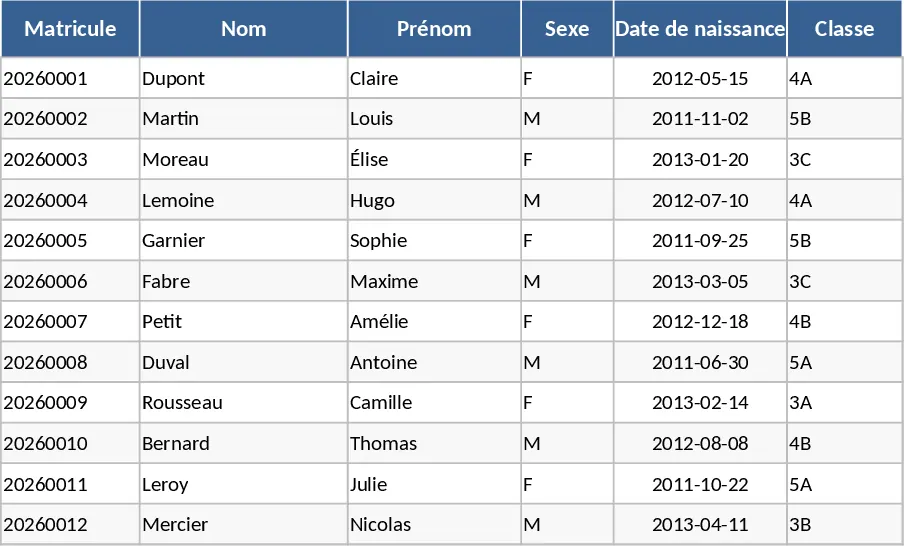
The template is built around several core modules accessible via a central navigation menu with intuitive buttons. The Student Database stores essential details like matriculation numbers, parent contact info, and addresses. The Grade Management sheet allows teachers to input scores for various subjects—ranging from Mathematics and Sciences to History and Geography—while the system handles the heavy lifting of calculating weighted averages and determining class rankings automatically. There is also a dedicated Attendance Tracker to monitor student presence and identify patterns of absence throughout the school year.
For school administrators, principals, and teachers, this tool serves as a single source of truth. It transforms raw data into actionable insights through a visual Dashboard, displaying total enrollment, success rates, and subject-specific performance trends using dynamic charts. Whether you are managing a small primary school or a larger secondary institution, this template ensures that every student's progress is documented accurately. The automated report card feature is particularly useful, as it pulls data from all sheets to create a professional, print-ready document for each student with just a few clicks.
How to use the template:
- Start by configuring your school settings in the setup area, including class names and the specific list of subjects taught in each grade level.
- Populate the Student Database with enrollment details; this information will automatically flow into the grading and attendance sheets to save you from repetitive typing.
- During the term, enter grades and attendance records into their respective sheets; the system will instantly update averages, rankings, and the main dashboard.
- Navigate to the Report Card section, select a student's name from the dropdown menu, and the full academic profile will populate for immediate printing or PDF export.
By implementing this system, you can expect to significantly reduce administrative overhead and eliminate calculation errors, giving your staff more time to focus on student development rather than tedious paperwork. It provides a professional way to manage school life while keeping all records organized in a single, easy-to-backup Excel file.
Similar Templates Recommendation
Professional Pedagogical Tracking and School Performance Analysis Template
Track student performance, analyze exam results like Prova Paulista and SAREI, and visualize class evolution with an automated dashboard.
Student Grade Tracker Template
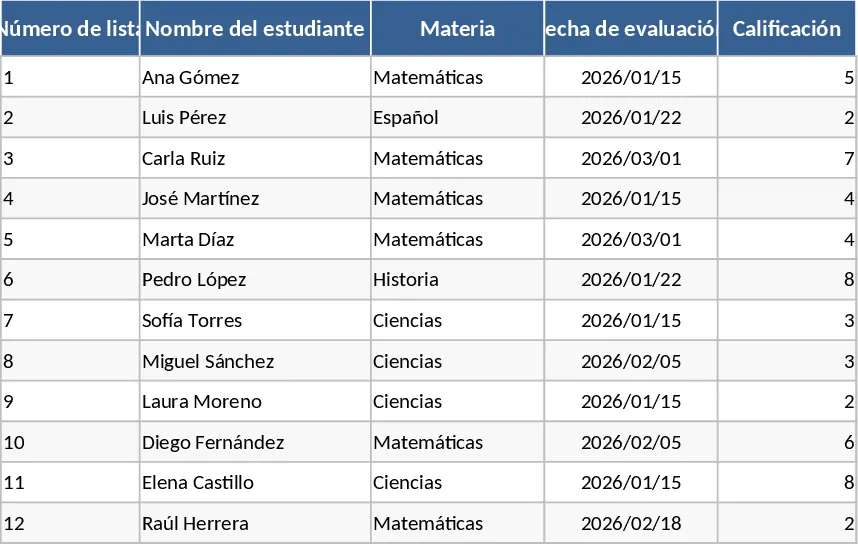
Effortlessly track student performance, manage subject grades, and calculate GPA averages to monitor academic progress throughout the school year.
Academic Planner and Grade Tracker Template
Manage student performance, attendance, and curriculum planning in one comprehensive dashboard to improve academic outcomes and organization.