Comprehensive Budget & Expense Tracker Template
This workbook bundles five ready‑to‑use budgeting sheets—Personal Monthly Budget, Family Finance Planner, Debt‑Reduction Tracker, Vacation Expense Sheet, and Wedding Cost Planner. Each sheet follows a consistent layout: a header for income sources, a table of categorized expenses, a calculated summary row that shows total income, total outflow, net savings or deficit, and a small chart that visualizes the balance over time. Drop‑down lists let you pick standard categories (Housing, Food, Entertainment, Childcare, Travel, Venue, etc.) while the built‑in formulas automatically sum rows, compute percentages, and flag overspending. At the far right of the workbook, a Dashboard sheet pulls key figures from all five sheets, displaying a high‑level view of your overall cash flow, debt‑payoff timeline, and upcoming big‑ticket items such as a honeymoon or wedding deposits.
The template solves the common headache of juggling multiple spreadsheets or manual pen‑and‑paper logs. By centralising every major budgeting scenario in one file, you eliminate duplicate entry and gain instant insight into where money is being allocated across personal, household, and special‑event goals. The AI‑enhanced suggestions (available when you upload the file to RowSpeak) scan your transaction patterns, highlight recurring subscriptions that may be unnecessary, and propose payment‑schedule tweaks that could shave months off debt repayment. This turns raw numbers into actionable advice, helping you stay disciplined without spending hours on analysis.
Anyone who needs a clear picture of their finances will find value here—single professionals tracking salary and side‑gig earnings, couples managing shared household costs, families budgeting for children’s education and childcare, individuals focused on paying down credit‑card balances, and couples planning a wedding or a vacation. The workbook adapts to each scenario without requiring separate files, making it ideal for users who prefer a single, familiar interface.
What you can monitor includes monthly income streams, fixed and variable expense categories, debt balances with interest rates, projected payoff dates, vacation‑specific line items like flights and accommodations, and wedding‑related costs such as venue deposits and catering fees. Each sheet also records notes, allowing you to annotate why a particular expense spiked or to set reminders for upcoming payments. The visual charts give you a quick sense of progress, turning numbers into an easy‑to‑read story of financial health.
How to use the workbook:
- Open the sheet that matches your current focus (e.g., Personal Monthly Budget) and enter your income figures in the top row. Use the drop‑down menus to assign each expense to a predefined category or add a custom one.
- Fill in the expense table with amounts for the month; the formulas will instantly update totals, percentages, and the net savings line.
- Switch to the Dashboard tab to see a consolidated snapshot; if you have RowSpeak linked, click the "Run AI Insights" button to receive personalized recommendations.
- For debt or event‑specific sheets, update the balance and payment columns each month; the progress chart will adjust, showing you how close you are to your goal.
Expected benefits include a noticeable reduction in time spent gathering and reconciling financial data, fewer manual calculations, and clearer visibility into spending habits that can lead to smarter budgeting decisions. By keeping everything in one place and leveraging AI hints, you can focus more on living your goals and less on spreadsheet maintenance.
Similar Templates Recommendation
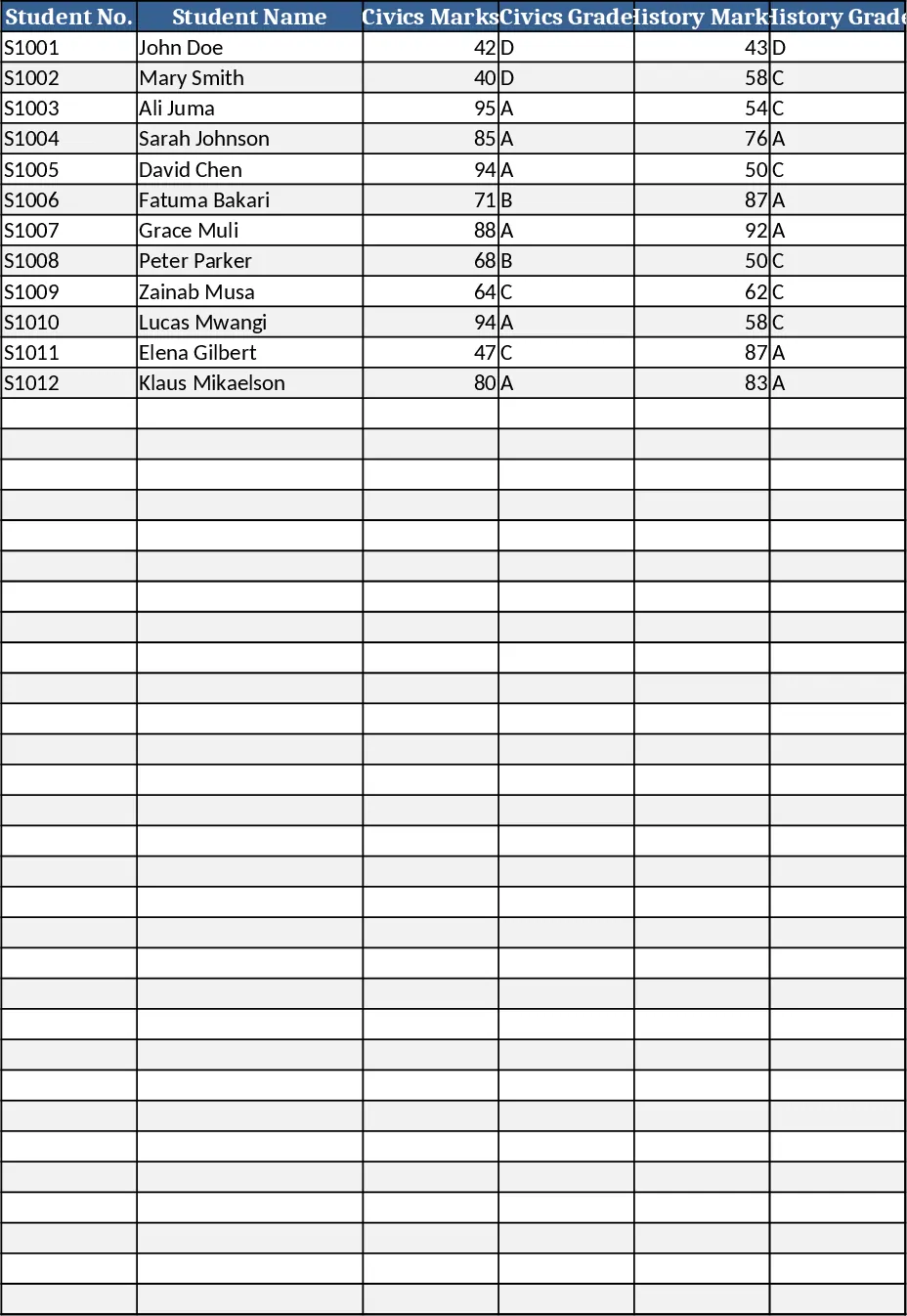
Secondary School Results and Ranking Template
Track up to 200 secondary students' marks, auto‑calculate grades, averages, divisions and rankings in a clear, formatted sheet.
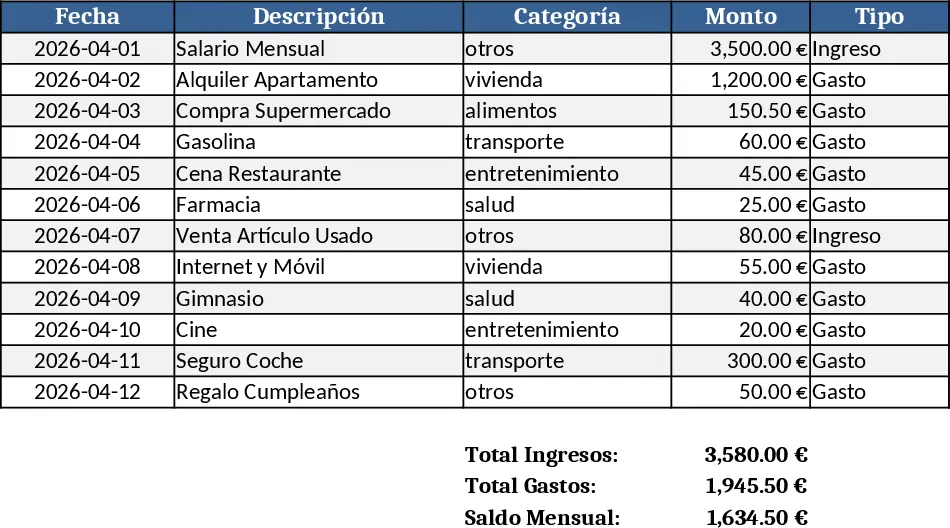
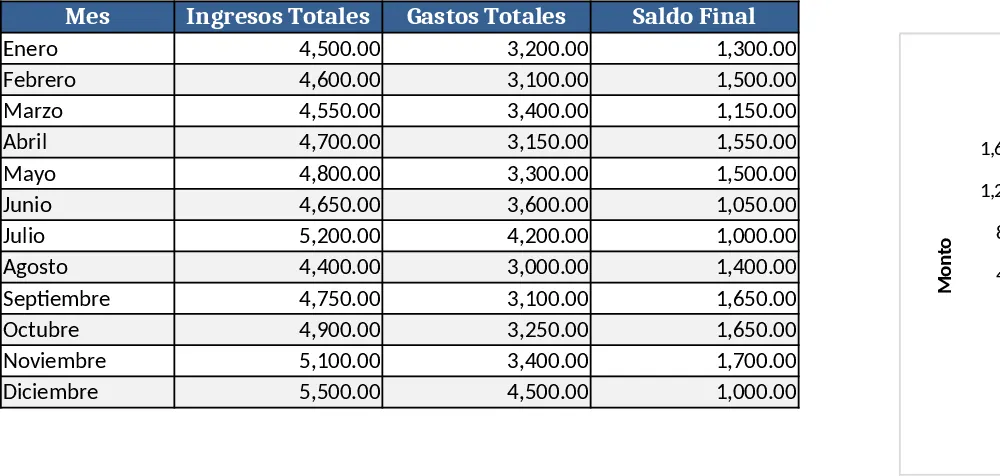
Couple Budget and Cash Flow Tracker Template
Track monthly income, expenses, and cash flow for a working couple, visualize budgets and savings goals in one spreadsheet.
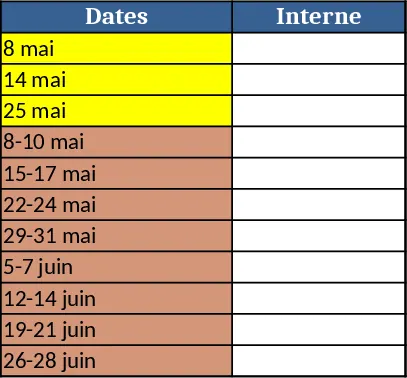
Date Range and Internal Log Template
Create an Excel file with two columns for dates and internal notes, with colored rows for different date ranges.