IPTV Multi-Server Customer Management and Expiration Tracking Template
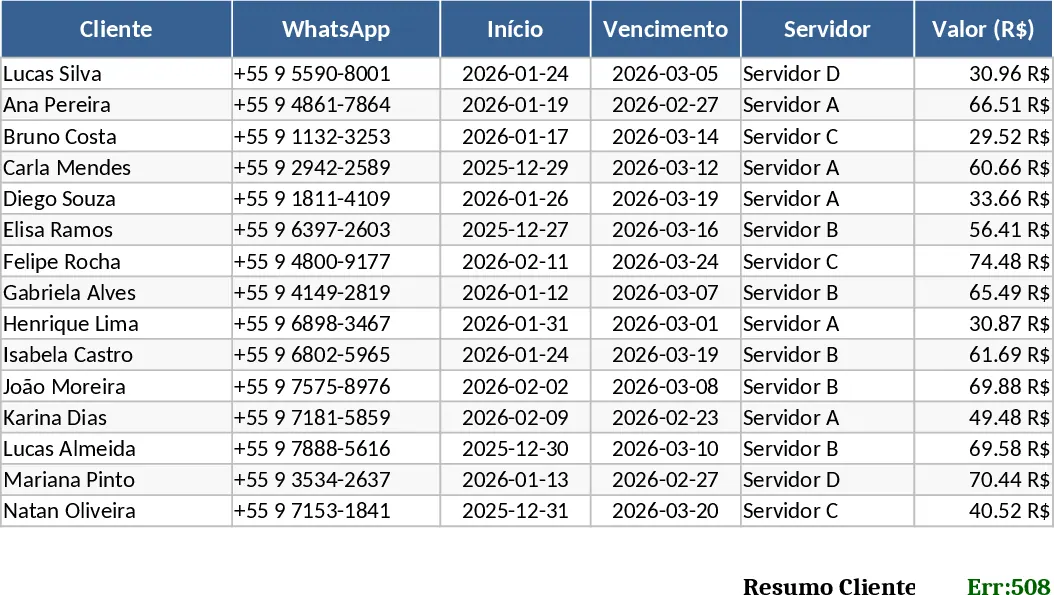
Managing a growing IPTV reseller business requires precision, especially when dealing with multiple servers and varying renewal dates. This customizable IPTV Client Control spreadsheet provides a vibrant and organized environment to track every subscriber detail. The template is structured with intuitive sections for client registration, server categorization, and financial tracking. You can easily log customer contact information, assigned servers, and specific plan details, while the built-in color coding helps you identify the status of each account—whether they are active, nearing expiration, or overdue.
This tool is specifically designed for digital service providers who need to move away from messy notes or basic lists. By centralizing your data, you gain a clear overview of your monthly revenue and client retention. It eliminates the risk of forgetting to send renewal reminders, which is crucial for maintaining a steady income stream. Whether you manage a handful of users or a large network across different platforms, this template scales with your needs, offering a professional way to handle your daily operations. The structure includes dedicated columns for MAC addresses, device types, and login credentials, ensuring that technical support for your clients is always just a click away.
The spreadsheet features a dynamic summary dashboard that automatically updates as you input new data. This allows you to see your total number of active subscribers, total revenue collected, and a breakdown of clients per server. The use of dropdown menus for server names and plan types minimizes data entry errors and keeps your database clean. Furthermore, the conditional formatting ensures that any client whose subscription expires within the next few days is highlighted in a specific color, acting as a visual alarm for your renewal workflow.
The importance of a centralized database cannot be overstated in the digital subscription industry. Without a clear record, it is easy to lose track of which client belongs to which server, especially when servers undergo maintenance or updates. This template provides a notes section for each client, allowing you to record specific preferences or previous technical issues, which helps in providing personalized customer service. By maintaining a history of payments, you can also identify your most loyal customers and perhaps offer them special promotions or loyalty discounts. In addition to operational efficiency, this spreadsheet serves as a basic financial ledger. You can track not only what you receive from clients but also keep a record of your costs per credit or per server access. This helps you calculate your actual profit margins, giving you the insights needed to adjust your pricing or switch to more profitable servers.
How to use:
- Start by navigating to the Settings tab to input your specific server names and the various subscription plans you offer, such as monthly or yearly options, to populate the dropdown menus.
- Go to the Client Database sheet and enter your customers' information, selecting their assigned server and plan from the menus; the spreadsheet will automatically calculate the next due date.
- As payments come in, update the Payment Status column; the dashboard will reflect these changes instantly, showing you who is up to date and who requires a follow-up.
Expected benefits: This template helps you save hours of manual tracking and reduces the stress of managing multiple renewal dates simultaneously, leading to better client retention and organized growth.
Similar Templates Recommendation
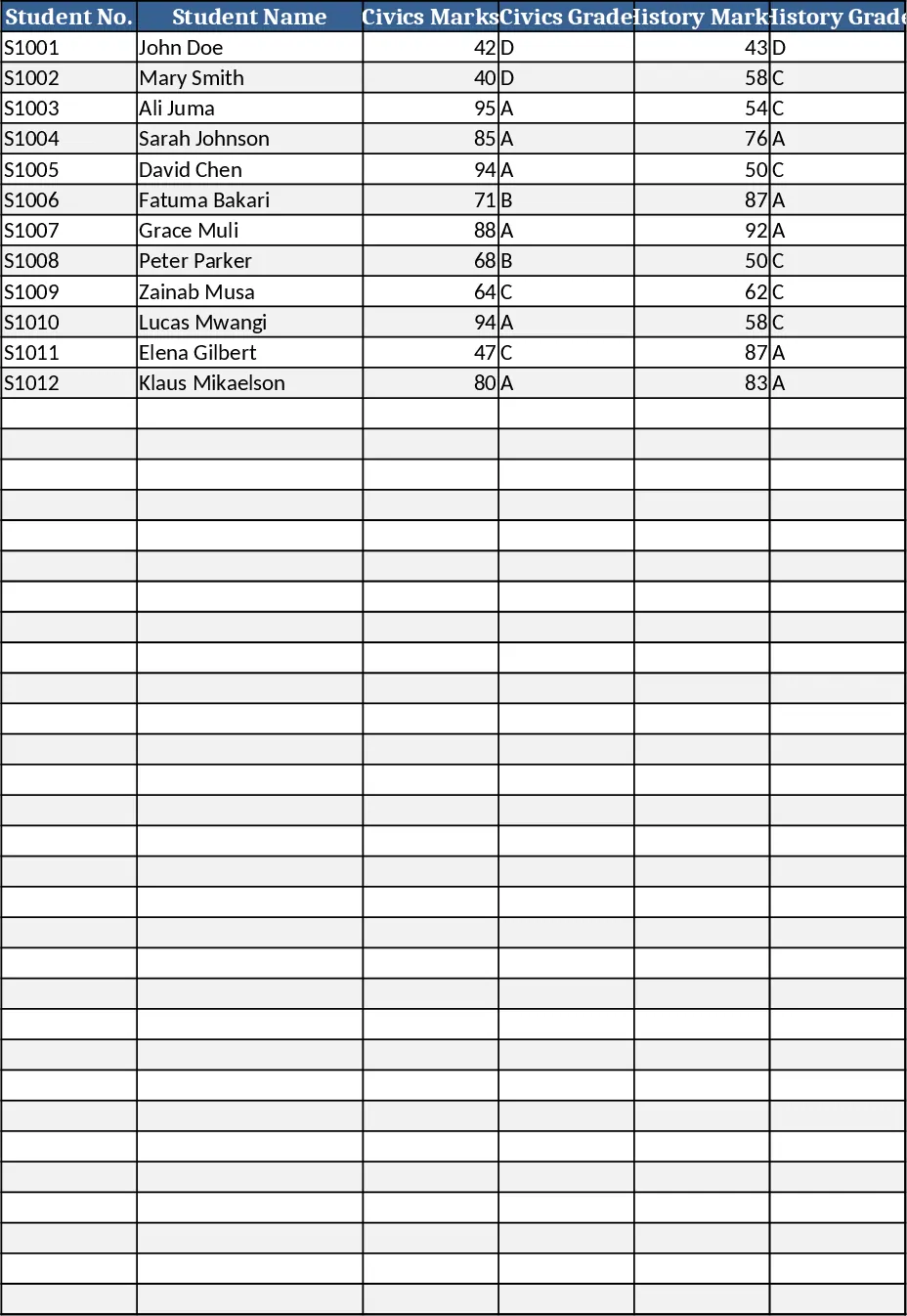
Secondary School Results and Ranking Template
Track up to 200 secondary students' marks, auto‑calculate grades, averages, divisions and rankings in a clear, formatted sheet.
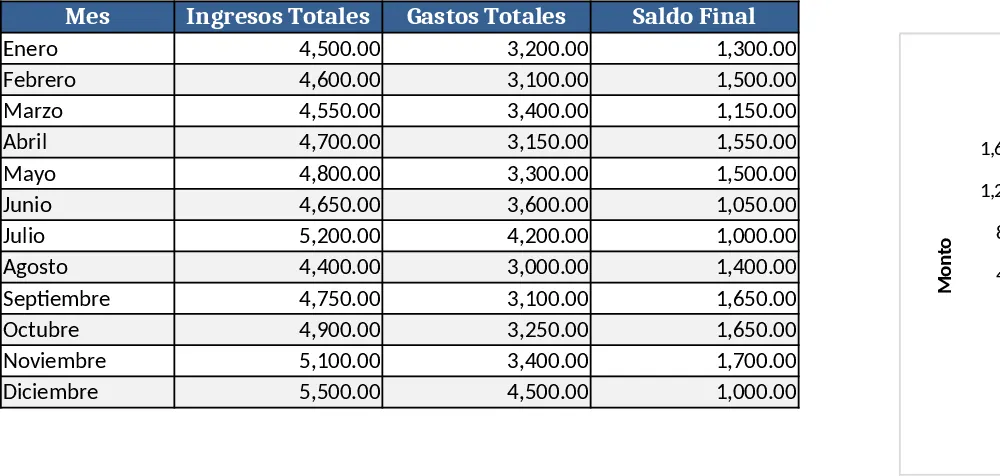
Couple Budget and Cash Flow Tracker Template
Track monthly income, expenses, and cash flow for a working couple, visualize budgets and savings goals in one spreadsheet.
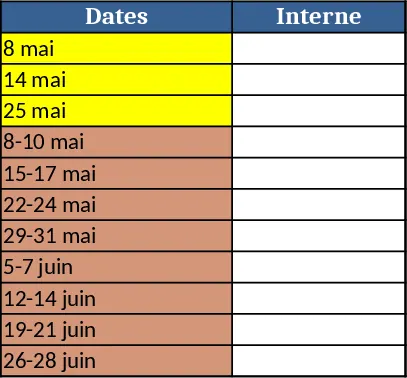
Date Range and Internal Log Template
Create an Excel file with two columns for dates and internal notes, with colored rows for different date ranges.