Monthly Sales and Business Expense Summary Template
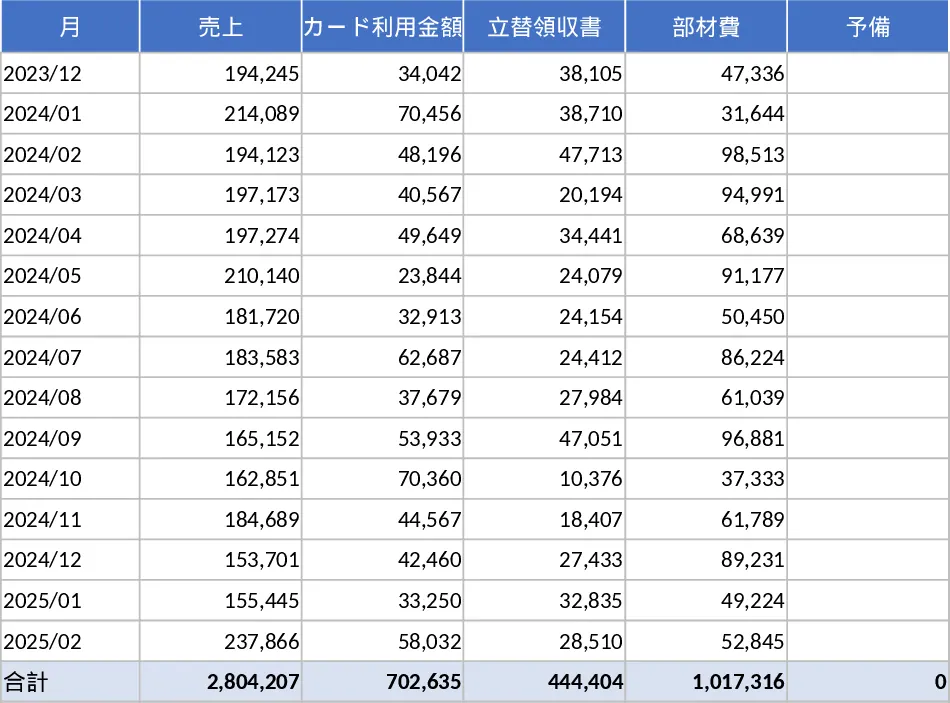
Managing the financial health of a growing business or a freelance career requires a clear and consistent view of both income and expenditures. This Monthly Sales and Expense Summary template provides a robust and professional framework for tracking your primary revenue alongside various operational costs, including credit card usage, out-of-pocket reimbursements, and material expenses. Instead of juggling separate files for sales and receipts, this template brings everything together into a unified system, allowing for a holistic view of your monthly performance and cash flow. It is designed to be intuitive enough for daily use while being detailed enough to provide meaningful insights during your end-of-month reviews.
The template is structured with several dedicated input sections that feed into a central dashboard. In the Sales section, you can record transaction dates, client names, and specific service or product details. The Material Costs section allows for granular tracking of supplies and inventory needed for your operations, helping you understand your cost of goods sold. For administrative and operational spending, the Credit Card and Reimbursement sections provide a clear way to log every receipt and statement line item. These sections include dropdown menus for categorization, ensuring that your data remains organized and easy to filter. The core output of this template is the automated Summary Table, which aggregates all your entries to show total income, total expenses by type, and your final net position for the month.
This tool is particularly helpful for small business owners, project managers, and administrative staff who need to maintain tight control over overhead. It solves the common problem of fragmented financial data where sales are in one place and receipts are scattered in another. By centralizing this information, you can easily identify spending patterns, such as an unexpected rise in material costs or a high volume of out-of-pocket expenses that need to be reimbursed. This level of organization is invaluable during tax season or when preparing financial reports for stakeholders, as it provides a clear audit trail of all business activities. It transforms the tedious task of bookkeeping into a streamlined workflow that supports better decision-making.
How to use:
- Start by setting up your categories in the settings area and then enter your monthly sales figures and material costs into their respective input sheets, ensuring each entry has a date and description.
- Log all credit card transactions and out-of-pocket expenses from your receipts into the dedicated tracking sections to ensure every yen or dollar is accounted for.
- Navigate to the Summary Dashboard tab to view the automatically generated totals, where formulas calculate your monthly totals and category breakdowns without any manual math required.
- Use the monthly comparison view to review your financial trends and adjust your spending or sales strategies for the upcoming month based on the actual data.
By adopting this template into your monthly routine, you can expect to significantly reduce the time spent on manual calculations and minimize the risk of errors in your financial reporting, leading to a more organized and stress-free management experience.
Similar Templates Recommendation
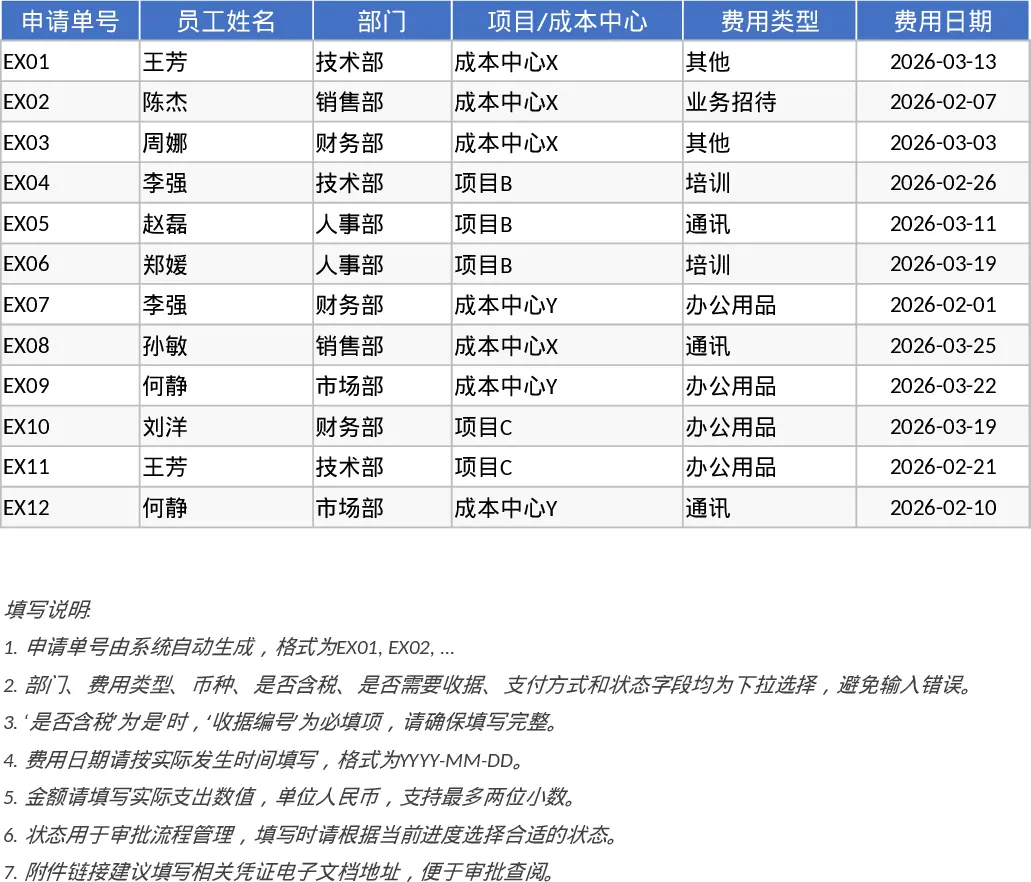
Employee Expense Reimbursement and Approval Tracker with Conditional Formatting Template
Track employee expenses, manage approval workflows, and monitor departmental spending with automated summaries and KPI dashboards.
Small Business Daily Finance and Inventory Management Template
Manage daily income, track expenses, monitor inventory, and view automated monthly profit summaries to streamline your small business finances.