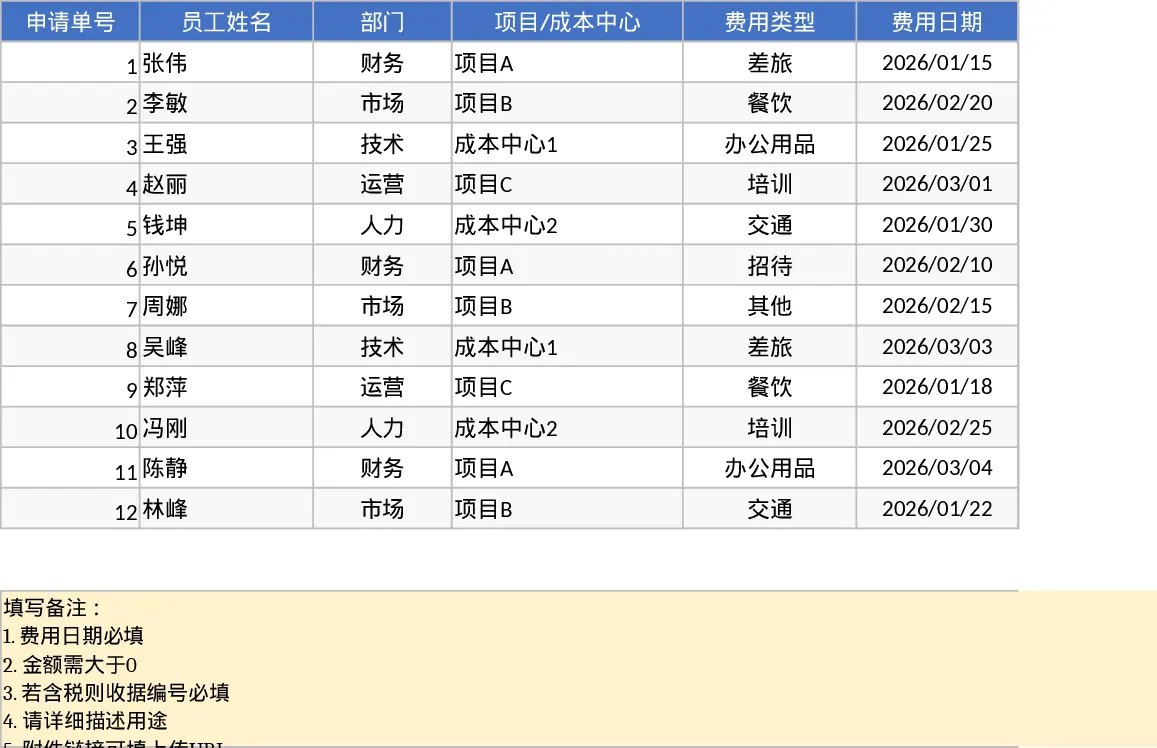
Employee Expense Reimbursement and Approval Tracking with Dashboard Template
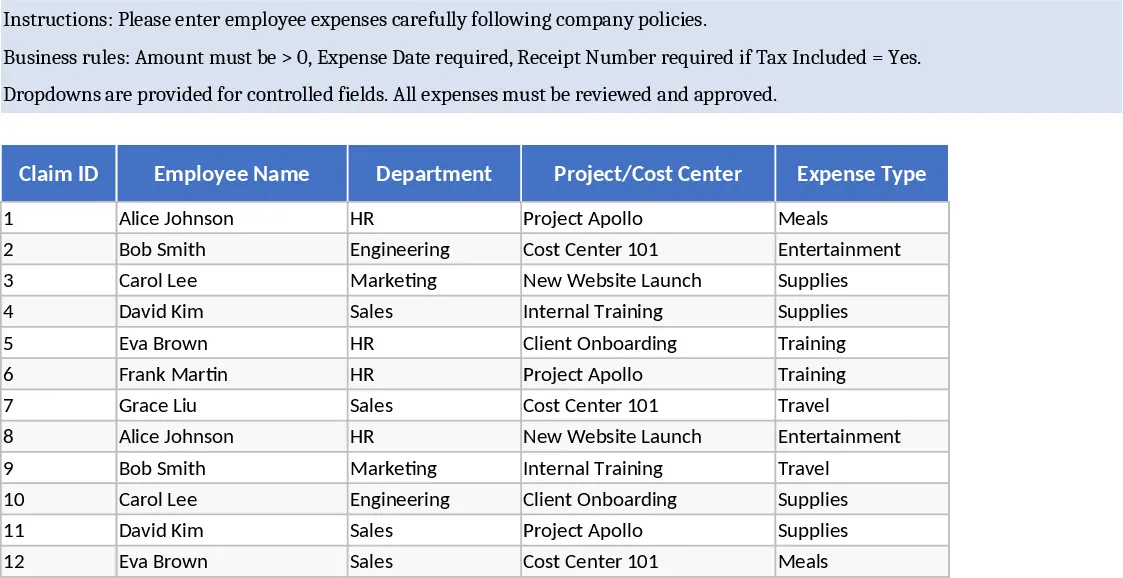
Managing business expenses and employee reimbursements often becomes a logistical challenge as a company grows. This Employee Expense Reimbursement Template is designed to simplify that process by providing a centralized, automated system for tracking every dollar spent. By moving away from scattered receipts and email chains, your team can maintain a clear audit trail and ensure that every claim is accounted for and processed on time. This tool is particularly beneficial for office managers, finance departments, and project leads who need to oversee budgets across multiple cost centers without investing in complex enterprise software.
The template is organized into two primary functional areas. The Expense Lines sheet serves as the data entry hub where employees or administrators input specific transaction details. It features comprehensive columns including Claim ID, Department, Project/Cost Center, and Expense Type. To maintain data integrity, the sheet utilizes dropdown menus for categories and payment methods. It also includes smart logic: for instance, if an expense is marked as including tax, the system prompts for a receipt number, ensuring your financial records remain compliant for tax season. You can also track attachment links for digital receipts, making it easy for managers to verify purchases without digging through physical files. Every line item includes a status tracker, moving from Draft to Submitted, and finally to Approved or Rejected.
The second sheet, the Summary & Approval View, transforms raw data into actionable insights. This dashboard provides a pivot-style summary that breaks down spending by month, department, and individual employee. It is equipped with dynamic KPI cards that highlight critical metrics such as Total Submitted, Total Approved, Approval Rate, and Average Claim Amount. This high-level view allows finance teams to identify spending trends and budget variances at a glance. Additionally, a dedicated Pending Approvals table automatically filters claims with a Submitted status, allowing managers to quickly review and update them without searching through the entire database. It eliminates the ambiguity of reimbursement timelines by providing a transparent status for every claim.
How to use:
- Start by entering your team's expense data into the Expense Lines sheet, making sure to fill in required fields like Expense Date, Amount, and Department.
- Use the dropdown menus to categorize the expense and set the Status to Submitted when the entry is ready for manager review.
- Reviewers should head to the Summary & Approval View to see a filtered list of all pending claims and check the KPI cards for overall budget health.
- Update the Status in the main list to Approved or Rejected based on the review; the summary tables and charts will update automatically to reflect the new totals.
Expected benefits: This template significantly reduces the time spent on manual data reconciliation and follow-up emails, providing a professional and organized approach to corporate spending and financial oversight.
Similar Templates Recommendation
Employee Expense Reimbursement and Approval Tracker with Approval Workflow Template
Streamline company spending by tracking employee claims, managing approval statuses, and analyzing costs by department or project.
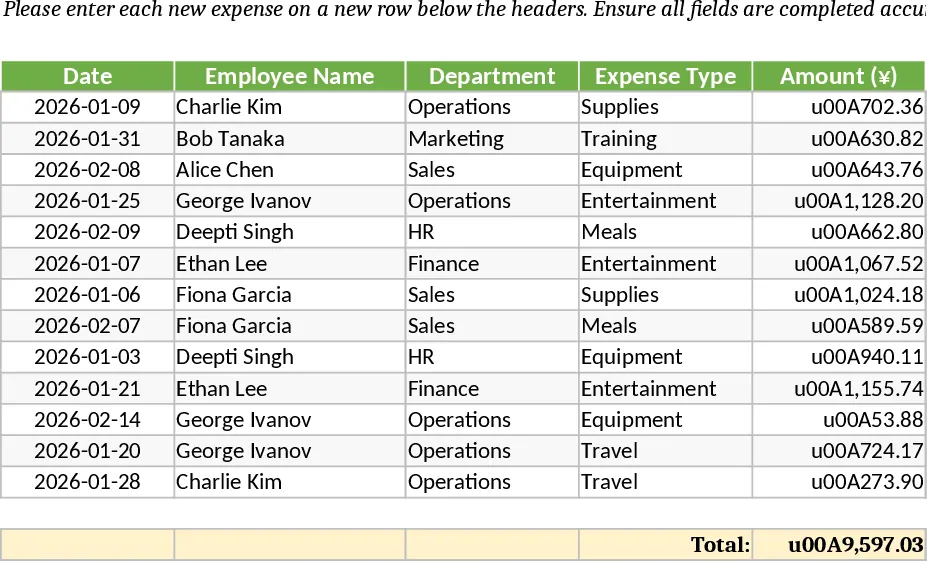
Employee Expense Reimbursement and Approval Tracking with Approval Workflow Template
Streamline employee expense claims and approvals with automated KPI summaries, receipt tracking, and department-wise reimbursement reports.
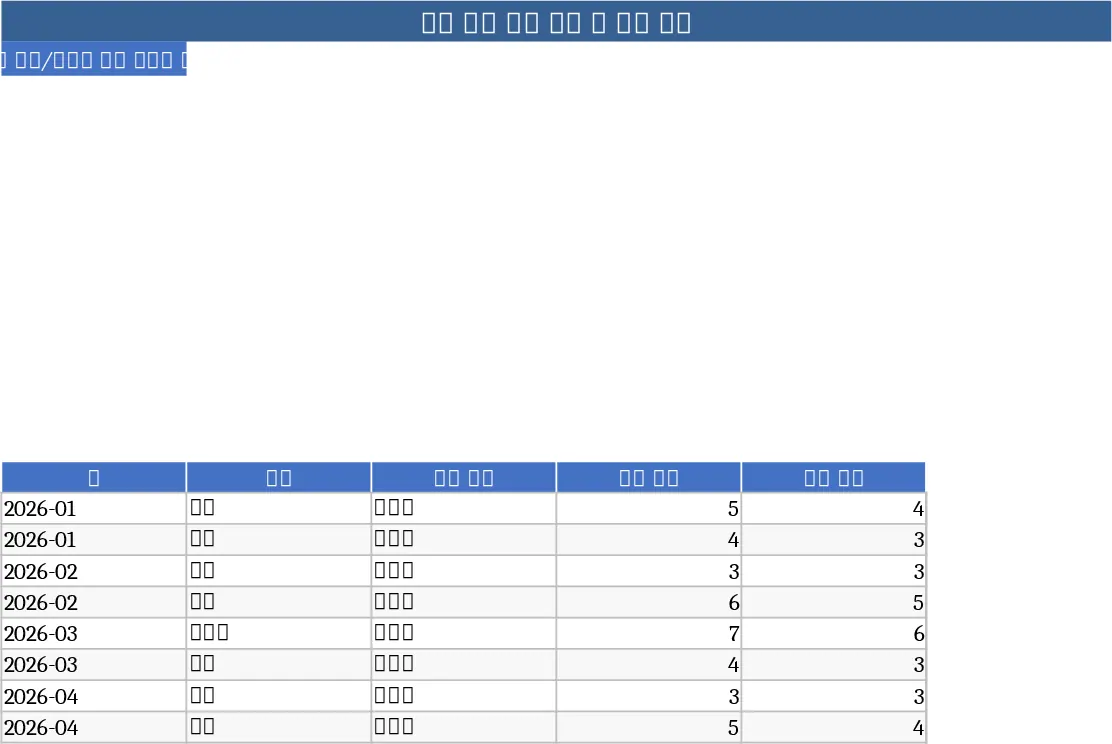
Employee Expense Reimbursement and Approval Tracker with Data Validation Template
Streamline company expense claims with this comprehensive tracker featuring automated status updates, department summaries, and approval workflows.