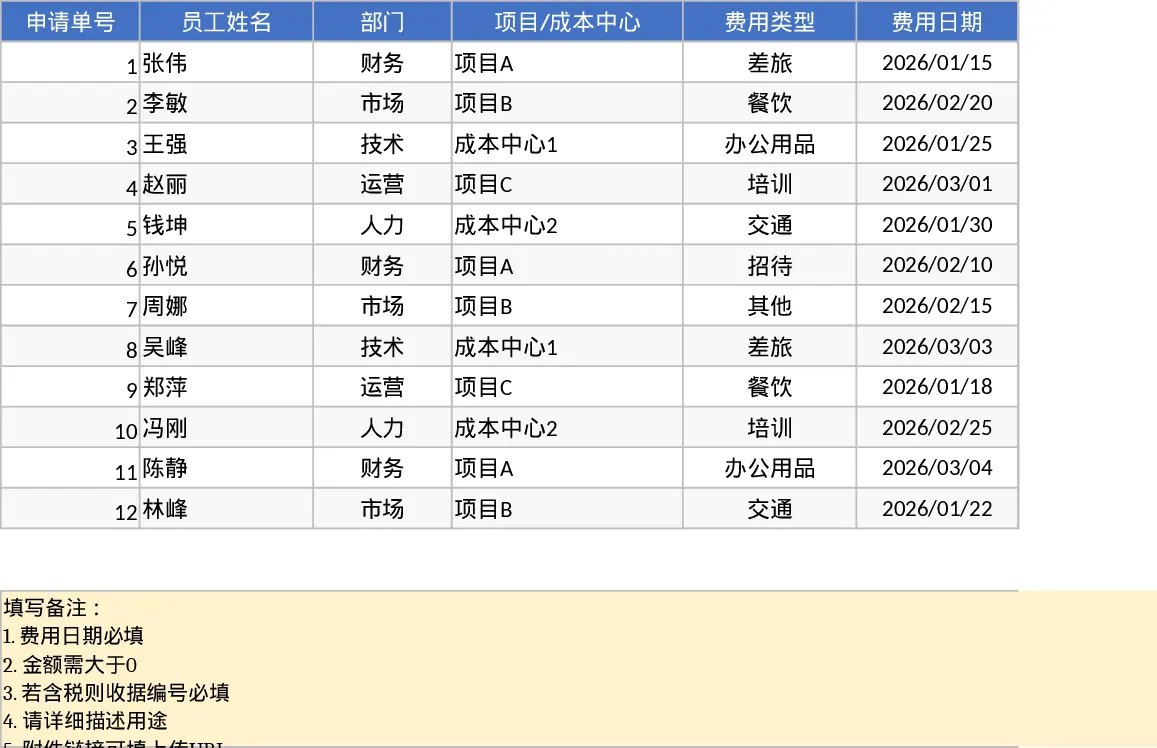
Employee Expense Reimbursement and Approval Tracking with Approval Workflow Template
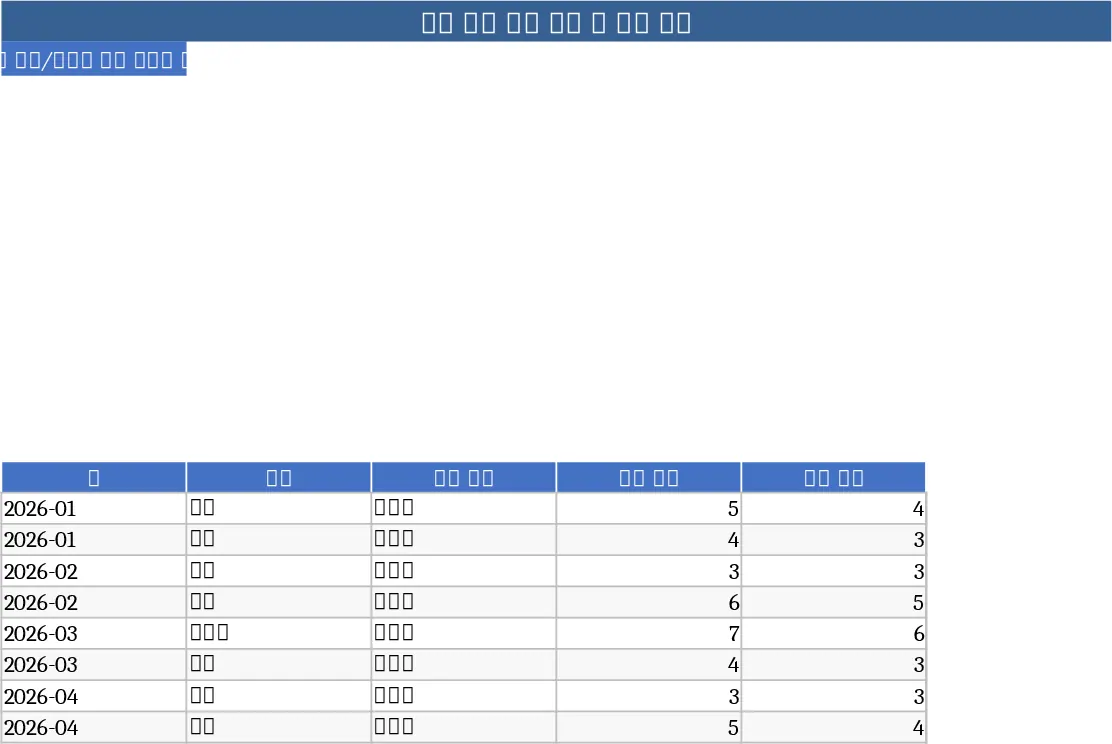
Managing employee reimbursements can often lead to a paper trail of lost receipts and delayed approvals. This professional Excel template provides a centralized system to track every claim from initial submission to final payment. The workbook is organized into two primary sections: a comprehensive Expense Details log and a dynamic Summary & Approval dashboard. The details sheet includes structured fields for department selection, cost centers, currency types, and tax status, ensuring that all financial data is captured accurately for accounting purposes.
This tool is particularly useful for finance teams and department managers who need to maintain oversight of operational spending without the complexity of expensive enterprise software. It solves the problem of manual data entry errors by using dropdown menus for departments and payment methods, while built-in validation rules ensure that receipt numbers are provided whenever tax is included. By using this template, you can eliminate the back-and-forth of email-based approvals and keep a clear audit trail of every transaction.
The Summary & Approval View transforms raw data into actionable insights. It features KPI cards that display total submitted amounts, approval rates, and average claim values, alongside a dedicated table for pending items. This allows managers to quickly identify which claims require immediate attention and which departments are reaching their budget limits. It is an ideal solution for small to medium-sized businesses looking to professionalize their internal financial processes.
How to use this template:
- Input new expense claims in the Expense Details sheet, filling out the employee name, date, and amount while selecting the appropriate category from the dropdown menus.
- Attach links to digital receipts and ensure the status is set to Submitted to trigger the tracking logic.
- Use the Summary & Approval View to review pending claims and update their status to Approved or Rejected based on company policy.
- Refresh the pivot tables to see updated monthly totals and department-wise spending distributions.
Expected benefits include significantly reduced processing time for monthly reimbursements and improved accuracy in financial reporting with minimal manual effort.
Similar Templates Recommendation
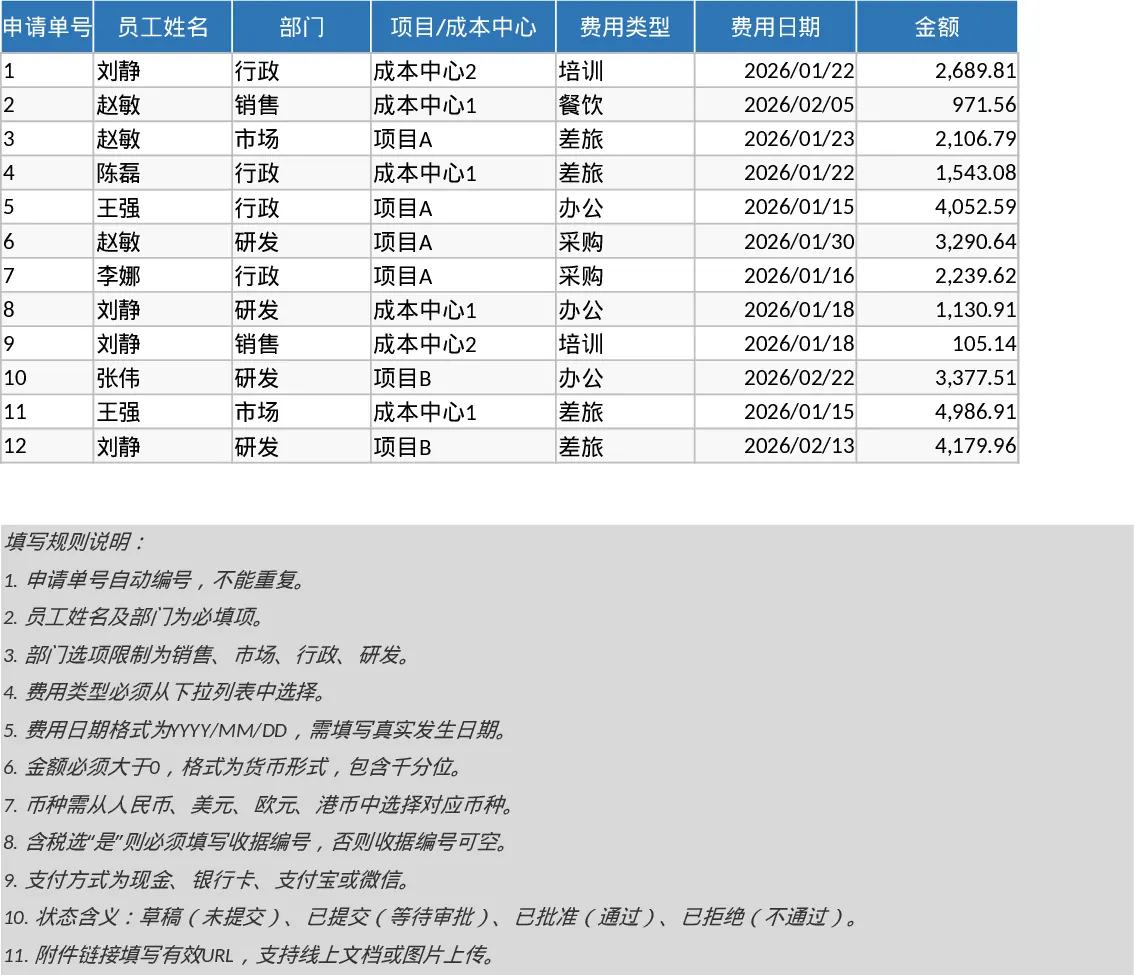
Employee Expense Reimbursement and Approval Tracker with Reimbursement Status Template
Manage employee expense claims and approval workflows while tracking departmental spending through automated KPI dashboards and pivot summaries.
Employee Expense Reimbursement and Approval Tracker with Dashboard and Approval Workflow Template
Track employee expense claims, manage approval workflows, and monitor departmental spending with automated KPI summaries and receipt tracking.
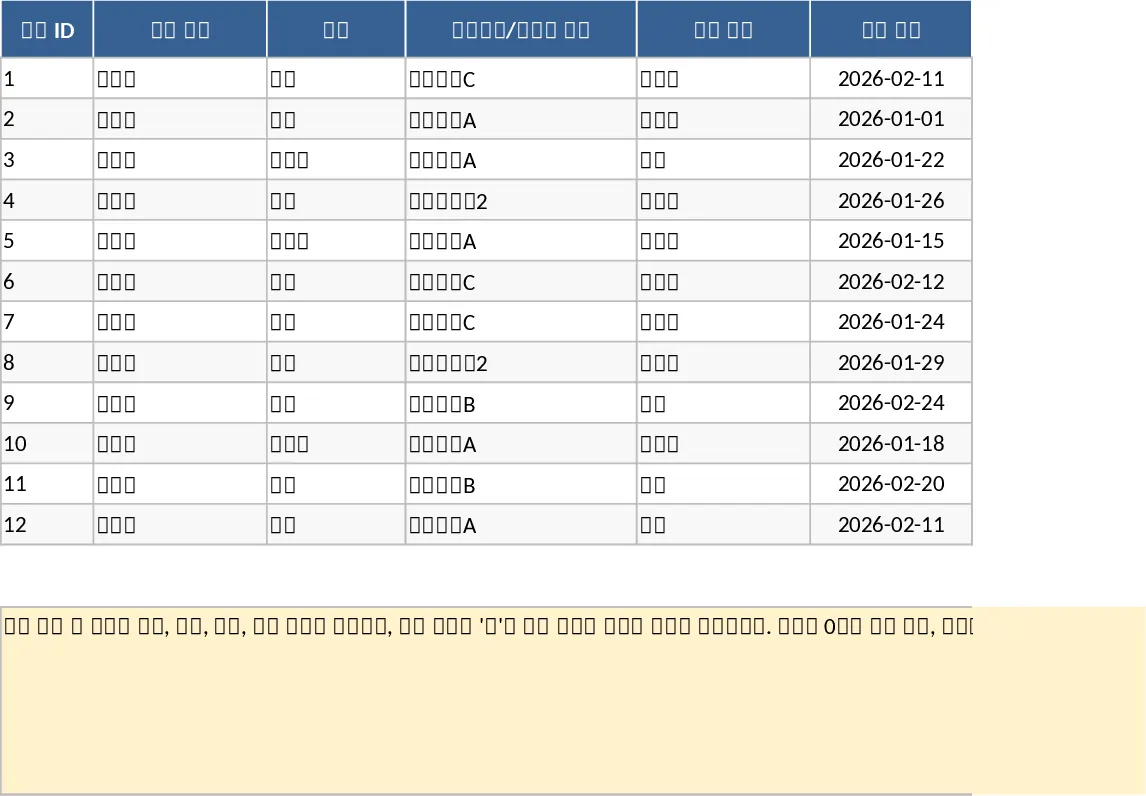
Employee Expense Reimbursement and Approval Tracker with Data Validation Template
Streamline company expense claims with this comprehensive tracker featuring automated status updates, department summaries, and approval workflows.