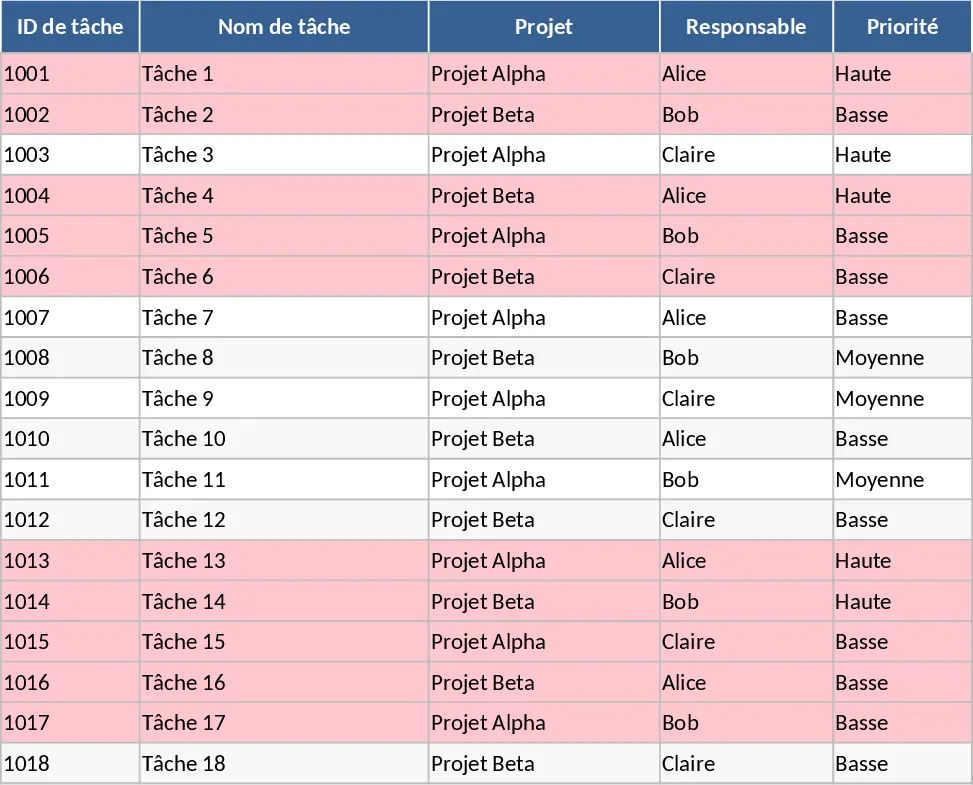
Project Task Tracker and Status Overview Template
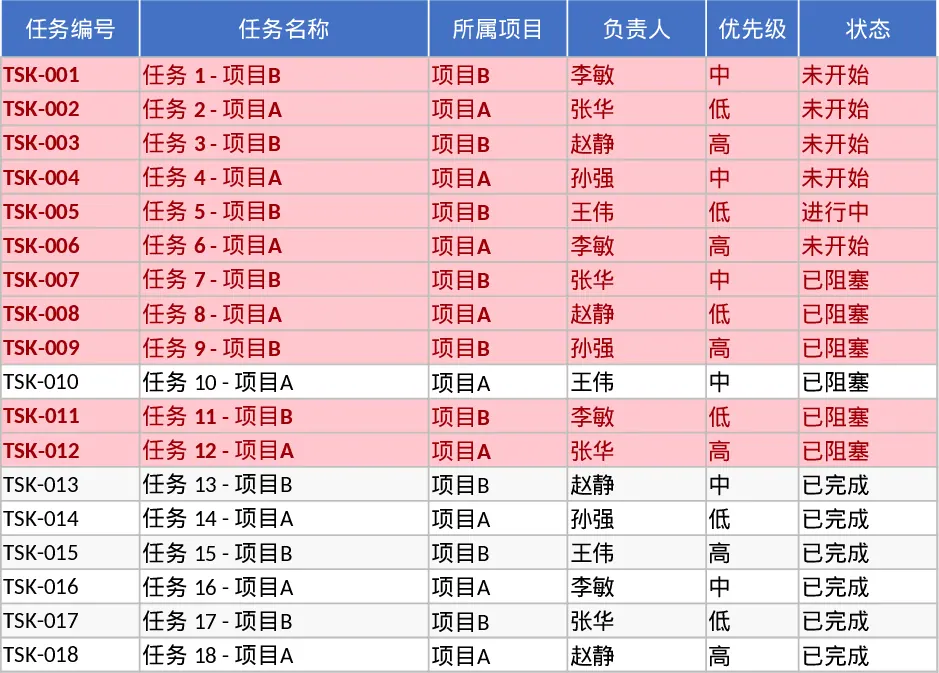
This Project Task Tracker is a robust tool designed to bring clarity and structure to complex workflows. It consists of two primary components: a detailed Task List and a dynamic Project Overview dashboard. The Task List serves as the operational core, where you can log specific task details including project names, assigned owners, and critical dates. With built-in dropdown menus for priority levels and status updates, data entry is both standardized and efficient. The template also features automated conditional formatting that instantly flags overdue tasks in red, ensuring that no deadline slips through the cracks.
For managers and team leads, this template solves the common problem of fragmented information. Instead of chasing team members for updates, you can see the entire project landscape in one place. It tracks estimated versus actual hours, allowing for better resource planning and budget management. The inclusion of task dependencies helps you understand the sequence of work and identify potential bottlenecks before they delay the entire project. Whether you are managing a marketing campaign, a software development sprint, or a construction project, this tool provides the visibility needed to keep everything on schedule.
The Project Overview sheet acts as your command center. It automatically aggregates data from the task list to provide a high-level summary of team performance. You can view task counts, completion rates, and overdue metrics filtered by individual owners. This makes it incredibly easy to identify who is overloaded and who has capacity. Additionally, a dedicated section for overdue tasks provides immediate focus on high-risk items that require urgent attention, helping you pivot resources where they are needed most.
How to use:
- Start by entering your project names and team members in the Task List sheet to populate the dropdown options and set up your environment.
- Input your tasks, assigning owners and setting mandatory due dates; use the dropdowns to set initial priorities and statuses for each item.
- Update the Actual Hours and Status columns as work progresses to keep the data current and ensure the dashboard remains accurate.
- Switch to the Project Overview sheet to review the automated charts and summary tables for a quick health check of your projects and team performance.
By centralizing your project data, you can expect significantly reduced time spent on manual reporting and a much clearer understanding of your team's velocity and roadblocks, leading to more predictable delivery cycles.
Similar Templates Recommendation
Project Task Tracker with Dashboard Template
Efficiently manage project timelines and team workloads with this comprehensive task tracker featuring automated status summaries and overdue task alerts.
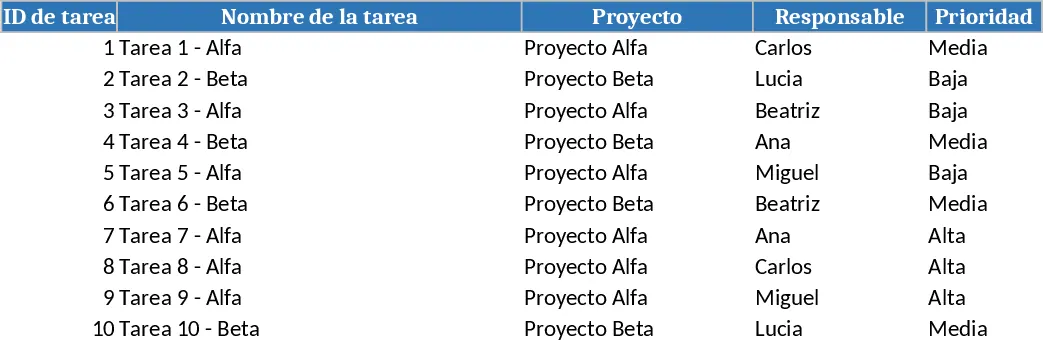
Comprehensive Project Task Tracker and Status Dashboard with Conditional Formatting Template
Organize project workflows and monitor team performance with automated status summaries and visual alerts for overdue tasks.
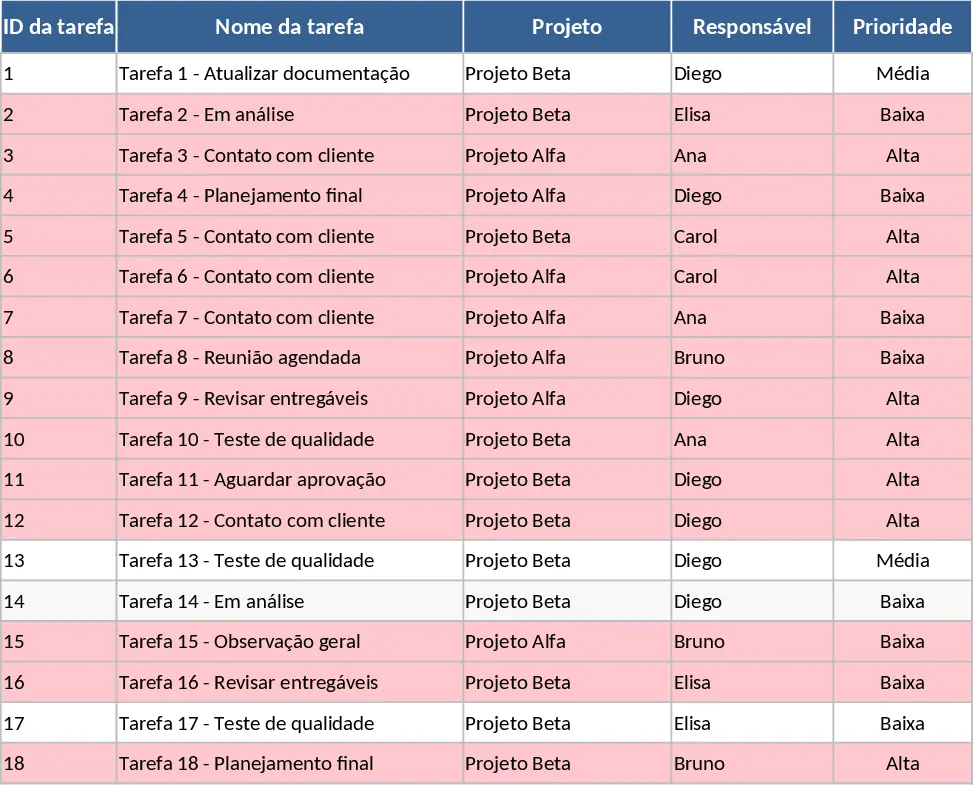
Project Task Tracker with Status Dashboard and Project Timeline Template
Track project tasks and team performance with automated status summaries, priority management, and visual alerts for overdue deadlines.