Vehicle Entry and Exit Log with Automated Reporting Template

Efficient fleet management starts at the gate. This Excel template is a professional-grade solution designed to streamline how businesses track the movement of their transport assets. Often, manual logs become messy when a single vehicle enters and exits a facility multiple times within the same shift. This template solves that specific pain point by providing a dynamic registration system. Instead of creating redundant entries, users can simply expand the movement rows for a specific vehicle and date, keeping all related data points grouped logically and ensuring that every leg of a journey is documented accurately.
The template is built with two core modules. The first is the Registration Form, which acts as your primary database. Here, you record the date, the specific vehicle identifier, and the nature of the movement. The interface is designed to be intuitive, allowing for the addition of multiple entry and exit timestamps for a single record. This ensures that your data remains clean and structured, which is vital for later analysis or auditing. The second module is the Query and Reporting Form. This section is designed for managers who need quick answers. It features a sophisticated calendar selection tool that allows you to pick any date from the past. With the click of a Generate button, the template uses automated functions to scan your entire database and present a consolidated view of all vehicle activity for that specific day.
This tool is particularly useful for logistics hubs, construction sites, distribution centers, and corporate campuses where vehicle flow is high. It helps security teams and fleet managers maintain a digital paper trail that is far more reliable than traditional logbooks. By digitizing this process, you gain the ability to quickly verify if a vehicle was on-site at a specific time, which is essential for resolving delivery disputes, monitoring driver productivity, or ensuring site security compliance. The layout is clean, professional, and requires no advanced Excel knowledge to operate daily.
How to use:
- Open the Registration sheet and input the current date and vehicle details. If the vehicle makes multiple trips, use the dynamic row feature to record each subsequent entry and exit under the same vehicle profile.
- To review historical data, switch to the Query sheet and click on the date field to select a specific day from the calendar picker.
- Click the Generate button to trigger the automated search; the template will instantly display all matching vehicle movements, including entry and exit times and specific details for that date.
Expected benefits: You can expect a significant reduction in administrative overhead and much faster response times when searching for specific vehicle movement records.
Similar Templates Recommendation
Professional Fuel Consumption Curve and Efficiency Analysis Template
Track vehicle fuel efficiency across multiple stops with automated consumption calculations per 100km and professional visual analytics.
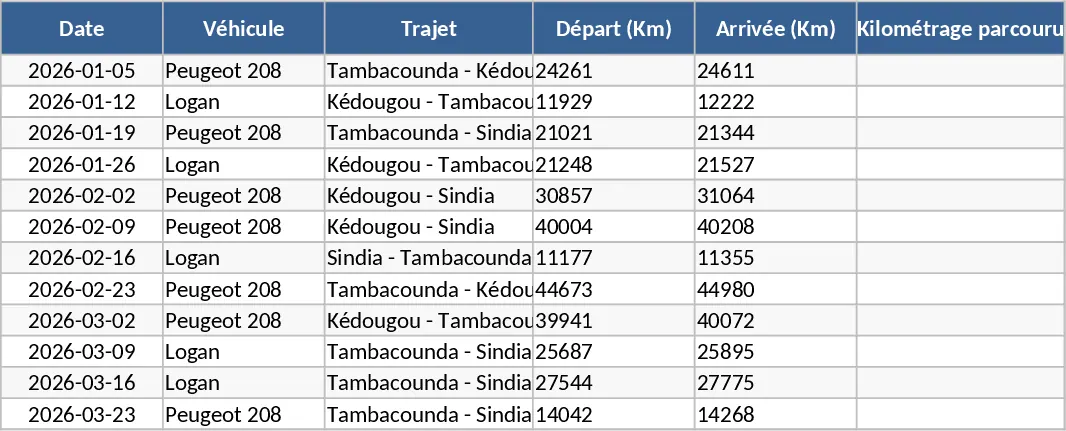
Daily Transport Telemetry and Fuel Monitoring Template
Track daily fleet telemetry, monitor fuel discrepancies, and manage driver infractions to optimize transport operations and logistics efficiency.

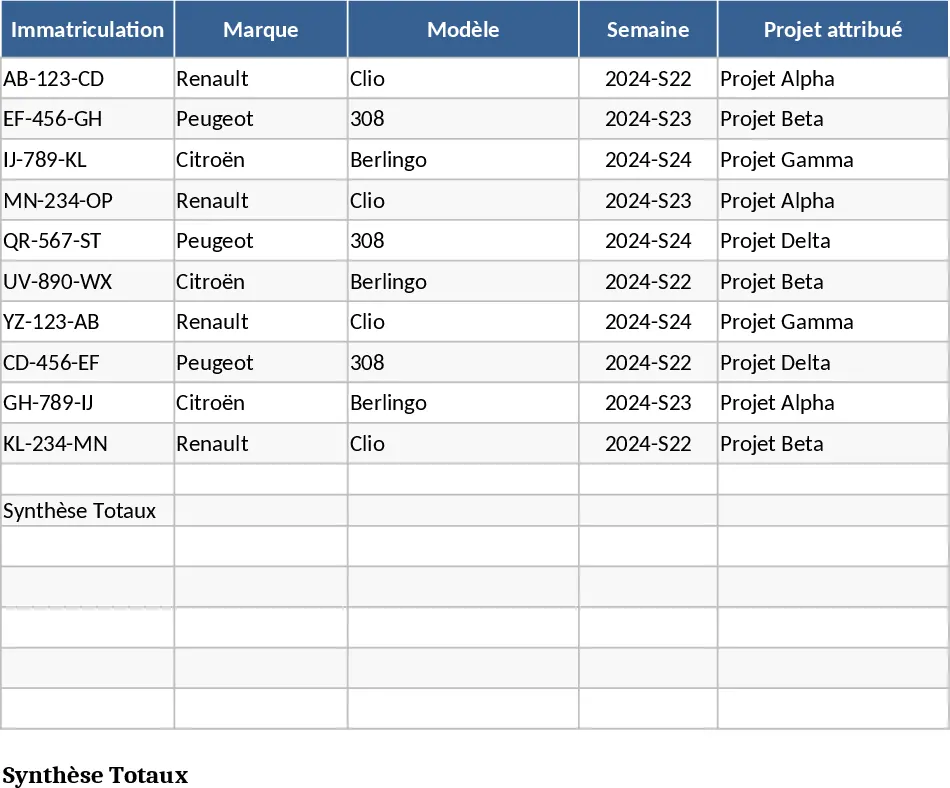
Weekly Fleet Management and Project Vehicle Assignment Template
Manage your vehicle fleet by assigning cars to specific projects on a weekly basis using intuitive dropdown menus and demand tracking.