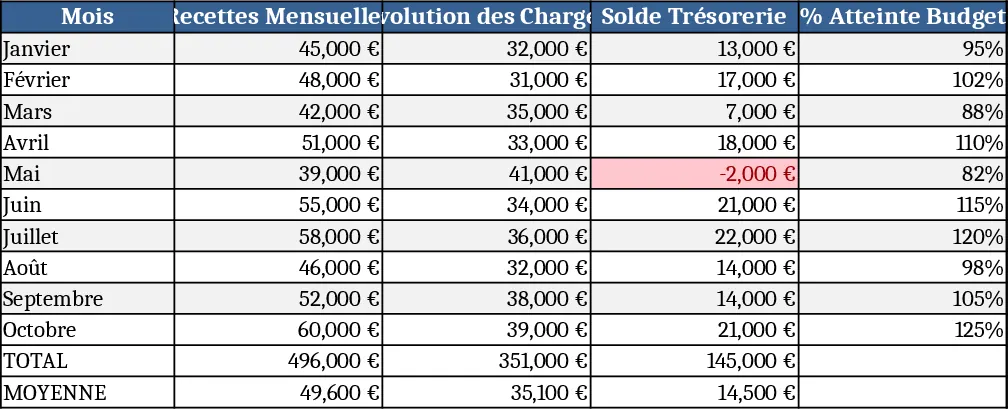
Project Expense and Profit Dashboard Template
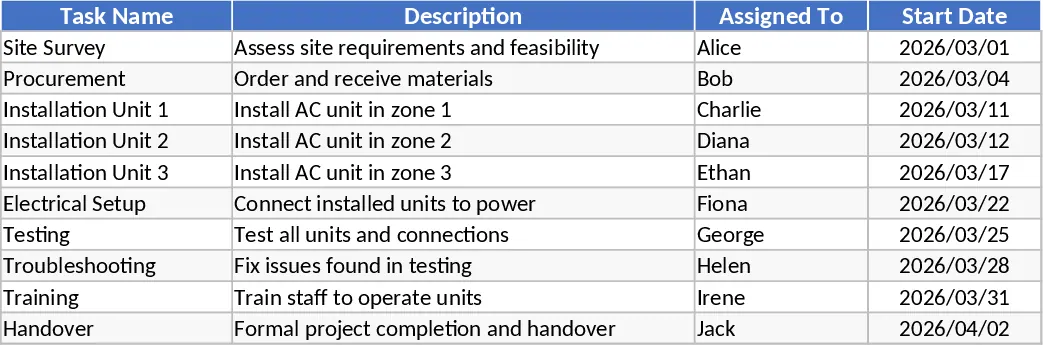
Managing the financial health of a project requires more than just a simple list of expenses; it demands a holistic view of how your spending aligns with your initial estimates. This Project Expense Dashboard is designed to bridge the gap between raw data and actionable insights, providing a professional-grade tool for anyone responsible for project outcomes. The template features a structured data entry system where you can categorize costs, assign them to specific project phases, and record transaction dates with precision. The core of the tool is the automated dashboard, which pulls data from your logs to display key performance indicators like total budget utilization, remaining funds, and overall profit margins.
For project managers, freelancers, and small business owners, this template eliminates the guesswork and stress involved in financial reporting. Instead of manually cross-referencing multiple spreadsheets or receipts, you get a centralized hub that highlights potential overruns before they become critical issues. It is particularly useful for professional services, construction projects, or creative agencies where tracking the margin between client billing and internal costs is vital for long-term sustainability. By visualizing the variance between your planned budget and actual spend, you can make informed decisions about resource allocation, vendor negotiations, and future project bidding strategies.
The template is organized into several intuitive sections to streamline your workflow. It begins with a Setup sheet where you define your project parameters, including project names, total revenue or contract values, and specific expense categories like labor, materials, or software. The Expense Log is the engine of the template, designed for quick and easy entry of every cost incurred. Here, you can track dates, descriptions, and vendors, using dropdown menus to ensure data integrity. Finally, the Dashboard serves as your command center. It features dynamic charts that compare your actual spending against your budget in real-time, alongside a profit analysis section that calculates your net margin and ROI for each project.
This tool is not just about recording what has happened; it is about forecasting and control. By seeing exactly which categories are consuming the most resources, you can adjust your strategy mid-project to protect your profit margins. The visual nature of the dashboard makes it an excellent resource for stakeholder meetings, allowing you to present financial status updates that are easy to understand and professionally formatted. Whether you are managing a single large-scale initiative or a portfolio of smaller tasks, this template provides the structure needed to maintain financial discipline.
How to use:
- Navigate to the Setup tab to define your project names, total contract values, and specific expense categories to ensure all data is correctly mapped.
- Record your actual costs in the Expense Log as they occur by entering the date and amount, then selecting the project and category from the dropdown menus.
- Visit the Dashboard tab to view your real-time financial status; the charts and summary tables will update automatically to show your spending trends and profit margins.
Expected benefits: This tool significantly reduces the time spent on manual data aggregation and provides immediate clarity on project profitability, helping you stay within budget and increase financial transparency with minimal effort.
Similar Templates Recommendation
Project Cash Flow & Performance Dashboard Template
Track project cash flow, expenses and key financial KPIs in one dynamic dashboard to monitor performance and profitability.
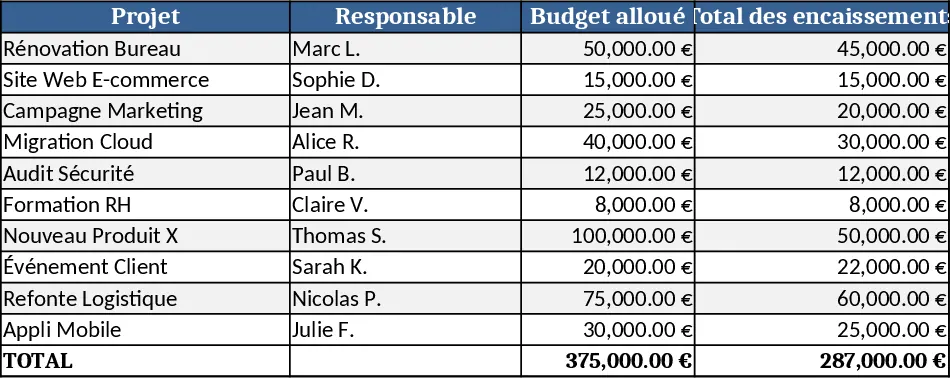
Multi-Project Budget Execution and Progress Tracking Dashboard Template
Manage budgets and execution for nine youth projects with a comprehensive dashboard tracking financial status and project progress in one view.
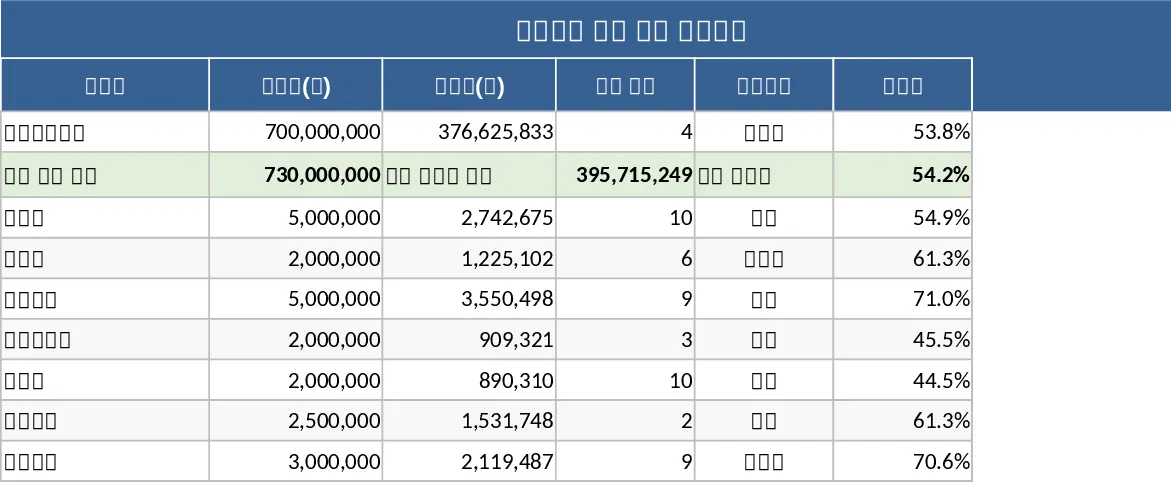
2026 Accounting Roadmap & Budget Control Template
Monitor project budgets, validate expenses, generate purchase orders, and view monthly financial dashboards for 2026.