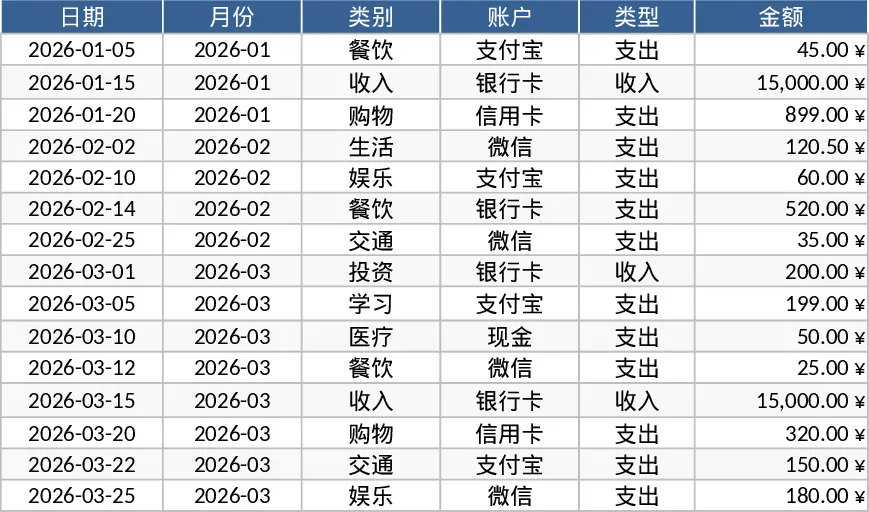
Personal Monthly Budget and Expense Tracker with Dashboard and Conditional Formatting Template
This ready‑to‑use Excel workbook is organized into three clear sheets that cover every step of personal budgeting. Transactions is the data entry hub where you log each movement of money. Columns include Date (required), Month (auto‑filled from the date), Category, Account, Type (Income/Expense), Amount, Merchant/Beneficiary, Payment Method and Notes. All list‑based fields use drop‑down menus, so you stay consistent and avoid typos. The sheet also enforces basic rules – the amount must be positive and the month updates automatically – making data entry fast and reliable.
The Budget Plan sheet turns those raw numbers into actionable insight. Rows list every spending category you define, while columns show the planned monthly budget, the actual expenses pulled from the Transactions sheet, the variance (budget minus actual), and a conditional‑format flag that turns red when you exceed the limit. This instant variance view lets you spot overspending at a glance and adjust your plan for the next month.
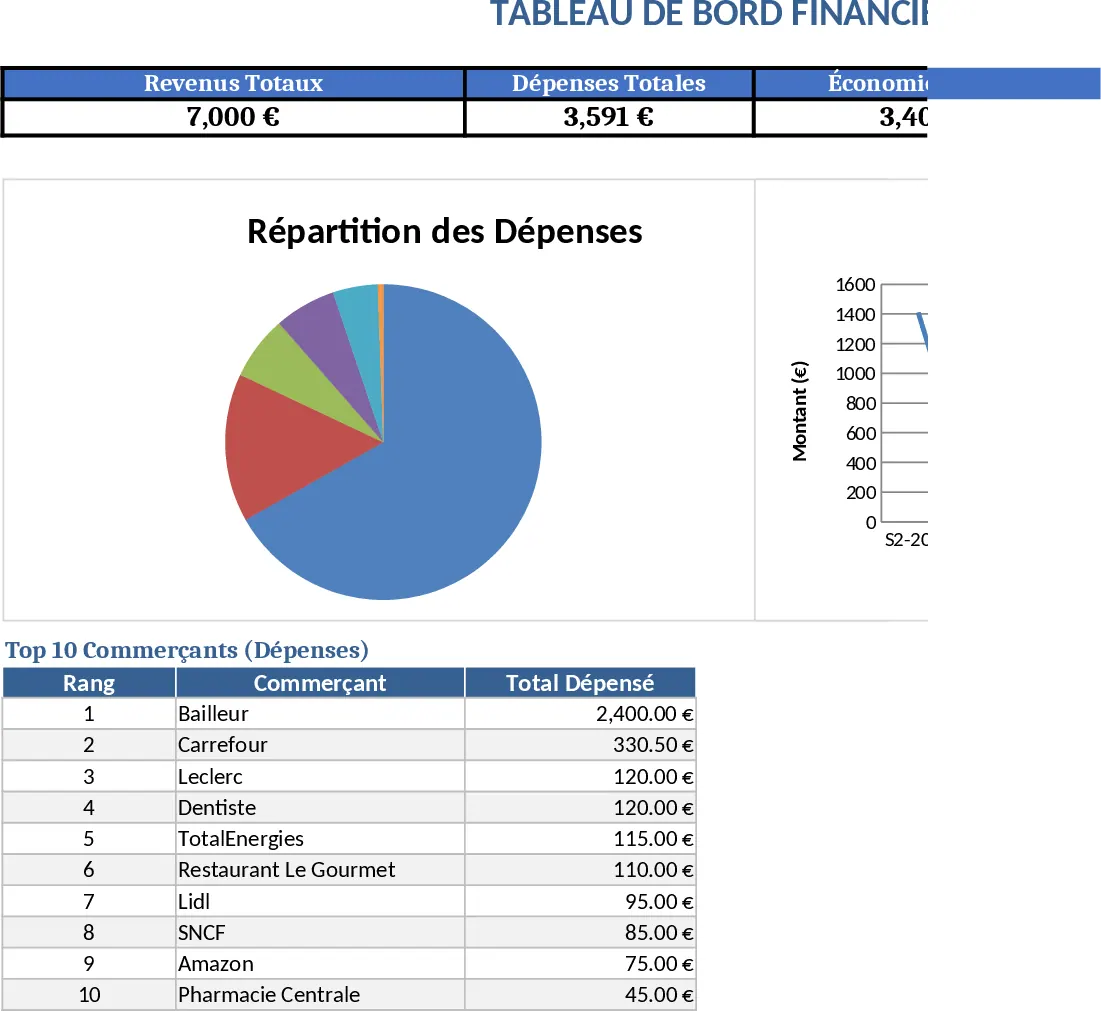
Finally, the Dashboard sheet visualizes the results. It displays total income, total expenses, net savings, a pie chart of spending by category, a line chart of weekly expense trends, and a top‑10 list of merchants where you spend the most. These graphics turn numbers into a story, helping you understand where your money goes and how your habits evolve over time.
The template is perfect for anyone who wants to gain control over their personal finances – from students managing a part‑time salary to families handling multiple accounts and credit cards. By consolidating all transactions in one place and automatically calculating variances and visual summaries, it eliminates the guesswork of manual spreadsheets and reduces the time spent reconciling statements.
How to use
- Open the workbook and start filling the Transactions sheet with your daily receipts; select the appropriate category, account and payment method from the drop‑downs.
- Go to the Budget Plan sheet and enter your target amount for each category for the month; the sheet will automatically pull the real spend from the Transactions data.
- Switch to the Dashboard to see updated totals, charts and the overspend indicator; refresh the view after each new entry.
- (Optional) Add new categories or accounts by editing the hidden list tables; the drop‑downs will update automatically.
Expected benefits: you’ll spend far less time compiling monthly reports, quickly spot budget gaps, and make smarter spending decisions with clear visual feedback.
Similar Templates Recommendation
Personal Monthly Budget & Expense Tracker with Charts Template
Track monthly income and expenses, compare against budgeted amounts, and view visual dashboards of spending trends and savings.
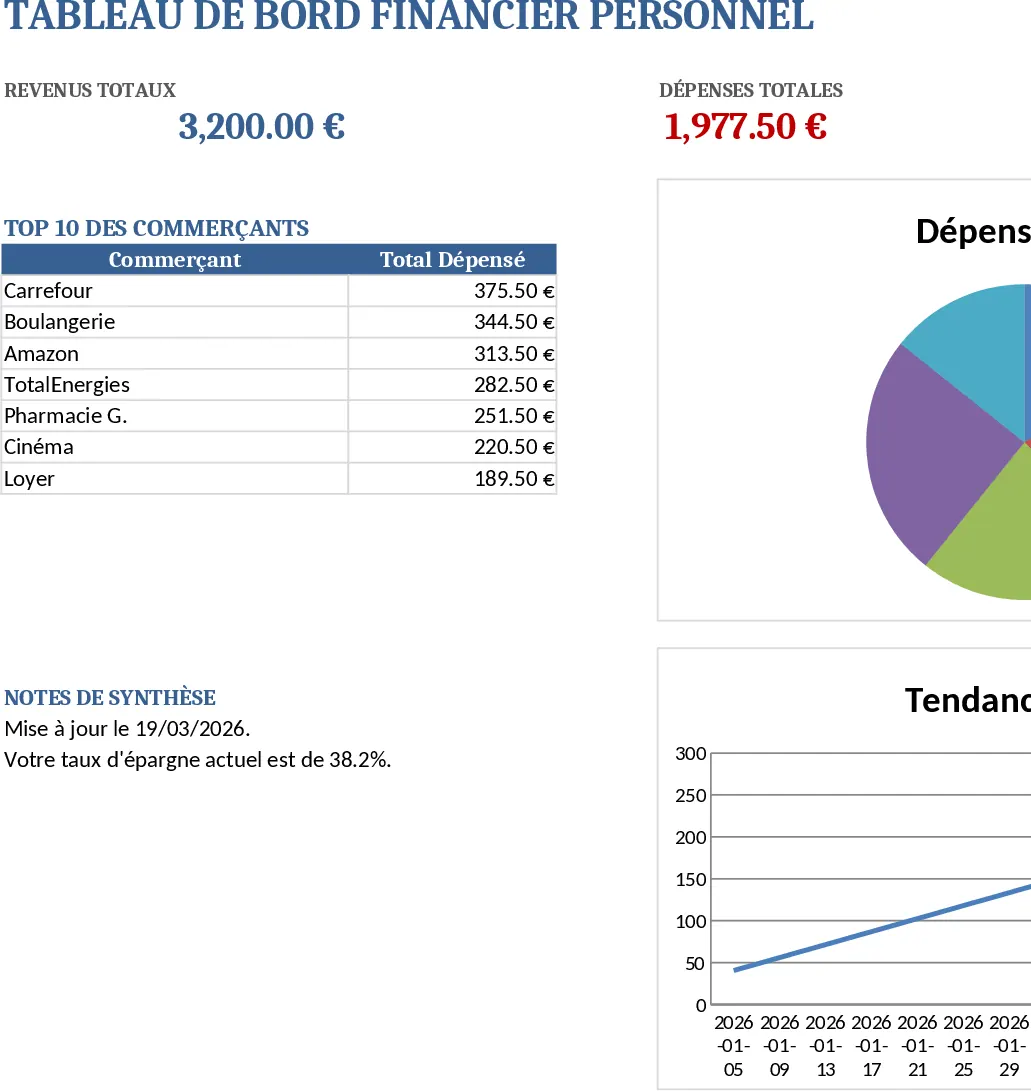
Personal Monthly Budget and Expense Tracker with Income Tracking Template
Manage your personal finances by tracking daily expenses, setting monthly budgets, and visualizing spending habits with an automated dashboard.
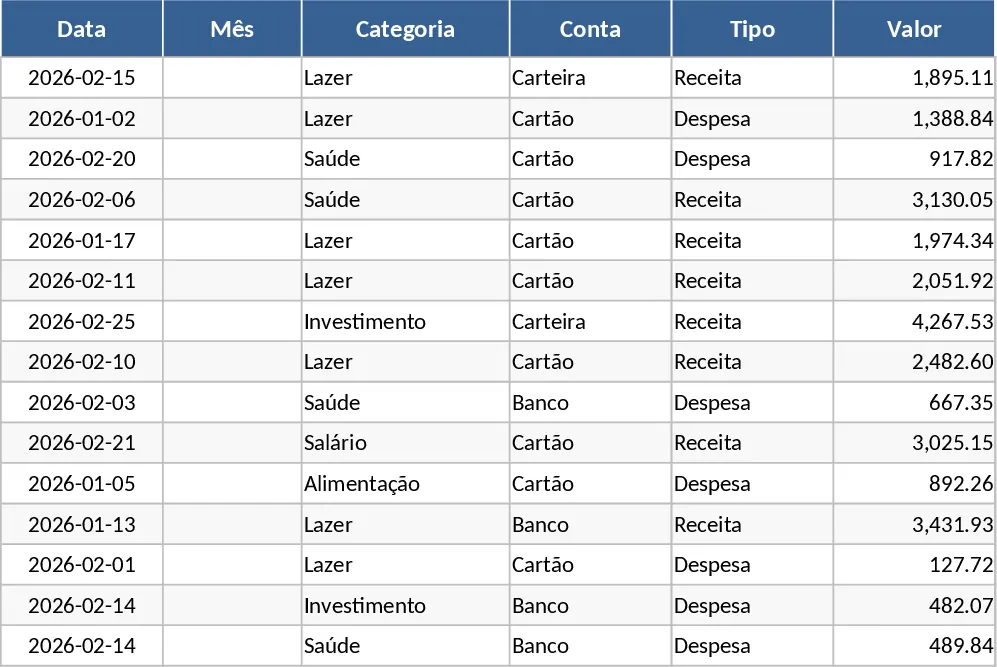
Personal Monthly Budget & Expense Tracker with Category Breakdown Template
Track your monthly income and expenses, compare actual spending to planned budgets, and view visual dashboards of cash flow and spending trends.