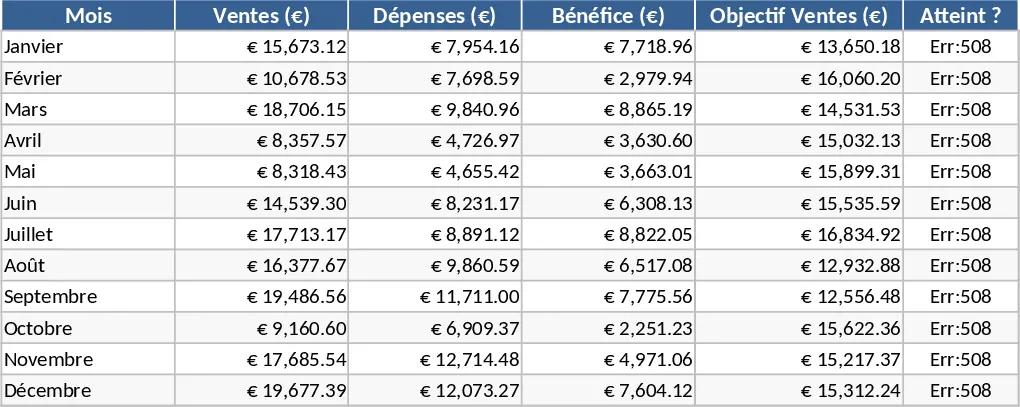
Professional Automated Data Management and Reporting Template
This advanced data management and analysis template provides a robust framework for transforming raw information into actionable business insights. Designed with a focus on logical modeling and high performance, the tool features a multi-tab structure that separates data entry from complex calculations and visual reporting. You will find dedicated sections for structured data input, intelligent validation rules to prevent entry errors, and a dynamic dashboard that updates automatically as your numbers change. By utilizing advanced formulas like XLOOKUP and SUMIFS, the template handles the heavy lifting of data processing, allowing you to focus on strategy rather than manual spreadsheet maintenance.
The template is built to solve the common headache of data silos where information is scattered across different files or formatted inconsistently. It provides a centralized source of truth for your business operations. The structure includes a configuration sheet for customizing categories, a main data ledger for daily entries, and a summary engine that feeds into visual charts. This setup is ideal for department heads, data analysts, and small business owners who require executive-level reporting without the complexity of expensive software. It bridges the gap between simple lists and complex database systems, offering a professional interface that is both functional and aesthetically pleasing.
Using this tool helps you track key performance indicators (KPIs) and manage large volumes of information with minimal friction. It is particularly effective in scenarios where you need to identify trends over time or compare performance across different segments. Because the formulas are protected and the layout is standardized, you can share the file with team members knowing that the integrity of the data and the visual presentation will remain intact. This reduces the risk of broken links or calculation errors that often plague manual spreadsheets.
To begin using the template, first customize your parameters in the settings tab to match your specific business needs. Next, enter or import your historical data into the primary data sheet, ensuring you use the provided dropdown menus for consistent categorization. Finally, navigate to the dynamic dashboard to see your data come to life through automated charts and summary tables. You can refresh these views instantly whenever new data is added, providing a real-time snapshot of your progress.
By adopting this structured approach, you can expect to save hours every week on report generation and data cleaning. The primary benefit is the peace of mind that comes from having organized, accurate, and visually compelling data at your fingertips, enabling more informed decision-making and a more professional workflow.
Similar Templates Recommendation
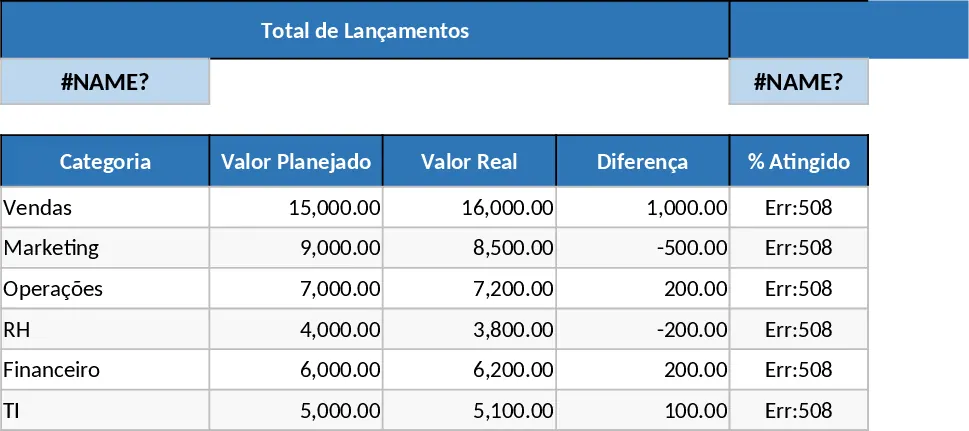
Data Table Optimization and Pivot Analysis Template
Transform raw data into structured tables and generate dynamic pivot table reports to gain instant insights into your business metrics.
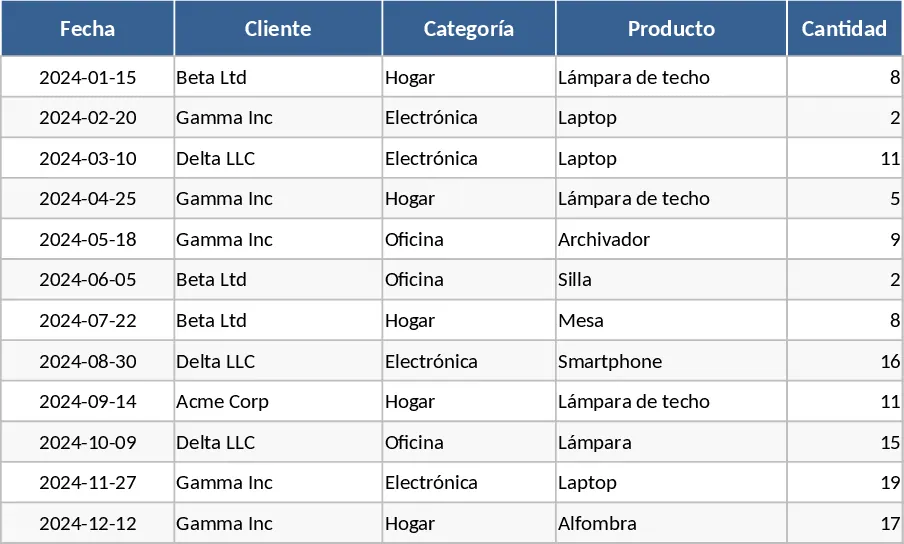
Spreadsheet Data Analysis Template
Analyze your custom datasets to uncover trends, visualize key metrics, and generate actionable business insights through automated summaries.
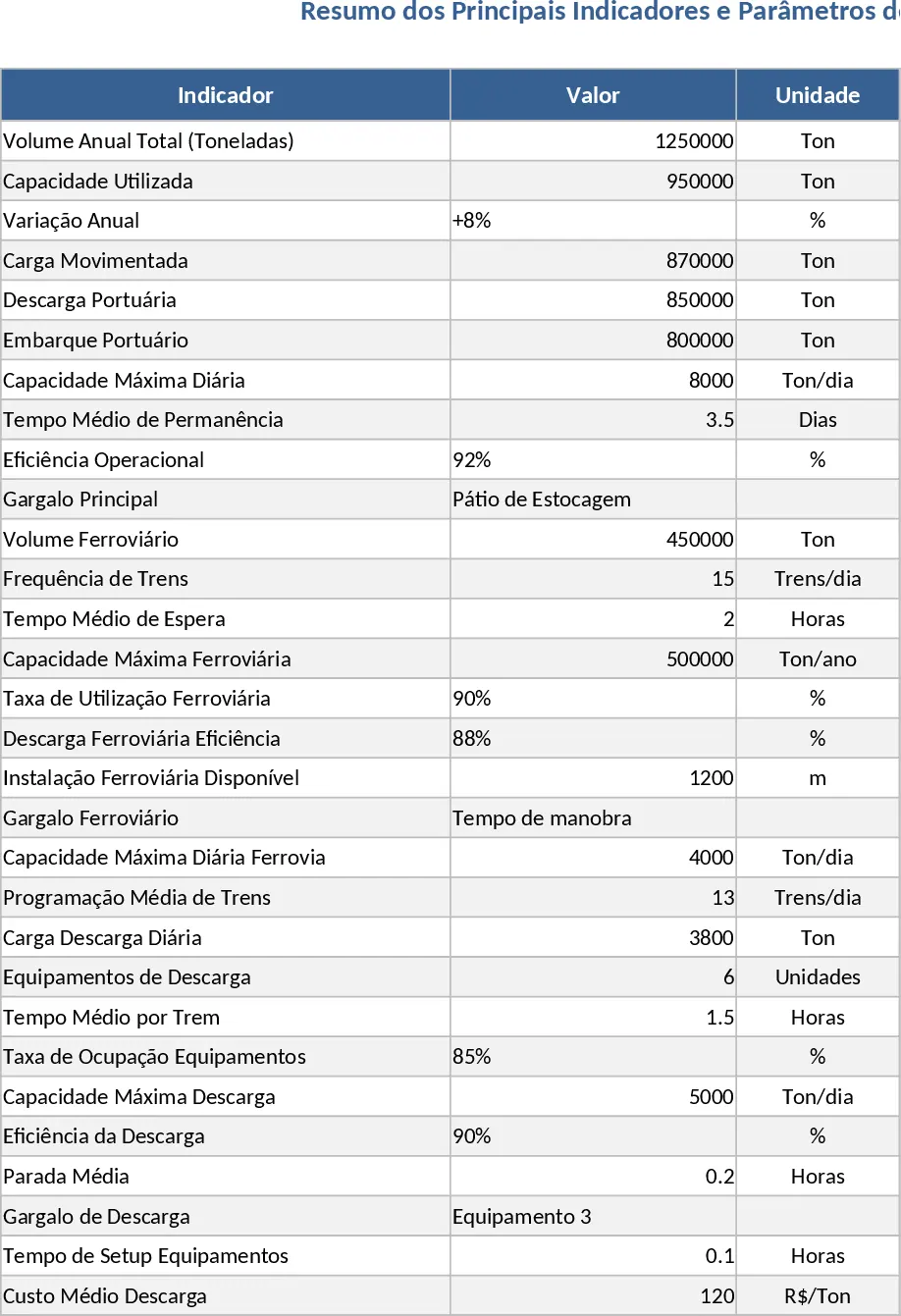
Professional Business Dashboard with Weekly Trends Template
Visualize your key performance indicators and business metrics in one centralized view to make data-driven decisions with ease.