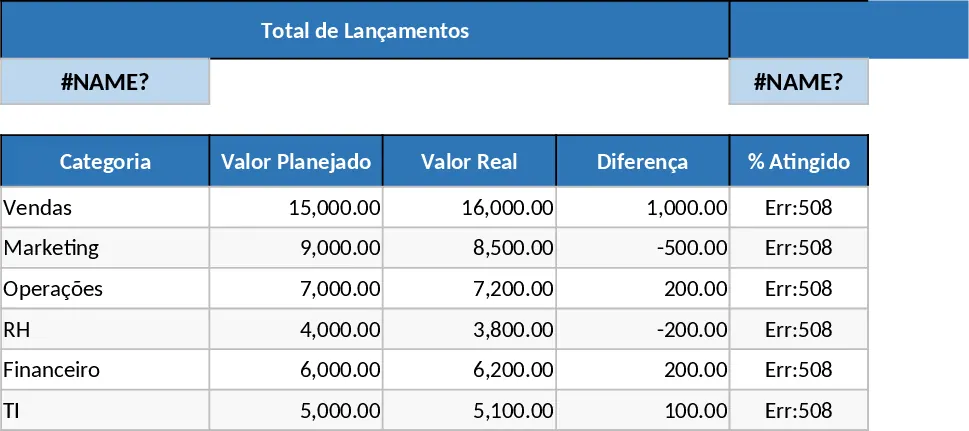
Data Table Optimization and Pivot Analysis Template
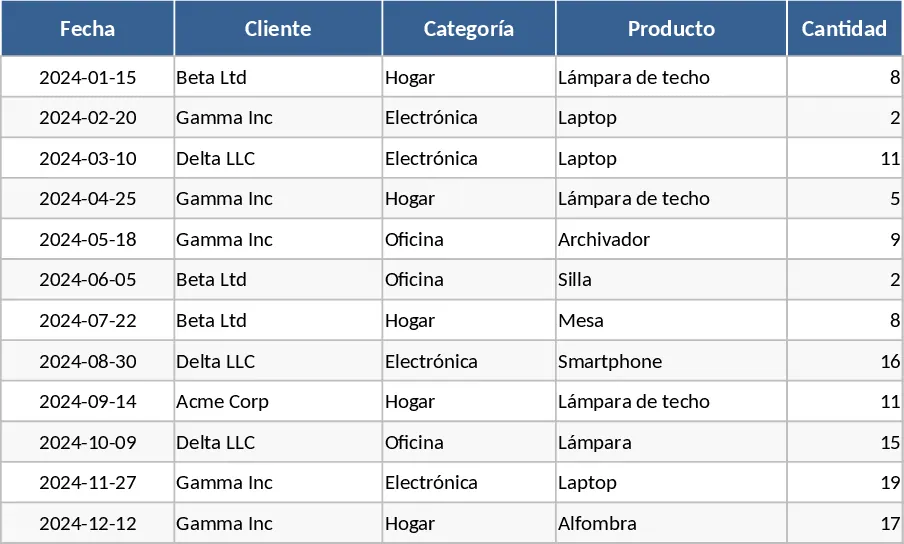
This comprehensive data management template is designed to help you transition from cluttered, unorganized spreadsheets to professional, structured data environments. It features a dedicated input sheet with standardized columns for dates, categories, descriptions, and numerical values, ensuring your data remains consistent and ready for high-level analysis. The core of the template is a dynamic pivot table dashboard that automatically aggregates your information, allowing you to slice and dice data by various dimensions—such as time periods, regions, or product types—without ever having to write a single complex formula.
Whether you are tracking monthly expenses, monitoring sales performance across different territories, or managing inventory levels, this tool solves the common problem of data fragmentation and manual calculation fatigue. By centralizing your records in a structured format, you eliminate the risk of manual calculation errors and gain the ability to spot trends and outliers at a glance. It is particularly useful for professionals who need to present regular reports to stakeholders but want to avoid the repetitive, time-consuming task of rebuilding charts and summaries every time new data arrives.
Small business owners, project managers, and data analysts will find this template indispensable for their daily workflows. Instead of spending hours filtering, sorting, and manually summing rows, you can focus on interpreting the results and making data-driven decisions. The template includes built-in data validation and clear headers, making it easy for team members to collaborate and maintain data integrity over time, even if they are not Excel experts. The visual layout is clean and professional, suitable for direct inclusion in presentations or internal reviews.
The structure includes a Data Entry sheet where you define your parameters and a Report sheet where the analysis happens. The Data Entry section uses Excel Tables, which means your pivot tables will automatically expand to include new rows as you add them. This scalability ensures the template grows with your business needs. You will also find pre-configured slicers—visual buttons that let you filter the entire dashboard with a single click—making the exploration of your data an interactive and intuitive experience.
How to use:
- Clear the sample data in the main input sheet and paste your own records into the designated table area, ensuring that your columns align with the template headers.
- Use the dropdown menus to categorize your entries, which helps maintain consistency for the pivot table grouping and filtering.
- Navigate to the Analysis tab, right-click on the pivot table, and select Refresh to see your data instantly transformed into meaningful charts and summaries.
- Use the interactive slicers and filters to drill down into specific details or timeframes for your report.
By adopting this structured approach to data management, you can expect to save hours of manual work each week and significantly improve the clarity and accuracy of your business insights. It turns raw numbers into a narrative that helps you understand exactly where your business stands with minimal effort.
Similar Templates Recommendation
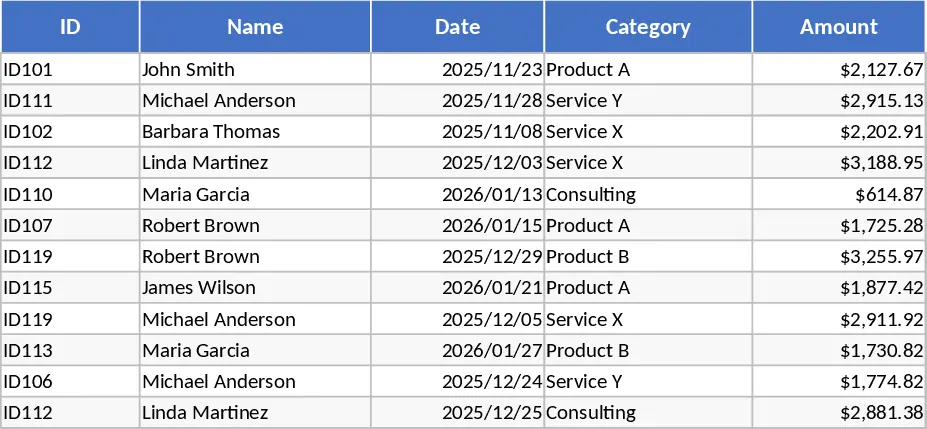
Simple Data Entry Table Template
Organize raw datasets into structured tables to track key metrics, visualize trends, and generate clear summaries for better decision-making.
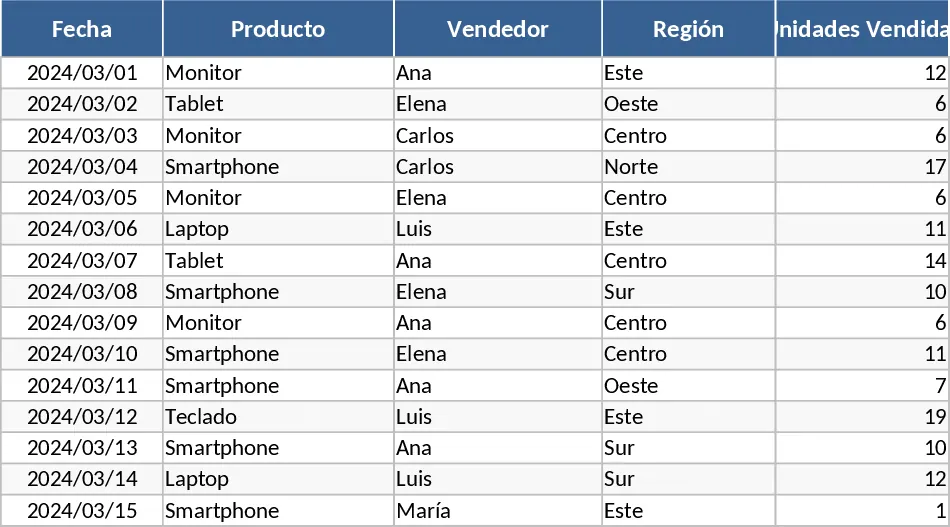
Pivot Table Data Analysis Template
Organize and analyze large datasets effortlessly using this dynamic pivot table template for professional reporting and data visualization.
Professional Automated Data Management and Reporting Template
Organize complex data, automate calculations, and generate dynamic dashboards to drive informed business decisions with this professional tool.