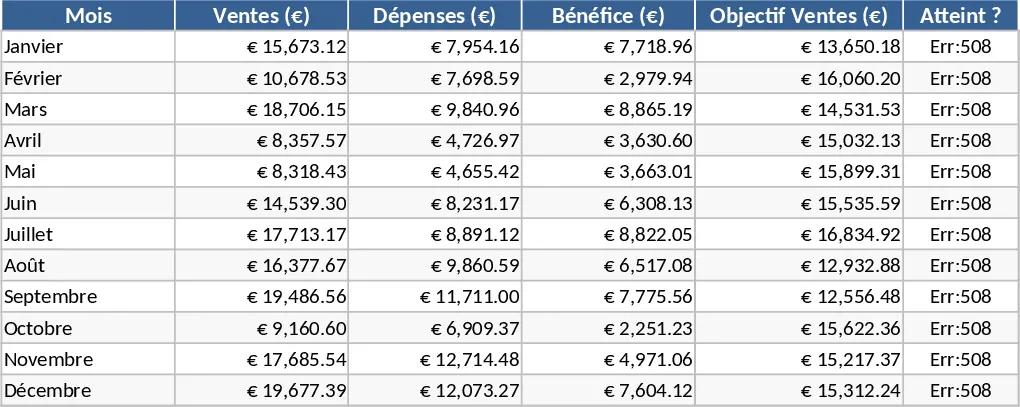
Pivot Table Data Analysis Template
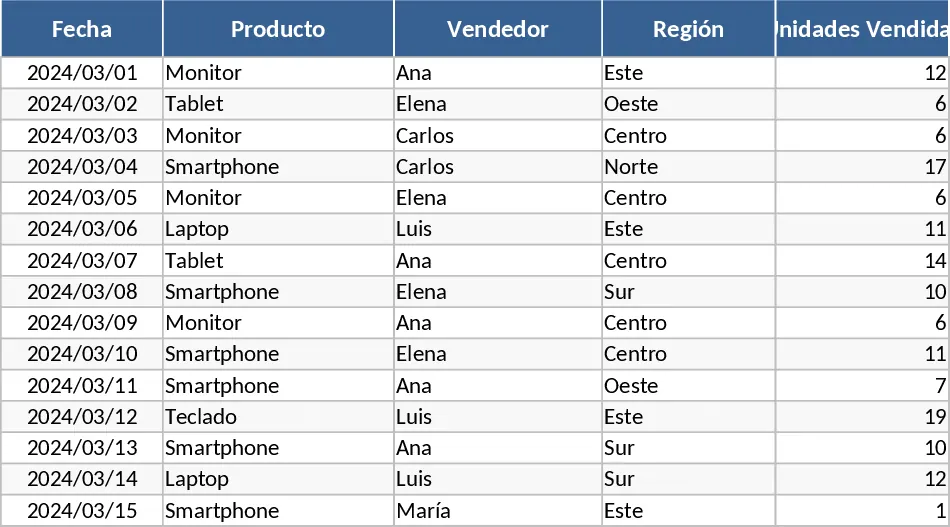
This Dynamic Table template serves as a comprehensive framework for turning cluttered spreadsheets into clear, professional reports. The template is structured with a primary Data Input sheet featuring standardized columns for dates, categories, descriptions, and numerical values. This raw data feeds directly into a pre-configured Pivot Table and Dashboard area, where complex calculations are handled automatically. You will find dropdown menus for easy categorization and a clean layout that ensures your data remains organized even as your records grow into the thousands.
In a fast-paced business environment, manual data sorting is a significant bottleneck. This template solves that problem by providing a plug-and-play solution for data analysis. It is incredibly useful for identifying trends, such as which products are driving the most revenue or which departments are exceeding their budgets. By automating the aggregation process, it frees you from the risk of formula errors and the repetitive task of rebuilding tables every time new information is added.
This tool is an essential asset for project managers, financial analysts, and small business owners who need to maintain a bird's-eye view of their operations. For instance, a sales manager can use it to compare regional performance side-by-side, while a freelancer might use it to track billable hours across multiple clients. It is designed for anyone who needs to transform a simple list into a multi-dimensional report that can be filtered and sliced to answer specific business questions. The template helps you track key performance indicators, monitor resource allocation, and produce high-quality summaries for meetings or presentations.
How to use: First, clear the sample data in the Data Entry sheet and paste or type your own information into the corresponding columns, ensuring that every row has a category and a value. Next, navigate to the Analysis tab and click anywhere inside the table; go to the Data tab in the Excel ribbon and click Refresh All to sync your new entries. Finally, use the interactive slicers or drag-and-drop fields in the PivotTable pane to customize the layout and focus on the specific metrics you want to analyze.
Expected benefits: You can expect to save hours of manual formatting each week while gaining deeper insights into your data through automated visualization.
Similar Templates Recommendation
Data Table Optimization and Pivot Analysis Template
Transform raw data into structured tables and generate dynamic pivot table reports to gain instant insights into your business metrics.
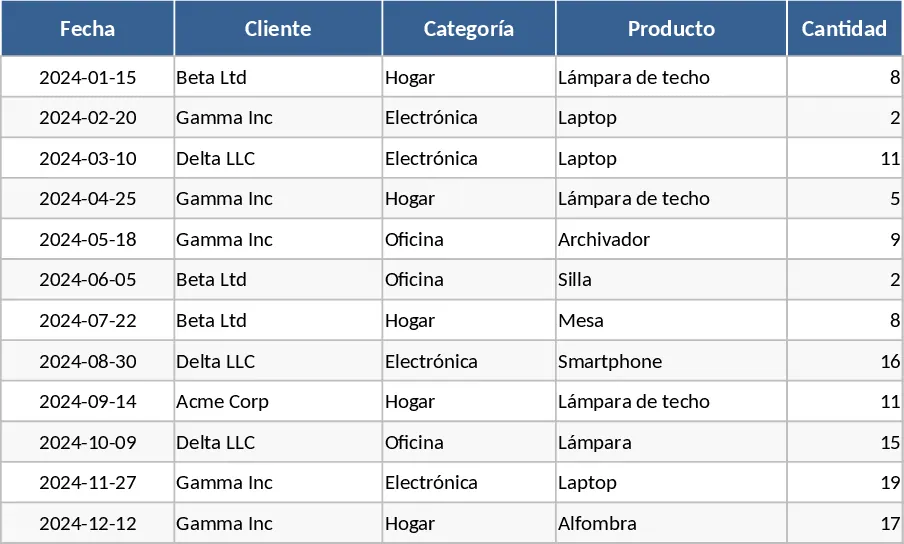
Simple Data Entry Table Template
Organize raw datasets into structured tables to track key metrics, visualize trends, and generate clear summaries for better decision-making.
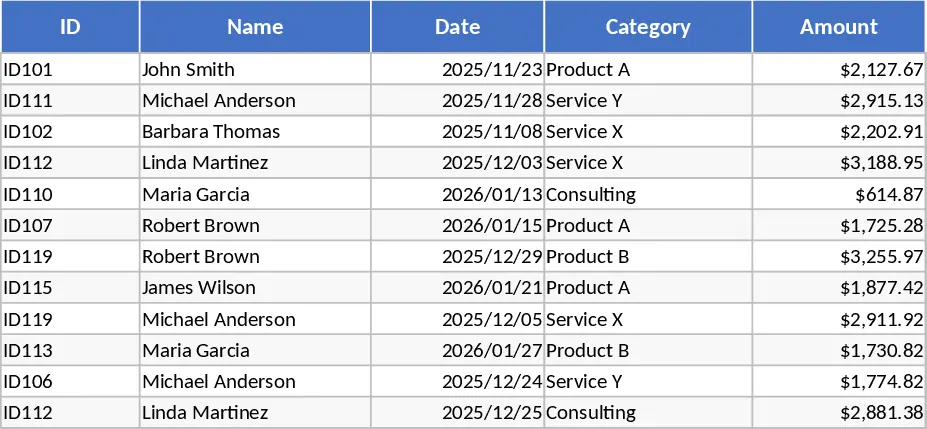
Professional Business Dashboard with Weekly Trends Template
Visualize your key performance indicators and business metrics in one centralized view to make data-driven decisions with ease.