Sales Dashboard Template
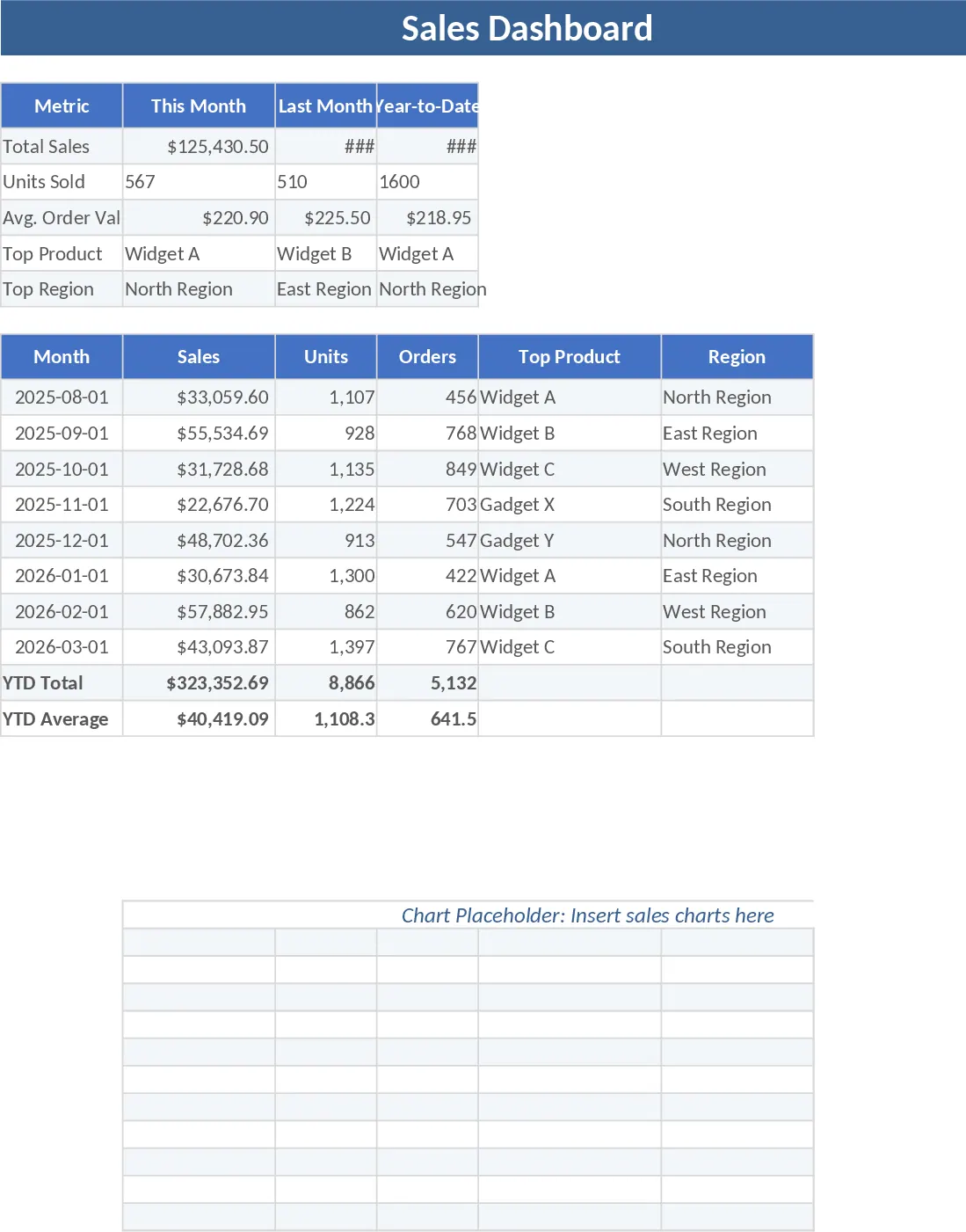
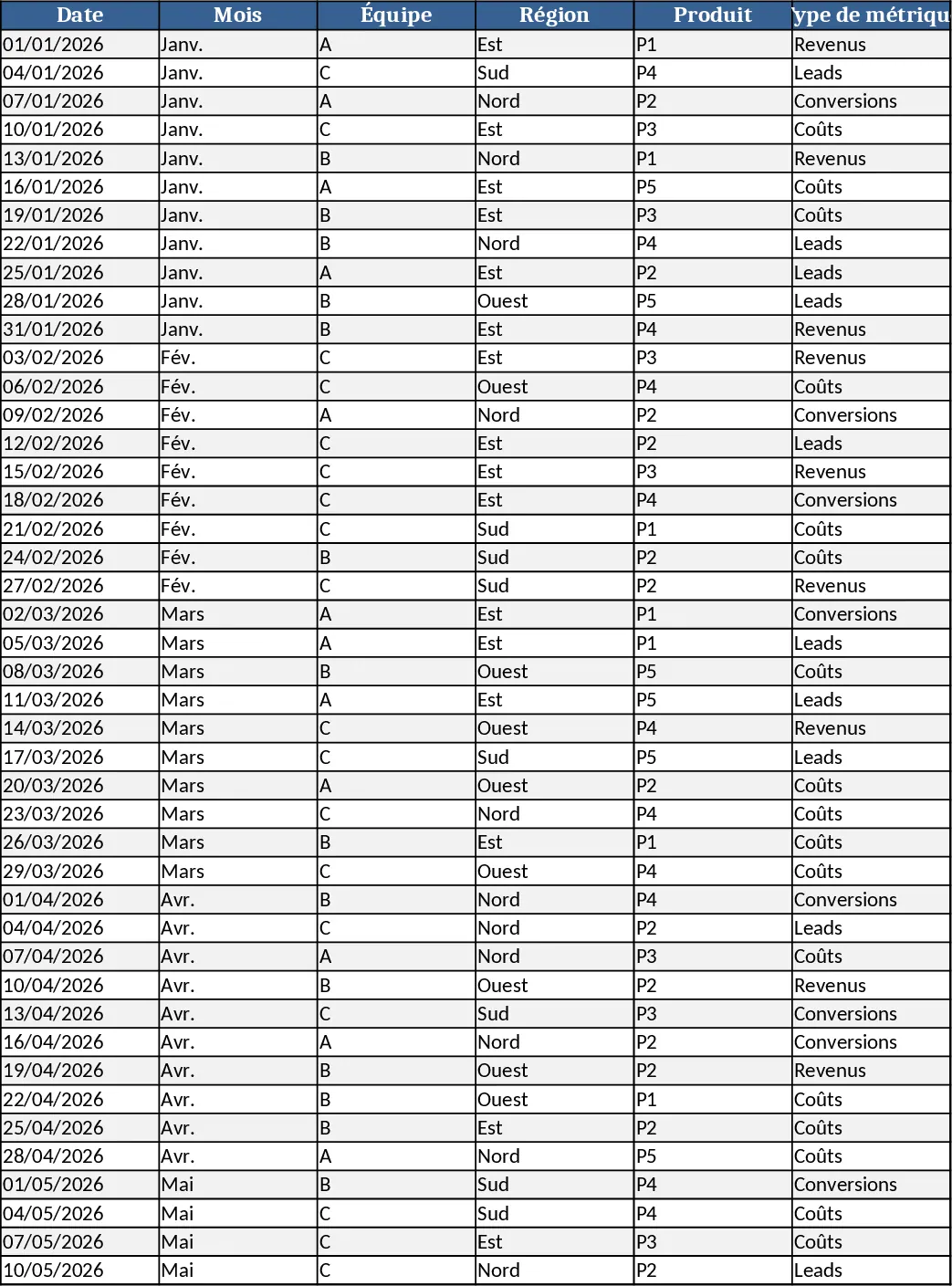
The Sales Dashboard Template is a robust tool designed to help businesses of all sizes turn complex sales figures into clear, visual stories. At its core, the template features a multi-sheet structure that separates raw data from analysis. The Data Entry sheet serves as your central repository, where you can log every transaction with specific details such as transaction date, assigned sales representative, product type, geographic region, and current deal stage. To ensure the data remains clean and organized, the Settings sheet allows you to pre-define your categories and team members, which then appear as convenient dropdown menus in your data logs. The centerpiece of the template is the interactive Dashboard, which automatically aggregates your inputs into professional-grade charts, including monthly revenue trends, regional performance maps, and top-selling product breakdowns.
In the fast-paced world of sales, having immediate access to performance data is crucial. This template addresses the common challenge of data fragmentation, where information is often scattered across various emails and notes. By consolidating everything into a single, automated file, you gain a single source of truth for your sales operations. This is immensely beneficial for sales managers who need to provide quick updates to executives, as well as for small business owners who need to keep a close eye on cash flow and growth. It eliminates the need for complex formulas or expensive software, providing a high-end analytical experience directly within Excel.
Whether you are conducting a quarterly business review or a quick Monday morning huddle, this template provides the insights you need. It helps you track a wide array of metrics, from high-level total sales and profit margins to granular details like individual rep conversion rates and average sales cycle length. By visualizing these metrics, you can easily identify which team members are over-performing and who might need additional coaching. You can also spot market trends, such as seasonal spikes in specific product categories, allowing you to adjust your inventory or marketing efforts in advance.
How to use this template:
- Start by navigating to the Settings tab to input your specific business parameters, such as sales rep names, product categories, and target regions, which will populate the dropdown lists throughout the workbook.
- Enter your sales transactions into the Data Entry sheet; simply fill in the rows as deals progress or are completed, ensuring you select the correct status for each entry.
- Head over to the Dashboard sheet to view your results; you can use the interactive slicers or timeline filters to drill down into specific months, regions, or representatives.
- Periodically review the summary tables to compare your actual performance against your monthly or yearly sales targets.
By implementing this template into your daily workflow, you can expect to save hours of manual reporting time each week. The automated visualizations reduce the effort required to prepare for meetings, while the structured data entry improves the accuracy of your forecasts. Ultimately, this tool empowers you to spend less time on administrative tasks and more time on strategic activities that drive revenue growth.
Similar Templates Recommendation
Personal Appointment Setting Performance and KPI Tracker Template
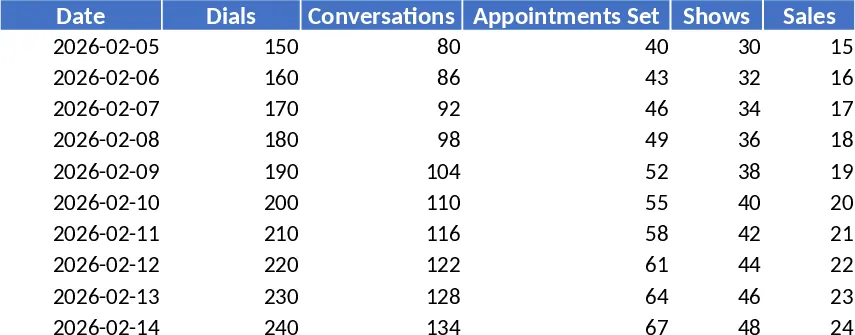
Monitor daily sales outreach and conversion rates from dials to closed deals with this personal performance tracker and KPI dashboard.
Sales Management and Tracking Dashboard Template
Streamline your sales process by tracking orders, monitoring performance through visual dashboards, and analyzing revenue trends in one place.
Monthly KPI Dashboard with Pivot Summary Template
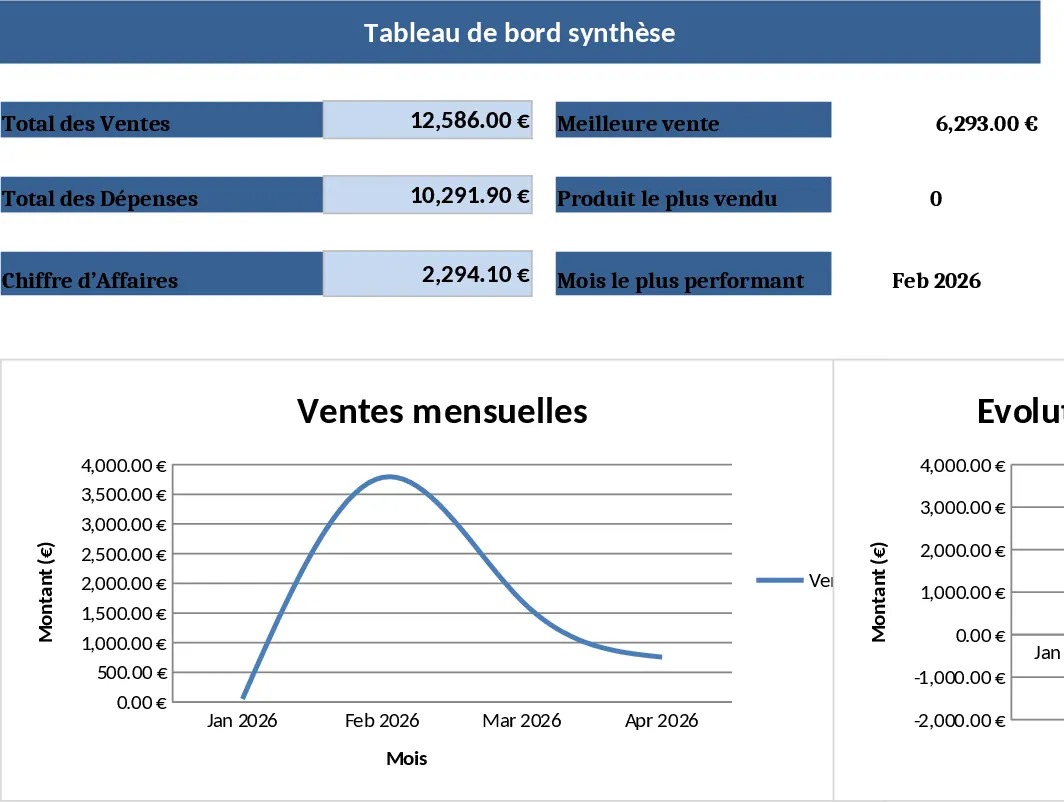
An Excel template that turns raw data into a dynamic monthly KPI dashboard with ready‑made pivots, charts and top‑10 product insights.