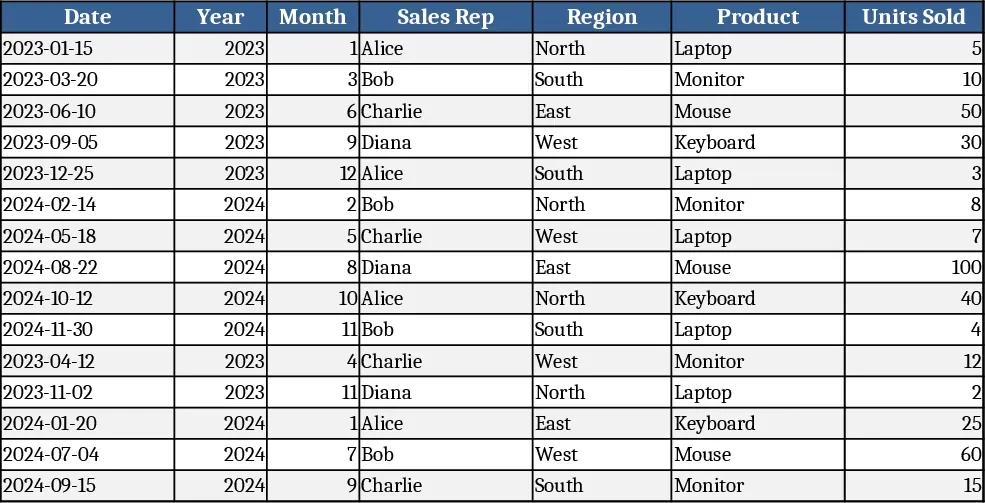
Employee Performance Review Template
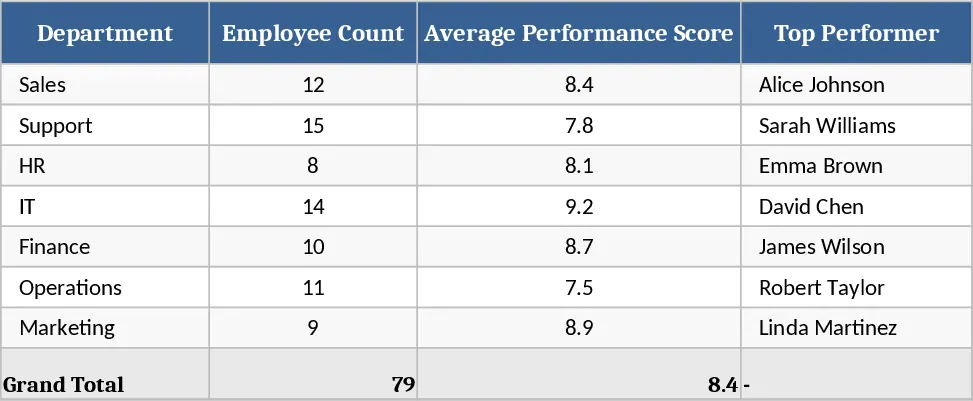
The Employee Performance Template is organized into five clear tabs: Overview, Employee Data, Performance Scores, Goals, and Summary Dashboard. In the Employee Data sheet you enter basic information such as Employee ID, name, department, and hire date. The Performance Scores sheet lets you pick a review period, select from a predefined list of KPIs, and assign a rating using a 1‑5 dropdown, plus optional comments. The Goals tab captures individual objectives, target dates, and status flags (Not Started, In Progress, Completed). All inputs feed into the Summary Dashboard, which automatically generates heat‑maps, trend charts, and department‑level aggregates, giving you a quick visual snapshot of talent health.
This template eliminates the need for scattered spreadsheets and manual calculations. By standardizing the appraisal process, it reduces bias, ensures every employee is measured against the same criteria, and makes it easy to spot performance trends over time. Managers can instantly see who is exceeding expectations, who needs development, and how teams are contributing to overall business goals, enabling data‑driven coaching and resource allocation.
Designed for HR professionals, line managers, and small‑to‑mid‑size business owners, the template fits any organization that conducts regular performance reviews. Whether you run quarterly check‑ins, annual appraisals, or a continuous feedback loop, the tool adapts to your cadence and provides the documentation needed for compliance and talent planning.
With this template you can track individual rating histories, goal completion rates, and aggregate KPI scores at the department or company level. The built‑in charts turn raw numbers into actionable insights, helping you identify skill gaps, reward high performers, and align personal objectives with strategic priorities.
How to use
- Open the Employee Data tab and fill in each staff member’s details.
- Switch to Performance Scores, select the review period, choose the relevant KPI from the dropdown, and assign a rating; add comments as needed.
- Record or update personal goals in the Goals tab, setting target dates and status.
- Go to the Summary Dashboard to view automatically refreshed charts, heat‑maps, and exportable reports.
Expected benefits include faster review cycles, more consistent evaluations, and clearer visibility into team performance, freeing up time for strategic talent development.
Similar Templates Recommendation
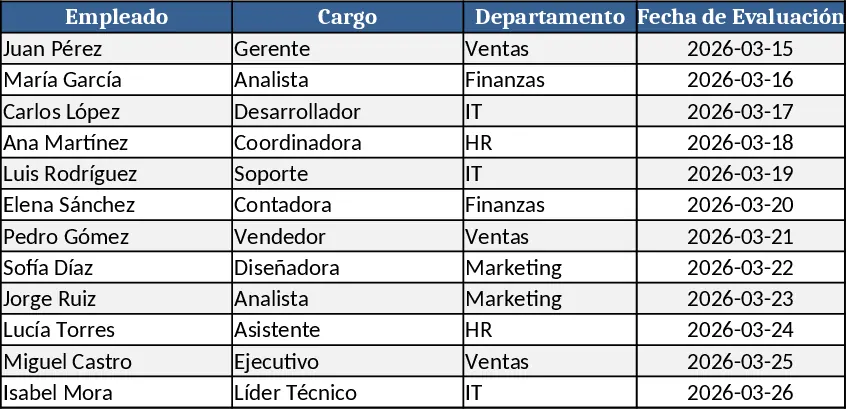
Employee Performance Evaluation Template
Track and assess employee performance with customizable criteria, scores, and summary dashboards to streamline HR reviews and development plans.
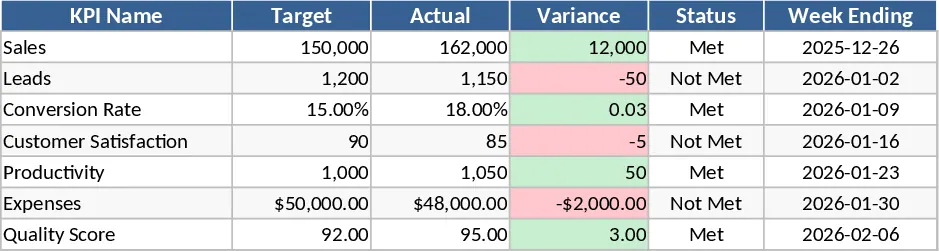
Weekly KPI Tracker Template
Monitor your team's weekly performance metrics and visualize progress against targets with this comprehensive KPI tracking dashboard.
Sales KPI Tracker with YoY Growth Template
Track key sales metrics and automatically calculate year‑over‑year growth to monitor performance and set targets.