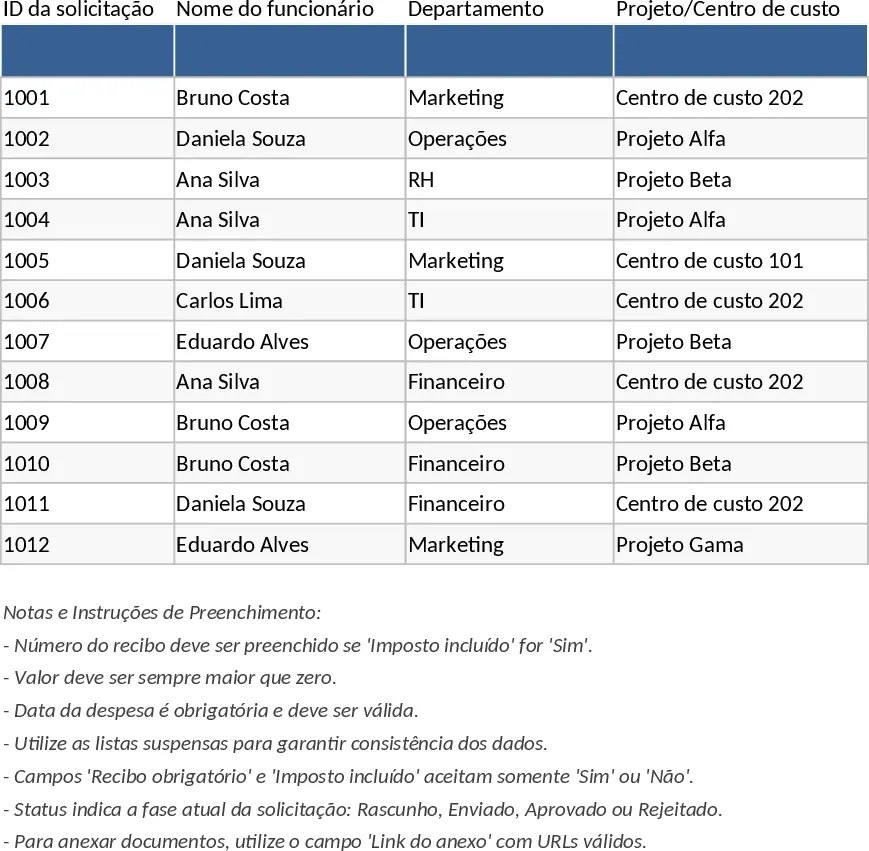
Employee Expense Reimbursement and Approval Tracking with Payment Methods Template
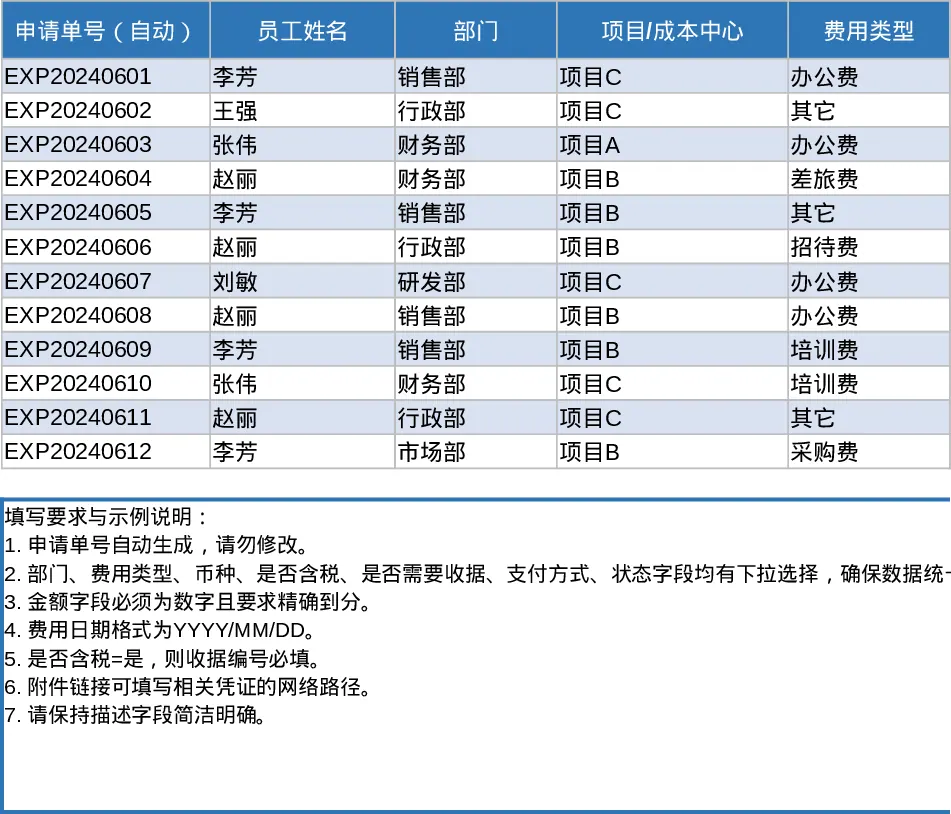
This professional expense reimbursement and approval template is designed to bring order to your company's financial workflows. It serves as a centralized hub where employees can log their business-related expenditures and managers can review them with full transparency. The template is structured into two primary sheets: a comprehensive Expense Details log and a high-level Summary & Approval dashboard. The detail sheet includes essential fields such as application IDs, department dropdowns, cost centers, and receipt tracking, while the dashboard provides instant insights into your organization's spending health through automated pivot tables and KPI cards.
Managing business expenses often involves juggling multiple spreadsheets and physical receipts, which can lead to errors and delayed payments. This template solves those problems by enforcing data integrity through specific rules—such as requiring receipt numbers for taxable items and ensuring all amounts are valid. It is an essential tool for finance officers, HR managers, and team leads who need to maintain strict budget control while providing a smooth experience for employees. Whether you are tracking travel costs, office supplies, or client entertainment, this template ensures every dollar is accounted for and categorized correctly. The system is built to handle various currencies and payment methods, making it versatile for modern, flexible work environments.
The Summary & Approval view is where the data truly comes to life. It features dynamic KPI cards that display total submitted amounts, approved totals, and the overall approval rate, giving you a real-time snapshot of financial commitments. The inclusion of a dedicated Pending Approval list allows managers to quickly identify which claims require immediate attention, preventing bottlenecks in the reimbursement cycle. By analyzing expenses across different dimensions like month, department, or individual employee, you can easily spot outliers and optimize your company's spending patterns. This level of detail is invaluable during tax season or internal audits, as it provides a clear paper trail for every transaction.
How to use this template:
- Start by navigating to the Expense Details sheet and customize the dropdown menus for departments, expense types, and currencies to reflect your specific business needs.
- Have employees enter their expense data, making sure to fill in mandatory fields like the date and amount, and attaching links to digital receipts where applicable.
- Managers review the entries and update the Status column to Approved or Rejected; the Summary sheet will automatically refresh to reflect these changes in the KPI cards and pivot tables.
- Use the Summary & Approval view periodically to analyze monthly spending trends and ensure that all pending claims are processed in a timely manner.
By adopting this structured approach, you can expect a significant reduction in administrative overhead and a much clearer overview of your company's operational costs without the need for expensive specialized software.
Similar Templates Recommendation
Employee Expense Reimbursement and Approval Tracker with Reimbursement Status Template
Manage employee expense claims and approval workflows while tracking departmental spending through automated KPI dashboards and pivot summaries.
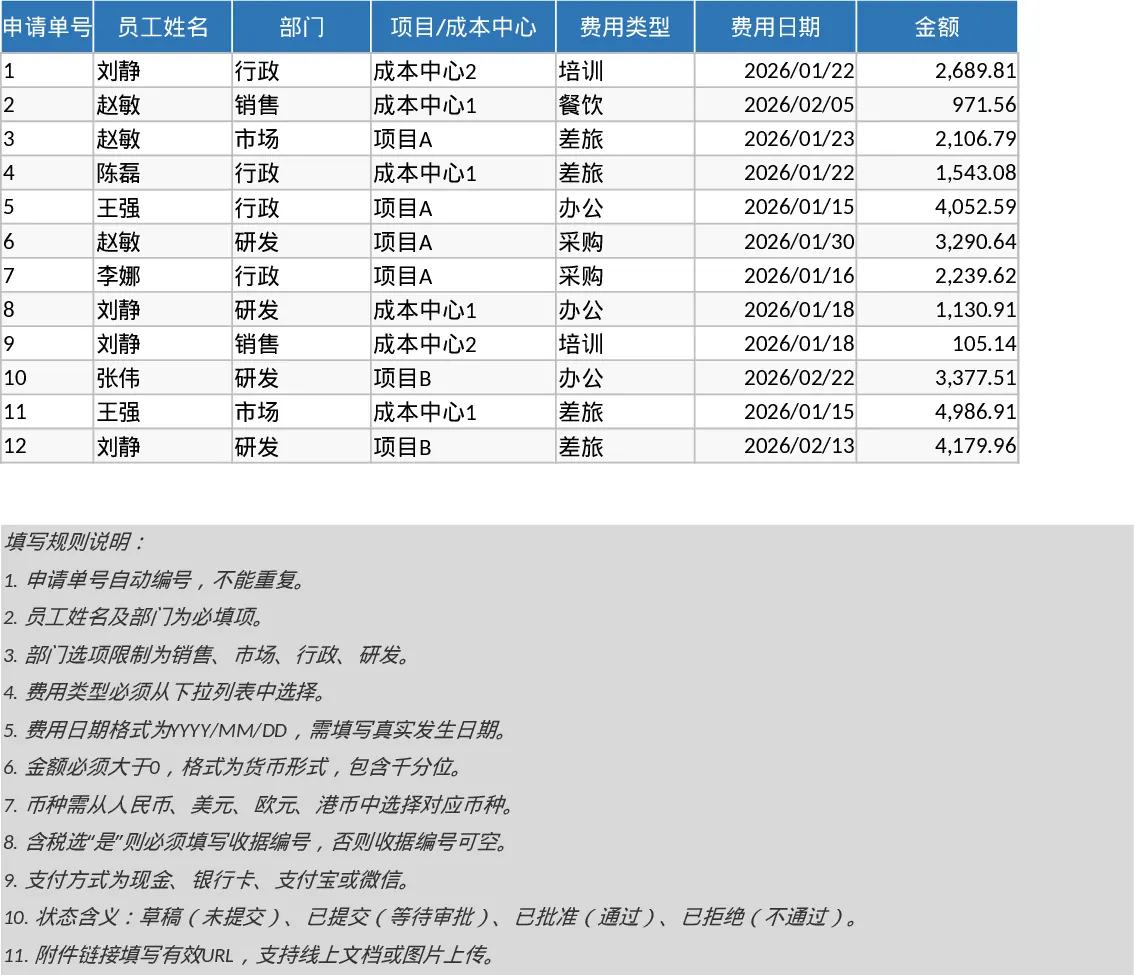
Employee Expense Reimbursement and Approval Tracker with Employee Expenses Template
Track employee expense claims from submission to approval with automated status monitoring, KPI summaries, and detailed departmental breakdowns.
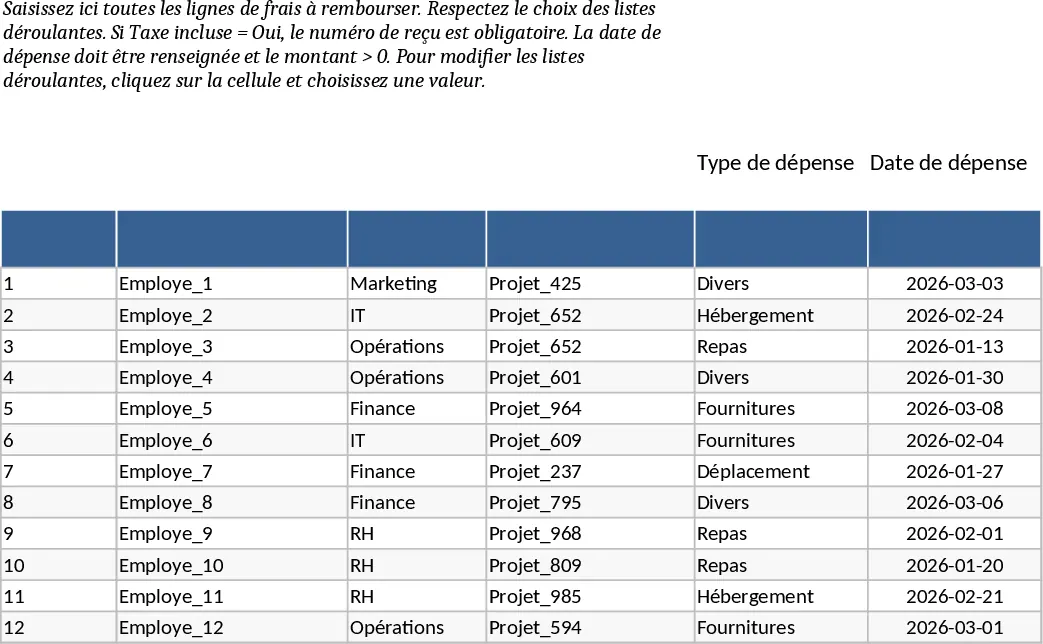
Employee Expense Reimbursement and Approval Tracker with Payment Methods Template
Track employee expense claims, manage approval workflows, and monitor spending across departments with automated summaries and KPI cards.