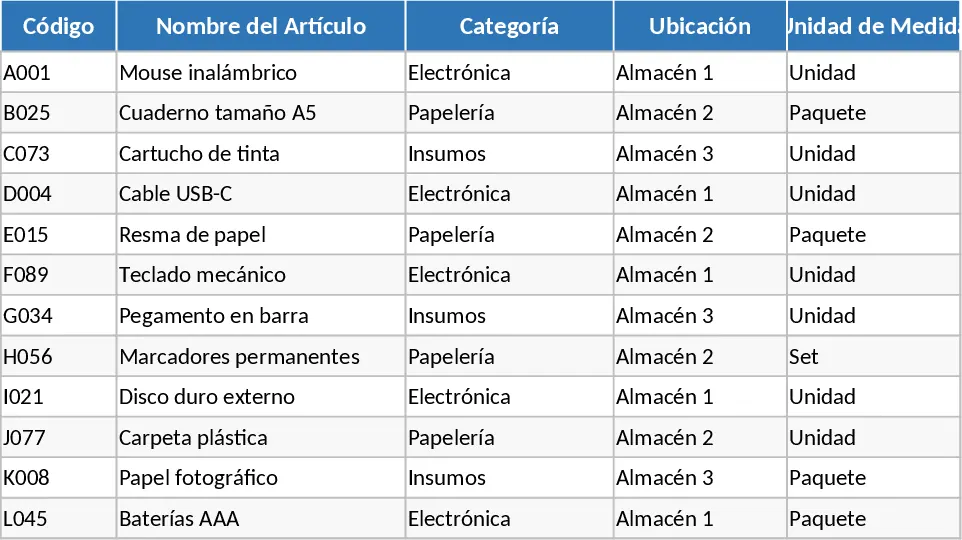
Automated Inventory Management Template
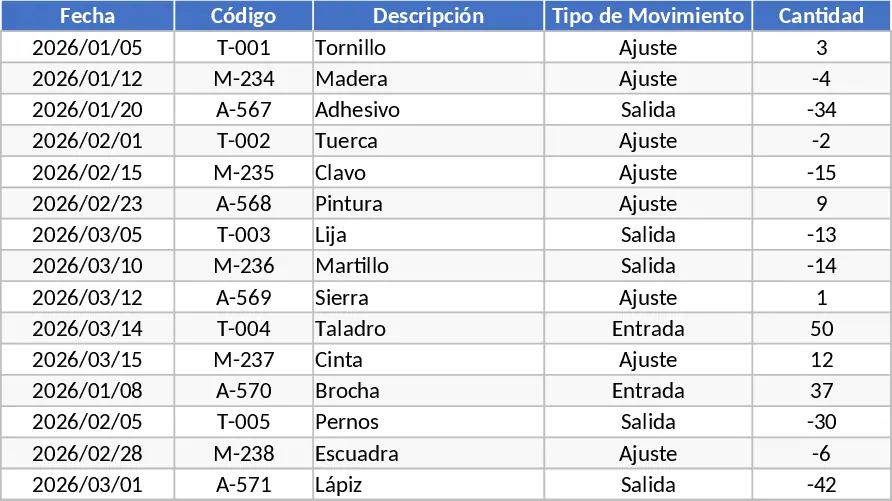
Managing a warehouse or a retail stockroom can be a logistical nightmare when done manually. This automated inventory template transforms your spreadsheet into a powerful management system that tracks every movement of your goods with precision. It features a centralized product database where you define your SKUs, descriptions, categories, and reorder points. By logging daily stock-in and stock-out transactions in dedicated, user-friendly sheets, the system automatically calculates current balances, identifies low-stock items, and provides a clear overview of your operational flow without the need for complex manual formulas.
This tool is essential for small to medium-sized businesses that need to move away from messy, manual logs toward a more reliable, automated workflow. It solves the common problem of inventory discrepancies by ensuring that every addition or removal of stock is accounted for and reflected instantly across your reports. Whether you are managing raw materials for production, spare parts for maintenance, or finished goods for retail, this template provides the visibility needed to make informed purchasing decisions and avoid costly stockouts. The automation logic ensures that as soon as a transaction is recorded, your total inventory value and quantity are updated, giving you a live look at your business assets.
The template is designed for warehouse supervisors, operations managers, and small business owners who require a real-time snapshot of their assets. It helps you track unit costs, total inventory value, and movement history, making it easier to audit your stock at the end of the month or during tax season. By automating the calculation of Stock on Hand, you save hours of manual arithmetic and reduce the risk of human error that often leads to lost revenue or overstocking. The inclusion of dropdown menus and data validation ensures that your data remains clean and organized, even when multiple team members are contributing to the log.
In a fast-paced environment, knowing exactly what you have in stock is the difference between a satisfied customer and a lost sale. This template bridges that gap by providing a structured environment where data flows seamlessly from entry to analysis. You can easily filter movements by date, category, or supplier to analyze trends and optimize your supply chain. The automated alerts for low stock levels act as a proactive assistant, reminding you to reorder before your shelves are empty.
How to use:
- Start by entering your product list in the Master Data sheet, including initial stock levels, unit costs, and minimum threshold alerts for each item.
- Record every incoming shipment or outgoing sale in the Movements log; simply select the product from the dropdown menu, enter the quantity, and the date.
- Monitor the Dashboard or Summary sheet to see real-time stock levels, total inventory valuation, and receive automatic color-coded notifications when items need restocking.
Expected benefits: This template significantly reduces the time spent on manual inventory reconciliation and provides a more accurate, professional view of your business operations.
Similar Templates Recommendation
Inventory Inflow and Outflow Management Template
Track stock levels, record daily inflows and outflows with dates, and manage your product catalog in one organized spreadsheet.
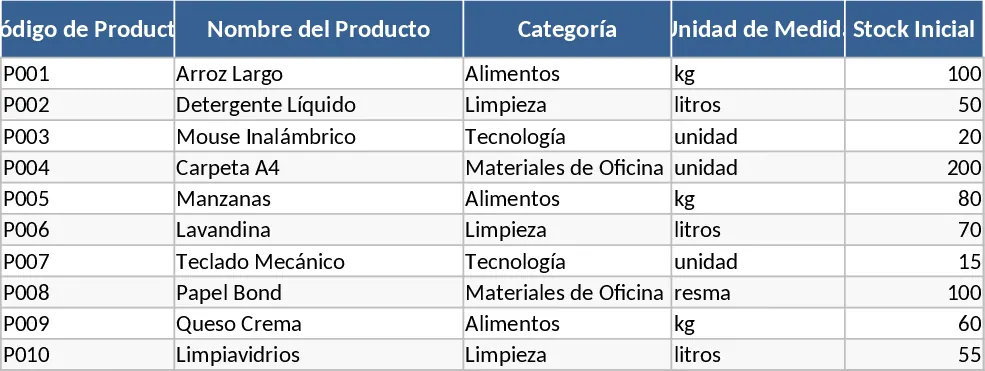
Inventory Management with Stock Tracking Template
Track stock levels, monitor product movements, and manage reorder points to ensure your business never runs out of essential items.
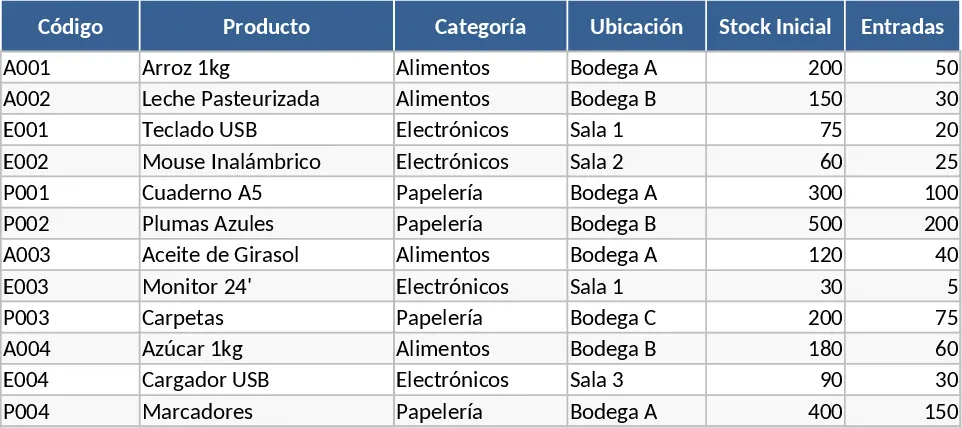
Complete Inventory Control and Database Template
Track stock levels, manage product movements, and maintain a complete supplier database to optimize your warehouse and inventory operations.