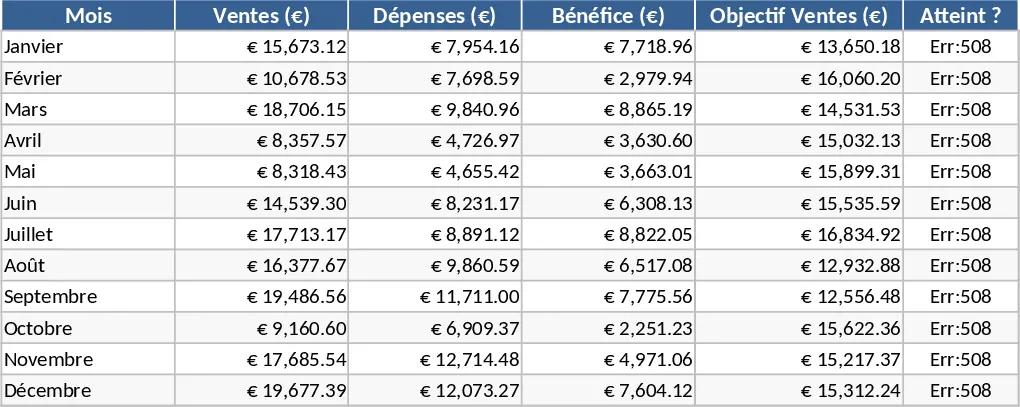
Professional Business Performance and KPI Dashboard Template
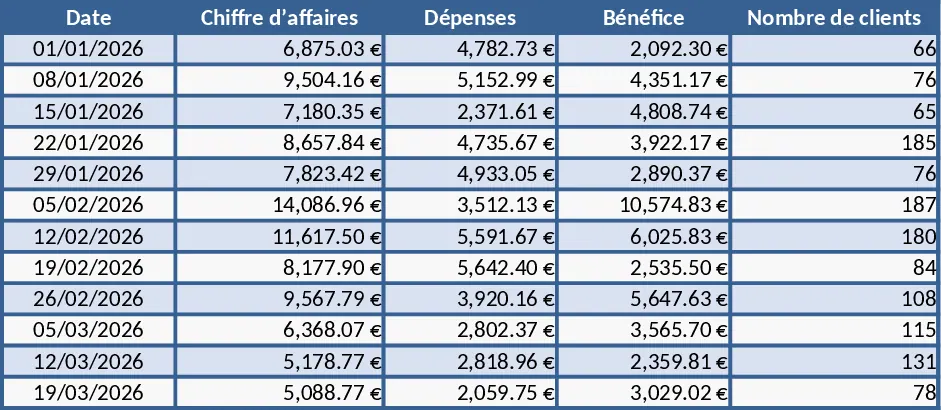
This professional Excel dashboard template is designed to transform raw business data into actionable insights. It features a clean, three-sheet structure that separates data management from visual reporting, ensuring your workflow remains organized and efficient. The core of the template is a structured data table where you can input dates, revenue, expenses, and customer metrics. Automated formulas handle the heavy lifting, calculating profit and satisfaction rates instantly so you can focus on decision-making rather than manual math.
The template is particularly useful for small business owners, freelancers, and department managers who need a high-level overview of their financial health and operational performance. By centralizing your key performance indicators (KPIs) like total revenue, net profit, and average customer satisfaction, it eliminates the need for multiple spreadsheets and reduces the risk of calculation errors. The visual dashboard provides a professional aesthetic with modern color palettes, featuring column charts for financial comparisons, line graphs for profit trends, and bar charts for customer growth.
How to use:
- Navigate to the Data sheet and enter your business records into the structured table; the profit column will update automatically.
- Check the KPI sheet to see your aggregate totals and averages reflected in real-time.
- Switch to the Dashboard sheet to view your visual reports; all charts refresh instantly as you add or modify data.
Expected benefits: Significant time saved on report generation and a clearer understanding of business trends through automated visualization.
Similar Templates Recommendation
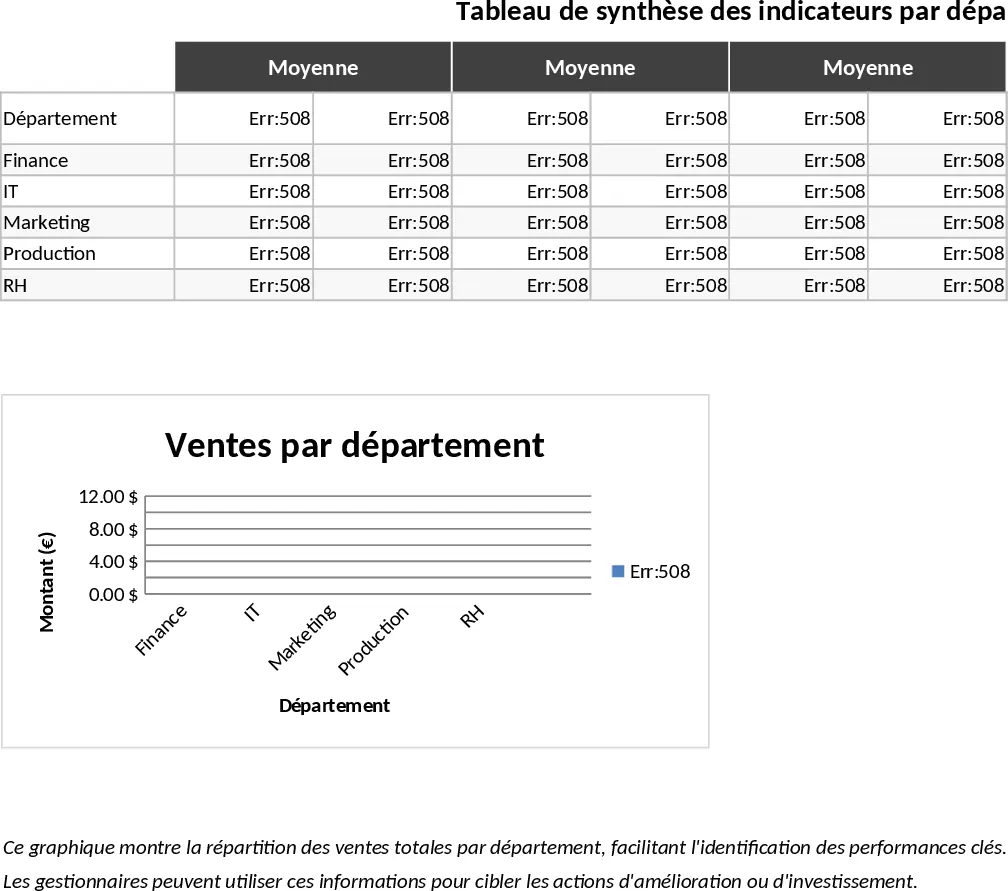
Interactive Data Dashboard with Charts Template
Visualize your key performance indicators and data trends through an intuitive dashboard featuring automated charts and summary tables.
Modern Style Dashboard Template
Visualize your key performance indicators with a sleek, modern dashboard designed for professional data presentation and real-time tracking.
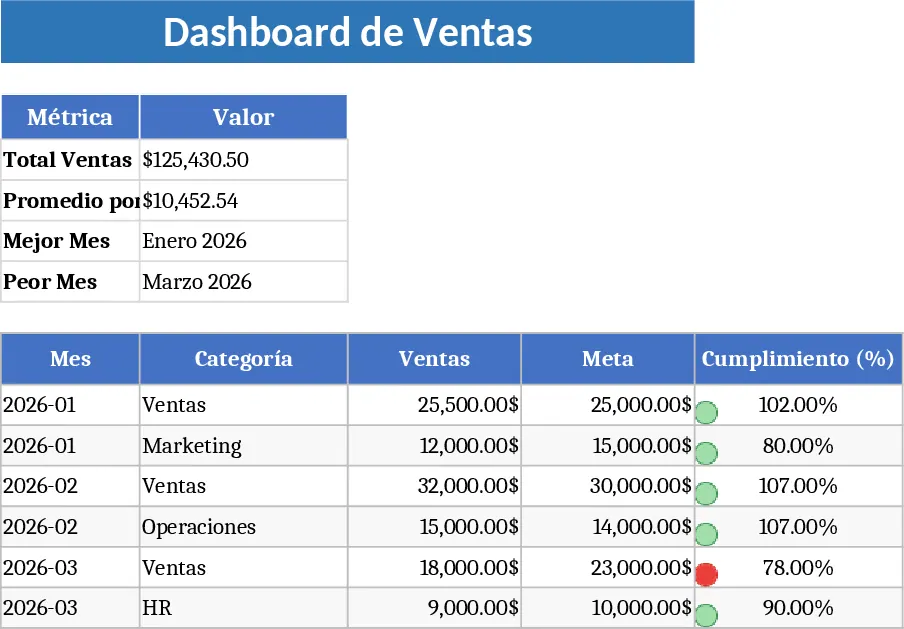
Professional Business Dashboard with Weekly Trends Template
Visualize your key performance indicators and business metrics in one centralized view to make data-driven decisions with ease.