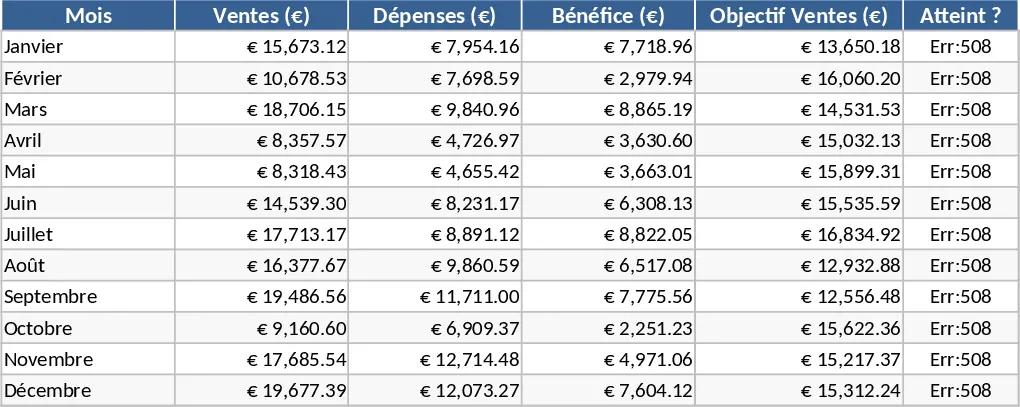
Professional Business Reporting Template
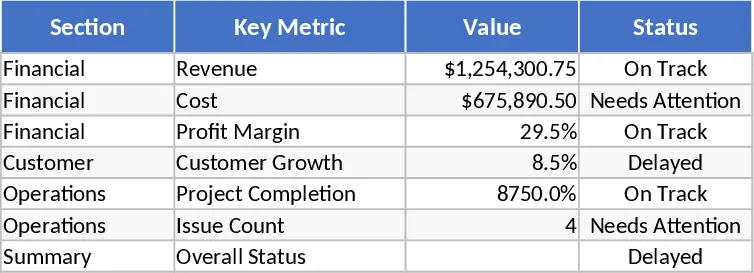
The Reporting Template Generation tool is a comprehensive solution designed to simplify the complex process of data aggregation and presentation. At its core, the template consists of three primary components: a robust Data Input sheet, a flexible Configuration tab, and a high-impact Visual Dashboard. The Data Input sheet is designed with clear headers and validation rules to ensure data integrity, while the Configuration tab allows you to define custom parameters such as fiscal years, department names, and specific KPI targets. The final output is a professional-grade summary that translates complex datasets into easy-to-read charts, progress bars, and trend lines.
This template is particularly useful for professionals who need to provide regular updates to stakeholders but lack the time to build complex spreadsheets from scratch. It solves the problem of data silos by providing a single source of truth for your metrics. By using this tool, you can automate the calculation of year-over-year growth, month-to-date performance, and budget variance without writing a single formula. This leads to a more efficient daily workflow where reporting becomes a byproduct of your data entry rather than a separate, time-consuming task. The template handles the heavy lifting of data processing, allowing you to focus on the story behind the numbers rather than the mechanics of the spreadsheet.
It is an ideal resource for project managers, financial analysts, and operations leads who operate in fast-paced environments. Whether you are preparing for a board meeting, a weekly team sync, or an annual performance review, this template provides the structure needed to communicate results clearly. It helps you track everything from financial health and sales targets to operational efficiency and project milestones, ensuring that no critical metric is overlooked. The versatility of the fields means it can be adapted for almost any industry, from retail and manufacturing to consulting and non-profits.
How to use:
- Open the Configuration sheet to set up your reporting framework, including your specific KPIs, team members, and the time periods you wish to track.
- Populate the Data Input sheet with your daily or weekly figures; the template will automatically highlight any missing information or formatting errors.
- Review the Dashboard sheet to see your data come to life through automated visualizations and summary tables that update in real-time.
- Export the final dashboard as a PDF or share the live Excel file with your team for collaborative review and decision-making.
Expected benefits: You can expect to save hours of manual formatting time each week while producing more accurate and visually compelling reports for your organization. This tool reduces the risk of manual calculation errors and provides a standardized format that improves communication across different departments.
Similar Templates Recommendation
Professional Business Dashboard with Charts Template
Visualize key performance indicators and track data trends with this customizable dashboard template designed for clear business insights.
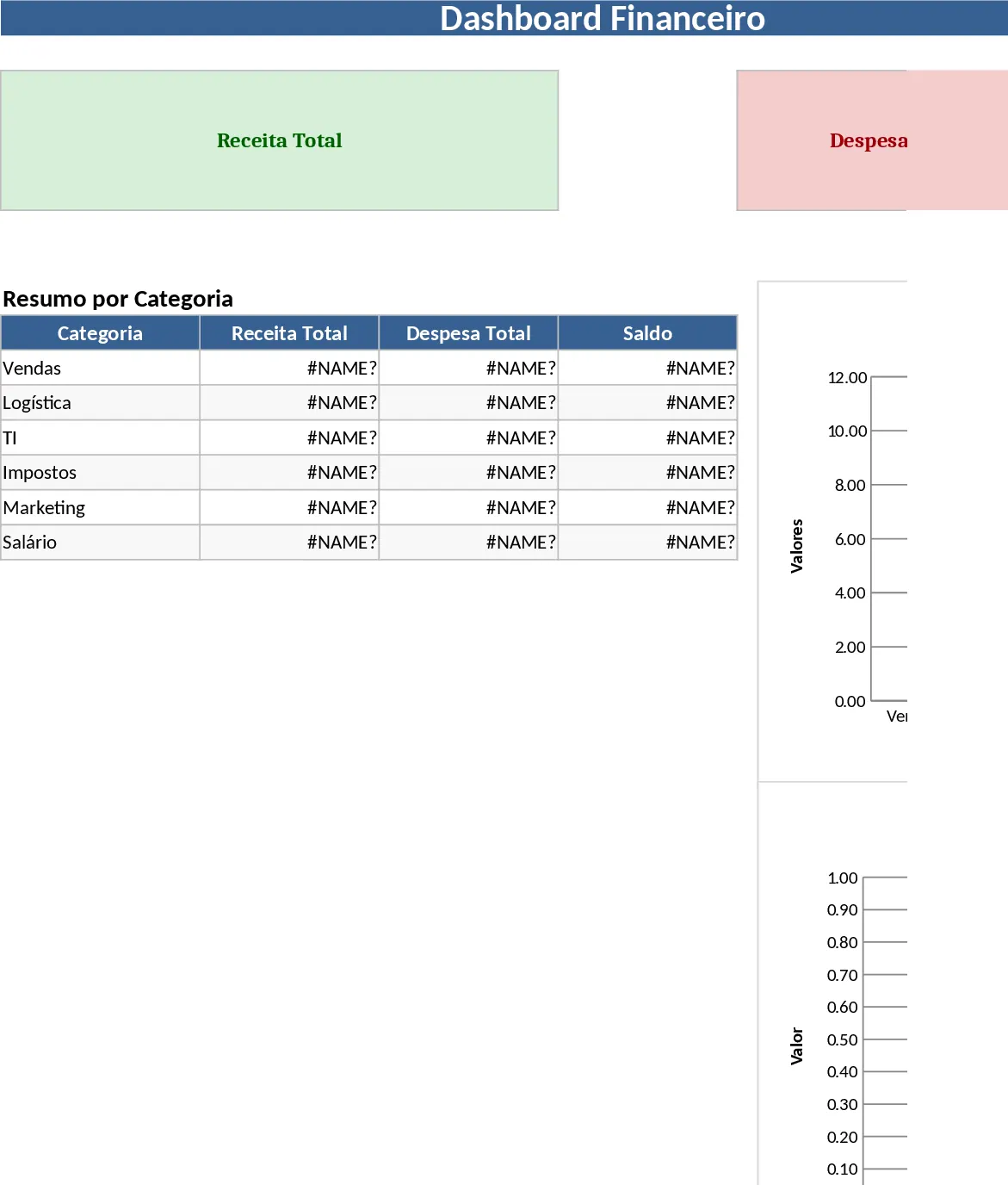
Professional Business Dashboard with Category Breakdown Template
Visualize your business performance with this comprehensive dashboard that tracks key metrics and provides actionable insights through clear charts.
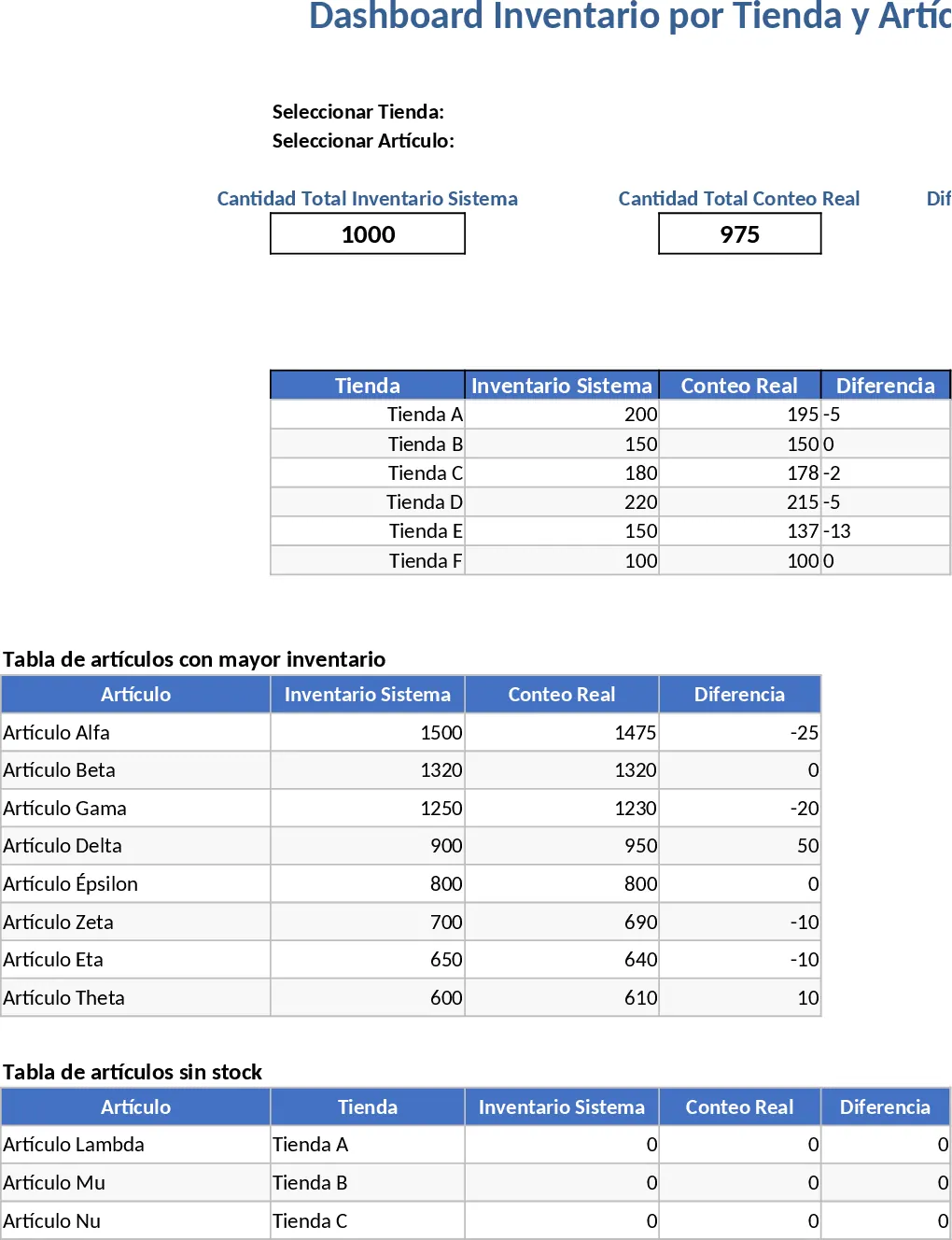
Professional Business Dashboard with Weekly Trends Template
Visualize your key performance indicators and business metrics in one centralized view to make data-driven decisions with ease.