Volunteer Training Hours and Category Tracker Template
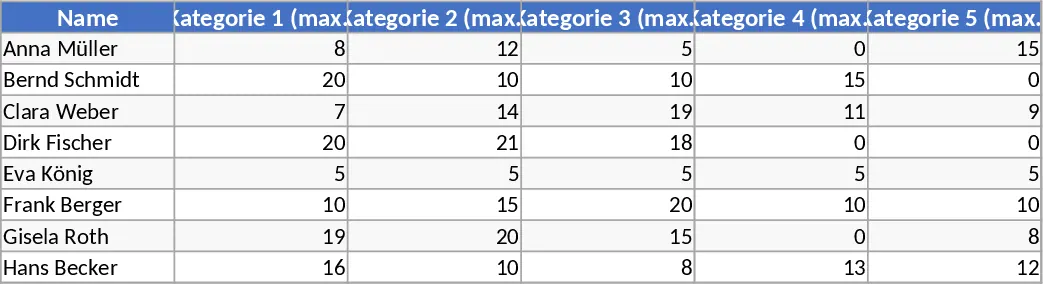
This comprehensive Training Hours Tracker is designed specifically for organizations that need to monitor the professional development and mandatory education of their helpers or volunteers. The template is structured around a robust data entry system and an intuitive reporting dashboard. It features a dedicated configuration area where you can define six specific training categories—such as safety, technical skills, or soft skills—and set maximum hour limits for each. This ensures that the system aligns perfectly with your specific regulatory or internal requirements.
In many volunteer-led organizations or professional teams, keeping track of who has completed which training can become a logistical challenge. This template solves that problem by providing a single source of truth. Instead of digging through paper files or multiple spreadsheets, coordinators can use the built-in search functionality to pull up a helper’s entire history in seconds. This is particularly beneficial during audit seasons or when assigning tasks that require specific certifications. The template tracks not just the total hours, but also how those hours are distributed across your predefined categories, highlighting where a helper might be exceeding limits or falling short.
The template is ideal for HR managers, volunteer coordinators, and team leads in sectors like emergency services, healthcare, or education. It helps you manage compliance by providing a clear visual representation of progress. For example, if a helper is required to complete 20 hours of safety training but has only logged 10, the summary will clearly indicate the gap. This proactive approach to training management ensures that your team is always prepared and qualified for their roles.
The structure includes a Helper Database, a Training Log, and a Searchable Summary. The Training Log utilizes dropdown menus for names and categories to ensure data consistency and prevent typos that could break your reports. The Summary sheet uses advanced lookup formulas to aggregate data, providing a professional-grade report without requiring the user to write complex code or formulas themselves.
How to use:
- Navigate to the Settings sheet to input your six training categories and the maximum hours allowed for each.
- Populate the Helper List with the names of all active members to enable easy selection in the log.
- Record every training event in the Log sheet by choosing the helper's name, the date, the category, and the duration of the session.
- Go to the Dashboard sheet and select a name from the search box to instantly view their training history and a breakdown of hours against the category caps.
By centralizing your records, you can expect to save significant time on reporting and gain better oversight of your team's skill development.
Similar Templates Recommendation
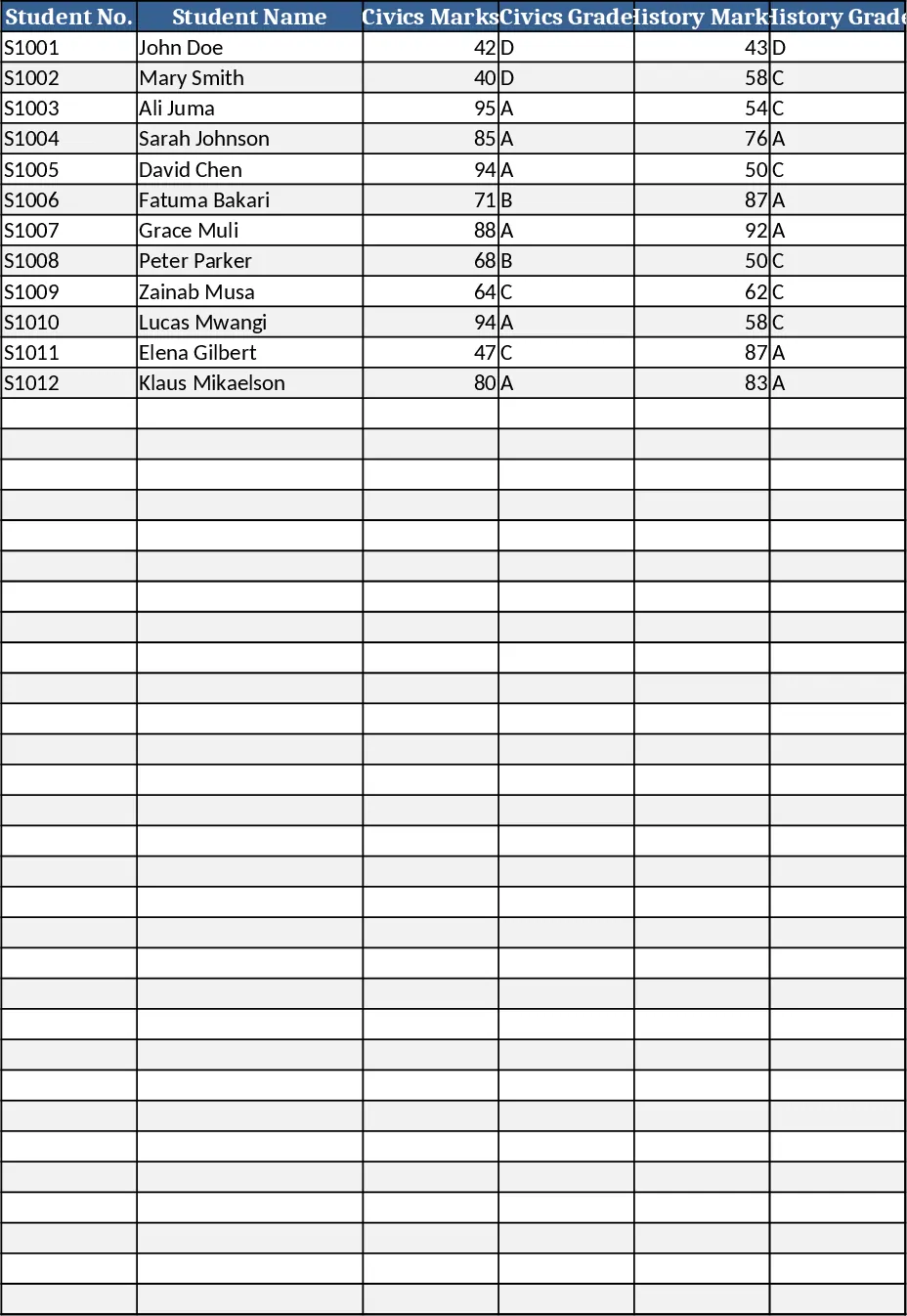
Secondary School Results and Ranking Template
Track up to 200 secondary students' marks, auto‑calculate grades, averages, divisions and rankings in a clear, formatted sheet.
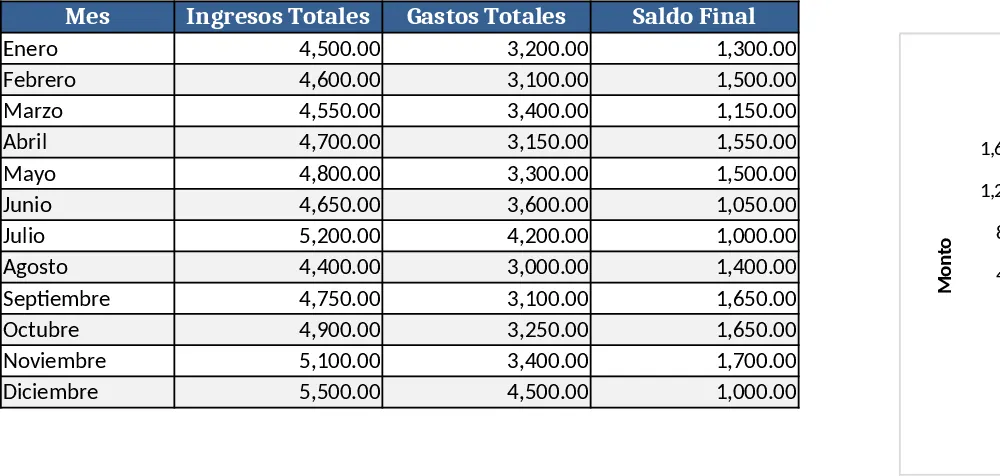
Couple Budget and Cash Flow Tracker Template
Track monthly income, expenses, and cash flow for a working couple, visualize budgets and savings goals in one spreadsheet.
Date Range and Internal Log Template
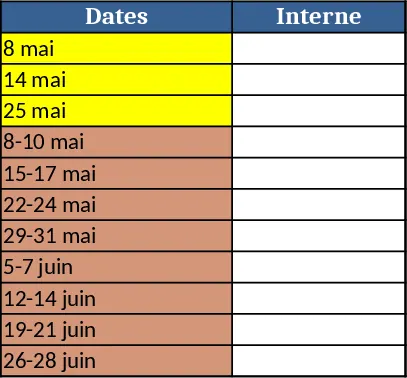
Create an Excel file with two columns for dates and internal notes, with colored rows for different date ranges.