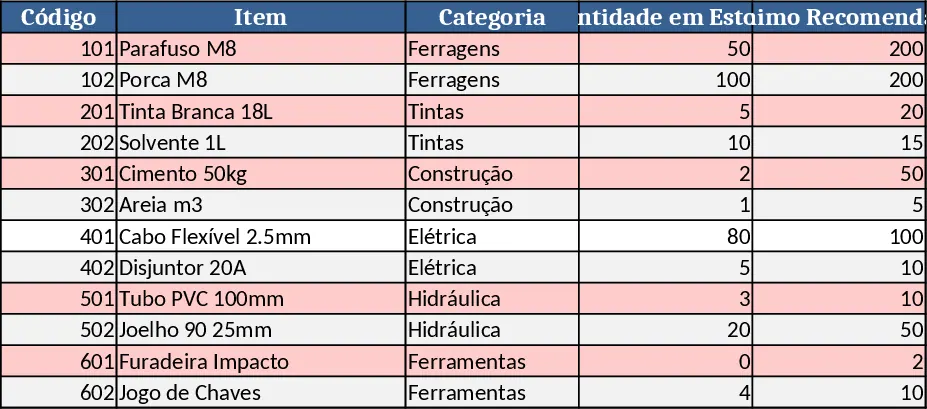
Inventory Management and Automated Sales Tracker Template
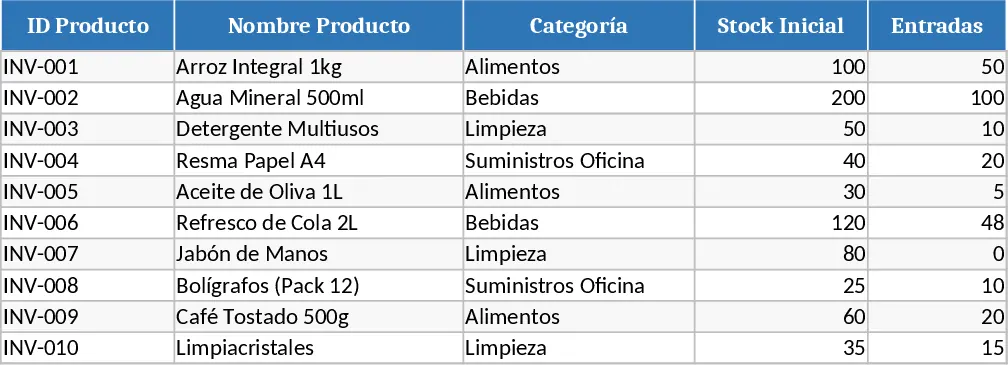
This Excel template combines a full‑featured inventory register with a dynamic sales sheet, giving you a single place to monitor stock movements and see sales performance at a glance. The workbook is split into three main tabs: Inventory List, Transactions, and Sales Dashboard. In the Inventory List you define each product with fields for SKU, description, unit price, reorder level and current quantity. The Transactions sheet captures every inbound (purchase, return) and outbound (sale, transfer) movement using dropdowns for transaction type, date pickers, and automatic quantity adjustments that update the master stock count. The Sales Dashboard pulls data from the Transactions sheet, summarizing total sales, top‑selling items, and month‑over‑month trends with ready‑made charts and a pivot‑style summary table.
The template solves the common headache of juggling separate spreadsheets for stock and sales, eliminating manual cross‑referencing and reducing errors. By automating the balance updates and providing instant visual insights, you spend less time reconciling numbers and more time focusing on ordering, pricing, and customer service. It’s especially handy for small retailers, warehouse managers, and anyone who needs a low‑cost, no‑software‑license solution to keep inventory under control while still tracking revenue.
Anyone who handles product flow—store owners, inventory clerks, sales coordinators, or operations managers—will find this workbook useful. Whether you’re preparing for a busy sales period, auditing stock levels before a audit, or simply wanting a clear picture of which items move fastest, the template gives you the data you need without complex ERP systems.
How to use
- Open the workbook and fill the Inventory List with your product catalog, setting initial quantities and reorder thresholds.
- Record each stock movement in the Transactions tab, selecting "In" or "Out" from the dropdown, entering the date, SKU, and quantity; the sheet will instantly adjust the current stock on the Inventory List.
- Switch to the Sales Dashboard to see updated sales totals, best‑selling items, and a visual chart of monthly performance; refresh the pivot table if needed.
- Use the built‑in conditional formatting to highlight items below reorder level, prompting timely replenishment.
Expected benefits include faster stock reconciliation, clearer visibility into sales trends, and reduced manual data entry, helping you make smarter purchasing decisions and keep customers satisfied.
Similar Templates Recommendation
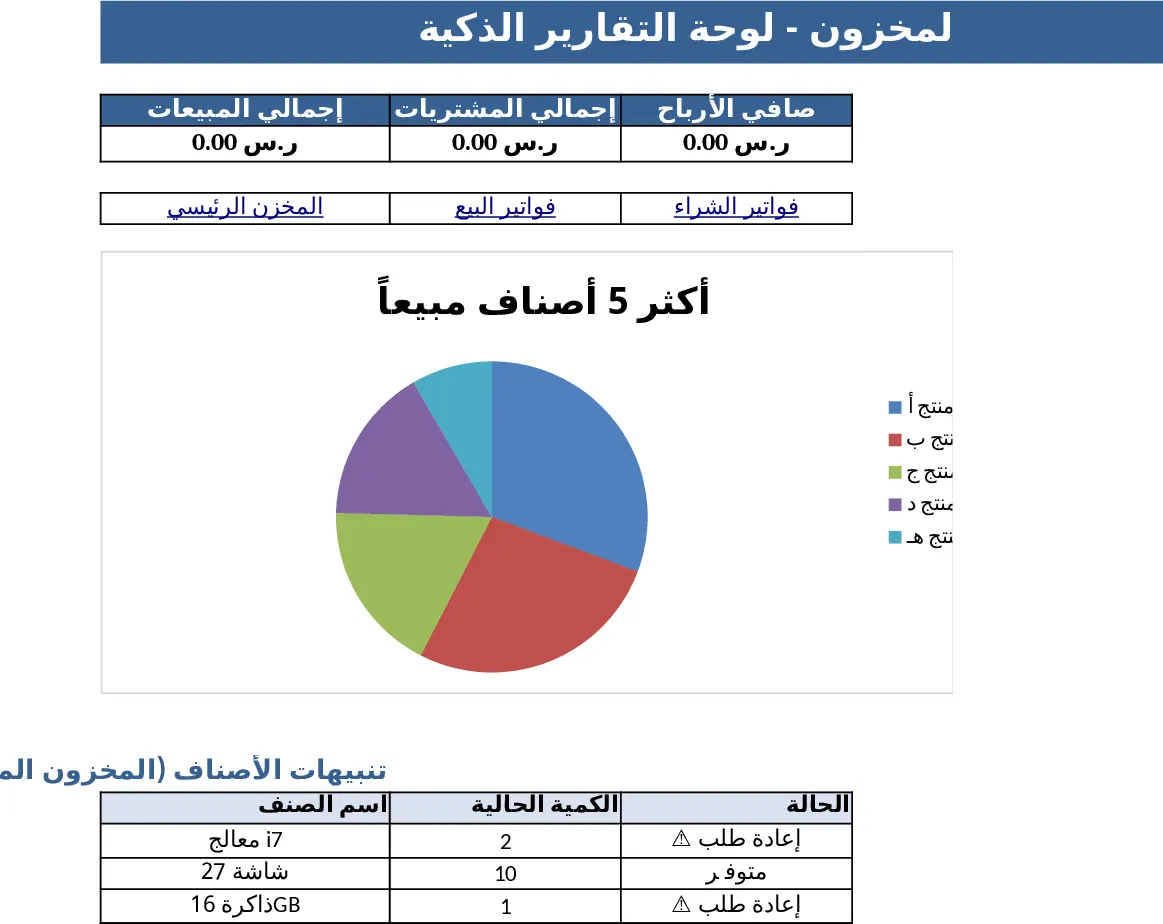
Professional Inventory & Invoicing Management Dashboard Template
Professional Excel workbook for inventory control and full accounting, with dashboards, purchase & sales invoices, and real‑time stock tracking.
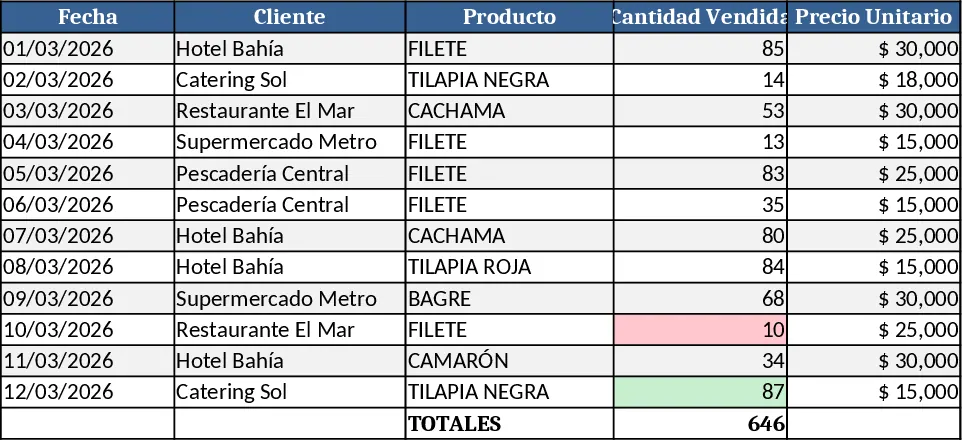
Professional Product Sales Tracker Template
Professional Excel template to log, calculate and visualize sales of fish products, with auto totals, dynamic charts and visual highlights.
Sales & Inventory Dashboard with Purchase Planner Template
Track purchase needs, view monthly top‑selling items, and analyze inbound‑outbound flow with interactive charts.