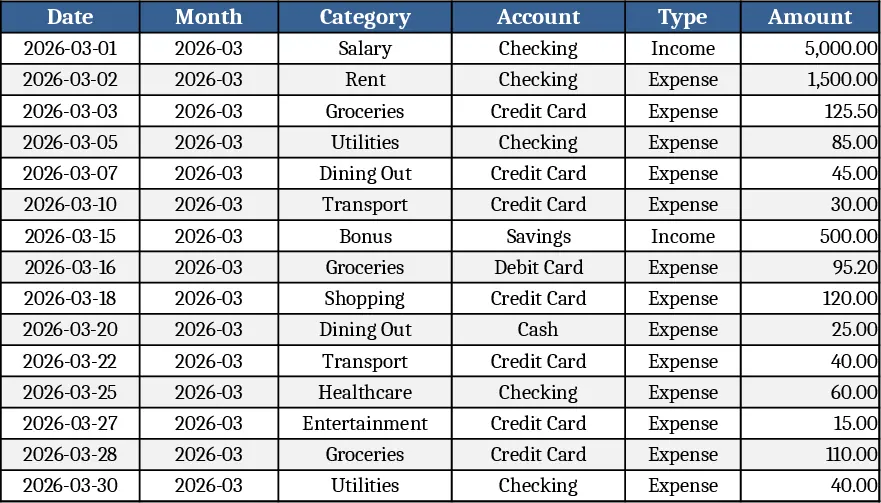
Personal Salary Tracker with Expense Pie Chart Template
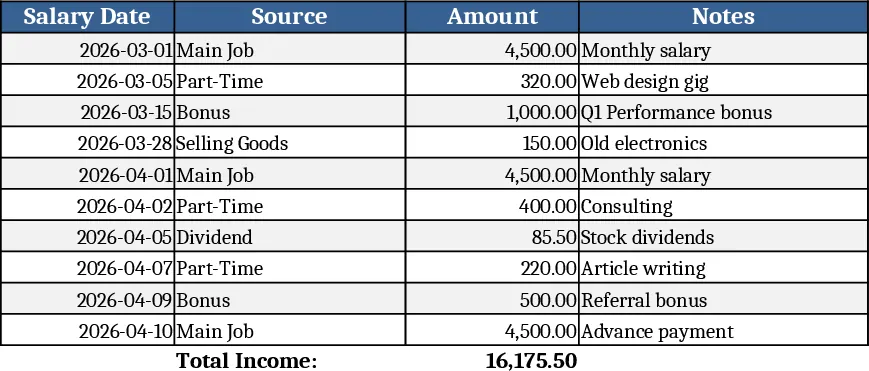
This Personal Finance Tracker is built on three simple sheets – Salary Input, Expenses, and Dashboard. In the Salary Input sheet you enter your gross salary and the exact date it is credited each month; the date cell is fully editable so you can shift it whenever your pay schedule changes. The Expenses sheet lists common basic expense categories (Rent, Utilities, Groceries, Transport, Insurance, etc.) with a drop‑down menu for quick selection, a column for the amount spent, and an optional notes column for details. As you fill in the rows, the Dashboard sheet automatically aggregates the total salary, sums each expense category, and generates a live pie chart that shows the proportion of your salary allocated to each expense. The chart updates instantly whenever you modify a salary date, change an expense amount, or add a new line item.
The template solves the everyday headache of juggling multiple spreadsheets or manual calculations to see where your money goes. By centralising salary dates and expense data, it eliminates the need for separate budgeting tools and gives you a clear visual snapshot of your financial health at a glance. The pie chart makes it easy to spot overspending in any category, while the editable date field lets you model “what‑if” scenarios – for example, seeing how a delayed paycheck impacts your budget. This visual feedback helps you stay disciplined, adjust spending habits, and plan for upcoming bills without digging through numbers.
Anyone who receives a regular income and wants to keep a tight grip on personal cash flow will find this tracker valuable – from recent graduates and freelancers to busy professionals managing multiple income streams. It is especially handy when you need to reconcile a new salary start date, track variable expenses, or simply want a quick visual representation of how much of your paycheck is already earmarked for essential costs.
How to use
- Open the Salary Input sheet, type your monthly salary amount, and click the date cell to select or type the exact credit date for the current month.
- Switch to the Expenses sheet, choose an expense category from the drop‑down, enter the amount spent, and add any notes if needed; repeat for each expense line.
- Go to the Dashboard sheet to see the total salary, a summary table of expenses, and the automatically refreshed pie chart that visualises the allocation.
- If your salary date changes or you add new expenses, simply update the relevant cells – the chart and totals will recalculate instantly.
By consolidating salary and expense data into one interactive workbook, you’ll spend less time on manual calculations and more time on decisions that improve your financial wellbeing.
Similar Templates Recommendation
Personal Monthly Budget & Expense Tracker with Cash Flow Template
Track monthly personal income and expenses, compare against budgets, and view visual dashboards for savings insights.
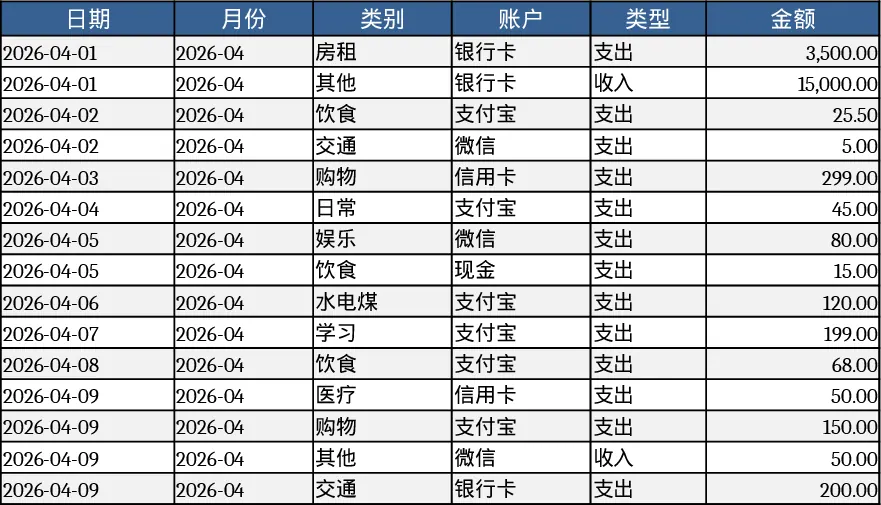
Monthly Budget Planner Template
Track and manage your monthly income and expenses, compare actual spending to your planned budget, and see visual cash‑flow summaries.
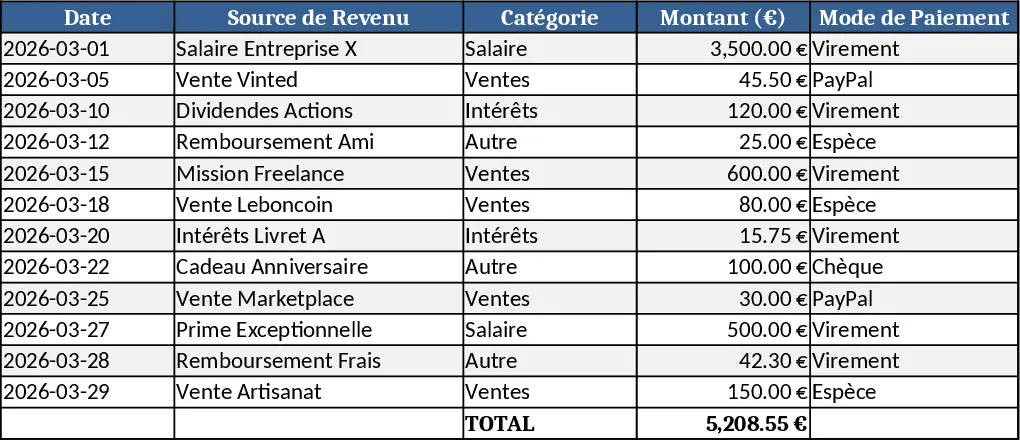
Personal Monthly Budget & Expense Tracker with Budget Plan Template
Track monthly income, expenses, and savings with a three‑sheet Excel template that auto‑calculates budgets, variances, and visual dashboards.