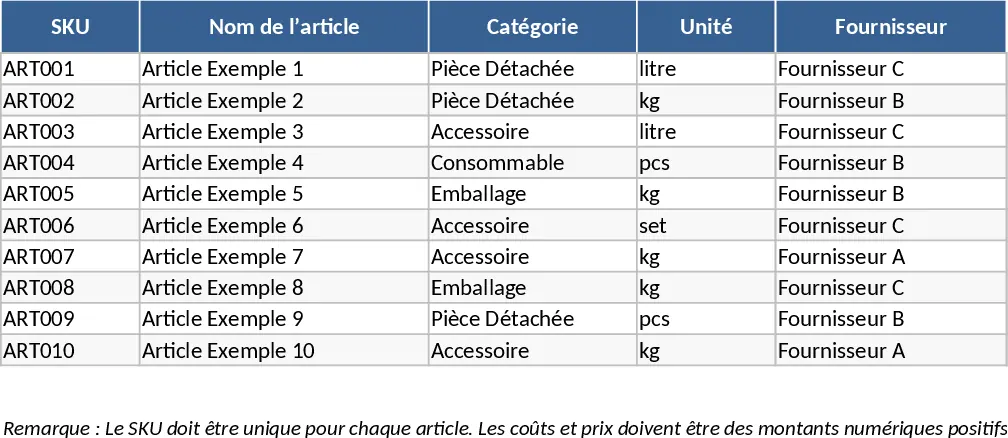
Material Controller Inventory Tracking Template
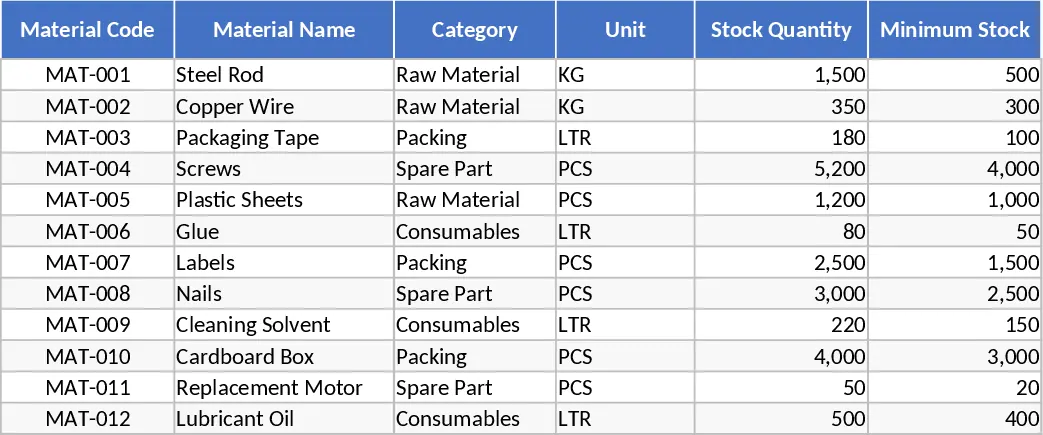
Efficient material management is the backbone of any successful production, manufacturing, or construction project. This Material Controller Excel Spreadsheet Template provides a robust and professional framework for specialists to oversee inventory flow with absolute precision. The template is thoughtfully structured into several intuitive sections, starting with a comprehensive Master Material List. In this section, you can define your unique SKUs, detailed descriptions, categories, and unit measures. It also includes critical fields for setting safety stock levels and reorder points, ensuring you have a data-driven approach to replenishment.
Dedicated transaction logs for incoming shipments and outgoing issues allow for real-time tracking of every material movement. These logs are designed to capture essential data points such as batch numbers, supplier details, invoice references, and the specific department or project the materials are issued to. With built-in automated formulas, the template instantly calculates current on-hand stock levels, identifies items falling below your predefined reorder points, and highlights aging inventory that might otherwise be overlooked in a busy warehouse environment.
For material controllers, warehouse supervisors, and procurement officers, this tool eliminates the chaos of manual tallying and fragmented data across multiple files. It solves the common problem of stock discrepancies by providing a single, reliable source of truth for every asset in your facility. Whether you are managing a high-volume manufacturing floor or a complex remote construction site, having a clear, real-time view of your resources ensures that production never halts due to missing components. The template also assists in financial auditing and cost control by maintaining a clear trail of material consumption and procurement costs, making it significantly easier to justify budgets and optimize warehouse storage space.
The integrated dashboard view offers a high-level visual summary of your inventory health. Using conditional formatting and dynamic charts, it flags urgent replenishment needs and shows the distribution of stock across different categories. This allows you to transition from reactive firefighting to proactive resource planning. By centralizing your material data, you can easily generate professional reports for stakeholders, track supplier performance based on delivery timelines, and ensure that your company’s capital isn't unnecessarily tied up in excessive safety stock. It is an essential companion for anyone responsible for the physical and digital integrity of a company's material assets.
To get started with the template, follow these simple steps:
- Navigate to the Master Data or Setup sheet to input your material catalog. Be sure to include unique IDs, descriptions, and the minimum stock levels required for each item to trigger alerts.
- Record every material receipt in the Inward Log and every issuance in the Outward Log as they occur. Ensure you fill in the dates and quantities to maintain an accurate chronological record.
- Regularly review the Summary or Dashboard sheet to monitor your live inventory status. Use the automated filters to identify which items require immediate reordering from your suppliers.
- Periodically perform a physical stock count and update the adjustment column in the template to reconcile any minor discrepancies and maintain data integrity.
By implementing this structured approach to material control, you can expect a significant reduction in manual data entry errors and a more streamlined workflow. This template is designed to save you hours of reconciliation time each week, allowing you to focus on optimizing your supply chain and improving overall operational efficiency.
Similar Templates Recommendation
Inventory Management and Stock Tracking with Professional Layout Template
Track inventory levels, log stock movements, and receive automatic reorder alerts to maintain optimal stock levels and prevent shortages.
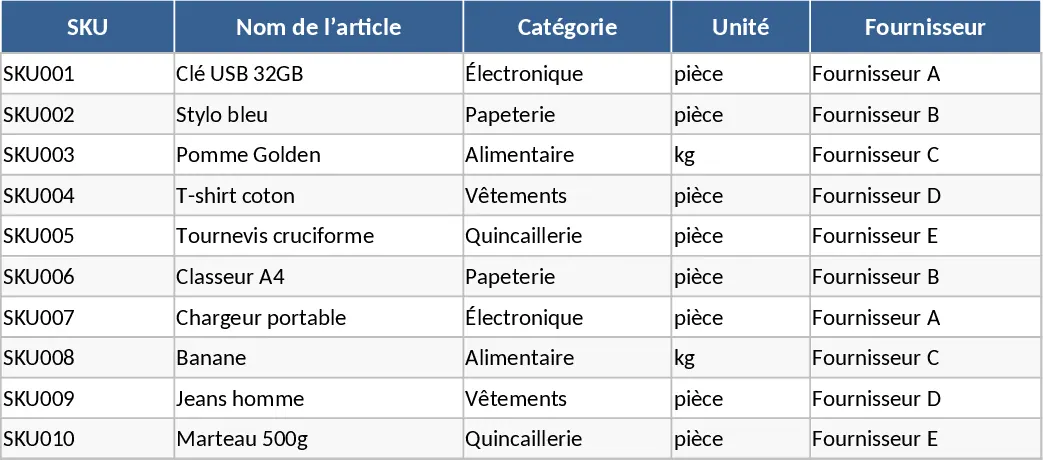
Inventory Management with Category Breakdown Template
Track stock levels, monitor product movements, and manage reorder points to ensure your business always has the right amount of inventory on hand.
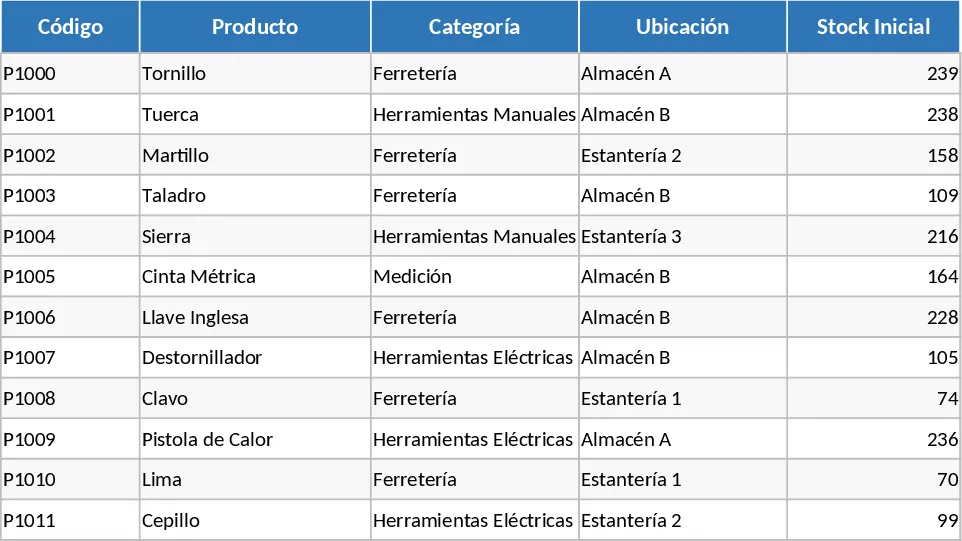
Inventory Management with Sample Data Template
Efficiently track inventory levels, log stock movements, and receive automatic reorder alerts to maintain optimal supply chain efficiency.